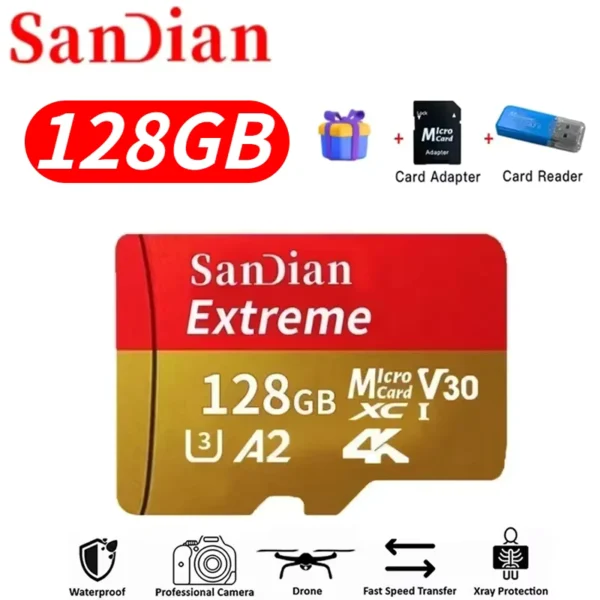
It doesn't have the card slots that are advertised on the box but it works great with the hard drives anyway.
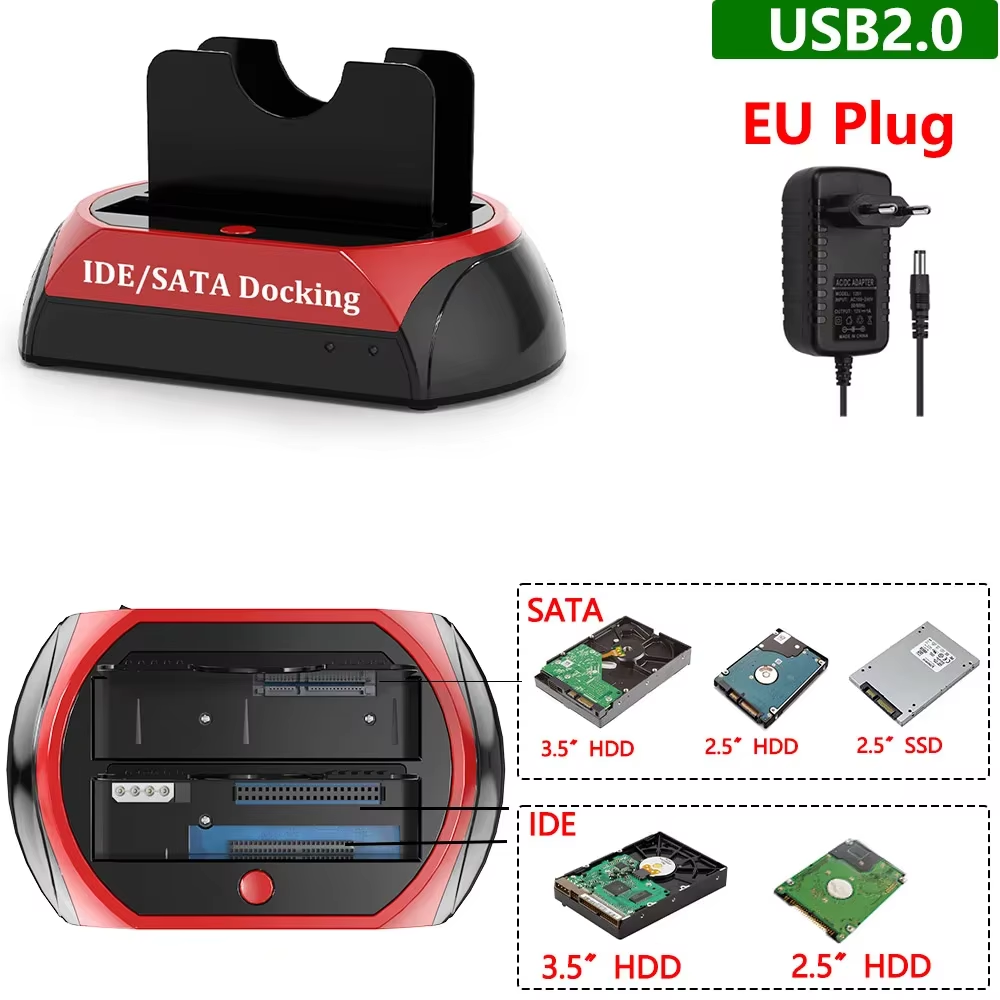
Supports 2.5" and 3.5" SATA and IDE HDD/SSD drives.
This docking station supports both 2.5 and 3.5 inch SATA and IDE hard drives and solid state drives, catering to a wide range of storage devices.
It allows users to easily access data from various types of drives without needing multiple adapters or enclosures.
Designed to read an IDE and a SATA disk simultaneously, it maximizes efficiency for data transfer and backup.
Ideal for users managing multiple drives or conducting data recovery tasks.
Installing your hard drives is simple and fast with a tool-free design that removes the need for screws or extra tools.
Hot plug and plug-and-play functionality ensures you can connect or disconnect drives without powering down your system.
LED lights indicate power status and disk activity, keeping you informed about read/write operations at a glance.
These visual cues help prevent data loss by showing when drives are active.
The docking station supports multiple operating systems including Windows (all versions from 98 to 10), Mac OS, and Linux.
It uses a USB 2.0 interface delivering up to 480 Mbps transfer speed, suitable for everyday data access needs.
It supports both 2.5 and 3.5 inch SATA and IDE hard drives and SSDs.
Yes, the docking station supports simultaneous dual-disk reading with IDE and SATA drives.
Yes, it features a tool-free design allowing easy hard drive installation without tools.
Yes, the device supports hot plugging for convenient plug and play use.
It supports Windows 98 through 10, Mac OS 9.x and 10.x, and Linux systems.
The docking station interfaces via USB 2.0 with a transmission rate up to 480 Mbps.
Yes, LED indicators show power status and hard drive read/write activity.
The device measures approximately 7.08 x 4.37 x 3.85 inches (18 x 11.1 x 9.8 cm).
No assembly is required; it offers plug and play operation straight out of the box.
The package contains the HDD Docking Station, a power adapter, a USB cable, and a user manual.
It doesn't have the card slots that are advertised on the box but it works great with the hard drives anyway.
works only with SATA drives
Eccellenza
Top
Received quite quickly, but the packaging was crushed, the contents were intact, still need to test.