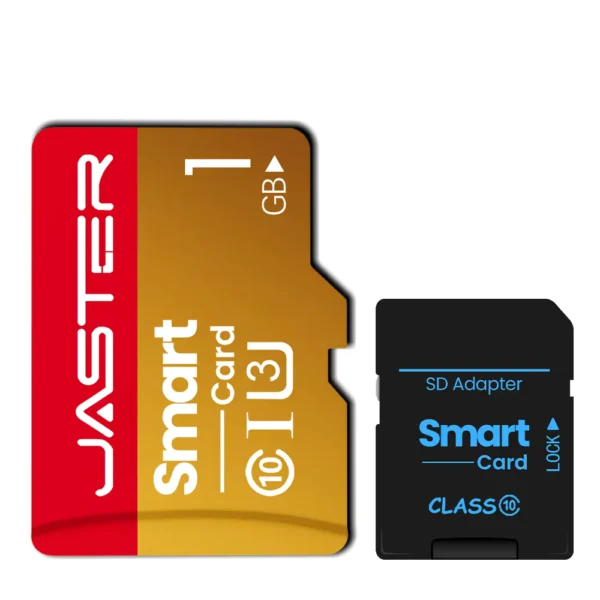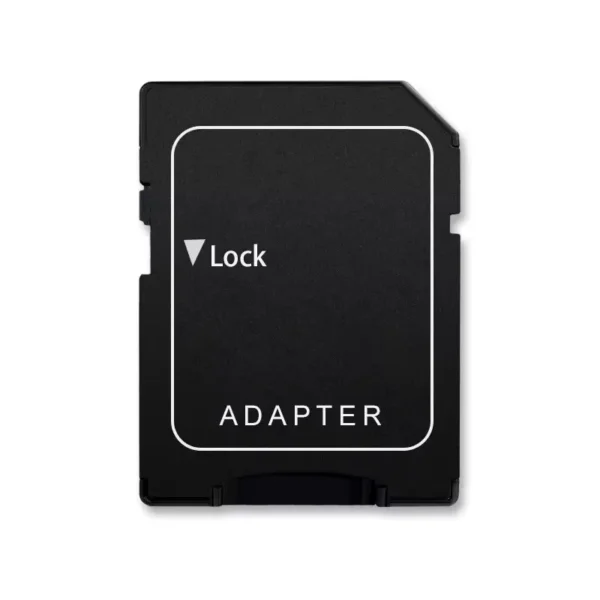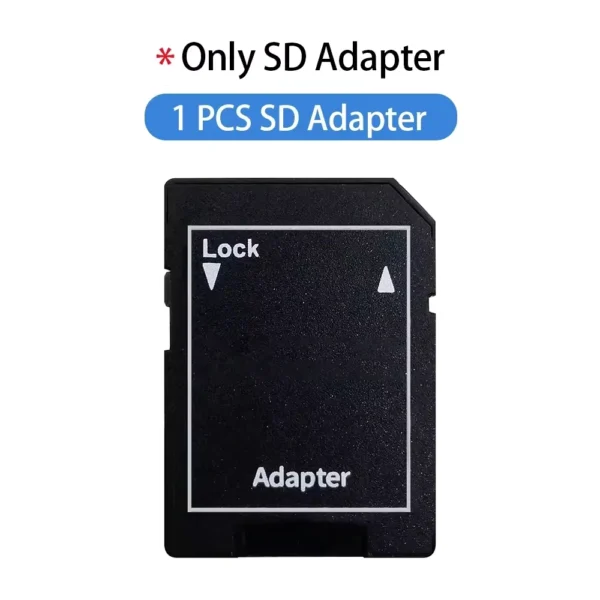

It’s a good memory card converter to replace cf cards in a camera
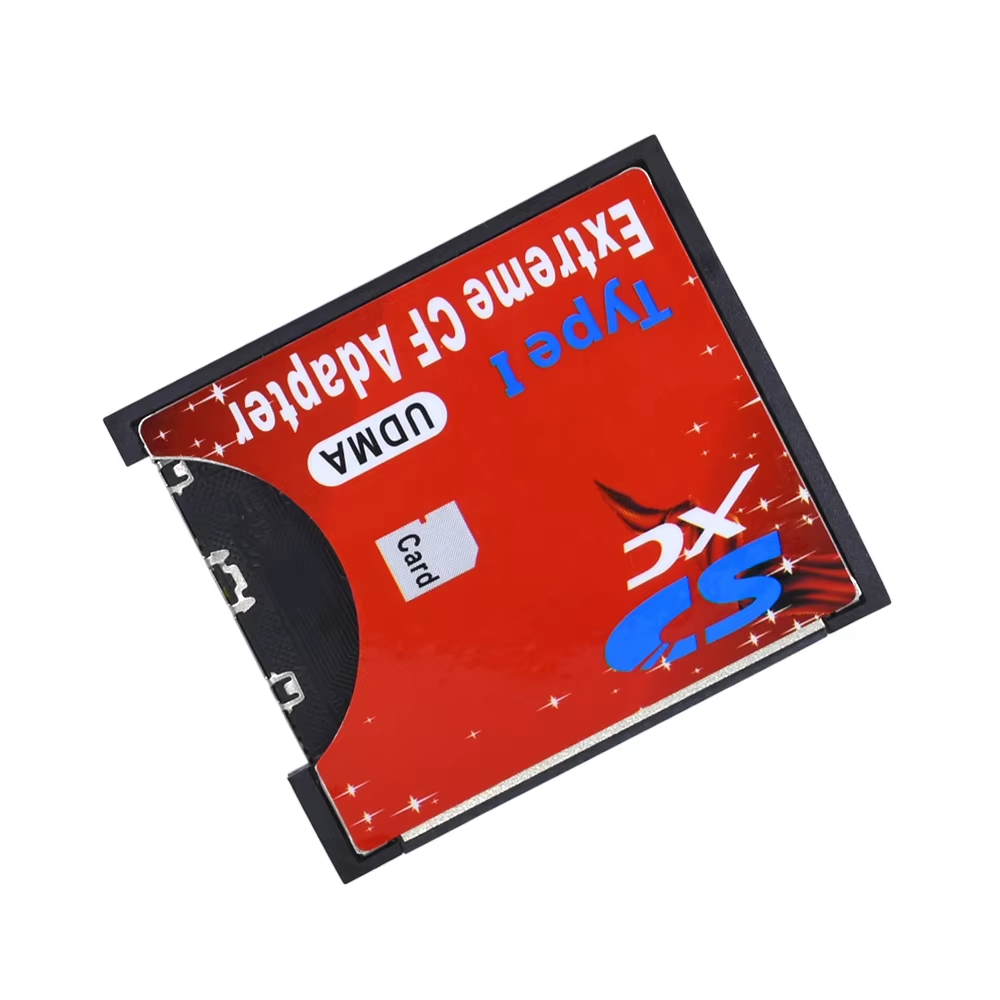
Convert SD, SDHC, SDXC, MMC cards to CF Type I for DSLR camera use. Supports up to 64GB capacity with UDMA interface.
29 in stock
Designed specifically for DSLR cameras, this adapter converts SD, SDHC, SDXC, and MMC cards to the Compact Flash Type I format, allowing you to use standard memory cards with your camera's CF slot. It ensures reliable performance without the need for specialized cards.
Note that this adapter does not support other devices outside DSLR cameras, maintaining focus on top-quality compatibility where it matters most.
Constructed from durable PCB and plastic materials, this adapter offers a sturdy and reliable solution for your memory card needs. Its compact dimensions—36×43×3.3 mm—make it discreet and easy to handle without adding bulk to your gear.
Supports a broad range of memory card capacities from 8MB up to 64GB, accommodating a variety of storage needs. It also works seamlessly with multiple operating systems for compatibility during card reading, including Windows 2000 to 8 and Mac OS versions 10.4.0 to 10.5.2.
Featuring UDMA technology, this adapter ensures efficient and fast data transfer between your memory card and DSLR camera, supporting high-speed photography and video recording demands with ease.
It supports SD, SDHC, SDXC, and MMC memory cards.
No, it only supports DSLR cameras with Compact Flash Type I slots.
No, to read a memory card on a computer, you must remove it from the adapter and read it separately.
It supports memory cards with capacities from 8MB up to 64GB.
It supports Windows 2000, XP, Vista, 7, 8 and Mac OS versions 10.4.0 to 10.5.2.
The adapter is made of printed circuit board (PCB) and plastic.
The adapter measures 36 mm by 43 mm by 3.3 mm.
It operates at a voltage of 3.3V.
Yes, it is a UDMA memory card reader and converter.
No, the adapter is sold alone; memory cards and other devices are not included.
It’s a good memory card converter to replace cf cards in a camera
Fast delivery, function as described. Will gladly order again.
Seems not to work with my ipod mini.
It arrived quickly. It works on the Nikon D800.
None of these work on an ipod 4th or 5th gen without editing the lba of the sd card using the victoria app to change the first byte on the first sector from eb to 00. Do this after restoring the ipod in itunes to fix the restore loop issue.