Prints nicely, sometimes has white spaces in between, but that doesnt influence the picture by a lot. the delivery was faster than indicated!
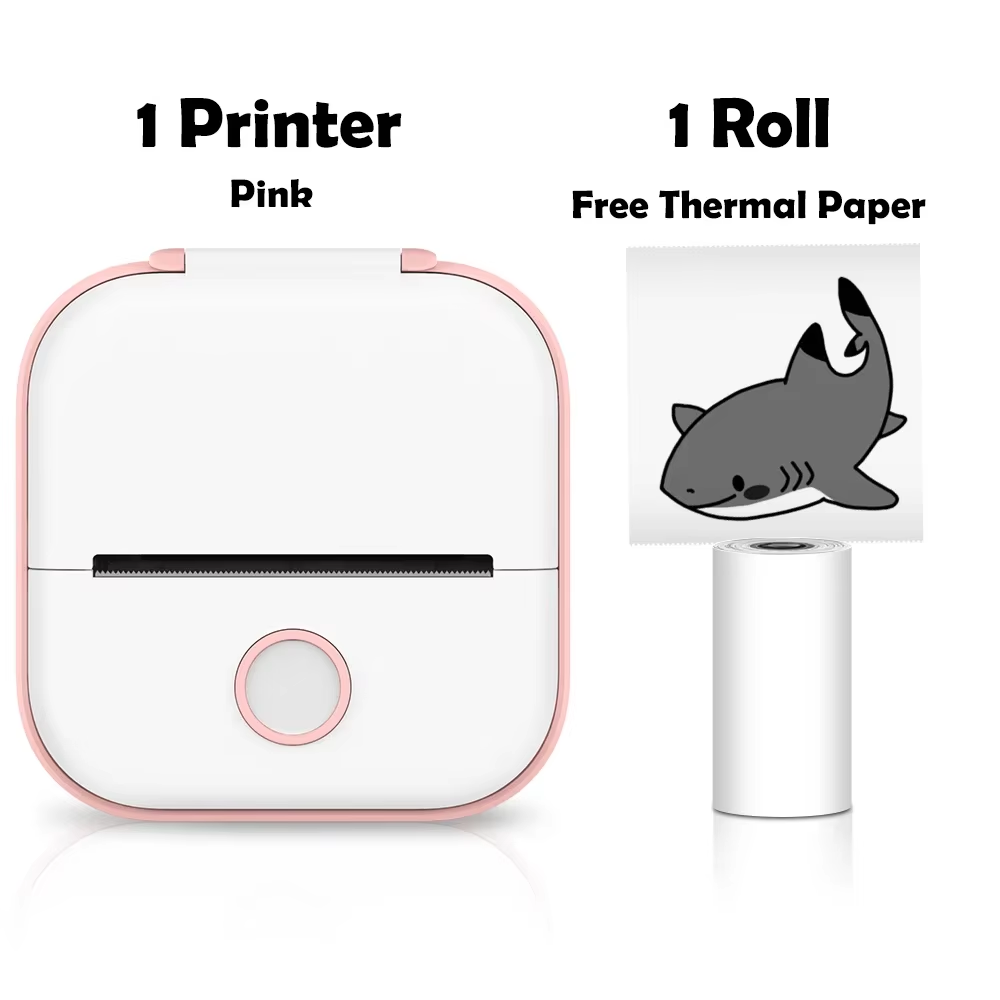
Compact and portable mini thermal printer ideal for creating custom stickers, notes, and labels.
The Phomemo T02 mini thermal printer is designed for portability with its compact dimensions of 3.4 x 3.5 x 1.6 inches and lightweight 5.3 oz body. Available in pink, green, and white, it fits comfortably in your pocket, ready for printing stickers and notes on the go.
Connect effortlessly via Bluetooth using the Phomemo app, compatible with both iOS and Android smartphones and tablets. This wireless interface ensures easy printing without the clutter of cables.
Print black-and-white adhesive stickers, homemade labels, study notes, to-do lists, and more. The included thermal paper roll can be cut into various shapes and sizes for personalized stickers and creative projects.
Utilizing direct thermal printing, the T02 delivers sharp, high-definition images at 203 DPI resolution without ink or toner. This method is friendly to children's eyes during learning and creative activities.
Print templates for educational games such as counting, puzzles, alphabet learning, and more. Make 3D handicrafts by printing, cutting, folding, and gluing templates to enjoy family craft time.
The Phomemo T02 mini thermal printer is compatible with iOS and Android smartphones and tablets, including iPhone, iPad, Samsung, Huawei, and others via Bluetooth connection.
No, the Phomemo T02 uses direct thermal printing technology, which means it prints without ink or toner using thermal paper.
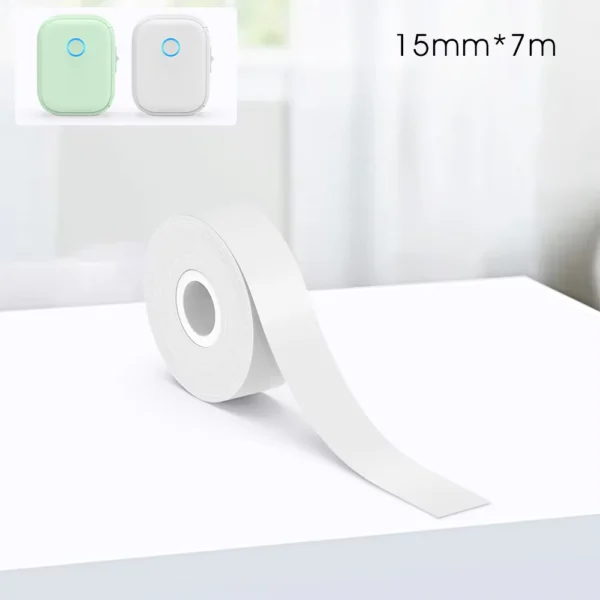
It uses thermal paper rolls with a maximum width of 53mm, including self-adhesive sticker paper suitable for cutting into custom label shapes.
No, the Phomemo T02 only prints in black and white.
Yes, it is a small, lightweight portable printer with a built-in rechargeable 1000mAh battery allowing wireless operation.
Connect via Bluetooth through the dedicated 'Phomemo' app, which controls printing functions and supports customization.
You can print stickers, study notes, to-do lists, bookmarks, greeting cards, educational games, and 3D craft templates.
No, the Phomemo T02 does not support double-sided printing.
The Phomemo T02 printer is certified with CE, FCC, and RoHS.
To fix a no paper alert, remove the paper roll, press and hold the power button for 10 seconds until the green light flashes twice, then reload the paper to resume printing.
Prints nicely, sometimes has white spaces in between, but that doesnt influence the picture by a lot. the delivery was faster than indicated!
As described, the shipping was slower than i thought yet the deliver was impeccable
Very good
An app needs to be installed - many things require software and that costs money.
The phomemo t02 mini thermal printer was recommended to me by a friend. They’ve been using it for years now and really like it.
I got it yesterday and so far, i love it. The delivery was quick.
I got the pink printer with 6 thermal rolls that are self-adhesive.
It’s very convenient and easy to use. It comes with instructions on how to use it and a charging cable.
The app itself is a bit overwhelming when you first enter, as there is a lot to look at on the home page, but you get used to it.
I won’t be going into a review on the app, but do note that the app is free, but a lot of the services they do have on the app need to be paid for with a subscription.
Overall, i’m very excited to be using this printer more.