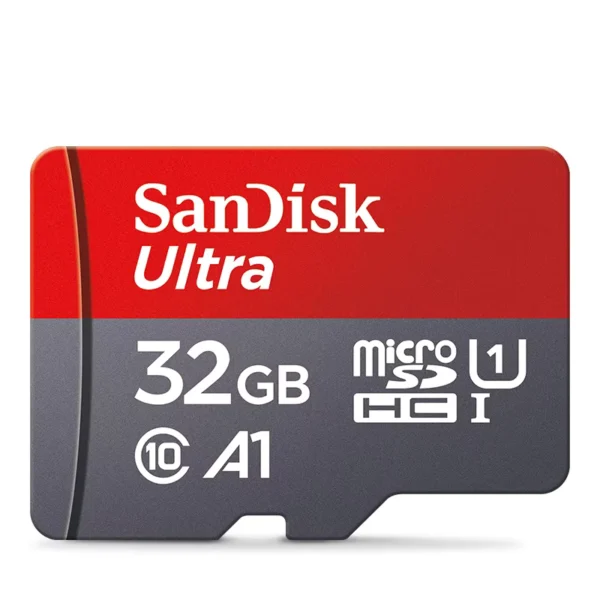
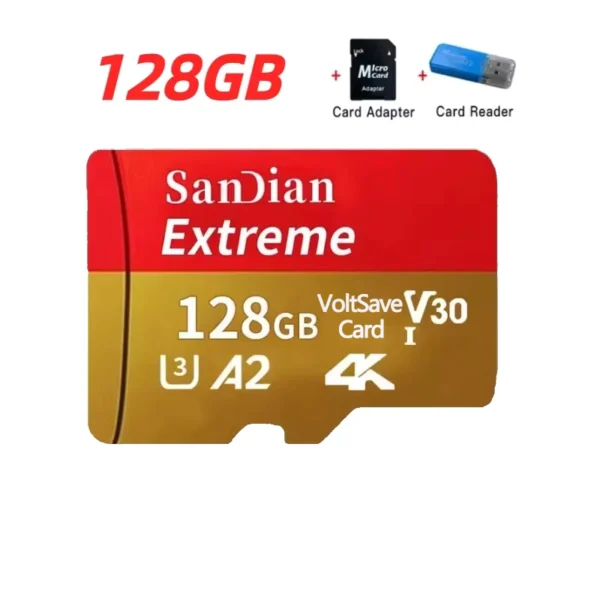
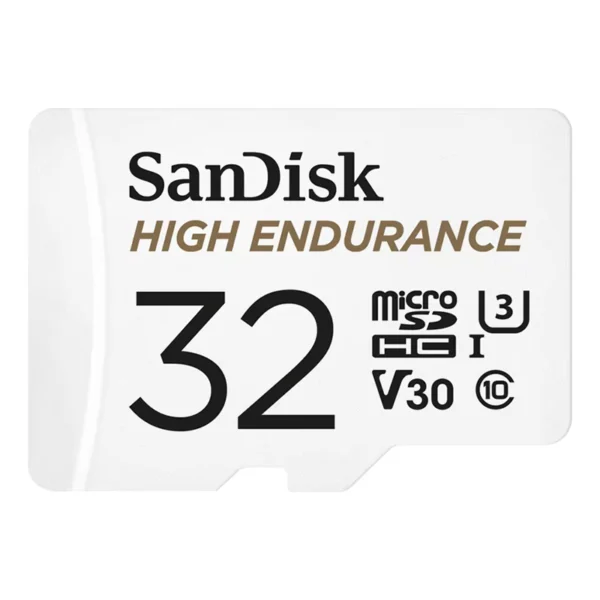
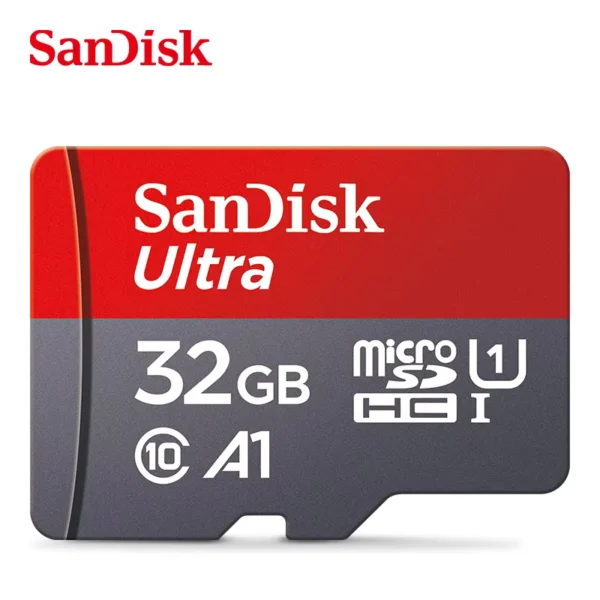
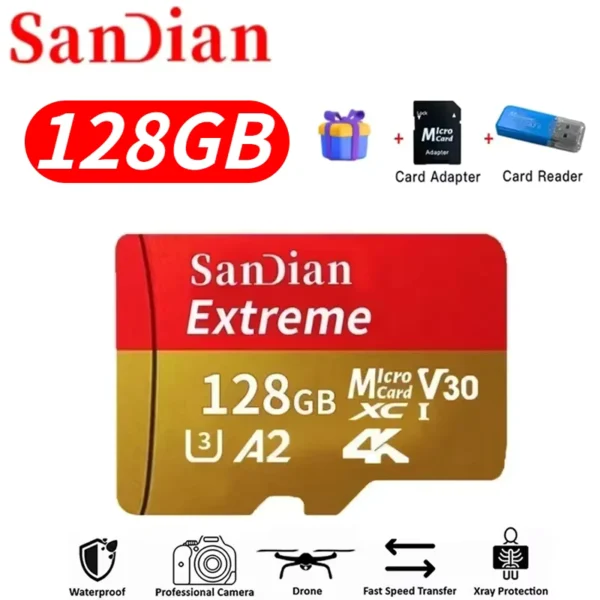
Doesn't load games and freezes with an SDXC card. Installed an SDHC card and everything worked. Be more careful about this. I don't know, maybe it's a problem with the card manufacturer, or maybe I got a defective one.
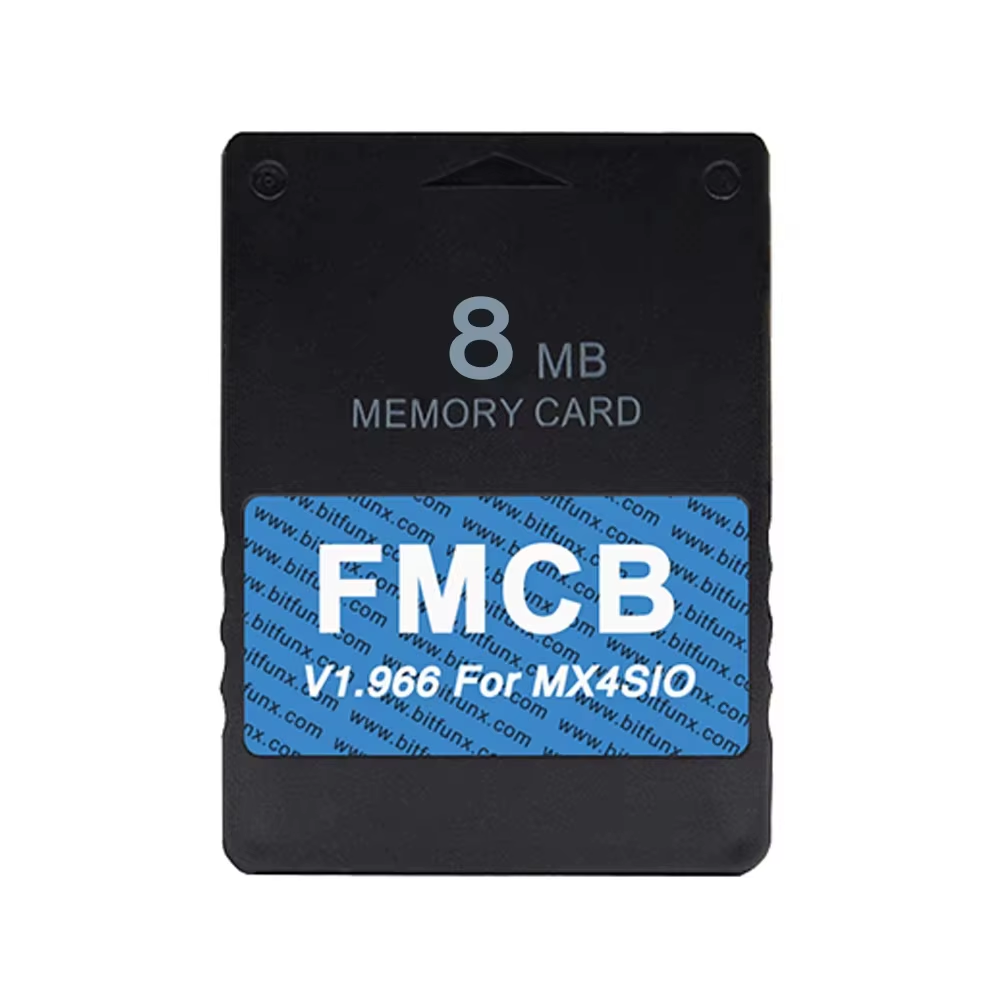
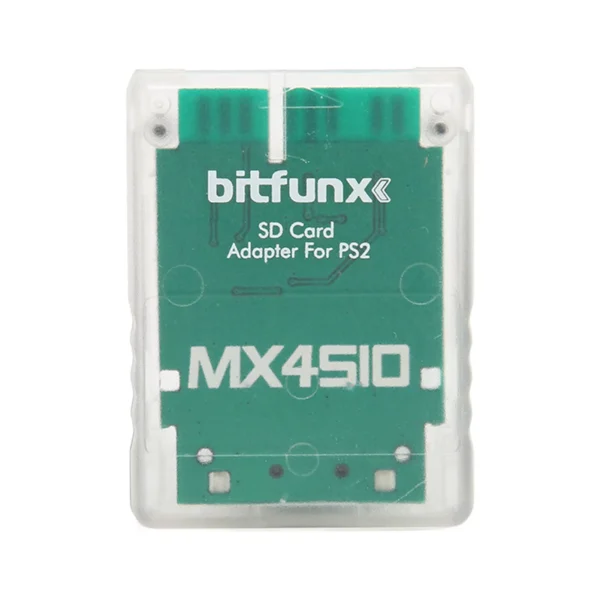
Latest OPL FMCB card designed for MX4SIO SIO2SD TF/SD card adapter.
This FMCB card features the newest OPL 1.2.0 V1.966 program, specially designed for use with the MX4SIO SIO2SD TF/SD card adapter. It supports all PlayStation 2 fat models, enabling expanded storage through SD or TF cards for enhanced gameplay.
The printed circuit board (PCB) for the SD card adapter is manufactured with high quality, ensuring reliable connections and performance. Users are advised to update the OPL software on the FMCB card if games fail to load, ensuring compatibility improvements.
To protect your FMCB card and data integrity, do not use FMCB for game saves; use a separate memory card instead. Before launching FMCB software, disconnect all USB devices to prevent conflicts. When using an HDMI adapter, power it via a phone charger for stability.
On consoles without modchips, access FMCB by entering the PS2 Browser, opening the first memory card to reveal an invisible icon, then navigating with button presses to start Free McBoot. Modchip users can optionally configure auto-boot options for easier access.
The FMCB card supports all PlayStation 2 fat consoles using the MX4SIO SIO2SD adapter.
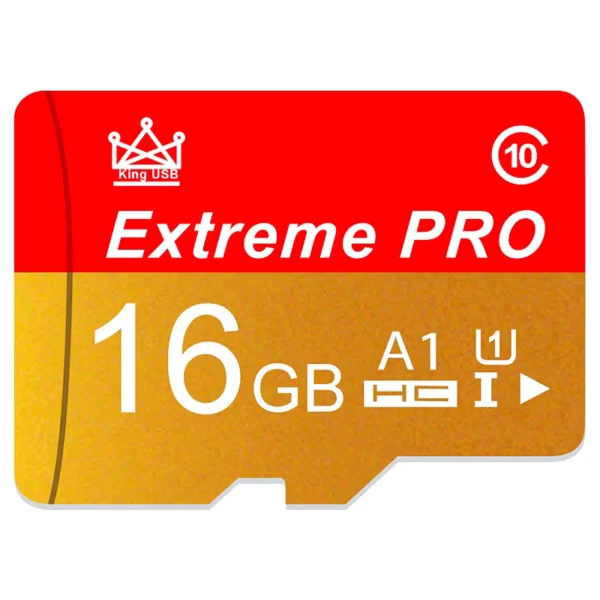
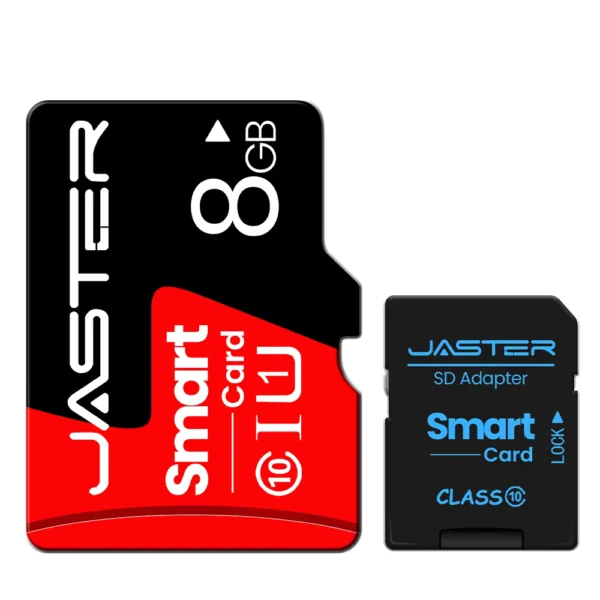
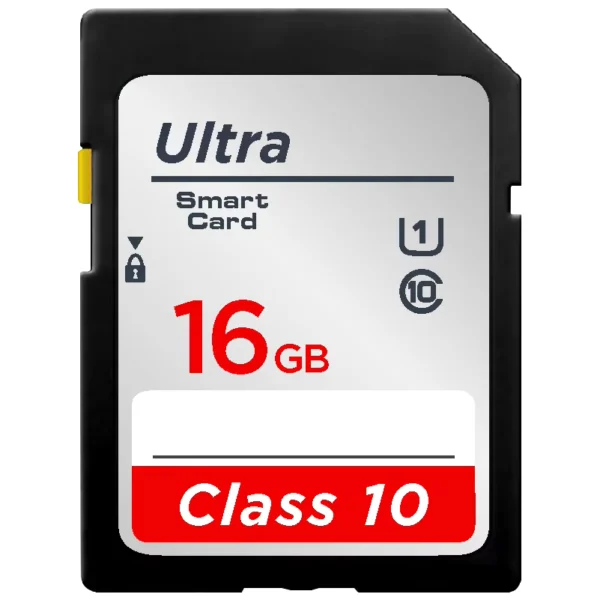
Tested compatible cards include Kingston CANVAS Select Plus, Patriot EP, Lexar, Lenovo, and Movespeed. Western Digital cards are not supported.
The MX4SIO adapter supports only FAT32 formatted SD/TF cards; exFAT is not supported.
No, using FMCB for game saving can cause file corruption. Always use a separate memory card for game saves.
No, deleting FMCB system files may prevent proper system startup.
Yes, it is recommended to use the latest OPL version (v1.2.0-Beta) for optimal performance.
Before entering FMCB software, remove all USB devices to avoid conflicts causing inaccessibility.
No, due to hand-made design, the SD/TF card slot is not flat but functions correctly.
Yes, corrupted data messages can appear but do not impact device functionality.
Go to PS2 Browser, open the first memory card to see an invisible icon, press 'O' or 'X' to navigate menus and start Free McBoot.
Doesn't load games and freezes with an SDXC card. Installed an SDHC card and everything worked. Be more careful about this. I don't know, maybe it's a problem with the card manufacturer, or maybe I got a defective one.
It arrived safely and before the estimated time.