




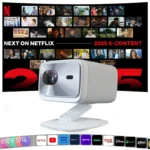
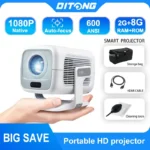


- Voltage range: High voltage (50-1000V DC, 75-1000V AC)
- High-concerned chemical: None
- Remote controller included: Yes
- Built-in Speaker: Yes
- Battery: No
- Bluetooth-compatible: Yes
- Category: Projectors
- Ansi Lumens: 500
- System: Android
- Projected Dimension: 30-200 inches
- Projective Mode: T4
- Projection Technology: LCD
- Screen Scale: 16:09
- Zoom: Focus
- Portable: Yes
- Use: Cinema Projector
- Type: Digital Projector
- Home Theater Projector: yes
- Weight: 1.260
- Brightness: 18000Lumens
- Display Size: ≤13.5
- Function: Video Playback
- Power Source: DC
- Inbox adaptor: Yes
- Structure: Without display device
- Keystone Correction: Auto Correction
- Brand Name: Magcubic
- Power Source: DC
- Origin: Mainland China
- Optical Resolution: 1920x1080dpi
- Power (W): 60W
- Light Source: LED
Please note that this link contains a mix of 713 and 726 chips.
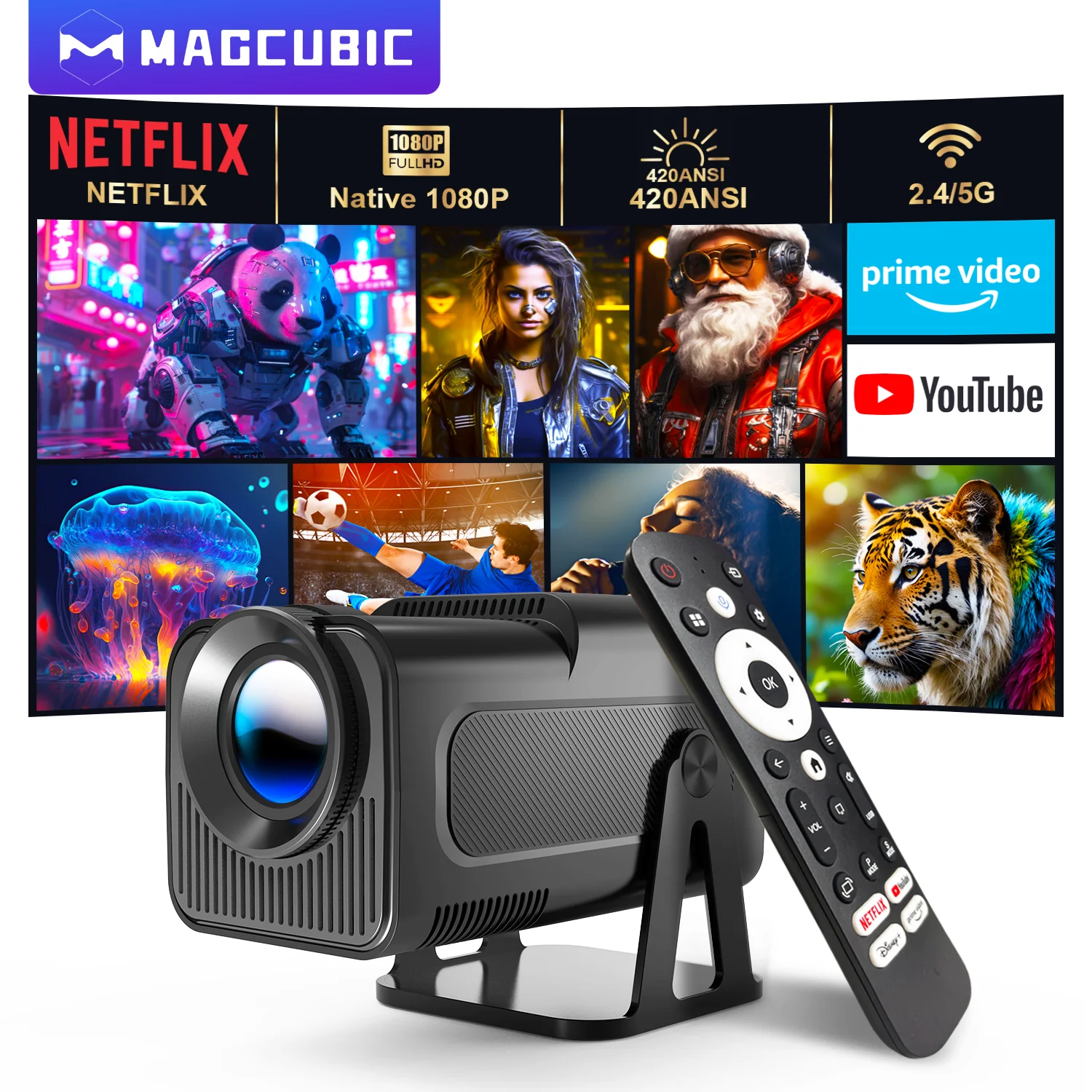
Magcubic 1080P 500ANSI Portable Android 13 Projector
with Officially Certified Streaming Apps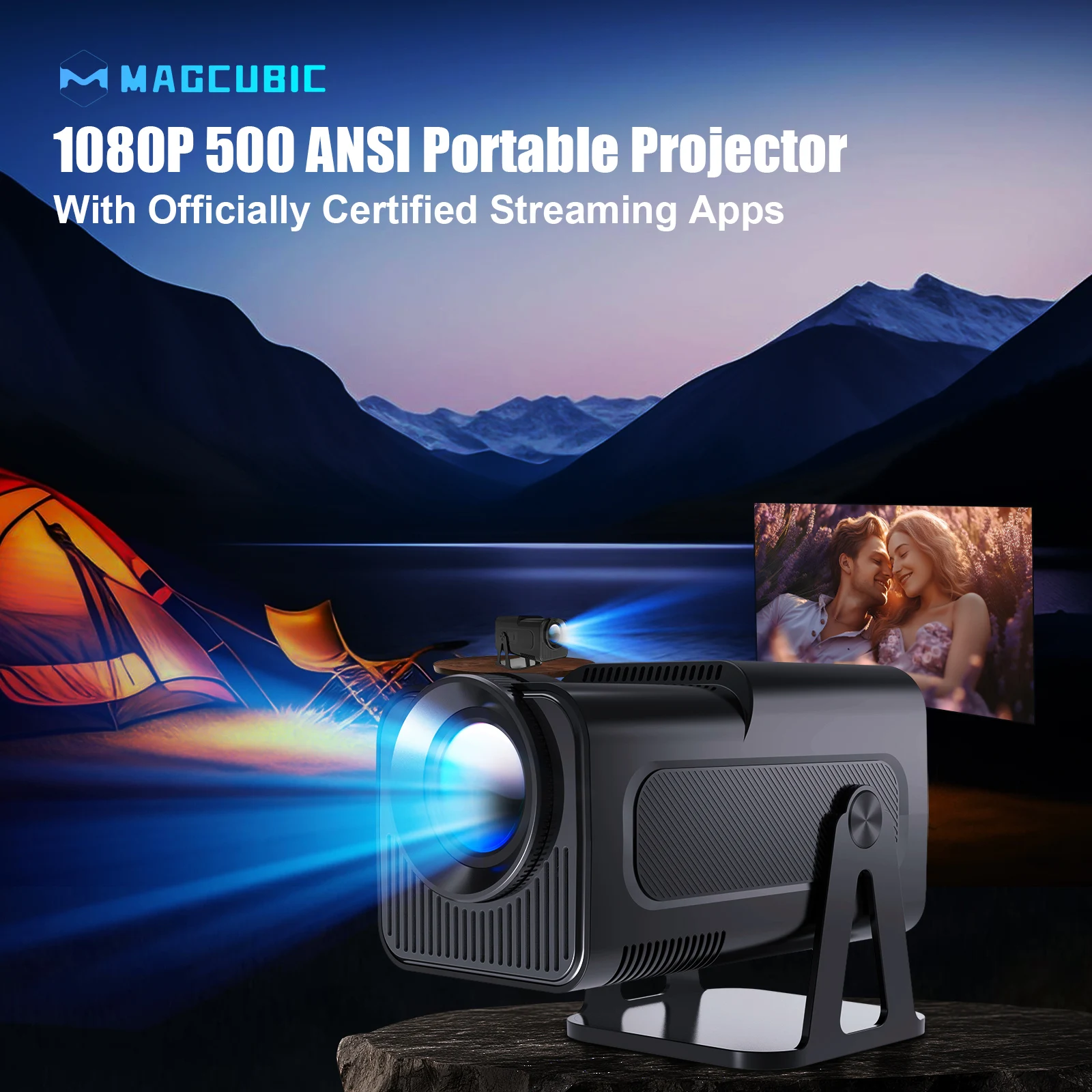
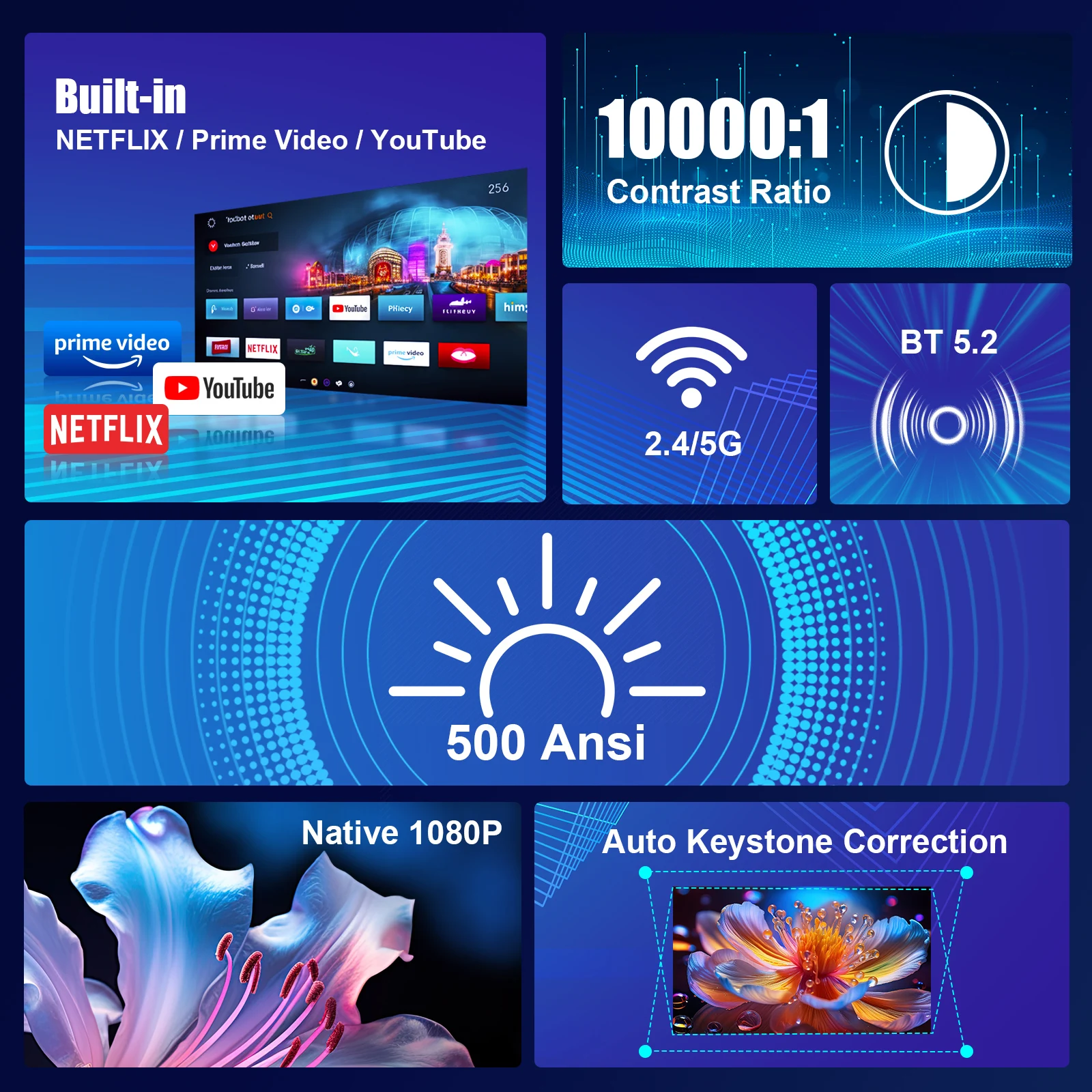
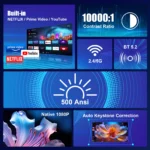
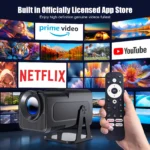
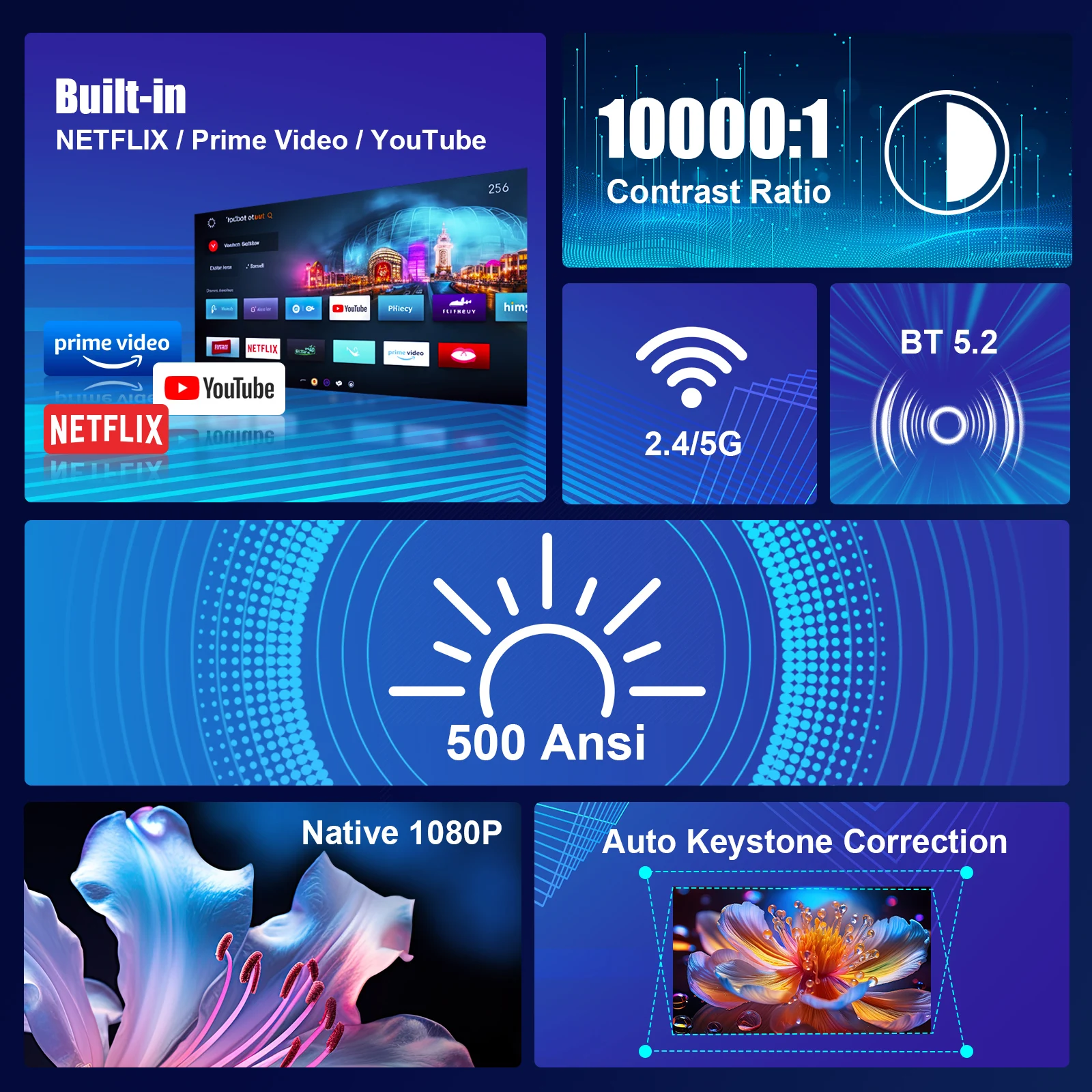
Built-in Officially Certified NETFLIX/Prime Video/YouTube & 1080P
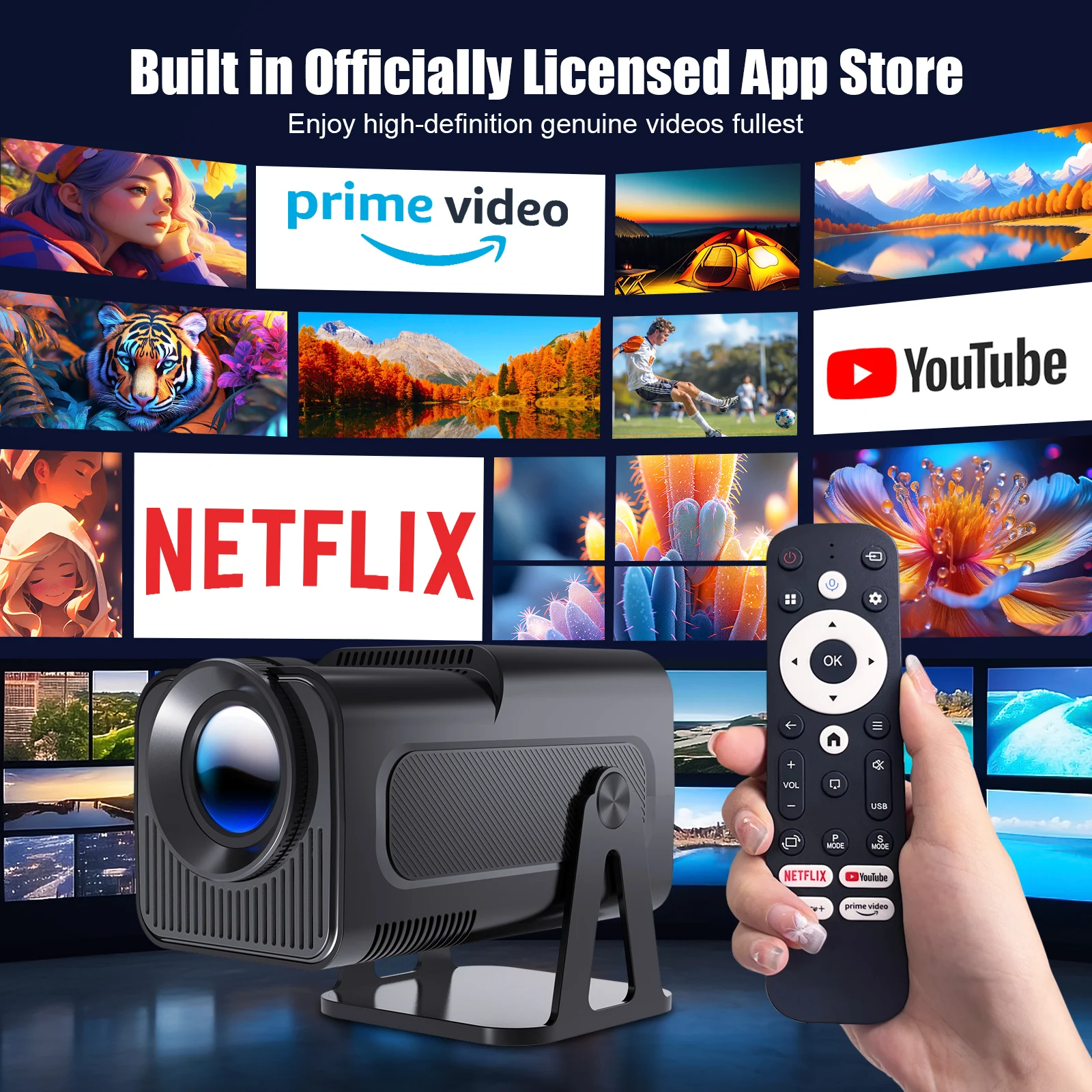
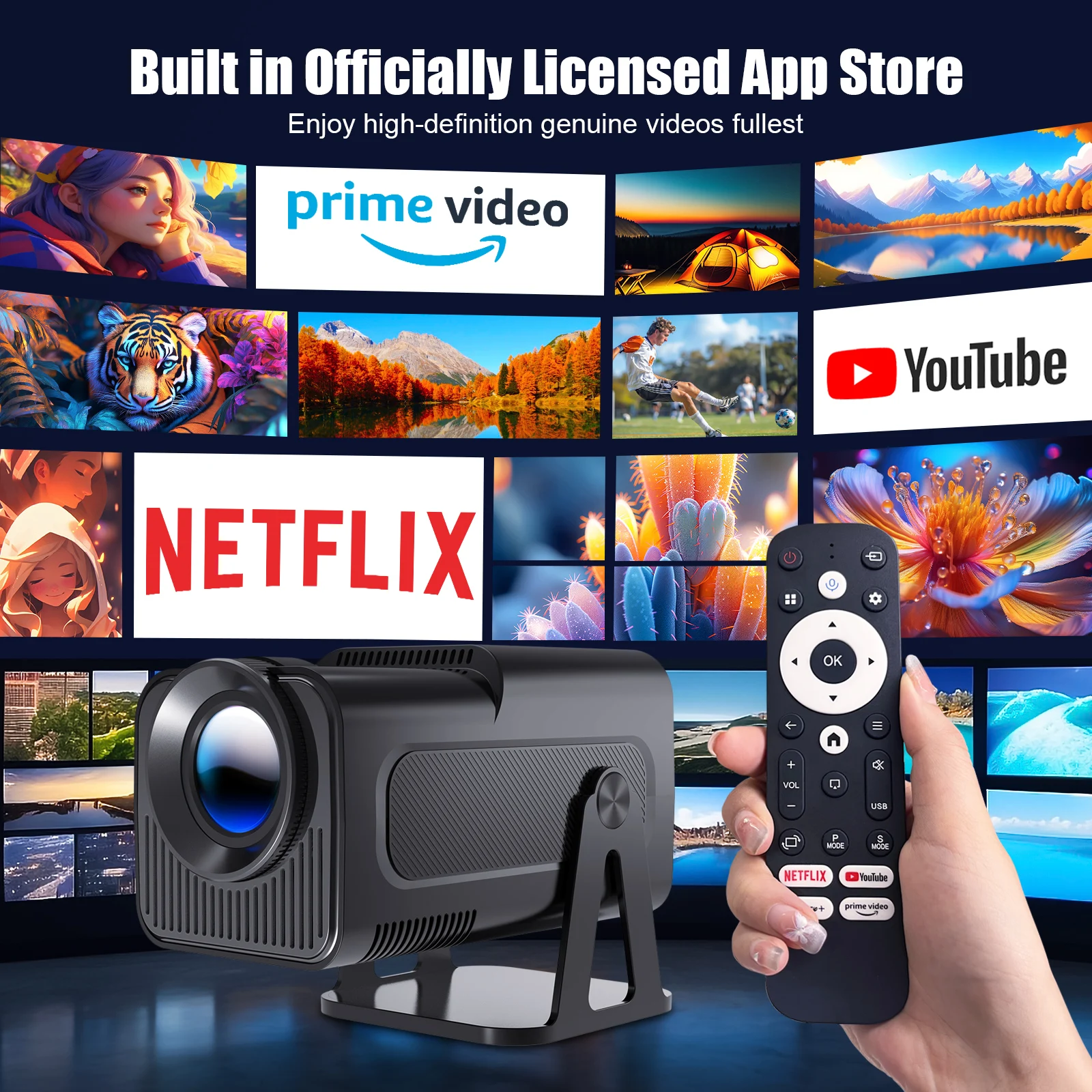
Built in Officially Certified App Store
Enjoy high-definition genuine videos fullest
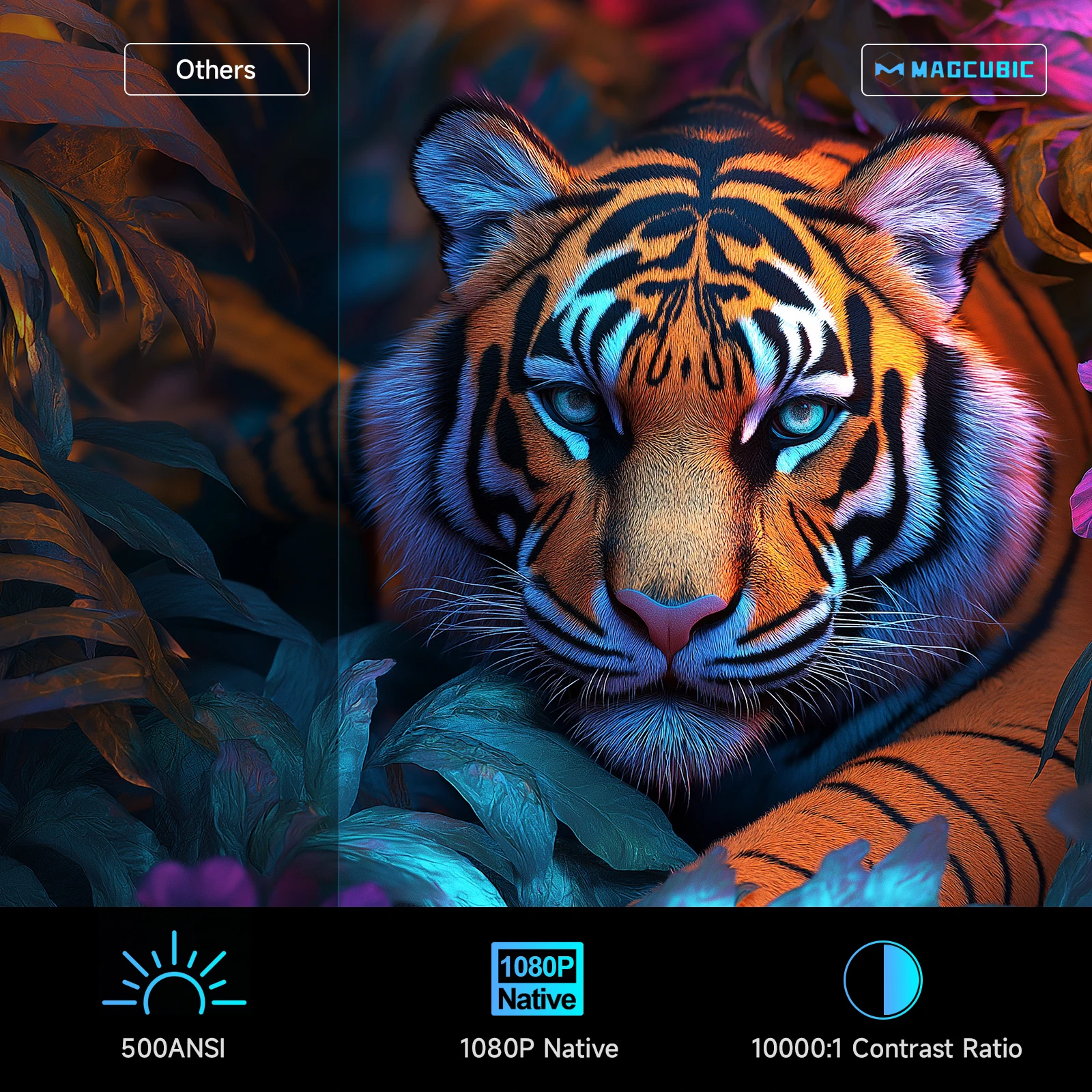
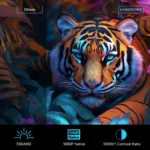
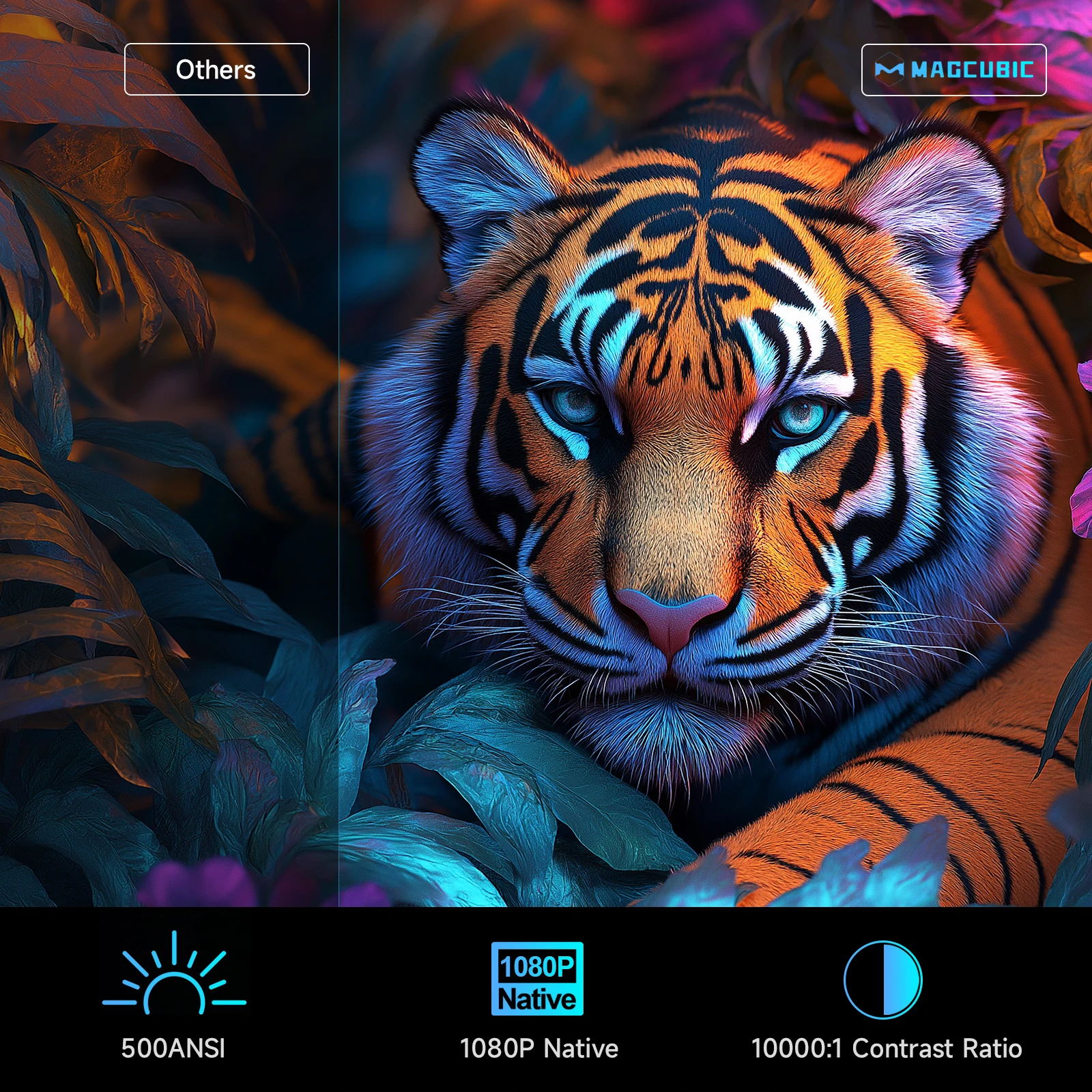
500ANSI & 1080P Native & 10000:1 Contrast Ratio
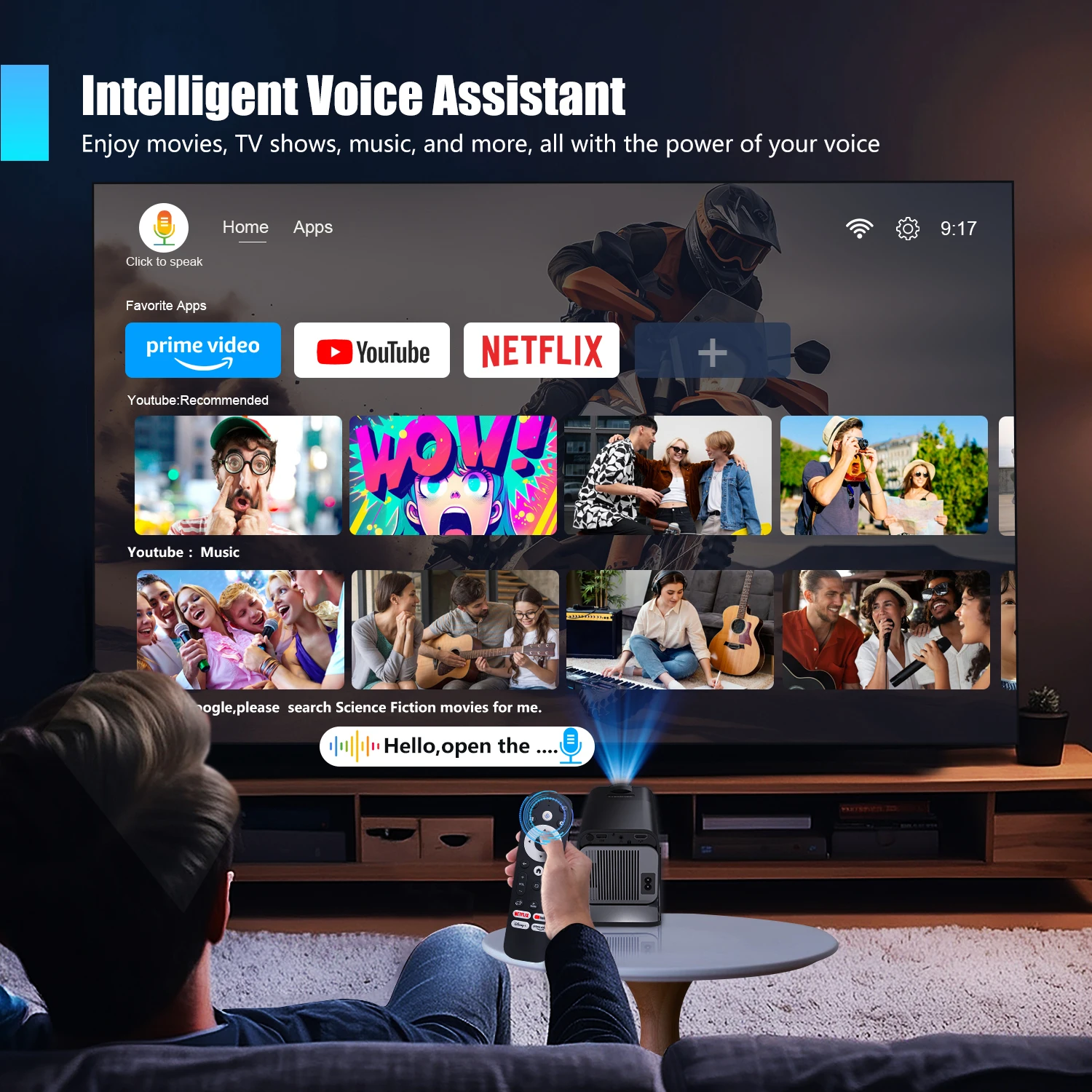
Intelligent Voice Assistant
Enjoy movies, TV shows, music, and more, all with the power of your voice
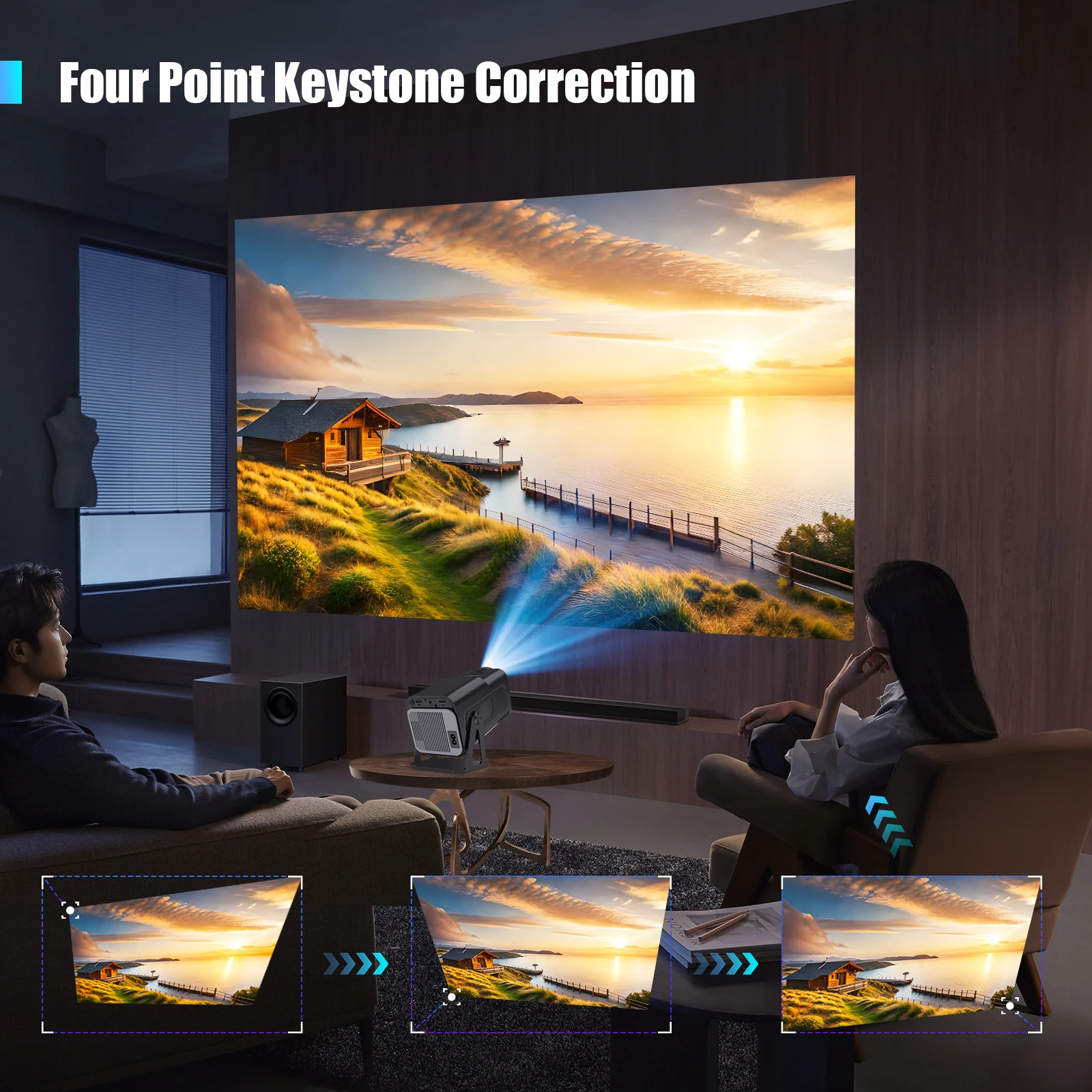
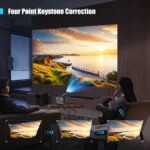
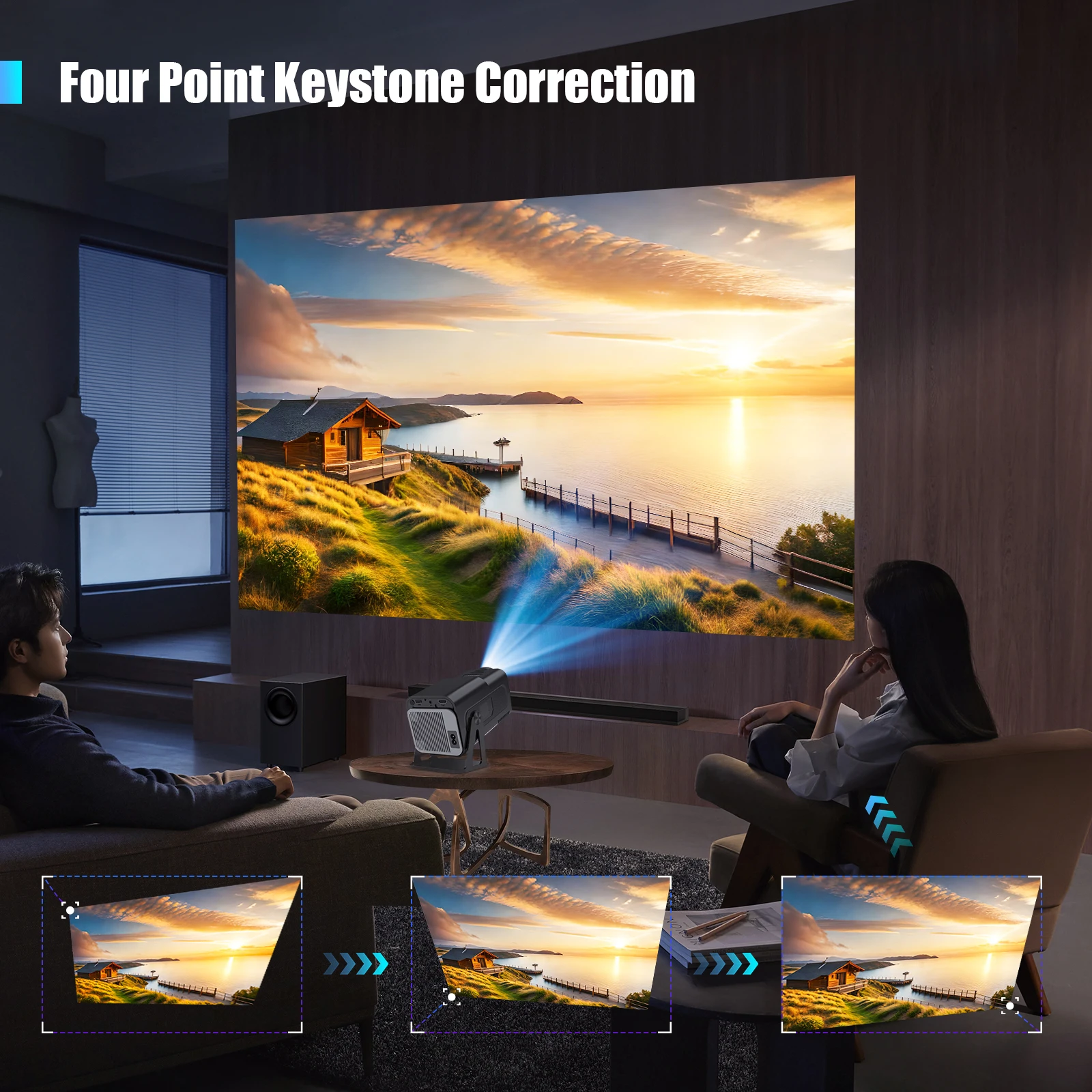
Four Point Keystone Correction
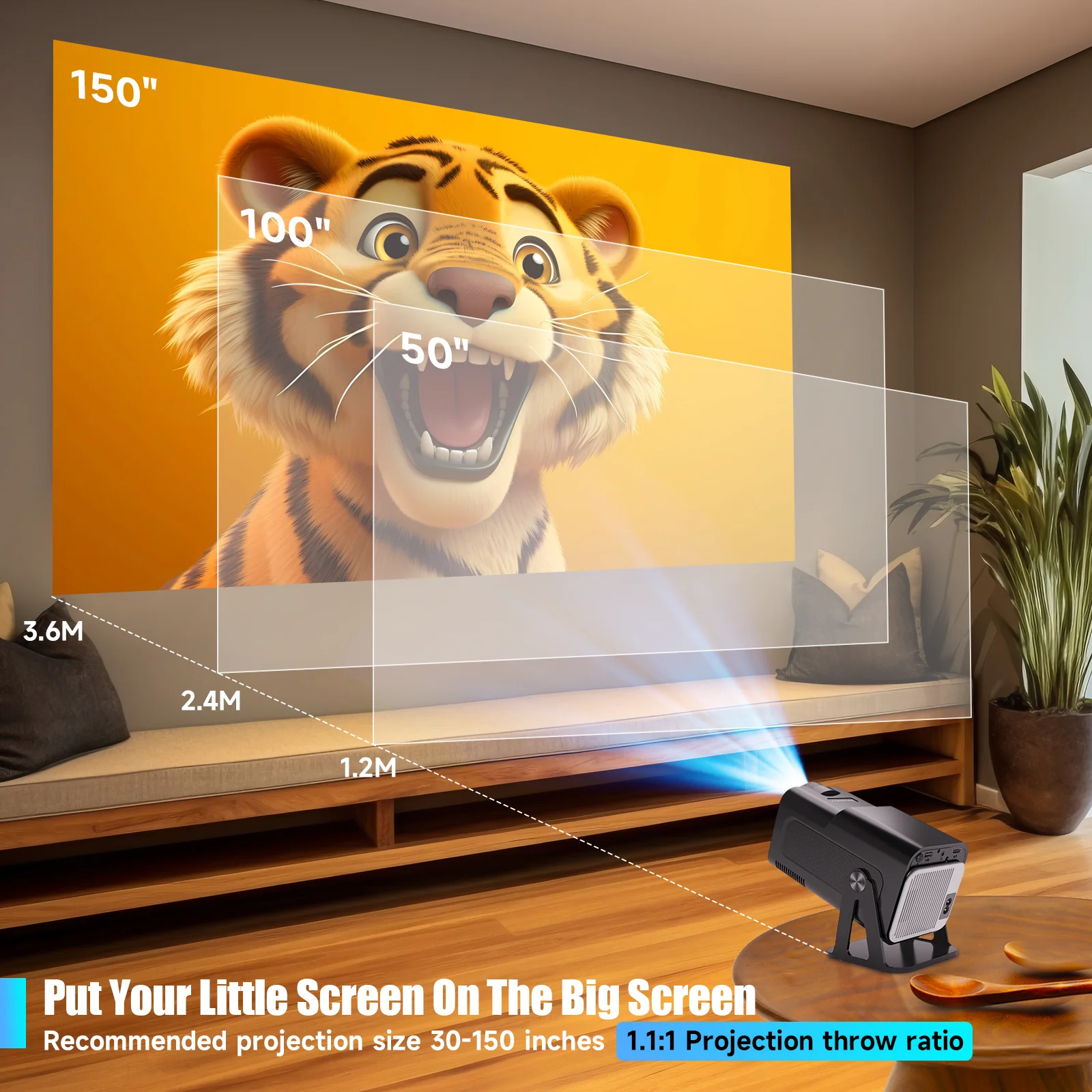
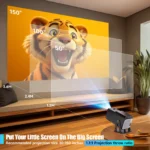
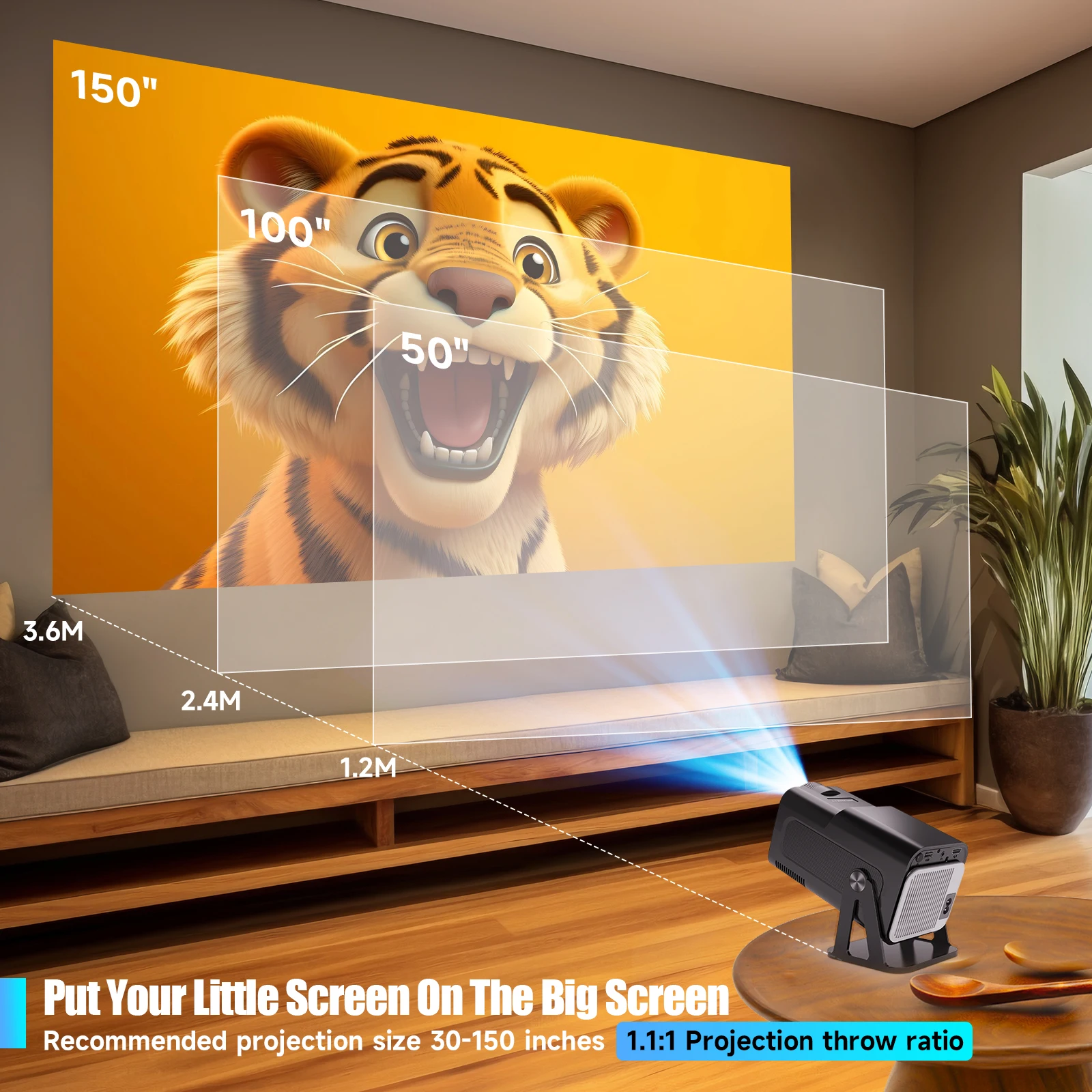
Put Your Little Screen On The Big Screen
Recommended projection size 30-150 inches,1.1:1 Projection throw ratio
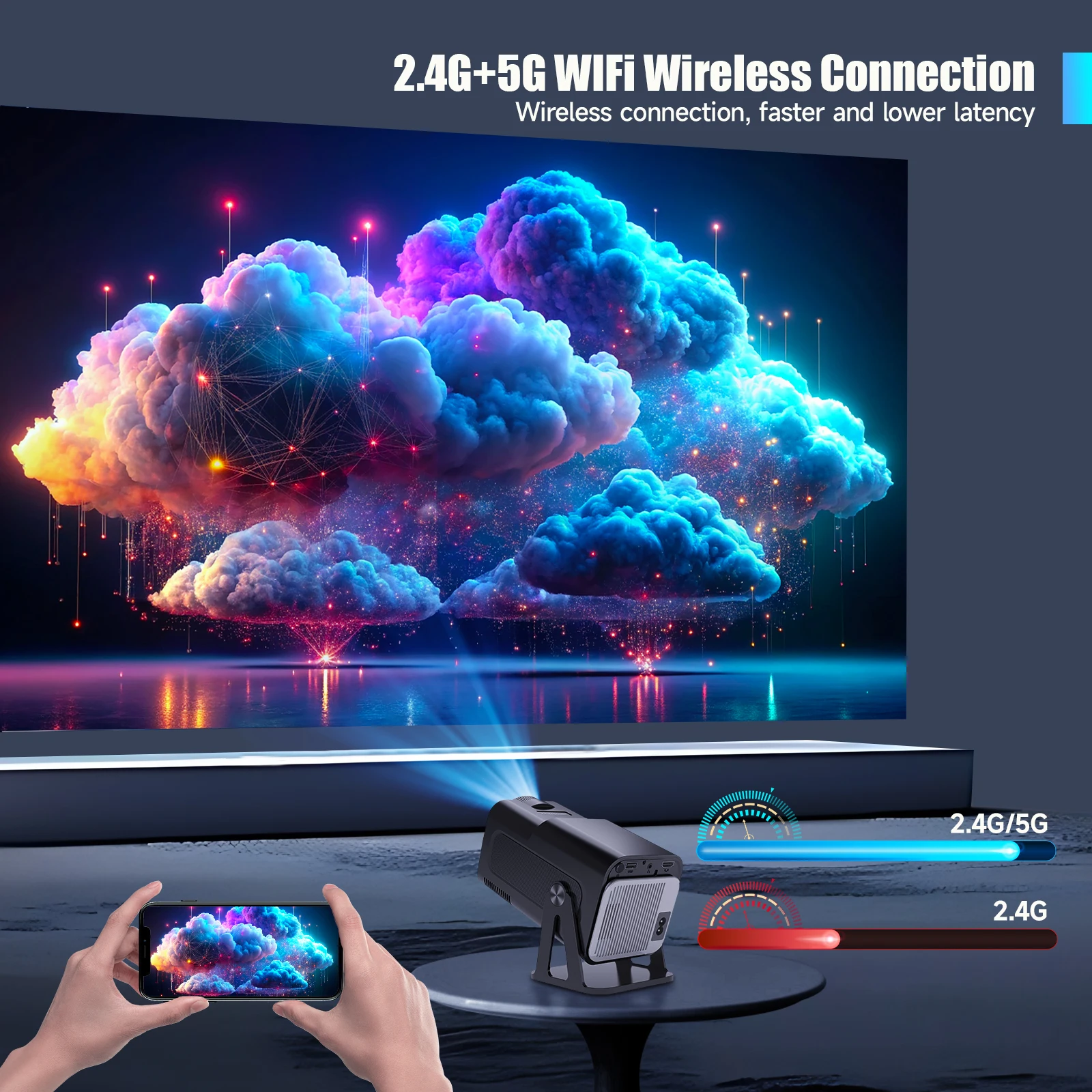
2.4G+5G WIFi Wireless Connection
Wireless connection, faster and lower latency
Upgraded BT 5.2
Enjoy an auditory feast with your BT device
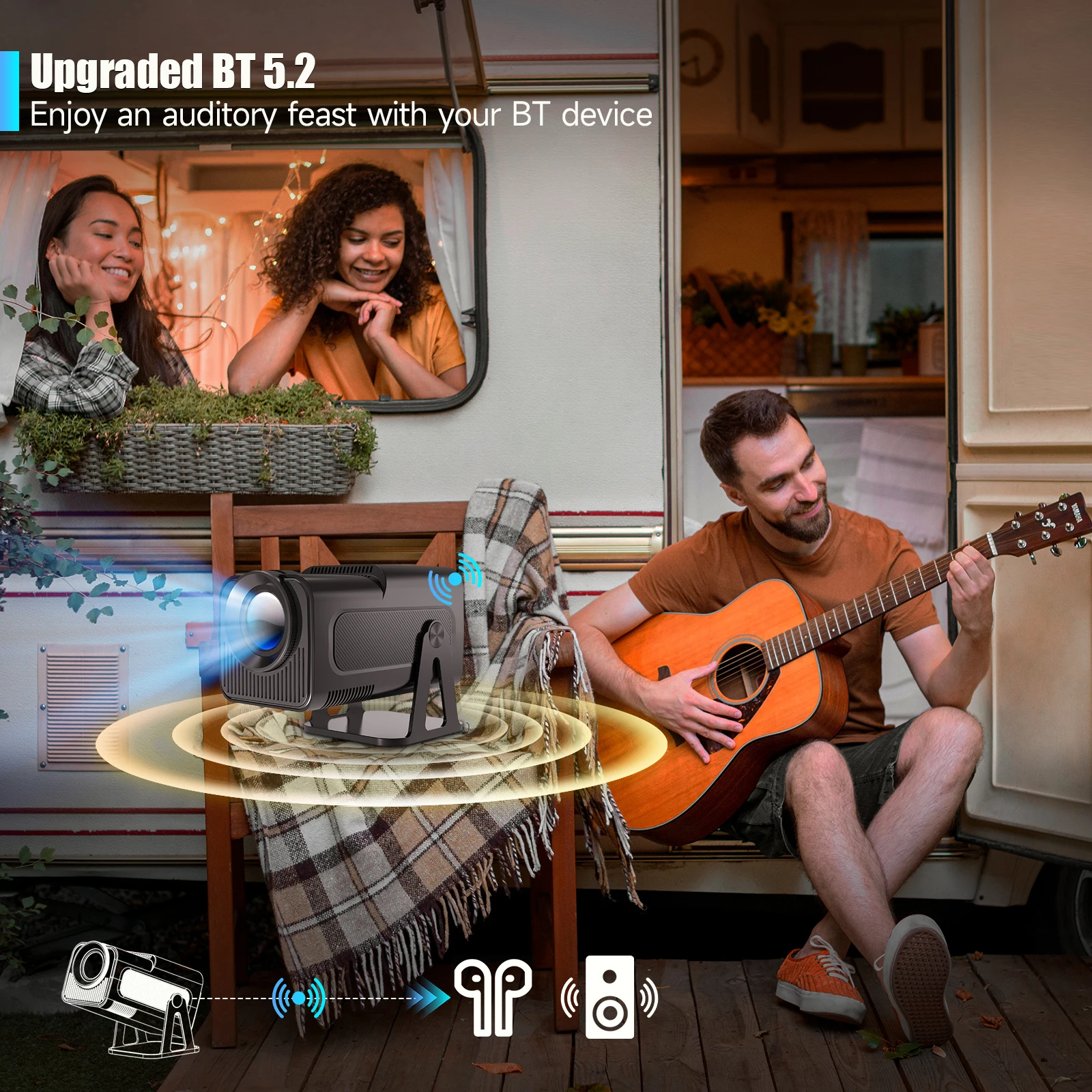
50%-100% Zoom Function
Easily adjust the image size from 50% -100%, supports 3 installations
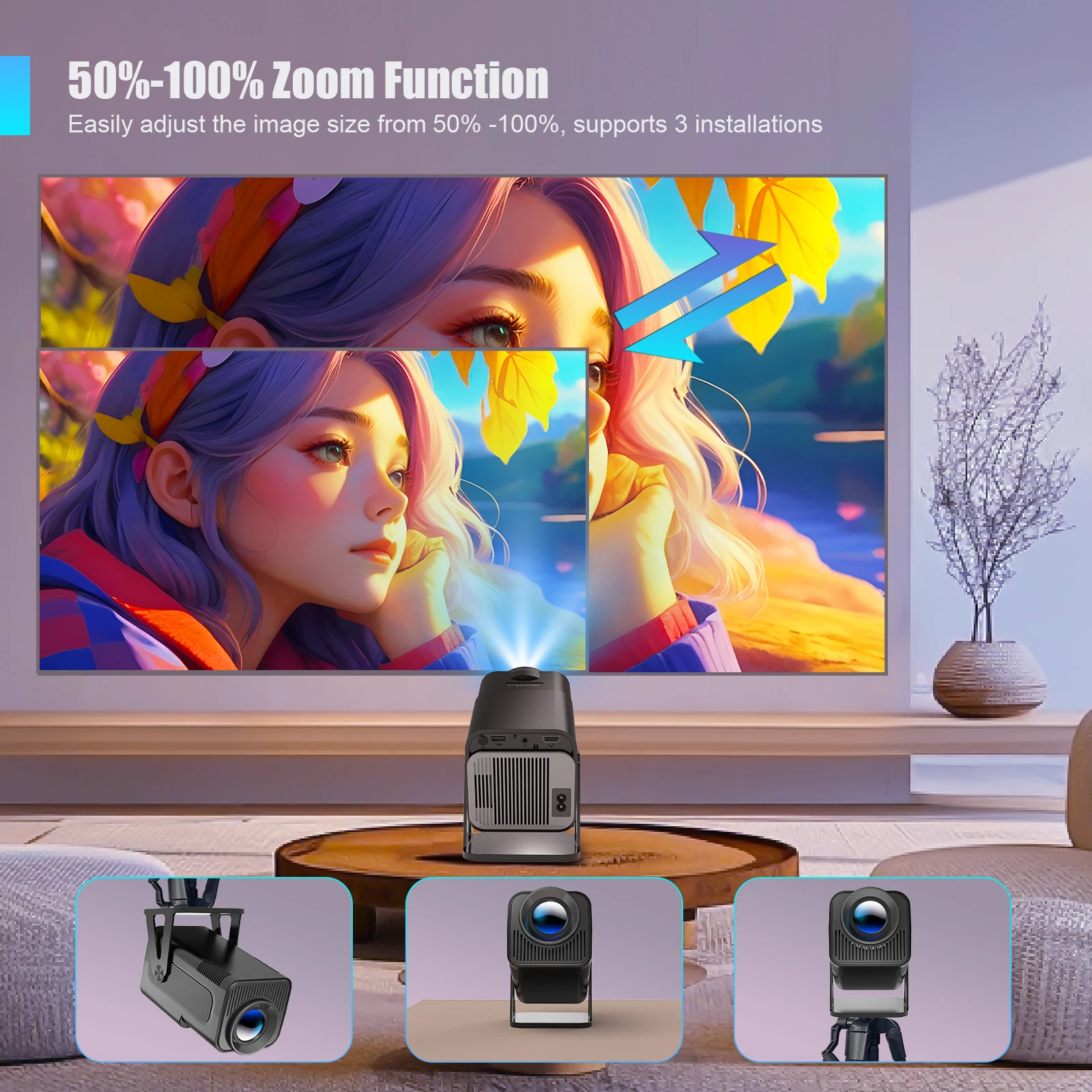
Sreen mirroring:Support Miracast ,Airplay ,DLNA
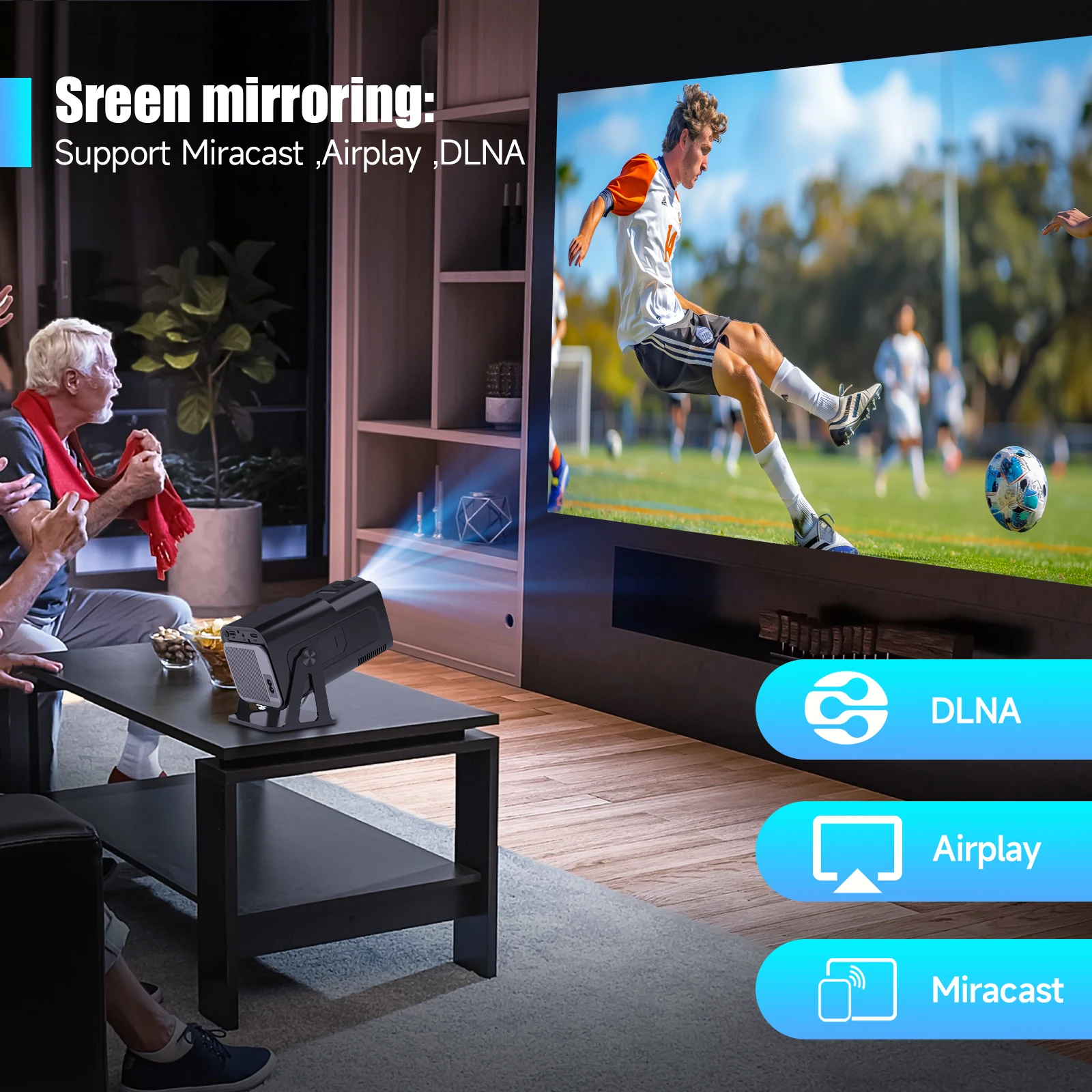
Any Angle, Crystal Clear
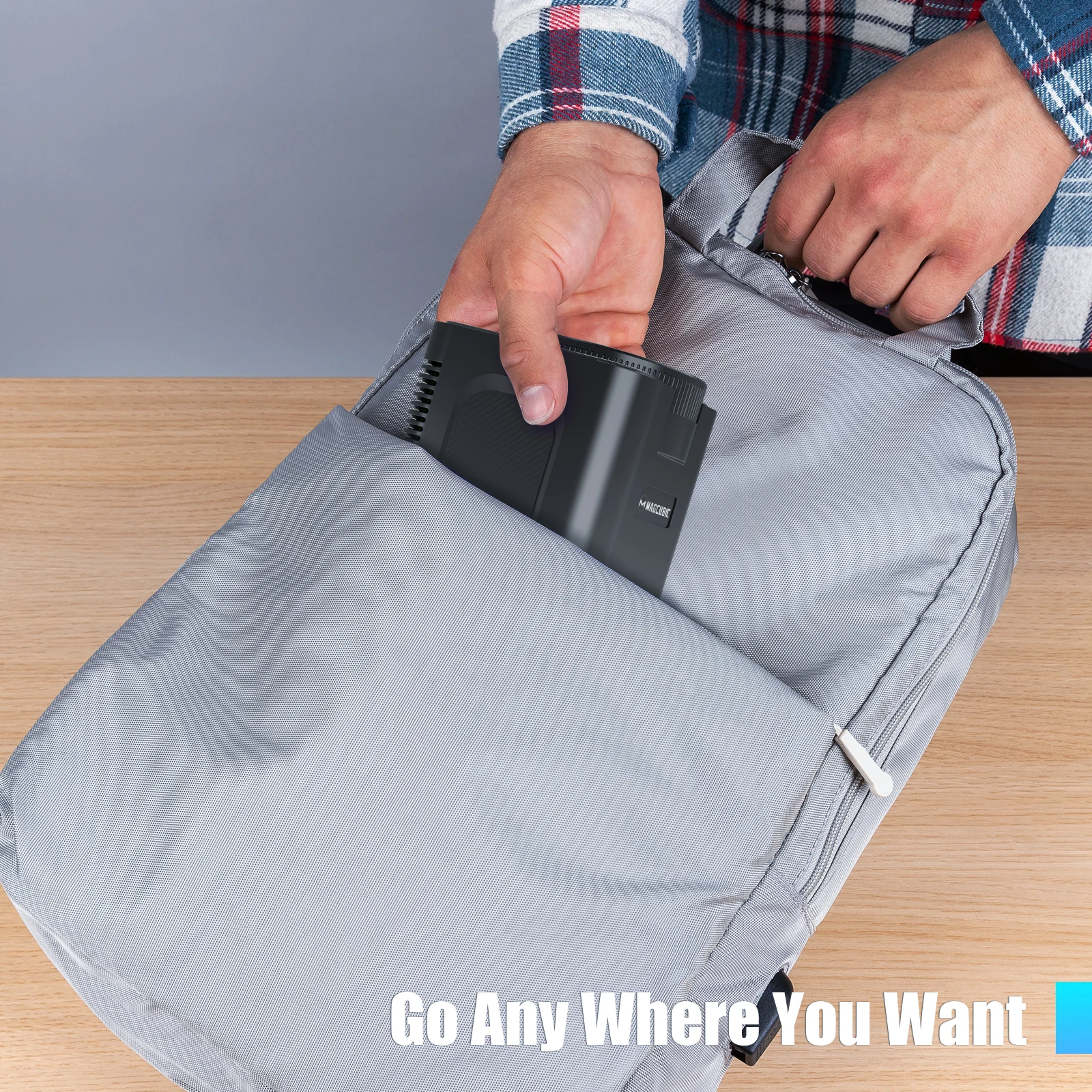
Watch Wherever You Want
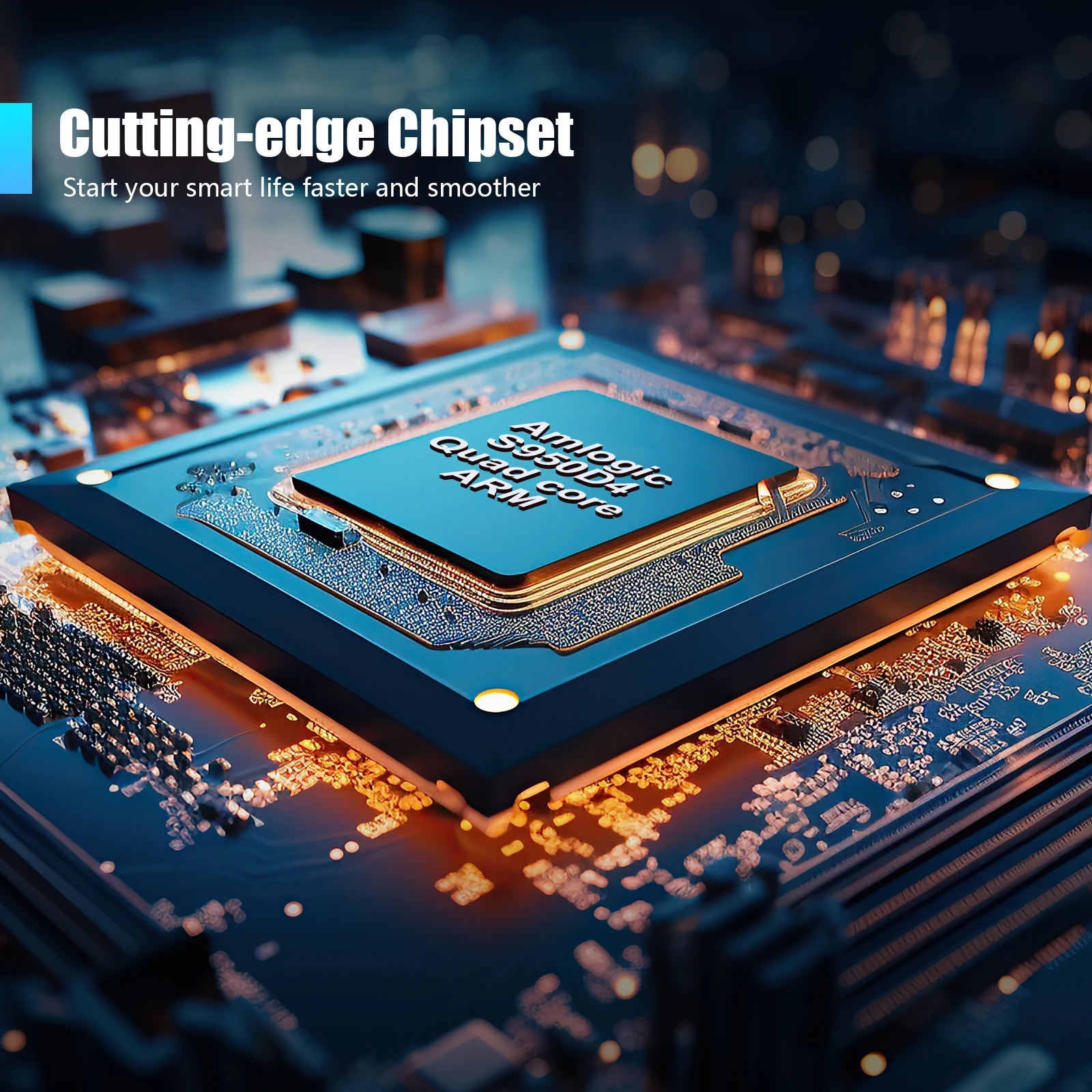
Cutting-edge Chipset,Amlogic S950D4
Start your smart life faster and smoother
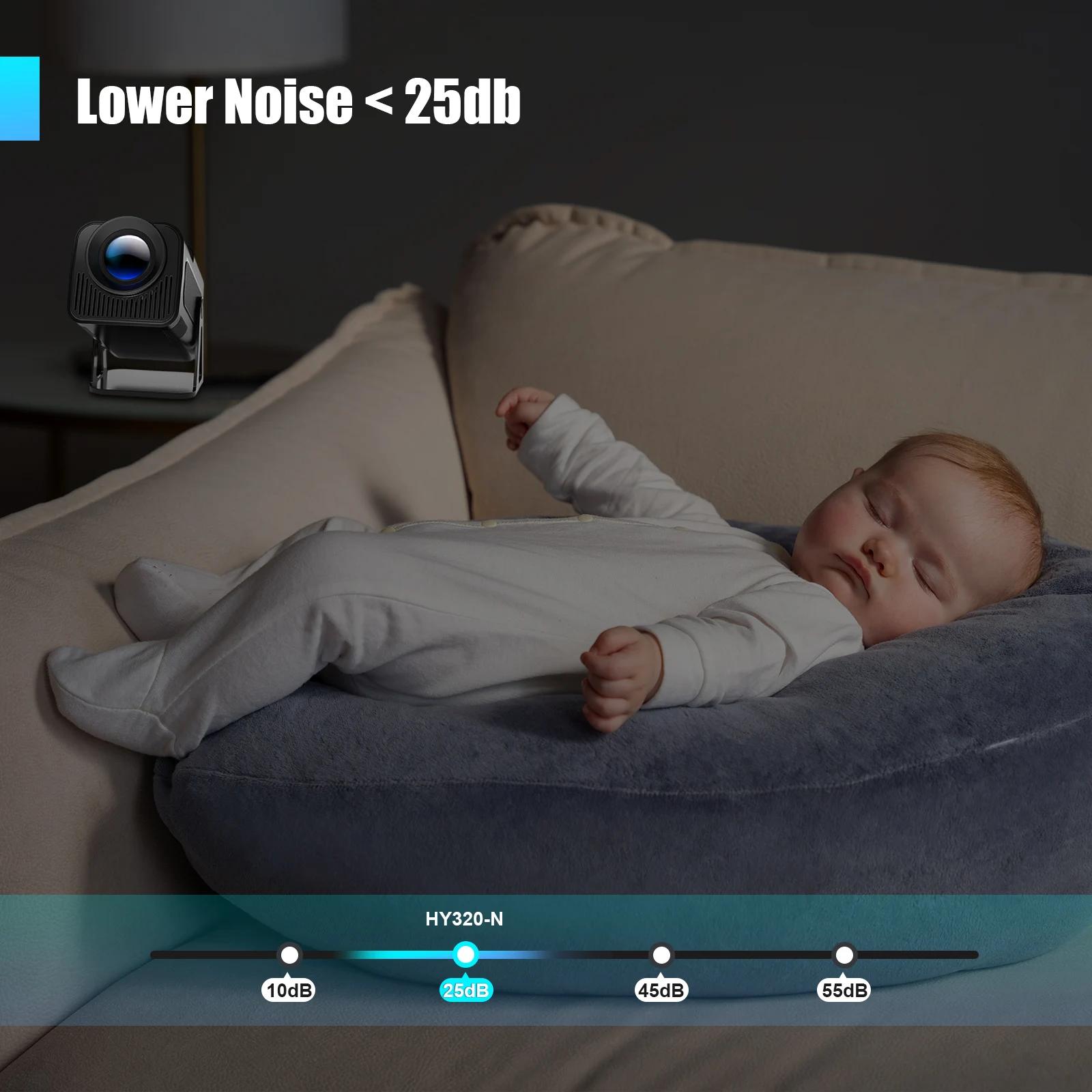
Lower Noise < 25db
Go Any Where You Want
Convenient for Office & Enjoyable Playtime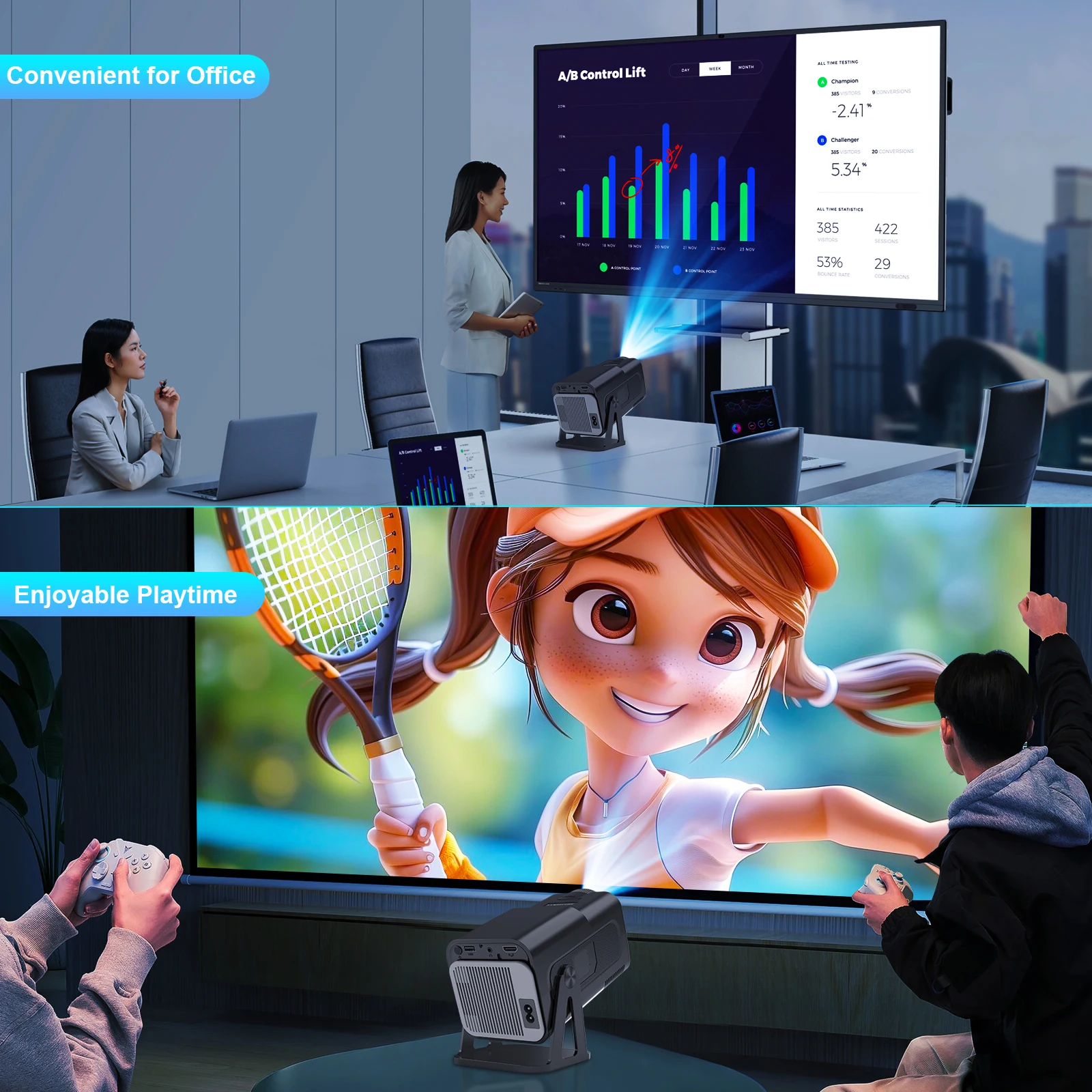
Indoor Family Day & Outdoor Recreation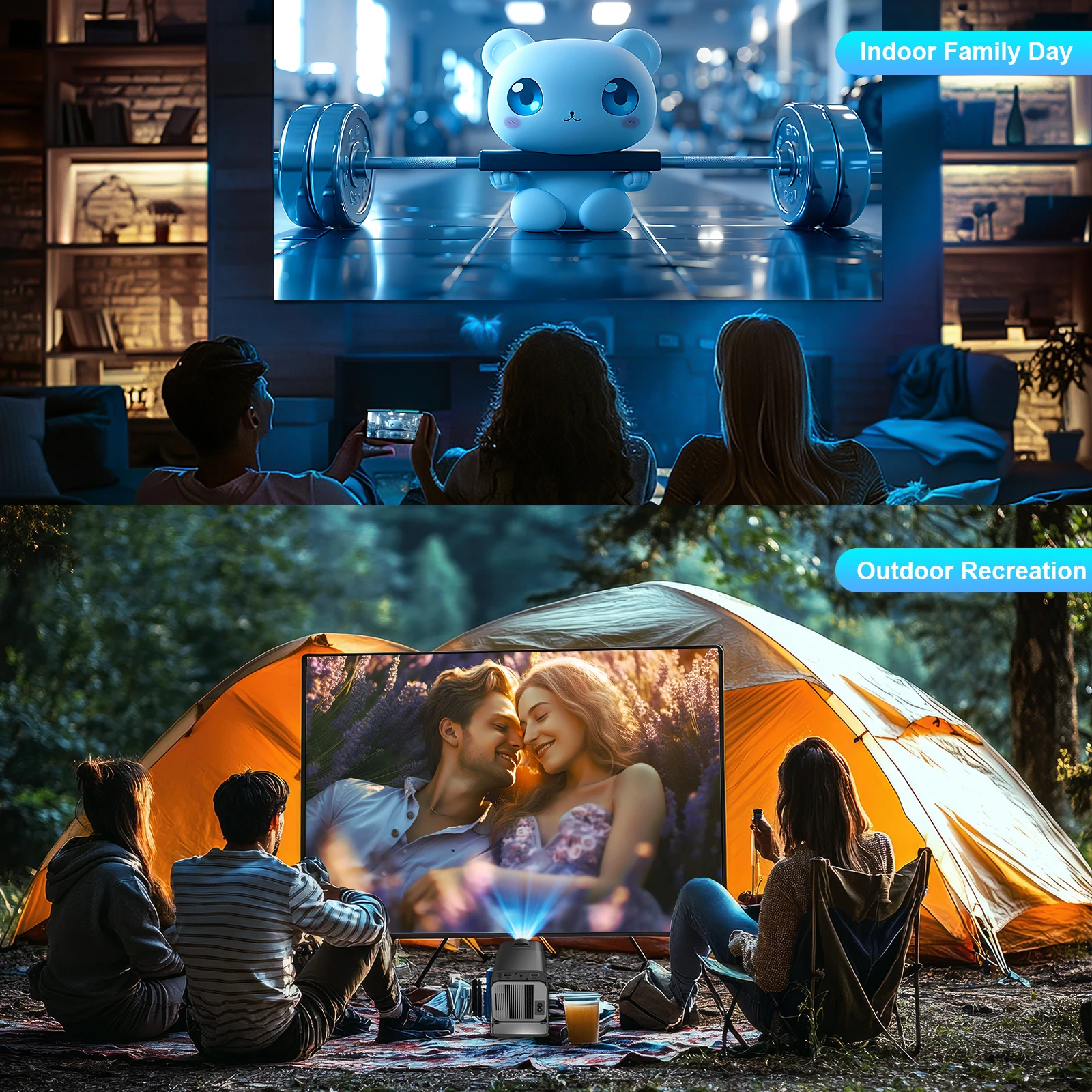
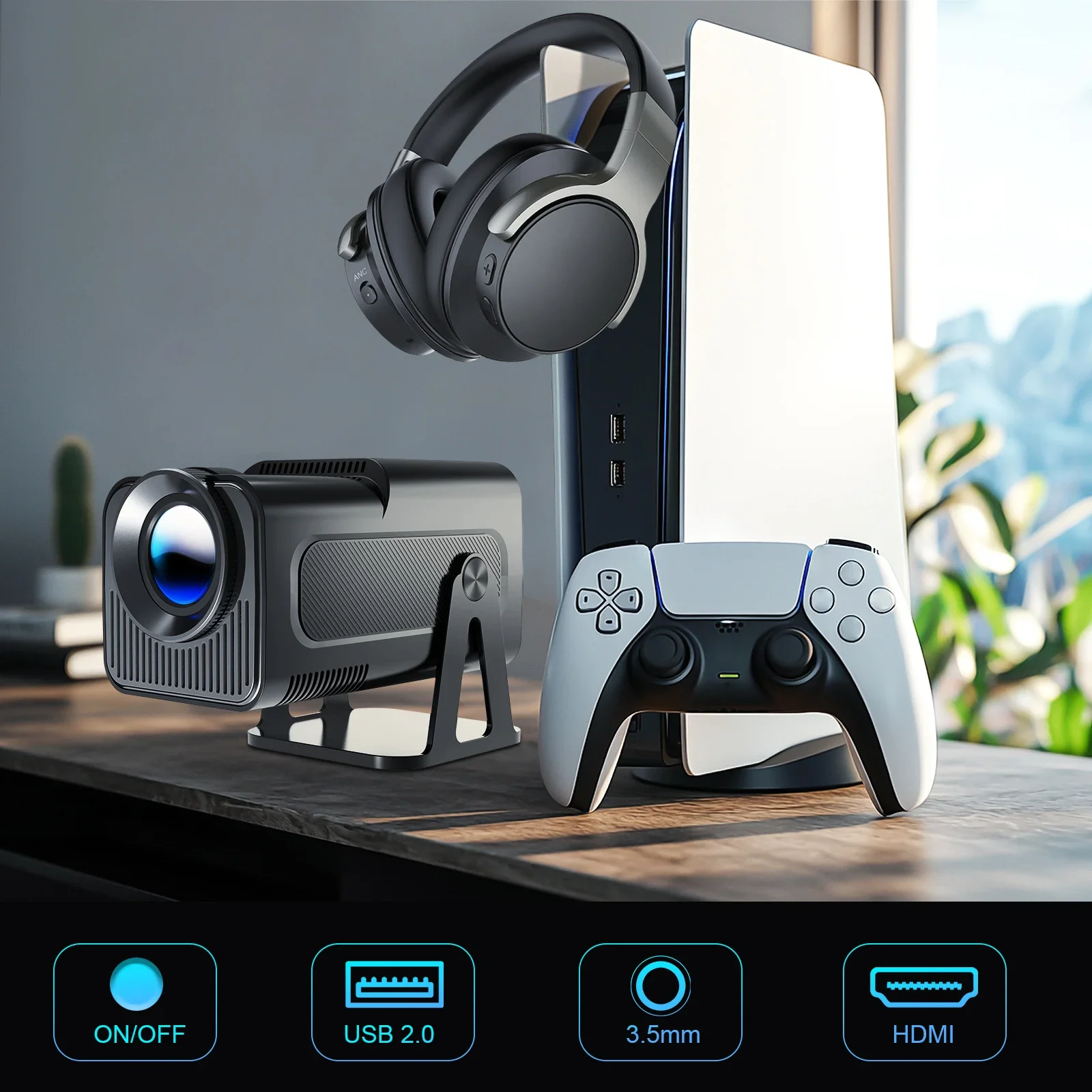
Product Interface
Question & Answer |
Q1: Is the projector compatible with Google smartphones?
A: Due to mirroring protocol issues of Motorola and Google phones, it prohibits screen mirroring directly from the projector. You need to have a Google Chromecast to connect it.
Q2: How can I access Netflix, Prime Video, and YouTube?
A: The HY320NTV comes with officially licensed Netflix, Prime Video, and YouTube pre-installed. No TV stick is required—simply press a button on the remote control to launch these apps quickly and easily.
Q3: Can I download other apps?
A: The HY320NTV runs on Whale OS, and you can download apps directly from the App store. If you can't find a specific app, please contact our support team for assistance.
Q4: How do I screen-mirror iOS devices to the HY320NTV?
A: 1.Go to Settings > Device Preference > Whale OS Cast > TV casting
2.Use the AirPlay feature on your iOS devices, ensuring both devices are connected to the same WiFi network
3.Copyrighted content from apps like of Disney+ cannot be mirrored or cast
Q5: How to Get a Squared Image?
A: 1. Align the projector properly so the lens faces the screen directly.
2. Go to Settings > Lens > Reset keystone correction data.
3. If needed, manually adjust: Settings > Lens > Keystone Correction > Turn Off Auto Keystone > 4-Corner Correction.
Q6: What Should I Do if the HY320NTV Projector Can't Connect to Wi-Fi?
A : 1. Verify the time zone under Settings > Device Preferences > Date & Time.
2. Switch to another Wi-Fi network or use a mobile hotspot.
3. Test both 2.4GHz and 5GHz bands.
4. Reset via Settings > Other Settings > Restore factory settings.
Q7: How Can I Customize the Picture Settings (Brightness, Contrast, etc.) on the HY320NTV Projector?
A: Press the "P MODE" button to customize your picture settings via Picture Mode > User > Personalized Picture Settings.




You must be logged in to post a review.