I haven't tested it yet!
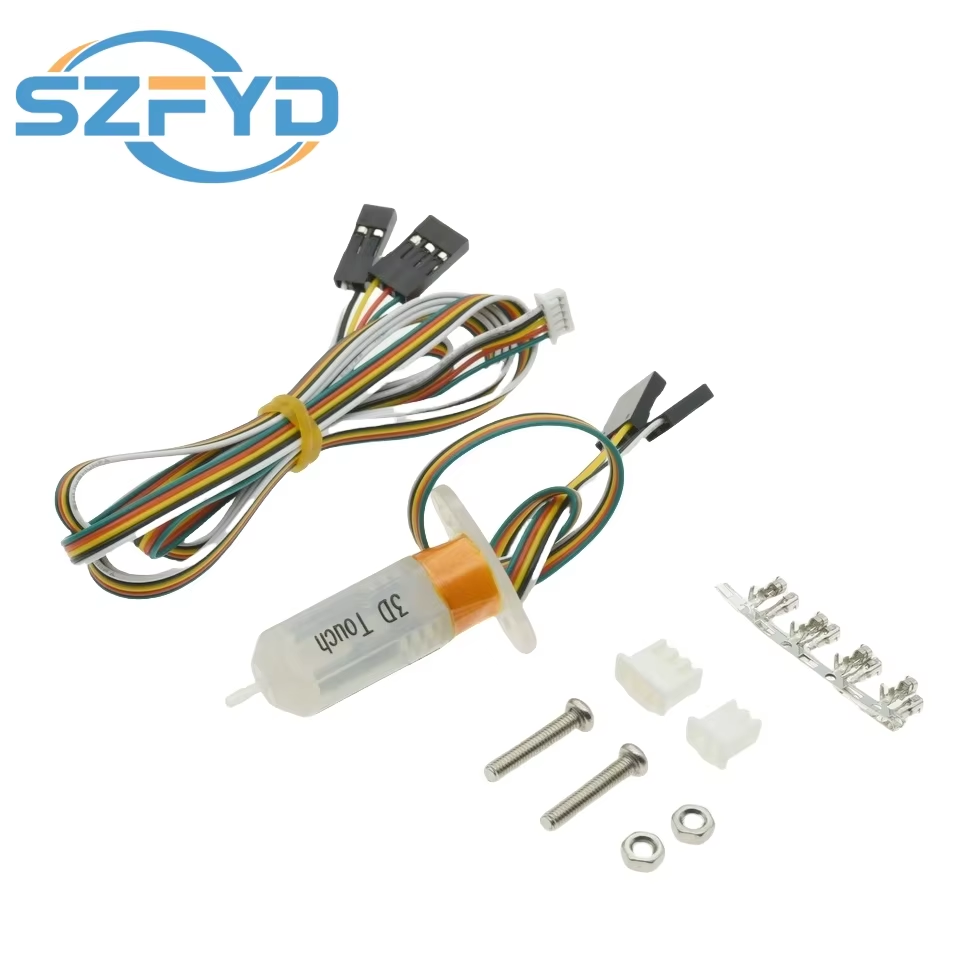
Accurate auto bed leveling with Hall effect sensor. Compatible with Marlin firmware 1.1.X. Easy installation and precise Z-axis adjustment.
4 in stock
The 3D Touch sensor uses the Hall effect to provide accurate bed leveling by detecting the surface points on the heated bed. It compensates for uneven platforms by adjusting the printer’s Z-axis height during printing, ensuring high-quality prints even on imperfect beds.
Compatible with Marlin firmware 1.1.X and later, this sensor requires specific configuration steps including connecting wires to designated pins, enabling BLTouch features, and setting the number of leveling points. Proper firmware adjustments prevent sensor damage and optimize performance.
Designed for various 3D printer models such as Reprap mk8, i3, Ender 3 Pro, Anet A8, and Tevo. Works with delta printers by assigning Zmin and Zmax pins appropriately, offering broad compatibility for hobbyists and professionals alike.
It uses the Hall effect to automatically level the 3D printer's build platform by detecting the bed surface and adjusting the Z-axis height during printing.
It is designed to work with Marlin firmware, specifically version 1.1.X and later, with required firmware modifications.
The sensor connects via a 3-pin wire to D11 (positive and negative must be noted) and a 2-pin wire to Zmin for the Z-axis endstop.
Yes, on delta printers it can use the Zmin interface as the BLTouch sensor and use Zmax as the machine limit switch.
BLTouch leveling must be enabled, along with 'Z_MIN_PROBE_USES_Z_MIN_ENDSTOP_PIN' and EEPROM_SETTINGS for saving leveling data.
Users can set the number of leveling points, for example, 5 by 5 points for a total of 25 measurement points.
Enabling the zero return center setting causes the printer to move to the middle of the bed during homing to avoid sensor damage.
No, the product contains no high-concern chemicals and is safe to use as a new 3D printer module.
Yes, it supports Reprap mk8, i3 series, Ender 3 Pro, Anet A8, and Tevo-type 3D printers.
Uncomment '#define EEPROM_SETTINGS' and use M500 command to save data so that leveling info persists after power off.
I haven't tested it yet!
Top
The price-to-performance ratio is good, and the delivery is fast and satisfactory.
Everything matches the description, but the cable did not reach the basement of the Ender 5 Pro (my mistake, I used a short 1m cable).
as promised