Sale
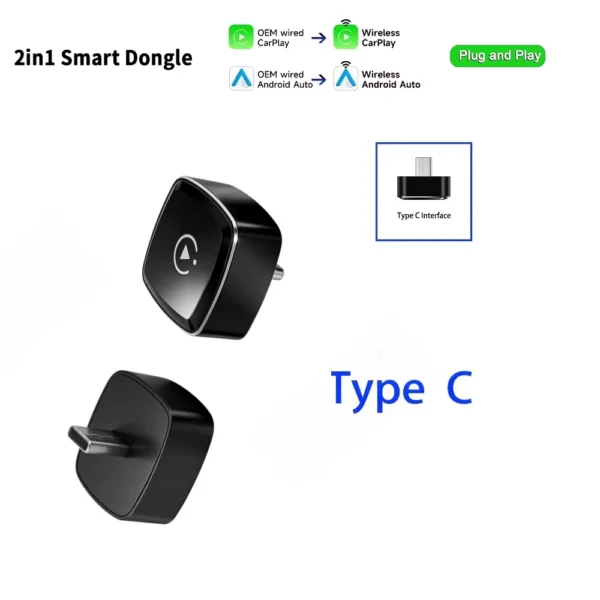
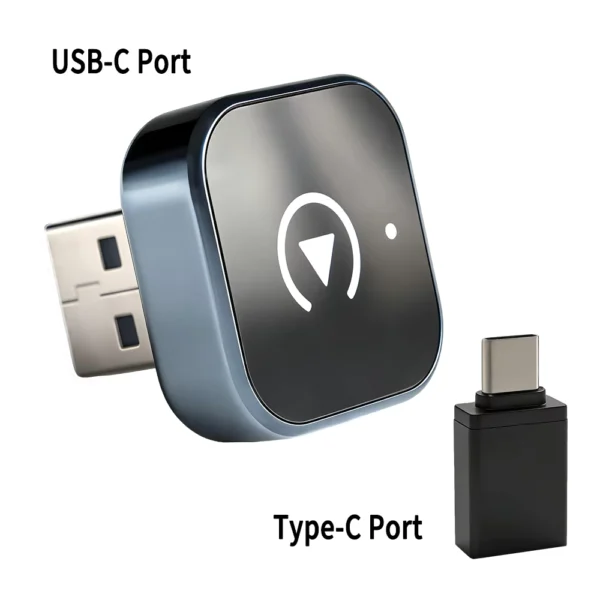
2-in-1 Wireless CarPlay & Android Auto USB Adapter
Price range: $19.02 through $19.05
Pay now, in 4 interest-free payments of $4.76, or over 3–6 months
4 interest-free payments of $4.76
Convert your factory wired CarPlay and Android Auto into wireless connections with plug-and-play USB adapter. Supports iPhone iOS 10+ and Android 11+ on most car models post-2017. 5GHz WiFi ensures stable connectivity.
↗
Estimated Delivery Time3–7 business days
Wireless Convenience for Car Connectivity
Turn your factory wired CarPlay or Android Auto interface into a wireless experience with this 2-in-1 USB adapter. Simply plug it into your car's USB port and enjoy seamless phone integration without cables.
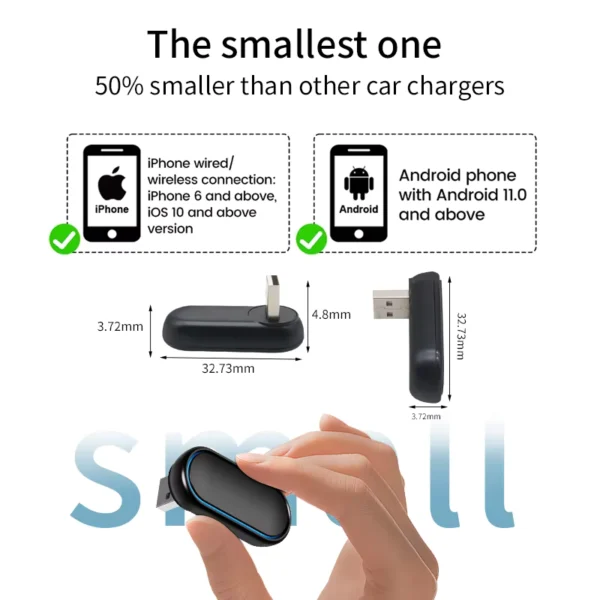
Compatible with 98% of cars made after 2017 featuring wired CarPlay or Android Auto (excluding BMW and Tesla), this adapter supports iPhone 6 and newer running iOS 10+, and Android phones with Android 11+.
Easy Set-Up and Seamless Switching
Setup is straightforward: connect the adapter via USB, pair your phone's Bluetooth with the device shown on your car screen, and turn on WiFi and Bluetooth on your phone to enable wireless connectivity.
Switch between wireless CarPlay and Android Auto effortlessly by connecting an Android phone to the adapter’s Bluetooth. The device resets automatically to toggle modes within 30 seconds.
Stable 5GHz WiFi Connection
Equipped with 5GHz WiFi transmission for a stable and fast connection, the adapter reduces lag and interference commonly associated with Bluetooth data transfer, ensuring smoother phone mirroring and control in your car.
For optimal audio performance, it’s recommended to turn off unnecessary Bluetooth devices to minimize interference that may cause slight audio delays.
Compatibility and Limitations
Works only with vehicles having wired CarPlay or wired Android Auto channels. Not compatible with BMW and Tesla models.
Android Auto wireless is not supported on Huawei or Honor phones running EMUI OS due to software limitations.
Key specifications
- Supports wireless Apple CarPlay with iPhone 6+ and iOS 10+
- Supports wireless Android Auto with Android 11+ phones
- Plug and play USB Type-C/USB interface
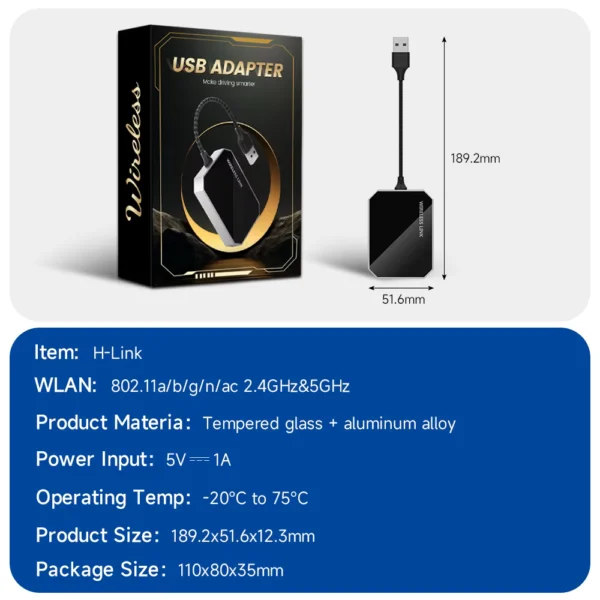
- 5GHz WiFi connection for stable data transfer
- Compatible with cars post-2017 having wired CarPlay or Android Auto
- Not compatible with BMW and Tesla vehicles
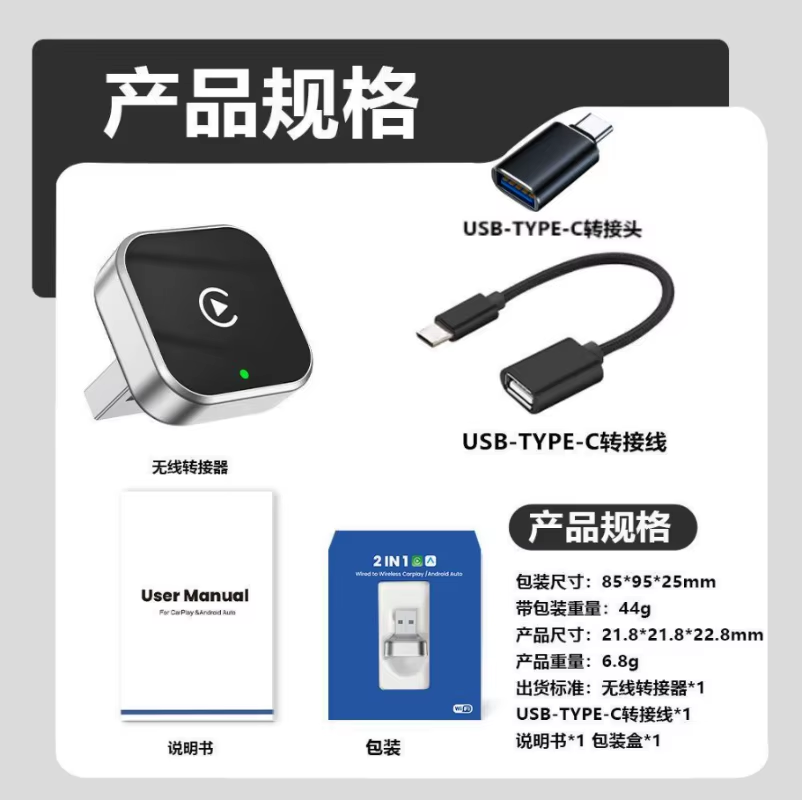
What's in the box
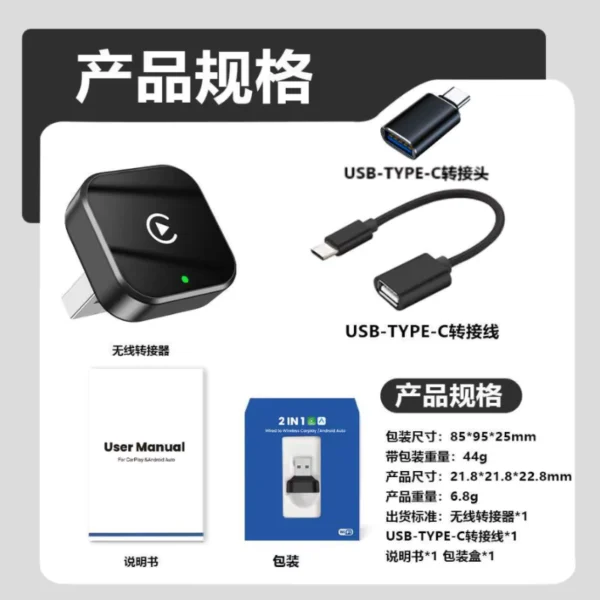
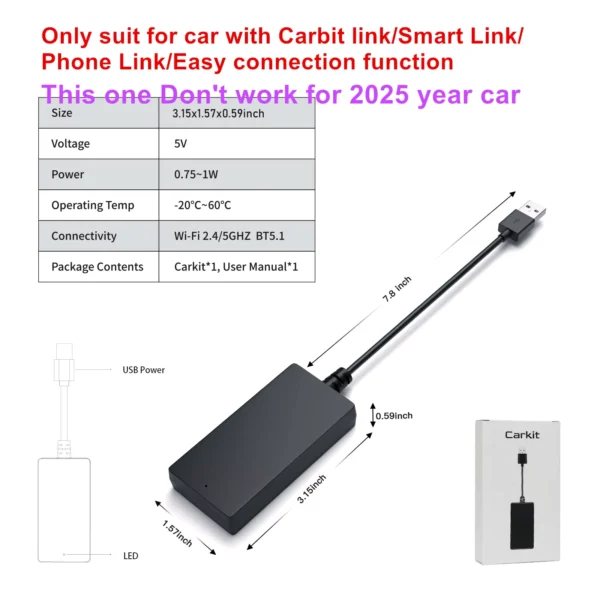
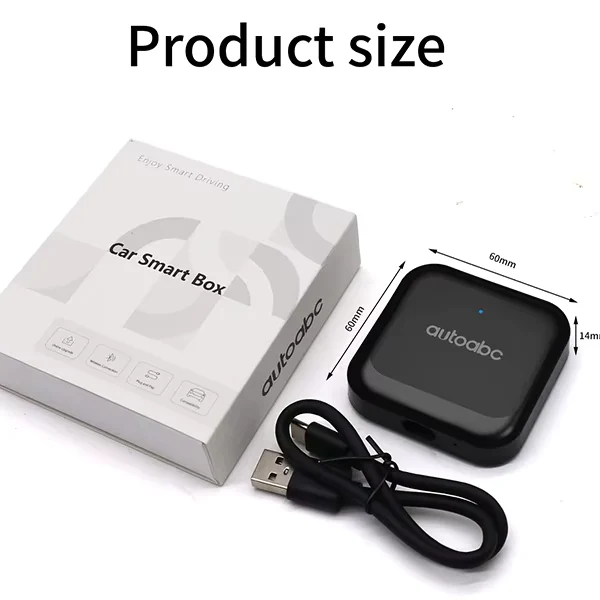
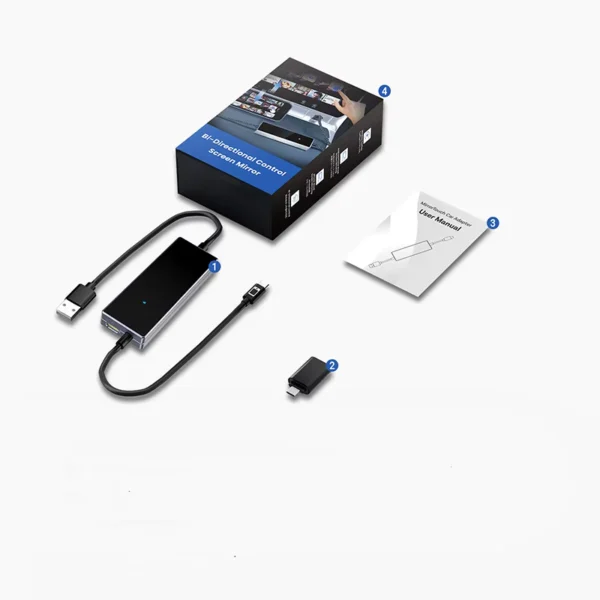
- Wireless CarPlay & Android Auto USB Adapter
- User Manual
Product FAQ
Frequently asked questions
01 Which cars are compatible with this wireless adapter?
This adapter works with cars manufactured after 2017 that have factory wired CarPlay or wired Android Auto. BMW and Tesla models are not compatible.
02 Can I use this adapter with any iPhone model?
It supports iPhone 6 and above running iOS 10 or later for wireless CarPlay functionality.
03 Does this adapter support all Android phones?
It supports Android phones with Android 11 or above that support Android Auto. Huawei and Honor devices with EMUI operating system are not supported.
04 How do I connect the adapter to my car and phone?
Plug the adapter into your car's USB port, then pair your phone to the Bluetooth name displayed on your car screen and enable WiFi and Bluetooth on your phone.
05 How do I switch between wireless CarPlay and Android Auto?
To switch, connect an Android phone to the adapter’s Bluetooth, wait about 30 seconds for the device to reset, and it will toggle between modes automatically.
06 Is there any audio delay when using this adapter?
A slight sound delay is normal due to Bluetooth connection. It can be improved by turning off other Bluetooth devices and reconnecting.
07 What wireless frequency does this adapter use?
It uses a 5GHz WiFi connection for stable, high-speed data transmission between your phone and car.
08 Is any installation or software required?
The adapter is plug-and-play with no additional software installation needed, just Bluetooth pairing and WiFi activation on your phone.
09 Can I use this adapter with cars that do not have wired CarPlay/Android Auto?
No, your car must have original factory wired CarPlay or Android Auto for this adapter to work.
10 Why can't I connect wireless Android Auto properly on my phone?
Ensure your phone’s Bluetooth and WiFi are on, disconnect other Bluetooth connections, and confirm your phone supports Android Auto wireless. Lower Android versions may need the Android Auto app installed.
Discussion
0.0
Based on 0 reviews
No reviews yet. Be the first to share your experience.