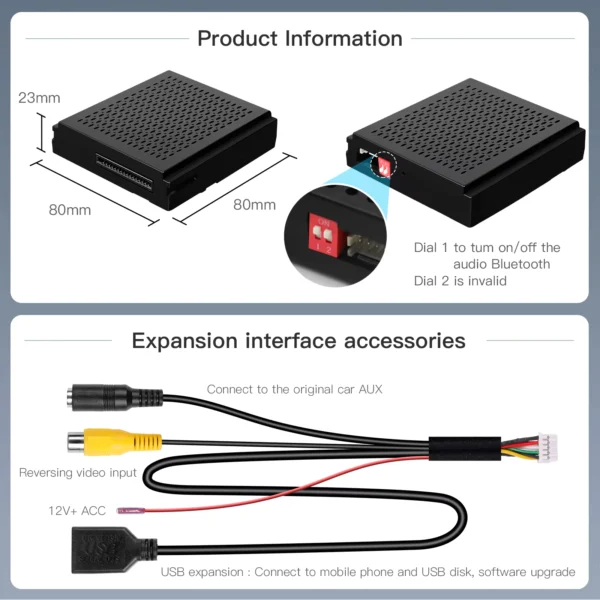
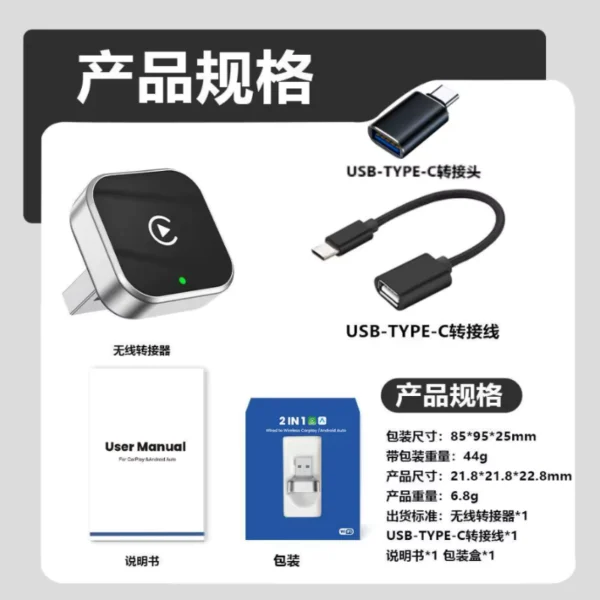
It works excellent, I updated the device according to the instructions and the issue of losing connection after turning off the car engine was fixed; after the update, it connects automatically without any problems.
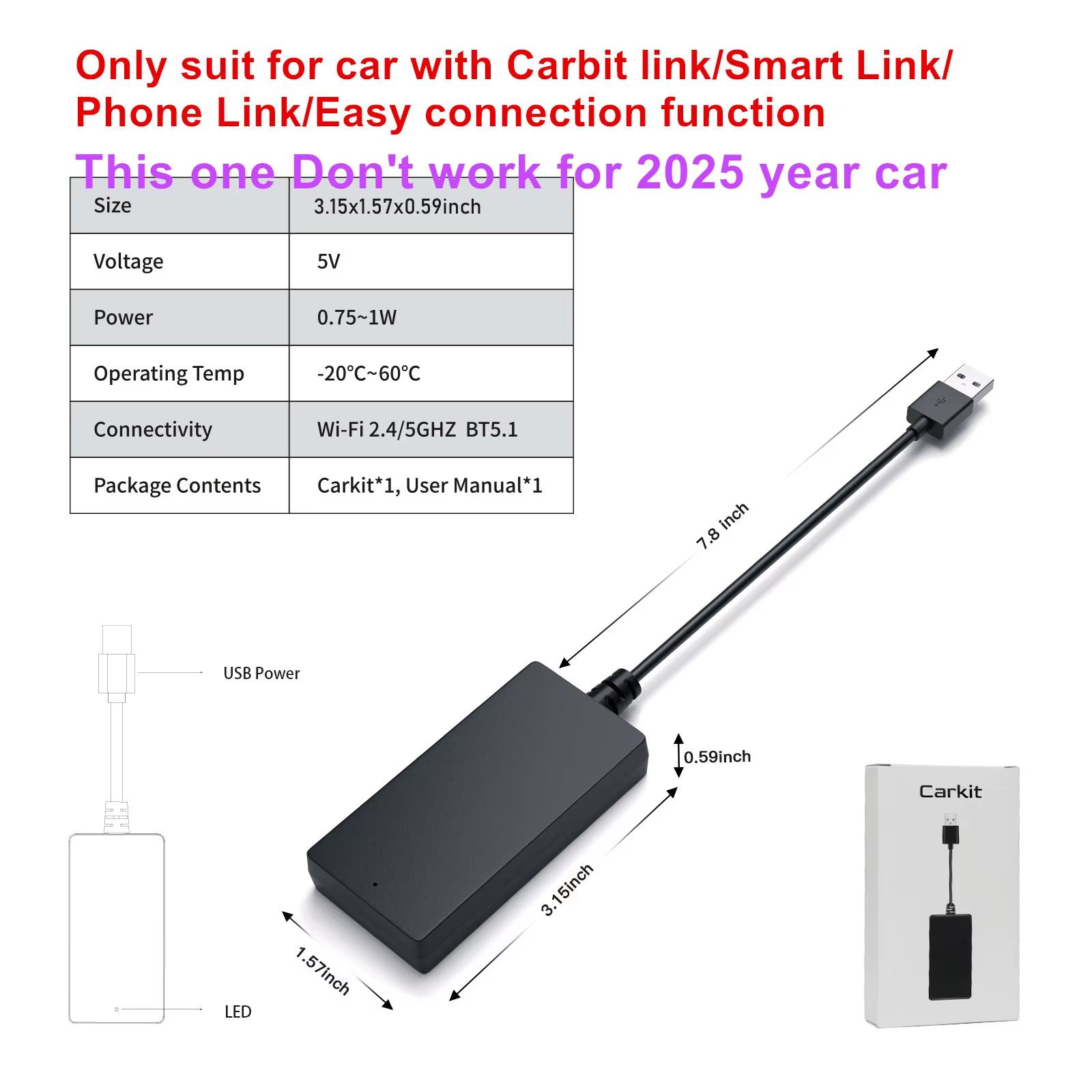
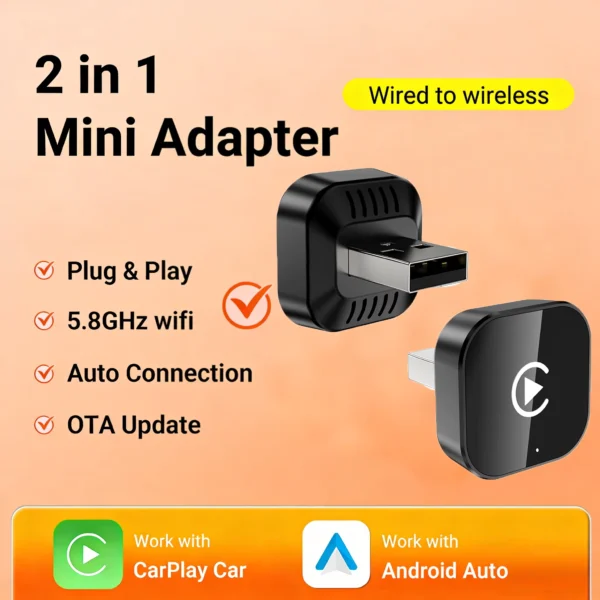
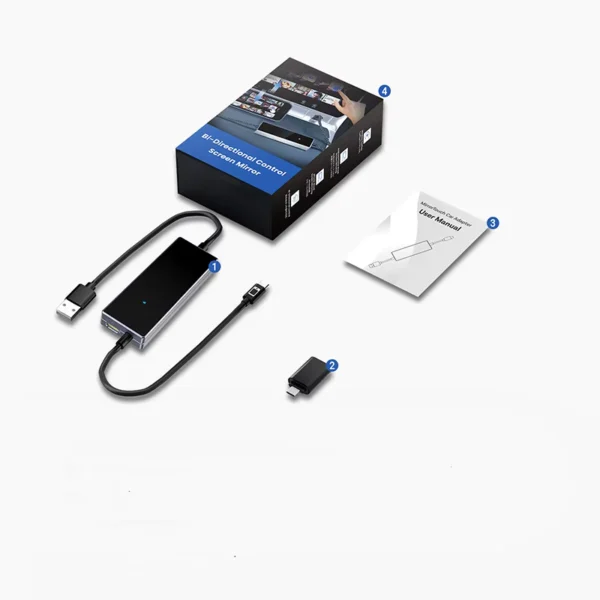
Effortlessly convert wired Carbitlink to wireless CarPlay and Android Auto in compatible DongFeng Forthing vehicles. Supports iPhone 5+ and Android 11+ devices.
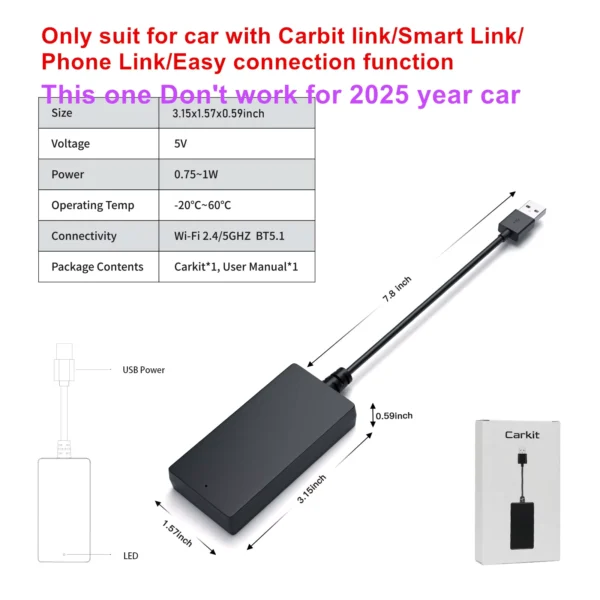
Transform the wired Carbitlink/Smart Link system in your DongFeng Forthing vehicle into a seamless wireless CarPlay and Android Auto experience. Designed specifically for models from 2022 to 2024, this adapter enhances your in-car connectivity effortlessly.
Compatible with both iPhone (version 5 and above) and Android 11+ devices, this adapter connects via Bluetooth, eliminating the need for WiFi. It supports multiple languages and a variety of popular apps for navigation and entertainment.
The adapter includes multilingual menu options and stable connection technology. For Samsung phones facing connection issues, easy troubleshooting steps are provided, including updating apps and adjusting permission settings.
Compatible models include T5 EVO (2023-2024), T5 HEV (2023-2024), Friday (2023-2024), M4 U-Tour (2023-2024), M4 Yacht (2023-2024), M4 (2023-2024), S60 EV (2022-2024), and AX7 (2023-2024).
Yes, it supports iPhone 5 and newer models as well as Android phones running Android 11 or higher.
Simply plug the adapter into your car's USB port. Connect your phone via Bluetooth named 'carplay&Auto****'; no WiFi connection is needed.
No, this adapter does not support YouTube or other video streaming applications.
It supports apps like Google Maps, Waze, 2GIS Map, Apple Music, Spotify, FM radio, news apps, and more.
No coding or extra app installation is necessary; the adapter works with your existing car system without modifications.
No, it does not hack or alter the car system and therefore does not affect manufacturer warranty.
Check for Android Auto app updates, enable all permissions, reset Bluetooth settings, and disable any automatic blocker features in phone security settings.
Yes, it supports local menus in languages including English, Russian, Arabic, Spanish, Italian, Polish, Portuguese, and over a dozen others.
No, do not connect your phone’s WiFi to the adapter. The connection uses Bluetooth for CarPlay and Android Auto.
It works excellent, I updated the device according to the instructions and the issue of losing connection after turning off the car engine was fixed; after the update, it connects automatically without any problems.