Good seller, fast delivery.
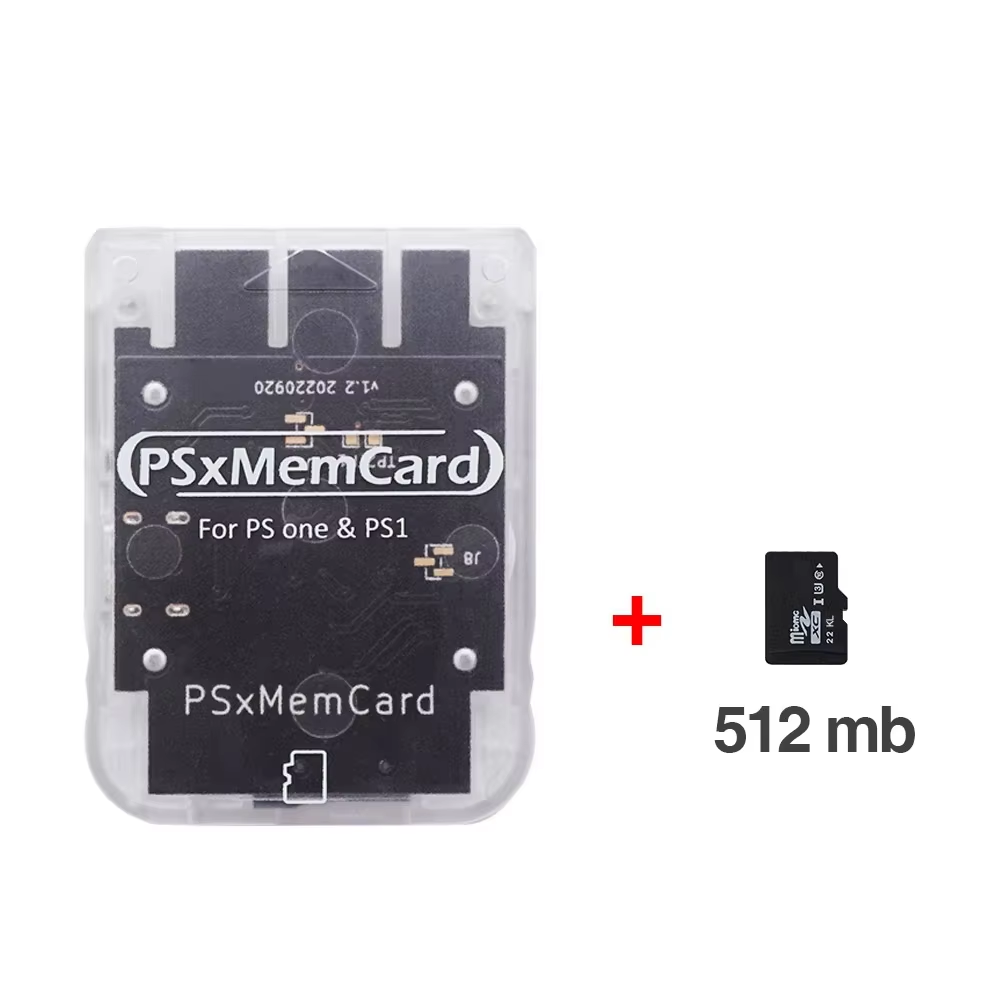
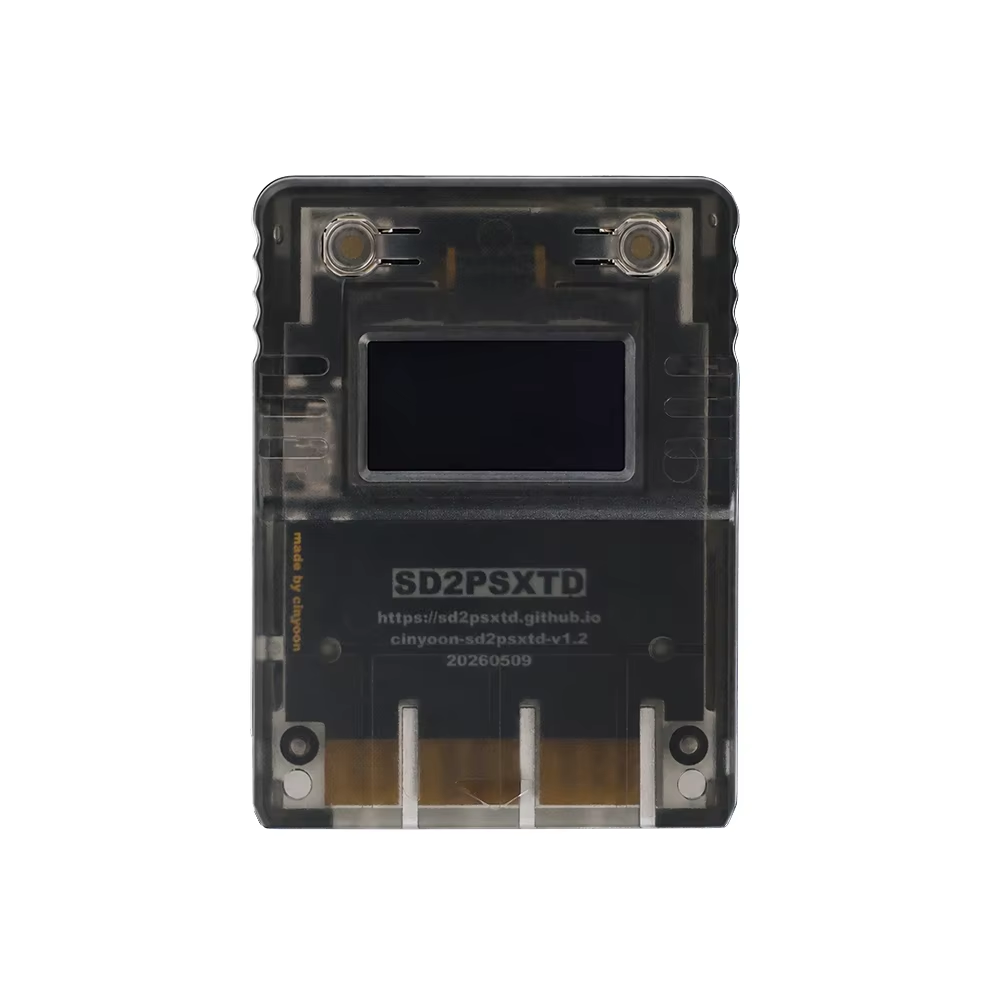
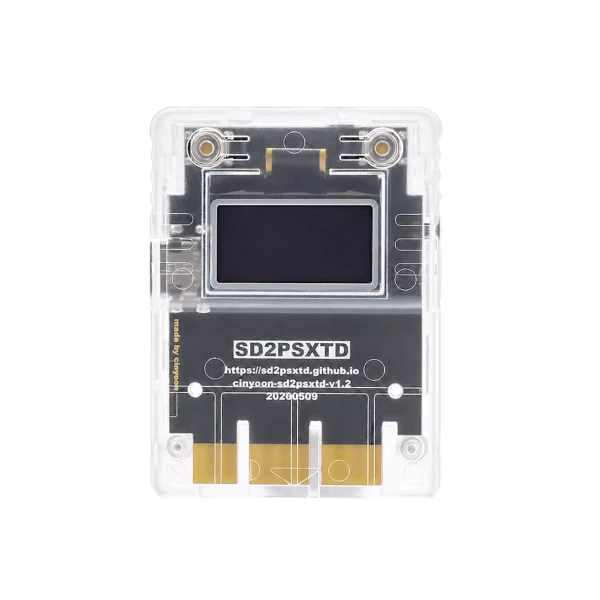
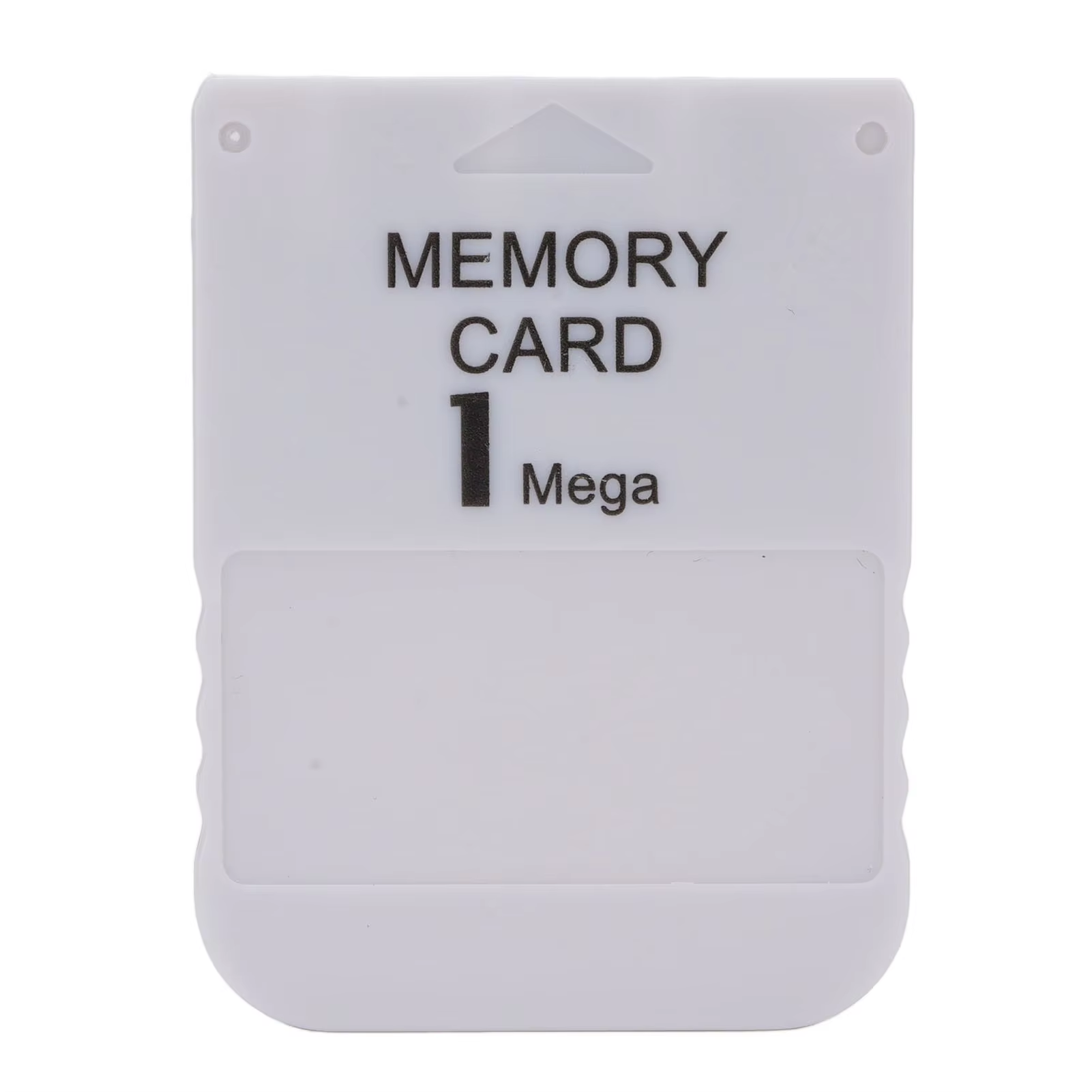
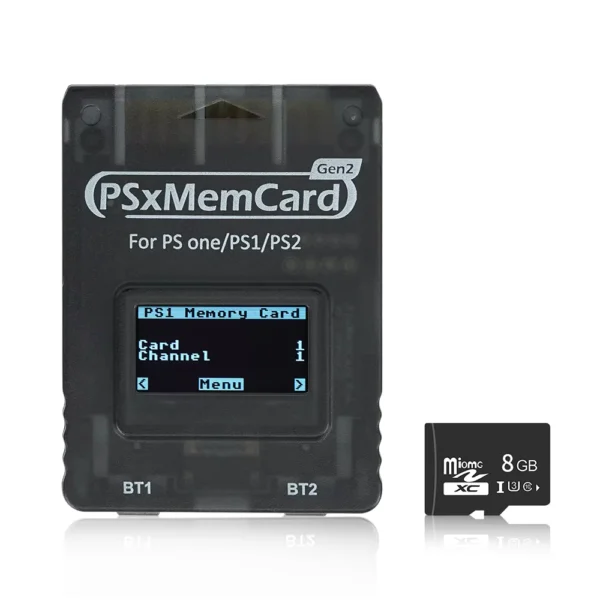
Replace your PS1 memory card with this TicKnot PSxMemCard that supports large-capacity MicroSD cards for permanent game save storage.
The TicKnot PSxMemCard uses a Raspberry Pi RP2040 chip to fully replace the original PS1 memory card, allowing the use of a MicroSD card that can store up to 512GB of game save data. This gives you vast permanent save space, equivalent to thousands of traditional memory cards.
Enjoy the convenience of importing or exporting saves on your computer via USB card reader support, making game backup and management easier than ever.
Switch between multiple save images quickly using simple controller combinations, facilitating efficient game save organization.
Create new empty save files on the fly, ensuring you never run out of space for new game progress.
Crafted with an injection molded plastic shell and a black immersion gold process for durability and quality.
Compatible with all PlayStation 1 consoles and supports PS1 games only, including use with Original Drive Emulators (ODE).
Enables copying saves between memory cards via original PSX file manager, maximizing flexibility.
Memory card images must be exactly 128KB (.MCR files). Conversion from other formats like .MCD is possible by renaming.
Avoid plugging the PSxMemCard into PC and PS1 simultaneously to prevent data loss.
Wait for the LED indicator to turn off after saving before shutting down your console to ensure game progress is safely stored.
The PSxMemCard is compatible with all PlayStation 1 consoles and supports PS1 games only.
PSxMemCard supports MicroSD cards up to 512GB in size for game save storage.
No, do not plug the PSxMemCard into a PC via USB and the PS1 console at the same time.
Press START + SELECT + DPAD UP to switch to the next image and START + SELECT + DPAD DOWN to switch to the previous image using the controller in the same slot as the PSxMemCard.
Yes, create a new empty memory card image by pressing START + SELECT + TRIANGLE on the controller in the same slot as the PSxMemCard.
Yes, it allows copying saves to and from any other memory card using the original PSX file manager.
Yes, it supports burned CD playback via the freeboot program for PS1.
It supports .MCR files exclusively, which are exactly 128KB in size. .MCD files can be converted to .MCR by renaming.
Yes, the PSxMemCard is compatible with Original Drive Emulators.
No, it is not designed to play ROMs from a MicroSD card; it functions solely as a save data memory card.
Good seller, fast delivery.
Memory card works as described, got freepsxboot installed and now i'm loading backups and imports. do not overpay elsewhere. this is the real deal.
Great product and great seller
Do not perform the exchange using the start/select/UP command or L1+L2/R1+R2/UP.
It worked perfectly! It can store saves from other memory cards, and then I can copy them to a PC/cloud. It helps preserve the gameplay!