
The tablet is wonderful! But there is one wish - that the USB input would be the same on the right side (i.e., 2 inputs in parallel). It's very inconvenient to work with an additional extension cable...
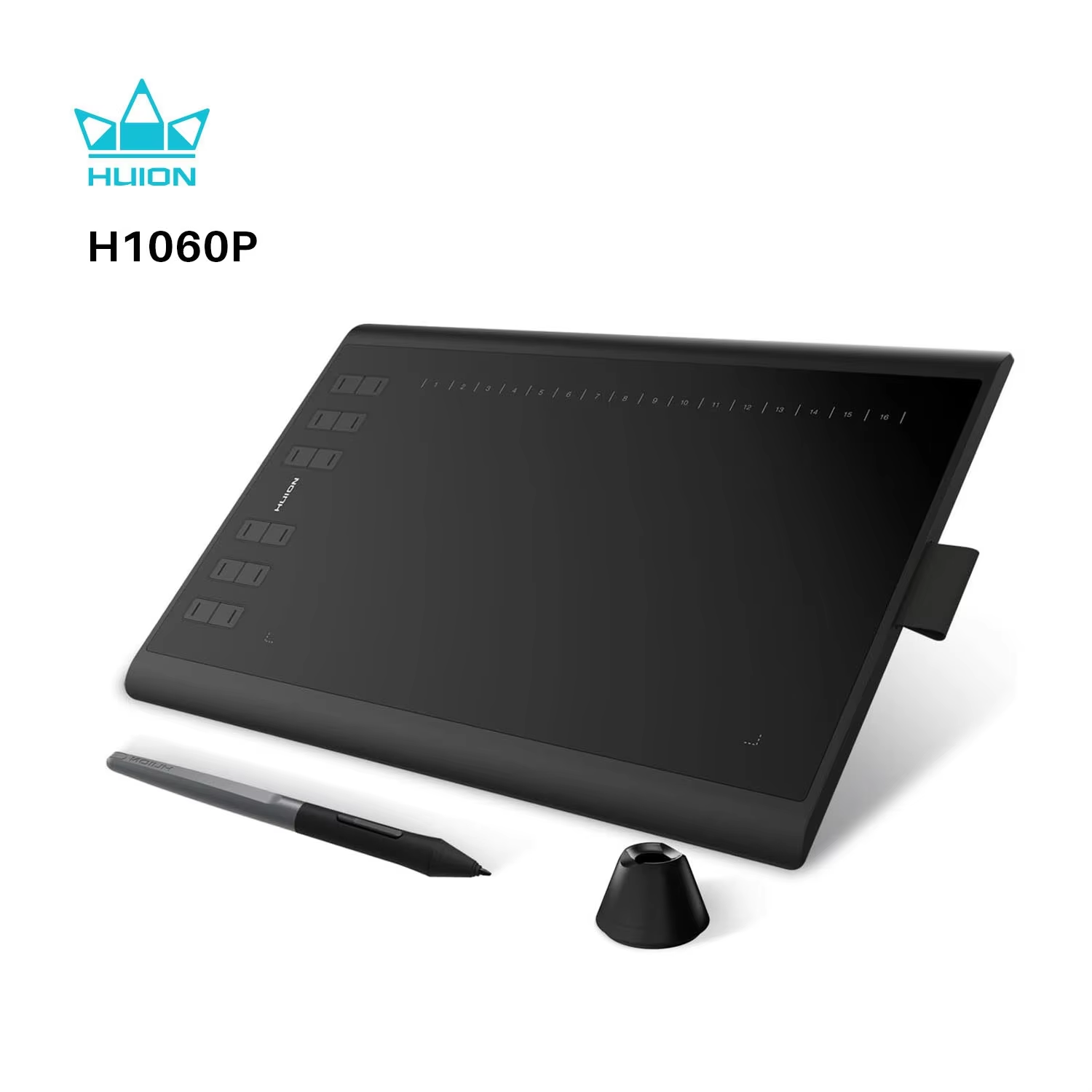
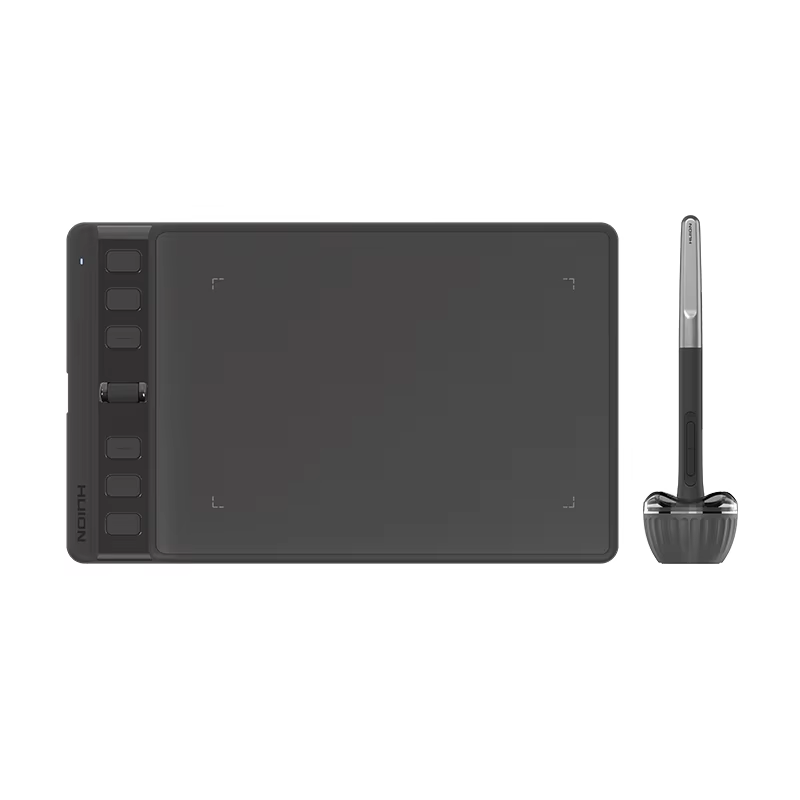
HUION Inspiroy H1060P features a large 10.5 x 6.25'' working area, 8192 levels pressure sensitivity, 12 customizable hard keys, and compatibility with macOS, Windows, Android, and Linux.
45 in stock
The HUION Inspiroy H1060P features a generous 10.5 x 6.25 inch active area, providing ample room for detailed drawing and editing.
It supports 8192 levels of pressure sensitivity for smooth, accurate pen strokes, ensuring precise control over every line and shade.
Equipped with 12 hard customizable hot keys and 16 soft express keys, this tablet allows you to tailor controls to your preferred shortcuts, boosting productivity.
The included PW100 battery-free stylus responds to pressure sensitivity and 60° tilt recognition, enabling natural drawing with no lag and no charging required.
Compatible with major operating systems including macOS, Windows, Android, and Linux, this tablet integrates smoothly with popular design software across platforms.
The tablet is wonderful! But there is one wish - that the USB input would be the same on the right side (i.e., 2 inputs in parallel). It's very inconvenient to work with an additional extension cable...
Excellent tablet. We use it and enjoy it.
Unfortunately, the product drivers were not compatible with my version of Linux, but it worked in a plug-and-play system with limited functions! Other than that, the product meets expectations very well! The delivery was much earlier than I expected! Only time will tell if the product truly has quality and durability! For now, I am satisfied!
This is the second tablet I'm ordering here.
Have been using the previous version for almost 9 years now, never had any huge problems with it. But the pen battery stopped holding charge, so it was time to buy a new tablet.
The delivery was fast, everything came in full complect and perfect condition. Works just fine, everything as in description.
The change i noticed: in old version there was a memory card, now there's only an empty hole in that place. It's not much, but was pretty useful to keep drivers and drawing programs on. Also i'll be looking to buy a protective sheet, since the tablet is prone to scratching (photo of my old tablet attached).
Always strongly recommend huion tablets to all my artist friends.