
Excellent
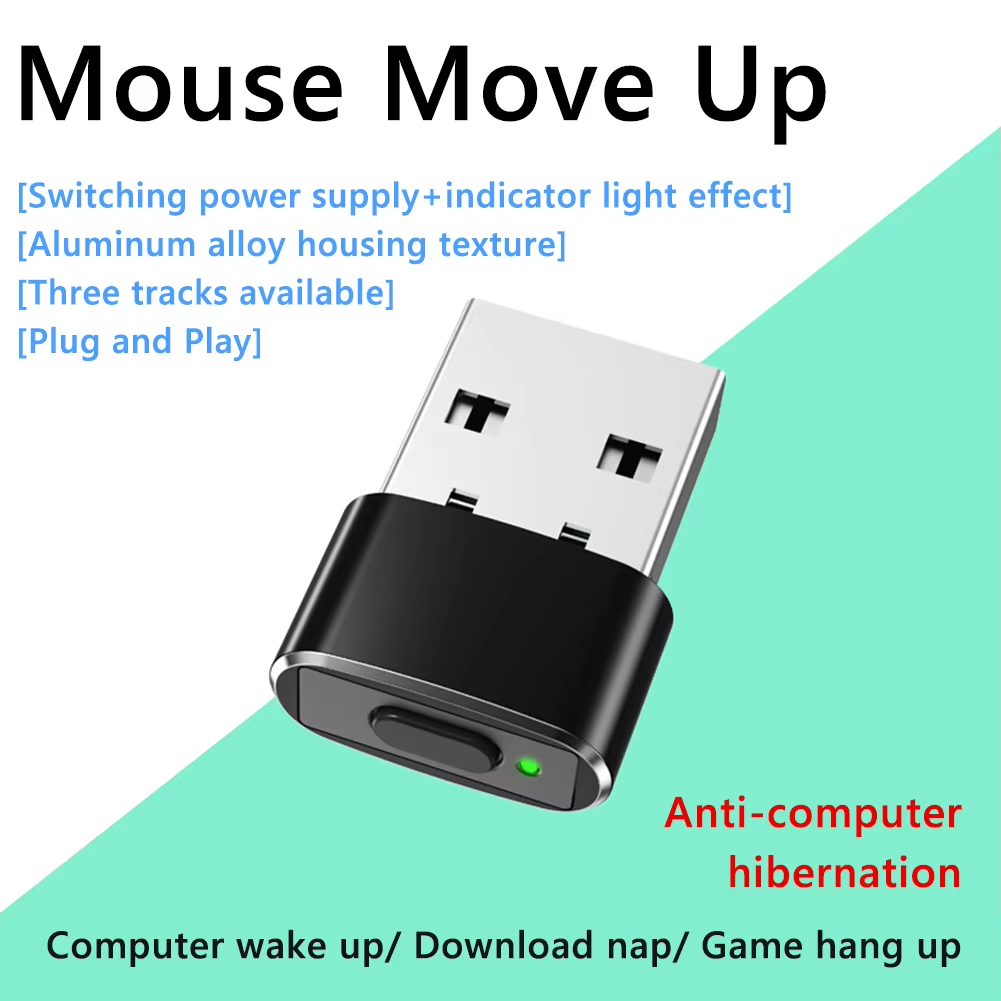
Keep your computer active with this mini USB Mouse Jiggler featuring three customizable track modes and an easy on/off switch.
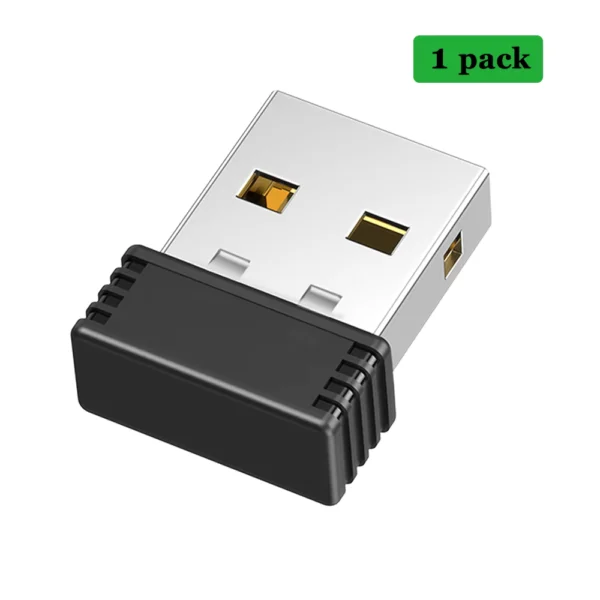
Crafted from durable aluminum alloy, this mini Mouse Jiggler is lightweight and highly portable, measuring just 21 x 15 x 6.5 mm. Its sleek form factor blends discreetly with your workspace without adding bulk.
The device emulates natural mouse movements across three customizable track modes to keep your computer active: rapid small-range jitter, horizontal sliding, and wide random motion. Its recognition as a standard USB composite device ensures seamless undetectability in most IT environments.
Equipped with an on/off switch and indicator light, it offers easy activation and deactivation. The memory function recalls your selected movement mode after restarting, providing a consistent user experience.
No drivers or software installations are required. Simply connect to any available USB port on your PC, Mac, or Android device to immediately begin maintaining activity during online meetings, gaming sessions, or remote work.
It supports Windows XP, Windows 7, Windows 10, Mac OS, and Android systems.
No, it is plug and play and does not require any additional software or programs.
There are three different movement modes to simulate cursor activity.
Yes, it has an on/off/mode switch button with indicator light.
It appears as a USB composite device, the same as an external mouse, making it generally undetectable unless mouse access is restricted.
It is made of lightweight aluminum alloy.
Yes, it has a memory function and will use the same trajectory as the previous session after rebooting.
Approximately 21 x 15 x 6.5 mm (0.82 x 0.59 x 0.25 inches).
Yes, it is designed to keep your computer active during online meetings and remote sessions.
Track 1 shakes the pointer rapidly in a small area, Track 2 slides it left and right within a small range, and Track 3 moves it randomly across a wider screen area.
Excellent
Works great. thanks.
The jiggler works as expected, driverless & very easy to use. thanks
I was able to use it on the company's computer without any problems.
Perfect