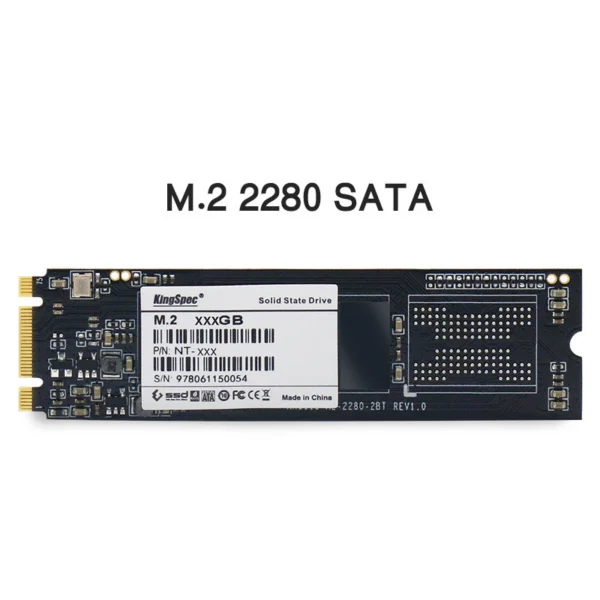
So far it recognizes it, but I have to wait to see if it installs games.
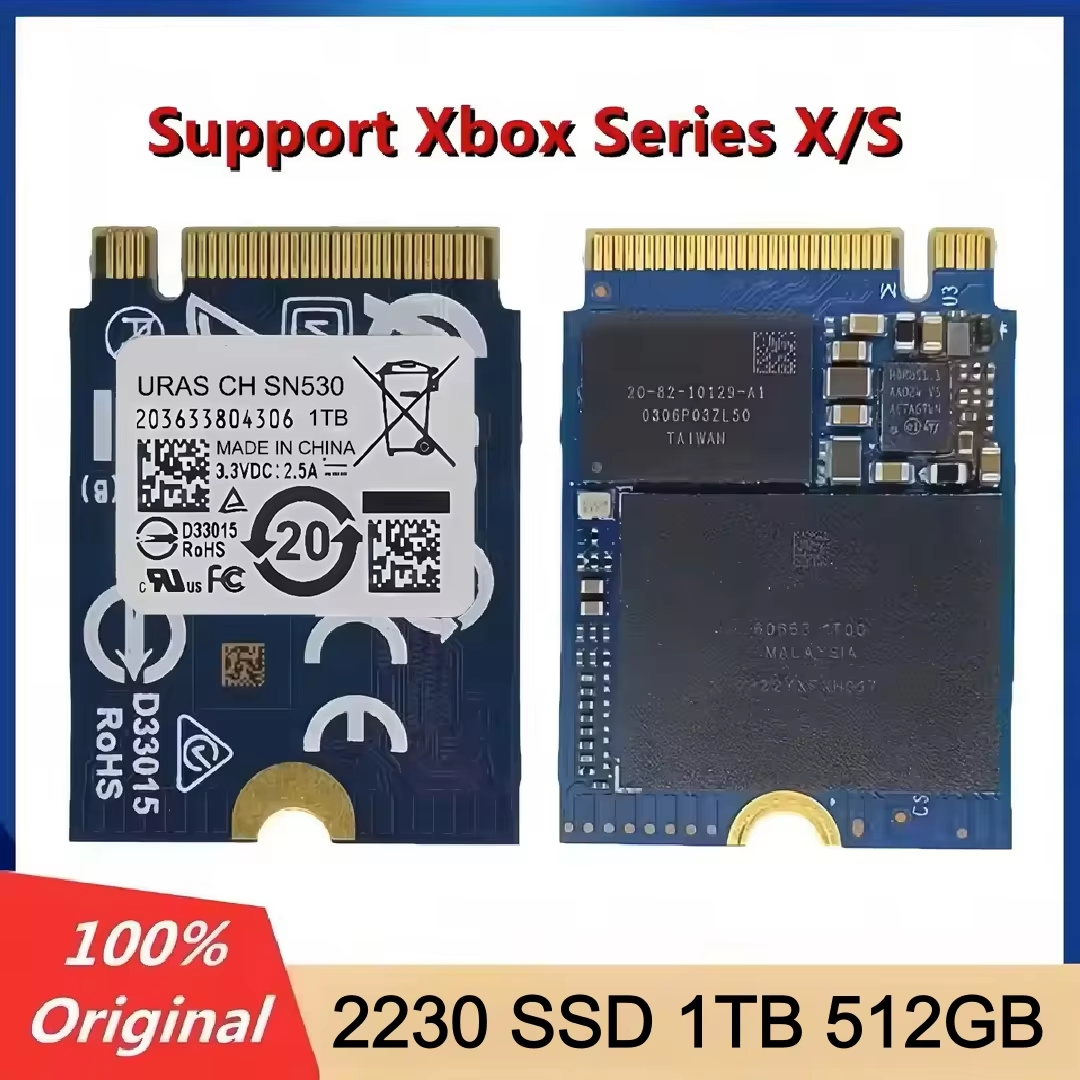
uras CH SN530/560 M.2 PCIe 3.0 SSD available in 512GB and 1TB capacities with TLC NAND flash. Designed for Xbox Series X/S enhanced games (excluding latest Xbox version).
This uras CH SN530/560 M.2 PCIe 3.0 x4 SSD is designed to support enhanced games on Xbox Series X and Series S consoles.
Note that it is not compatible with the latest Xbox version and must be formatted correctly to function as storage.
Equipped with TLC NAND flash, this SSD delivers reliable storage performance suitable for gaming and desktop applications.
Available in 512GB and 1TB sizes to accommodate different storage needs for games and applications.
Formatting is necessary for the Xbox console to recognize the drive. Two methods are recommended:
1. Format the SSD directly through the Xbox console's format storage option using an M.2 mobile enclosure.
2. Format using DiskGenius software on a PC after deleting partitions and verifying GUID partition type.
This SSD uses an SN530 controller and supports PCIe 3.0 x4 interface to deliver stable performance without added cooling fins or RGB lighting.
The SSD is not brand new but in 99% like-new condition and 100% healthy.
No, it is not compatible with the latest version of Xbox consoles.
This SSD comes in 512GB and 1TB capacities.
It uses the PCIe 3.0 x4 interface with NVMe protocol.
The SSD uses TLC (Triple-Level Cell) NAND flash.
No, it does not have a cooling fin or RGB lighting.
It is recommended to format the SSD via the Xbox console's storage settings or use DiskGenius on a PC with an M.2 mobile enclosure.
It is an internal M.2 SSD intended for use as Xbox expansion storage or PC storage.
Avoid formatting the SSD using MBR partition format. It must use GUID partition table (GPT) for Xbox recognition.
The package includes 1 piece of the SSD 2230 module only.
So far it recognizes it, but I have to wait to see if it installs games.
The disk works with the Xbox Series X. Initially, when I plugged it into the BlueAngel device, the console didn't detect it. I bought a USB adapter and removed the partitions from it. Then I plugged it back into the console and formatted it. Now it works properly.
Finally a ssd that works on xbox series x. tried 3 models with no results. the other brands just doesn't power-on at all. i was able to clone my boot partition from the original and defective ssd (sstg/ phison), recover it on the new ssd and the recovery showed up and i was able to reinstall the console's system again.
As can be seen in the images, the disc is not new, it is used, and the performance is good but not excellent. However, it is functional. It arrived quickly in 15 days to Bogotá, Colombia.
It is necessary to connect to the computer, change the file system to MBR, and format to NTFS; after that, it will work on the Xbox Series S.