
Excellent product.
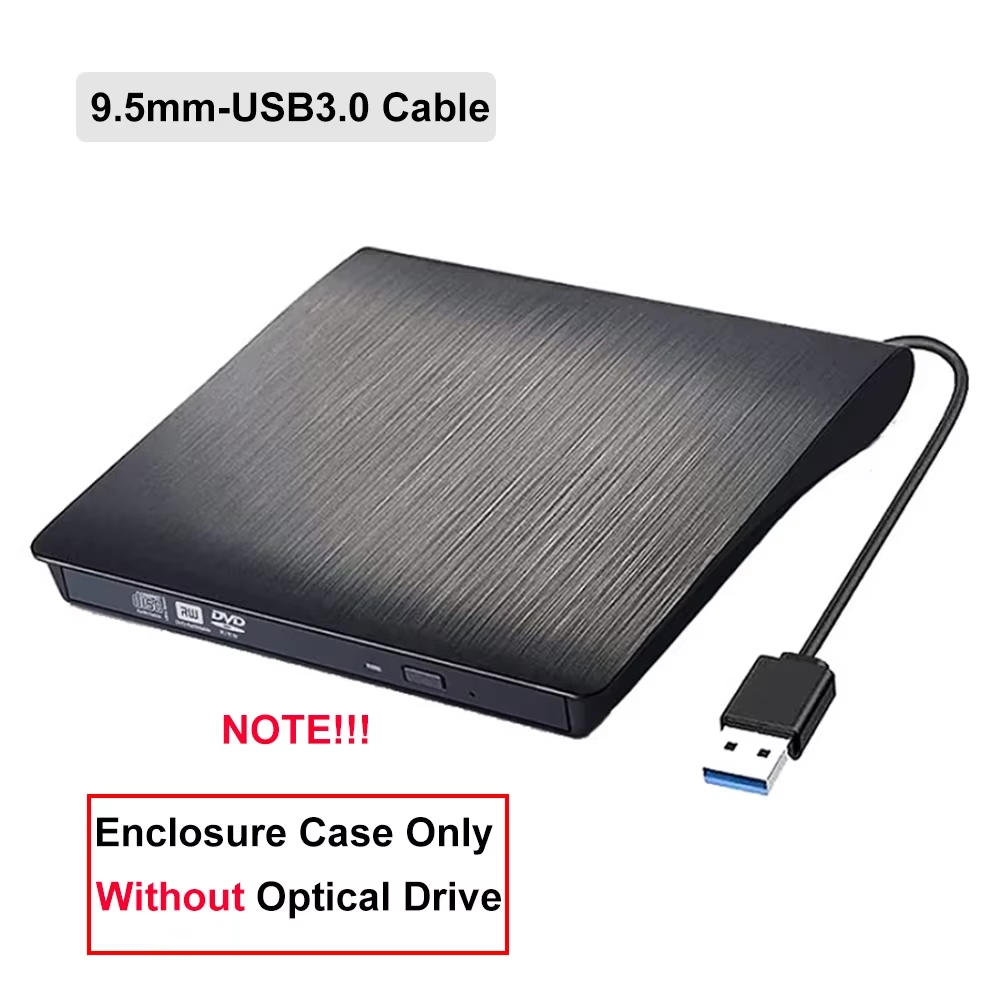
Transform your laptop's CD-ROM drive into a portable external optical drive with this slim USB 3.0 enclosure. Features a brushed surface, integrated cable storage, and non-slip feet for stability.
This slim external enclosure transforms your laptop’s internal CD-ROM drive into a portable USB 3.0 optical drive. The elegant brushed surface and compact ABS plastic shell provide durability while maintaining a sleek appearance.
Equipped with USB 3.0 and an optional Type-C interface, this enclosure offers fast data transfer rates up to 5Gbps. It is plug-and-play with no need for drivers, and backward compatible with older USB versions.
Compatible with various devices including desktop computers, laptops, ultrabooks, all-in-ones, and netbooks. Supports multiple operating systems from Windows 98SE to Windows 10 and Mac OS 8.6 or later.
Designed with non-slip foot pads for stable operation. The integrated data cable neatly tucks into a dedicated slot when not in use, ensuring convenience and preventing cable loss.
Supports pallet loading for easy drive installation. Converts your laptop’s internal CD/DVD drive into an external optical drive to extend functionality and convenience.
No, this product is only the external enclosure. It does not include the optical drive mechanism.
You can install both hard drives and CD/DVD drives that use a SATA interface.
It uses USB 3.0 and optionally USB 3.0 Type-C interface for connection.
Compatible with Windows 98SE and above, including XP, Vista, Windows 7/8/10, and Mac OS 8.6 or higher.
The USB 3.0 interface supports data transfer rates up to 5Gbps.
Yes, it features a slim profile with a sleek brushed surface and an integrated cable slot for easy transport.
Available thickness options are 9.5mm and 12.7mm to fit different optical drives.
Yes, it includes non-slip foot pads to ensure stable use on flat surfaces.
Supports DVD-ROM, DVD-R/RW, DVD+R, DVD-R DL, CD-ROM, CD-R/RW, VCD, and SVCD formats.
The drive is loaded using a pallet loading method externally into the enclosure.
Excellent product.
Excellent seller!
Works well. A little skill is needed when installing the tray cover. At first, I thought it wouldn't fit because the specifications were slightly off, but it fits perfectly when you slide it in a little. Also, it would be even better if you could choose the one with "BD-RE" printed on the tray cover.
There was no problem with the product. The box was badly damaged.
It never arrived to me.