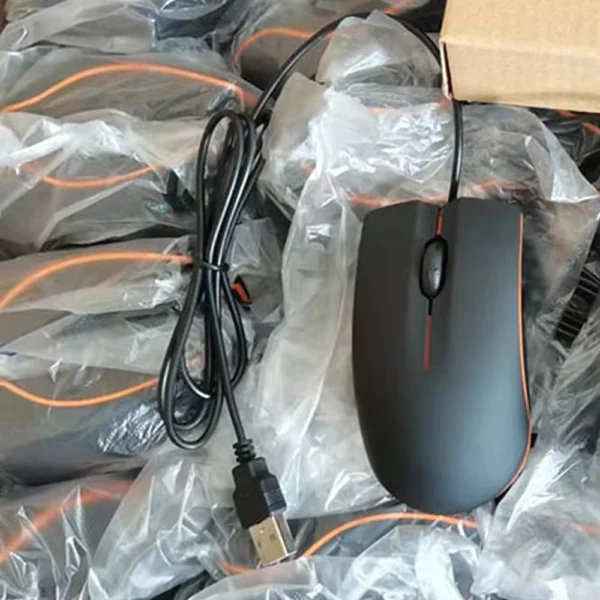

Very good. I recommend it.
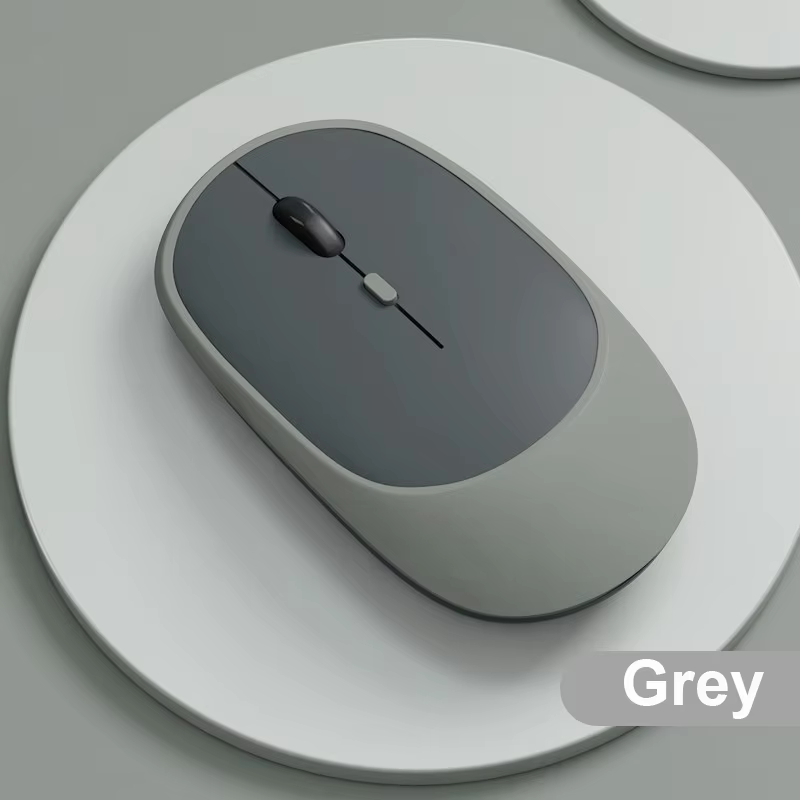
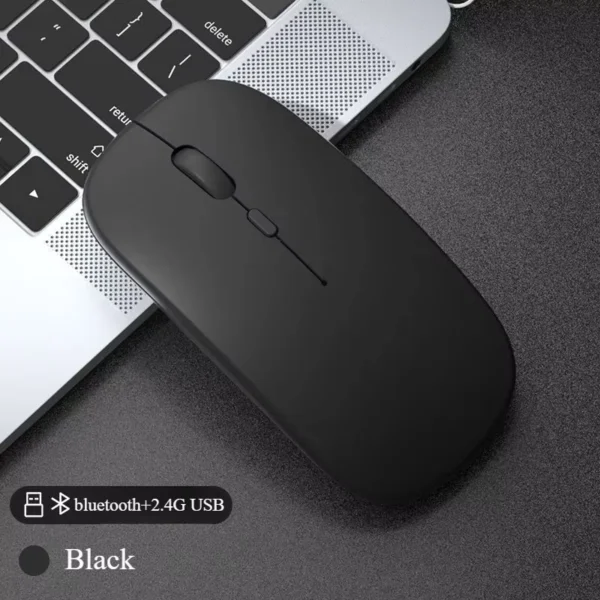
Rechargeable wireless mouse with dual-mode connectivity: switch between Bluetooth and 2.4G USB.
Easily switch between Bluetooth and 2.4G wireless modes based on your device's needs. The USB receiver stores neatly inside the battery compartment to prevent loss.
Bluetooth mode pairs quickly after pressing the pairing button for 2-3 seconds, while 2.4G mode plugs in via USB for low-latency connection.
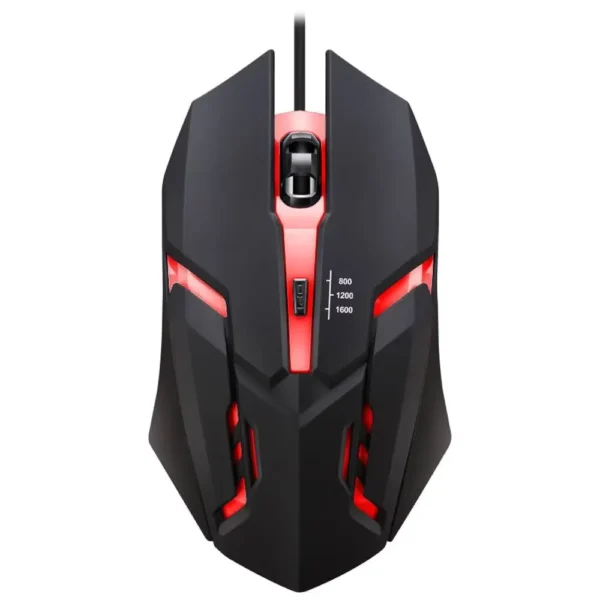
Adjust the mouse’s DPI settings instantly with the dedicated button, choosing from 800, 1200, or 1600 DPI to match different tasks or games.
Higher DPI offers faster cursor movement, while lower DPI ensures fine control for detailed work.
Advanced wireless transmission offers a stable and strong connection up to 10 meters away, enabling cord-free use in various setups.
Rechargeable battery included ensures prolonged use without frequent replacements.
Compatible with a wide range of devices: MacBook, PC desktops and laptops, iPads, tablets, and many smartphones supporting Bluetooth or USB input.
Supports various operating systems, making it an ideal accessory for office, gaming, and casual use.
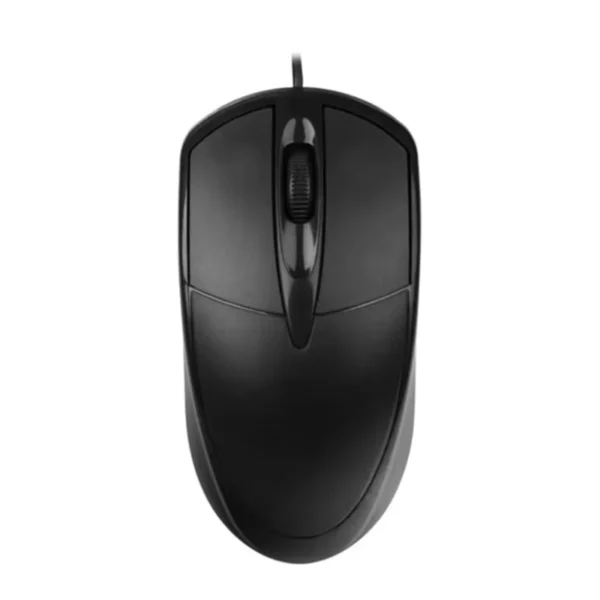
Ergonomically designed for right-handed users, featuring four buttons including a smooth scroll wheel for natural navigation.
Opto-electronic sensor technology provides accurate optical tracking on different surfaces.
Switch the mouse power switch to 2.4G and insert the USB receiver to use the 2.4G mode. Switch to Bluetooth mode and press the pairing button for 2-3 seconds to connect via Bluetooth.
The mouse offers three adjustable DPI settings: 800, 1200, and 1600 (default). Use the DPI button on top to switch speeds.
The mouse provides a reliable wireless connection up to 10 meters.
Yes, the mouse is rechargeable and includes a battery.
It is compatible with MacBook, PC, iPad, tablets, and mobile phones supporting Bluetooth or USB receiver.
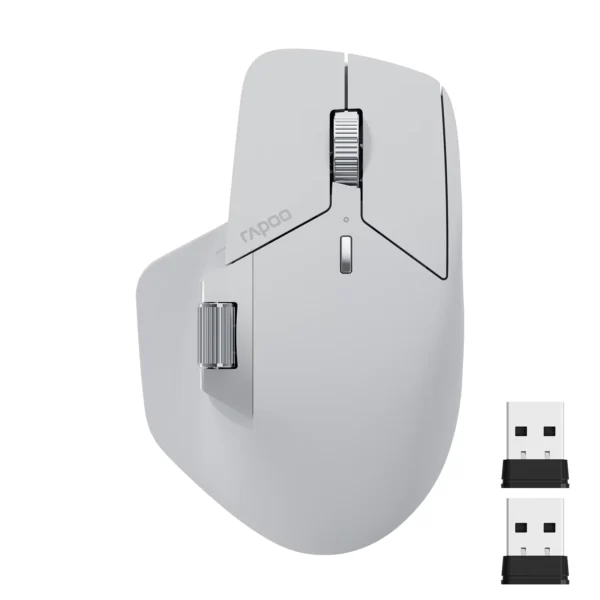
The USB receiver is conveniently stored inside the battery compartment of the mouse.
The mouse has four buttons, including a scroll wheel.
This mouse is designed for right-handed users.
It uses an opto-electronic sensor for precise tracking.
Yes, the mouse is described as a gaming mouse with features optimized for performance and precision.
Very good. I recommend it.
excellent product and quality
The mouse works very well, has a nice texture, and connects well via Bluetooth, recommended.
Beautiful product
I liked it, I thought it would have silent buttons but it doesn't, it was my mistake for not reading the description. Still, it works very well and is comfortable. I'm happy with the purchase.