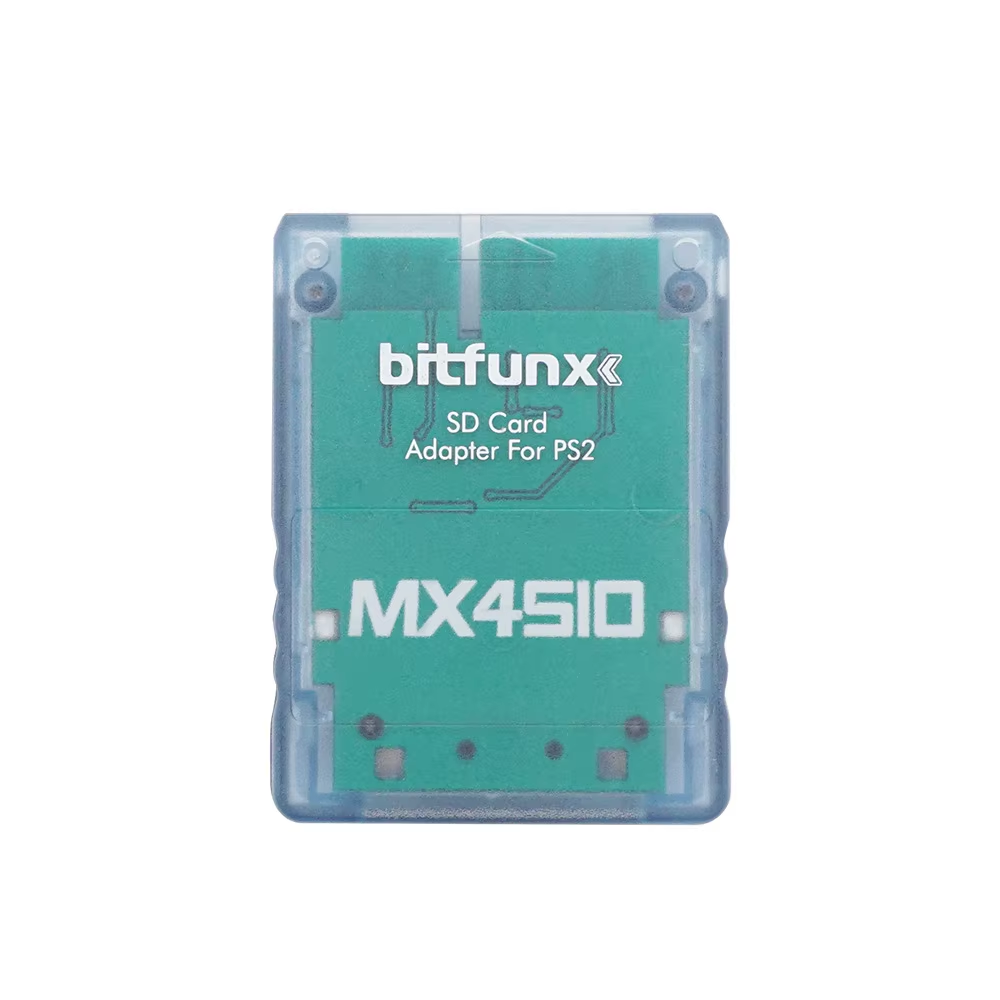
PS2 MX4SIO SIO2SD Adapter with FMCB Card and SD Options

4.8 · 50 reviews
Price range: $7.68 through $40.48
Pay now, in 4 interest-free payments of $1.92, or over 3–6 months
4 interest-free payments of $1.92

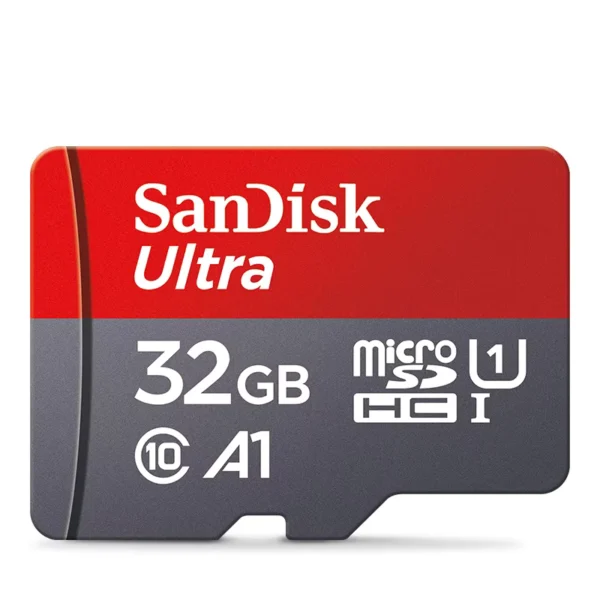
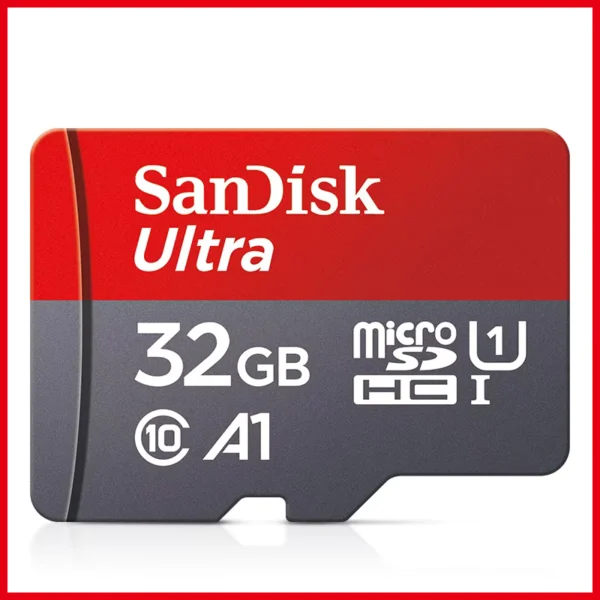
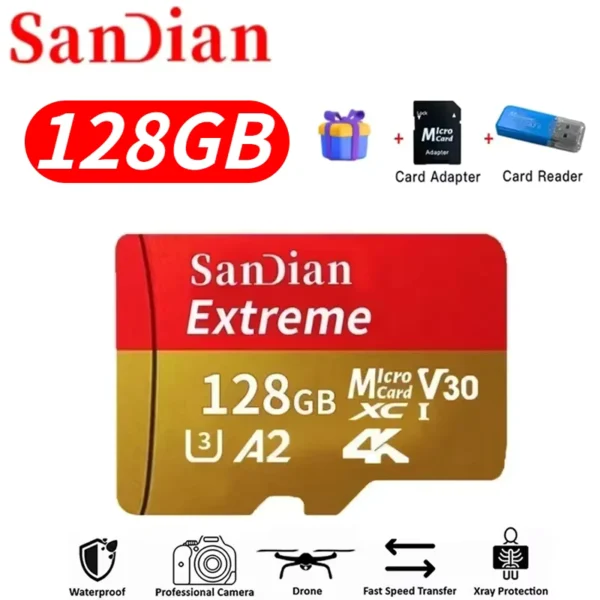
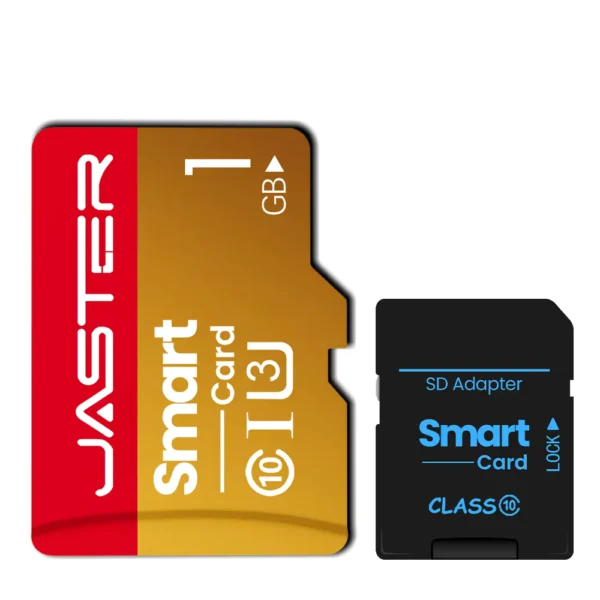
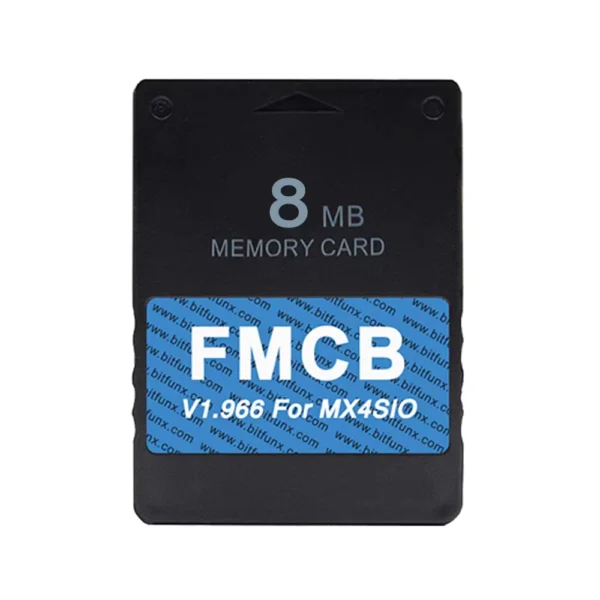
Enhance your PS2 gaming with the MX4SIO adapter and FMCB card, compatible with all fat and slim models. Choose from tested 64GB, 128GB, or 256GB SD cards filled with classics.

↗
Estimated Delivery Time3–7 business days

Seamless PS2 Game Loading

Experience a modern way to load your favorite games on all PlayStation 2 models using the MX4SIO SIO2SD adapter. This adapter connects via the SIO2 port, enabling SD card game loading with ease and reliability.

Enhanced Compatibility and Stability

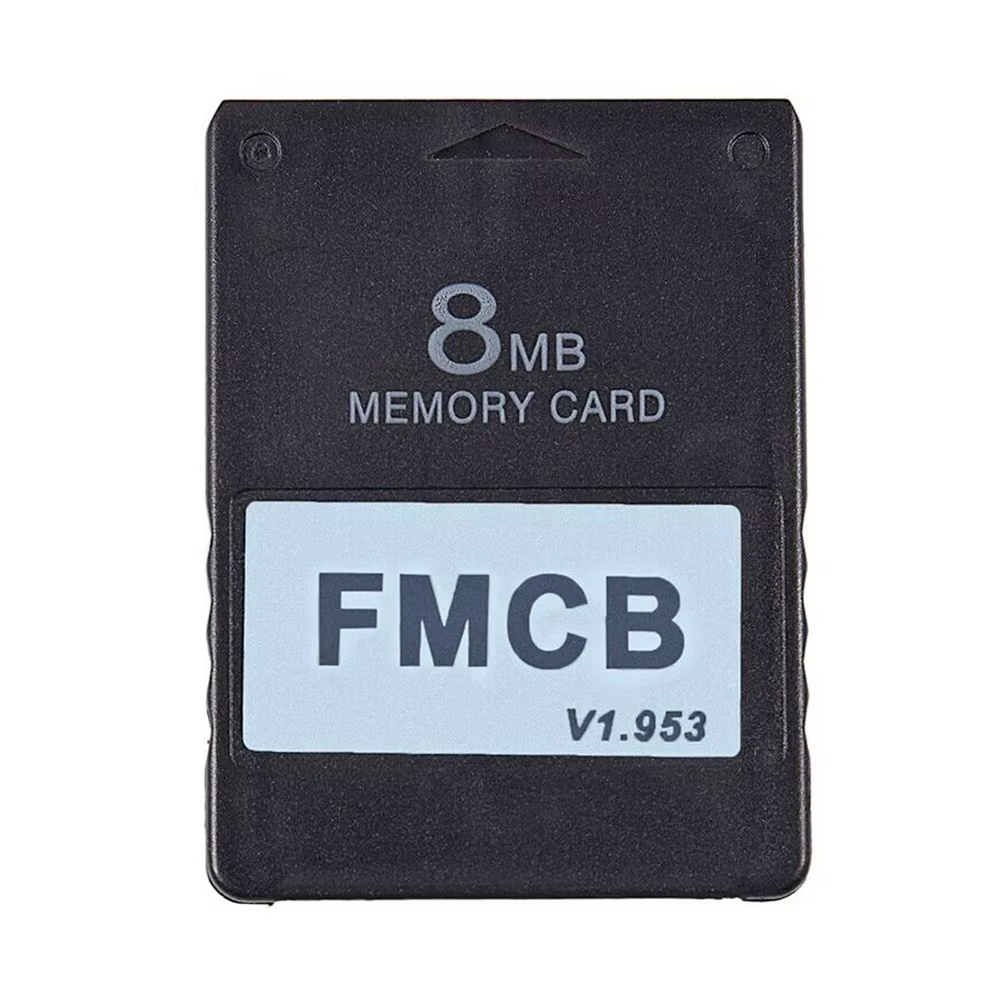
The FMCB card included supports all fat and slim PS2 consoles and provides seamless archiving and game saving features. Tested SD cards in 64GB, 128GB, and 256GB sizes offer extensive classic game libraries without frequent reinsertions or data loss.

  • Supports Open PS2 Loader (OPL) with Turbo version 1.2.0
  • Compatible with various OPL software versions for best results
  • Includes EXFAT support for easier file management

Robust Design and Indicators

The MX4SIO adapter features a durable plastic case with two LED indicators: one to confirm power and the other to show data reading status, helping users monitor performance visually.

  • Industrial mass production quality build
  • Right LED indicates power on
  • Left LED blinks during data read

Controller-Based ISO Management

Managing your game list is convenient with controller shortcuts that reset OPL without rebooting the console. Press L1+L2+R1+R2+SELECT+START to reset and refresh your game ISO list efficiently.

  • Supports controller reset for most ISOs
  • Minimizes disruptions during gameplay

Extensive Console Support

Works with a wide range of PS2 hardware versions, including SCPH-18000, 3XXXX, 5XXXX, 7XXXX, and 9XXXX models, with BIOS versions V230, 220, and 230 respectively. Some modchip setups may require special steps for compatibility.

  • Unlimited region compatibility
  • Supports all PS2 console BIOS versions listed

SD Card Recommendations and Care

Use the rigorously tested SD cards provided to avoid list disappearance issues. If problems occur, format your card to EXFAT, backup, and restore files to ensure smooth operation.

  • Newer SD card productions have better compatibility
  • Some 256GB cards may require re-insertion after reboot

Key specifications

  • Compatible Consoles: All PlayStation 2 fat and slim models
  • Storage Options: 64GB, 128GB, 256GB TF/SD cards
  • Adapter Type: MX4SIO SIO2SD industrial mass production version
  • FMCB Software: Includes dual OPL versions with EXFAT support
  • LED Indicators: Right: power on, Left: data reading blink

What's in the box

  • MX4SIO SIO2SD adapter
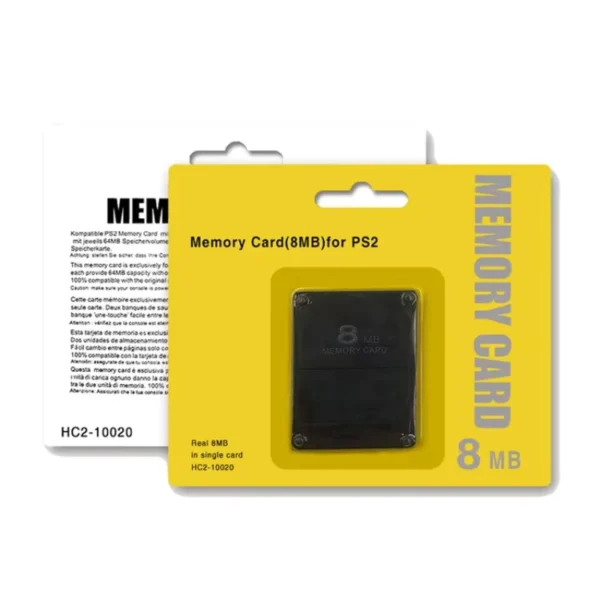
  • FMCB memory card for PS2
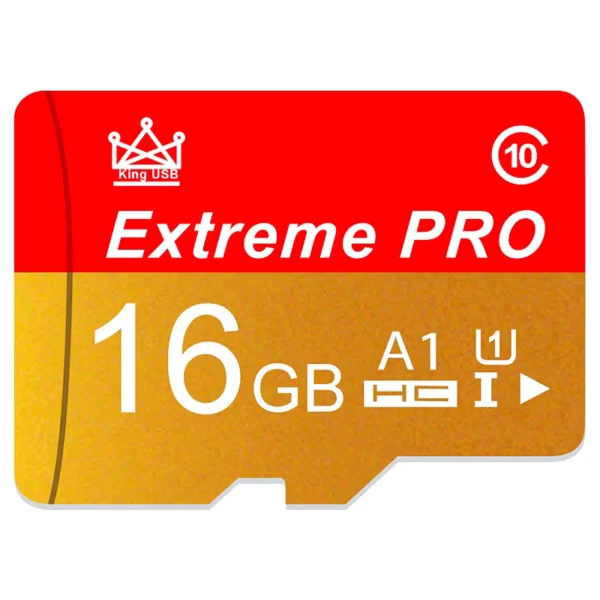
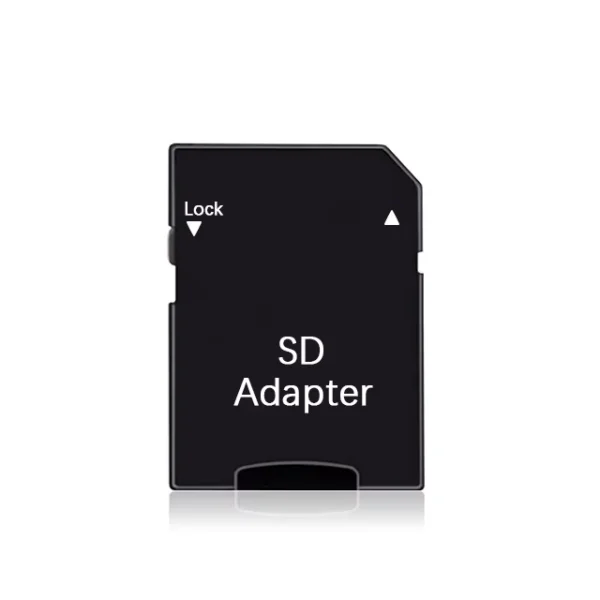
  • 64GB, 128GB, or 256GB TF/SD card preloaded with classic games
Product FAQ

Frequently asked questions

01 What consoles are compatible with the MX4SIO adapter?

The MX4SIO adapter is compatible with all PlayStation 2 consoles, including both fat and slim models.

02 What does the FMCB card included support?

The FMCB card supports archiving, open save functionality, EXFAT format for file management, and works on all PS2 consoles with various OPL versions.

03 Are all SD/TF cards compatible with the MX4SIO adapter?

Not all SD/TF cards are compatible; only certain rigorously tested cards, including those included in the package, guarantee stable use without losing ISO lists.

04 What storage sizes are available with this product?

Storage options include 64GB, 128GB, and 256GB SD cards preloaded with classic games.

05 What do the LEDs on the MX4SIO adapter indicate?

The right LED indicates the adapter is powered on, while the left blinking LED shows normal data reading.

06 How can I resolve disappearing ISO lists after restarting PS2?

For most ISO list issues, reinserting the MX4SIO adapter or using the controller reset sequence (L1+L2+R1+R2+SELECT+START) in OPL usually restores the list.

07 Are there any special instructions for saving game progress?

Certain games like God of War or Resident Evil 4 may require replacement with special memory cards for saving; otherwise, the FMCB card supports open save functionality.

08 Can the MX4SIO adapter cause conflicts with USB devices?

Yes, before entering FMCB software, USB devices should be unplugged as some may conflict and cause inaccessibility.

09 What should I do if I encounter black screens or crashes?

Try restarting the console, different OPL versions, backing up and formatting the SD card to EXFAT, and recopying files. Some mod chip conflicts or SD data issues may cause these problems.

10 Is the product region locked?

No, the MX4SIO adapter and FMCB card support unlimited regions and work with all PS2 models regardless of region.

Categories
Tags, , , , , ,
Weight—
AvailabilityIn stock
SKUGA_155959

Discussion

4.8
Based on 50 reviews
Rating
Mysterious Shopper October 2, 2026 ★ ★ ★ ★ ★

Great ! easy setup just plug it up and it runs even without a disk user friendly controls just navigate to the menu with controller and select one of many preloaded games. its has a nes emulator as well, havent tried that yet. if your bold add roms from your downloads folder
Mysterious Shopper September 25, 2026 ★ ★ ★ ★ ★

Very satisfied...very good product, it comes with several classic PS2 games...it's very easy to use...
I have copied them to a folder for safety... I have downloaded more and my console has come back to life...

Mysterious Shopper September 20, 2026 ★ ★ ★ ★ ★

So far so good, tested few games, all good

D***6 August 22, 2026 ★ ★ ★ ★ ★

Best investment! Everything was pre-installed, just connect it and it works great! I recommend it!

g***r August 13, 2026 ★ ★ ★ ★ ★

I have a ps2 slim, it works well.

I took the option without the micro sd card.

Yes , its faster than using the usb.