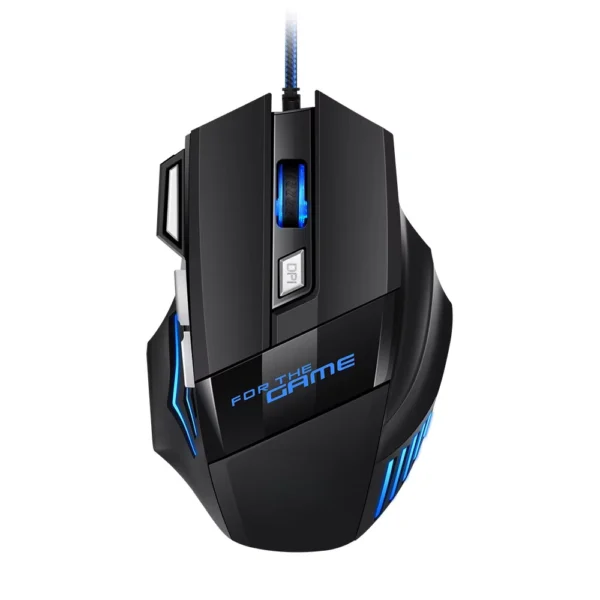
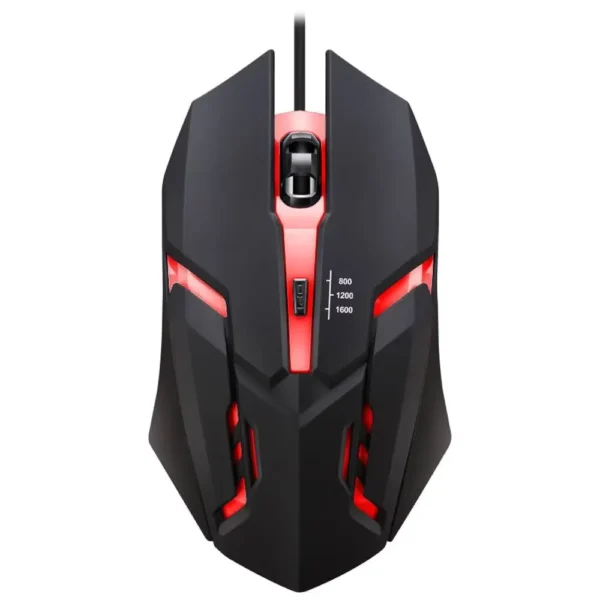
Device is defective and is not detected by windows at all. no usb connection sound and no device appears in device manager. tested in multiple known-working usb ports.
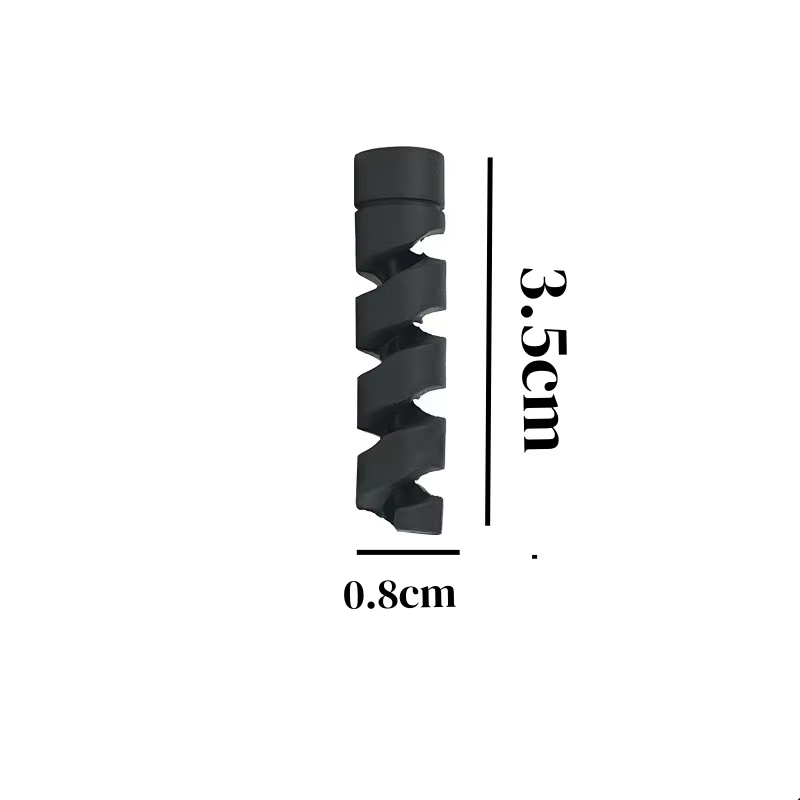
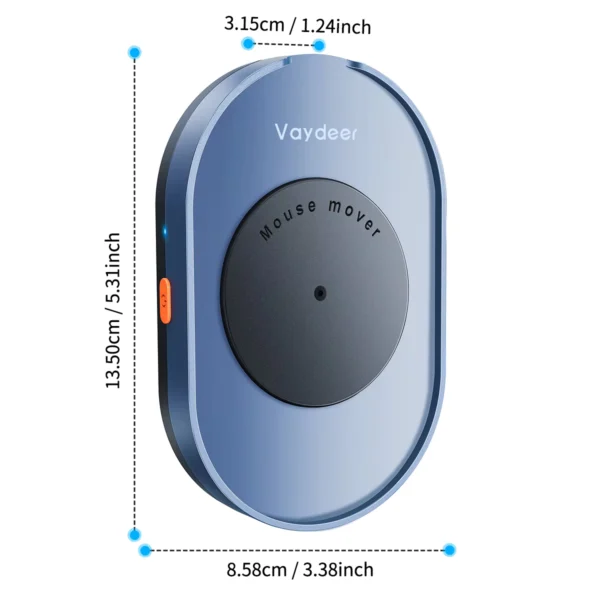
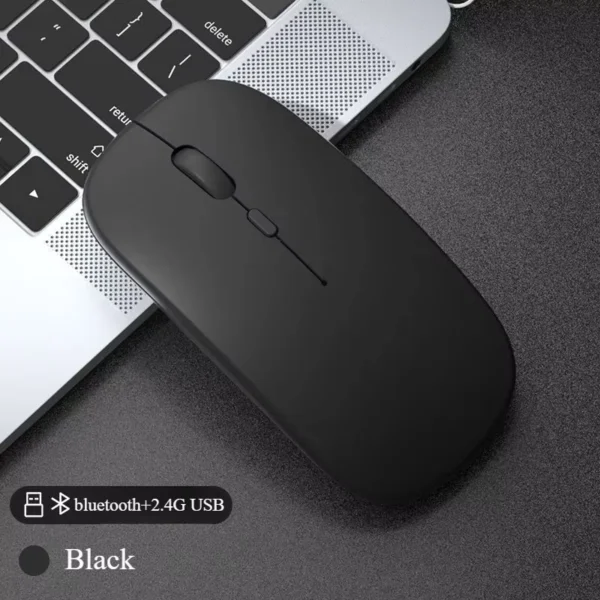
Compact USB mouse jiggler that simulates mouse movements to keep your computer awake. Features ON/OFF buttons and easy plug and play operation.
This mini USB mouse jiggler connects simply via USB and simulates small, random mouse movements to prevent your computer from going idle or entering sleep mode. Perfect for situations requiring constant activity without manual input.
The jiggler features easy ON/OFF buttons, allowing you to start or stop the mouse movement simulation quickly as needed.
Built for repeated use, this mouse jiggler does not require cables, making it less prone to tangling or damage.
Compatible with computers featuring standard USB ports. It supports touch control methods and is categorized under accessory kits for computer peripherals.
It is a device that simulates mouse movements to keep your computer active and prevent it from going to sleep.
No, it operates with a plug and play design requiring no additional software.
Yes, it features ON/OFF buttons for easy control.
It is designed as a general USB accessory compatible with most computer USB ports.
No, this model operates without a cable.
Yes, it is designed for repeated use.
No, it is a non-electric device that simulates mouse movements mechanically or electronically without power emission.
The enclosure material is classified as 'Others' without further details.
It is compact but not marketed explicitly as portable.
It uses a touch control method for operation.
Device is defective and is not detected by windows at all. no usb connection sound and no device appears in device manager. tested in multiple known-working usb ports.
Ok.
I like the small one, I'll use it well.
The standard for quality and performance