
Good

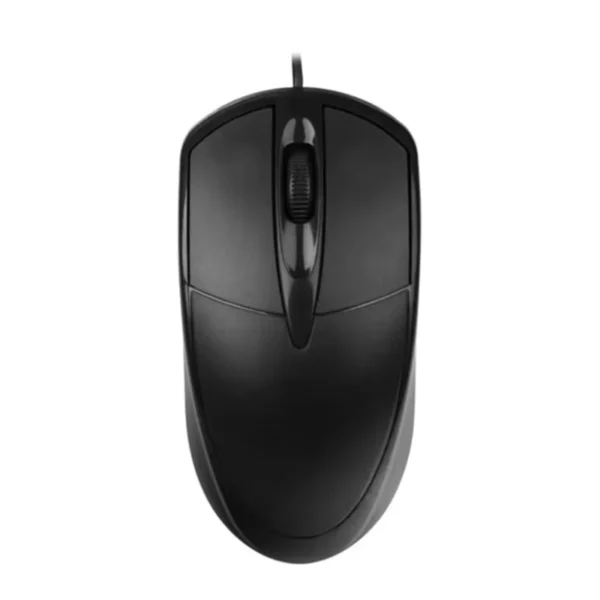
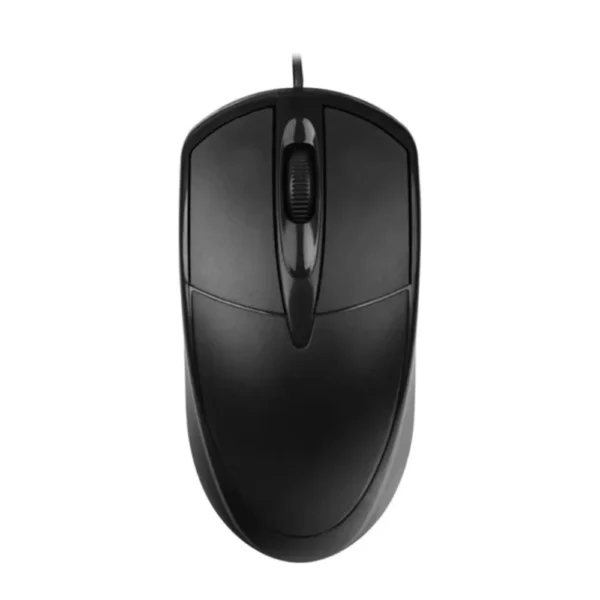
Lenovo M689S wired USB mouse with 1000 DPI resolution and plug-and-play convenience.
27 in stock
The Lenovo M689S wired mouse connects easily via USB. Just plug it into your computer and it is ready to use, requiring no additional drivers. Compatible with Windows, MacOS, and Linux, it works seamlessly across platforms for instant productivity.
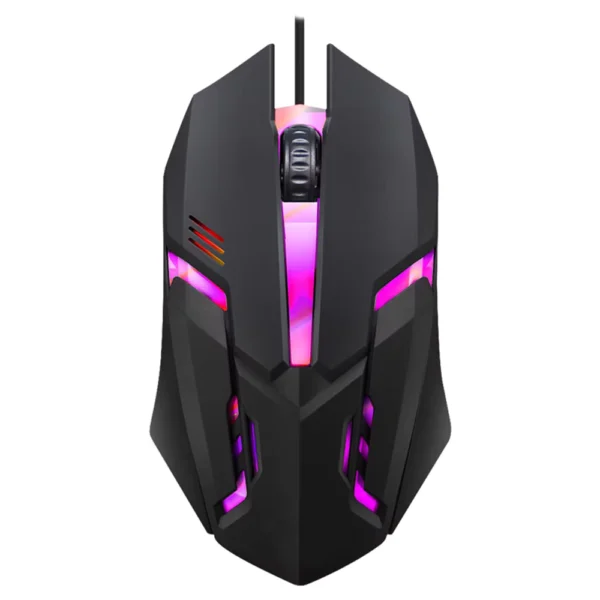
Designed for both left and right hand users, the mouse features a comfortable shape in a sleek black finish. Its smooth scroll wheel and three-button layout provide intuitive control for office tasks and casual use.
With 1000 DPI precision, the mouse delivers consistent cursor movement ideal for daily office and entertainment needs. For optimal use, operate on a mouse pad and clean with a soft cloth. Avoid liquids and excessive bending of the cable to maintain longevity.
Yes, the Lenovo M689S wired mouse supports MacOS along with Windows and Linux systems.
No, the mouse is plug-and-play and the system automatically recognizes it without installing drivers.
It uses a USB interface for connection.
The mouse has three buttons including left click, right click, and a scroll wheel.
The Lenovo M689S wired mouse has a resolution of 1000 DPI.
Yes, the design supports comfortable use by both left and right-handed users.
Check if the USB connection is secure or try a different USB port, and clean the sensor on the bottom.
Use it with a mouse pad for better performance, clean it with a dry soft cloth, and avoid contact with liquids.
No, it is a wired mouse and does not require batteries.
It is ideal for daily work and entertainment on Windows, MacOS, and Linux computers.
Good
Perfect