
The product worked well but the instructions / web site (driver installation and usage) could be improved..
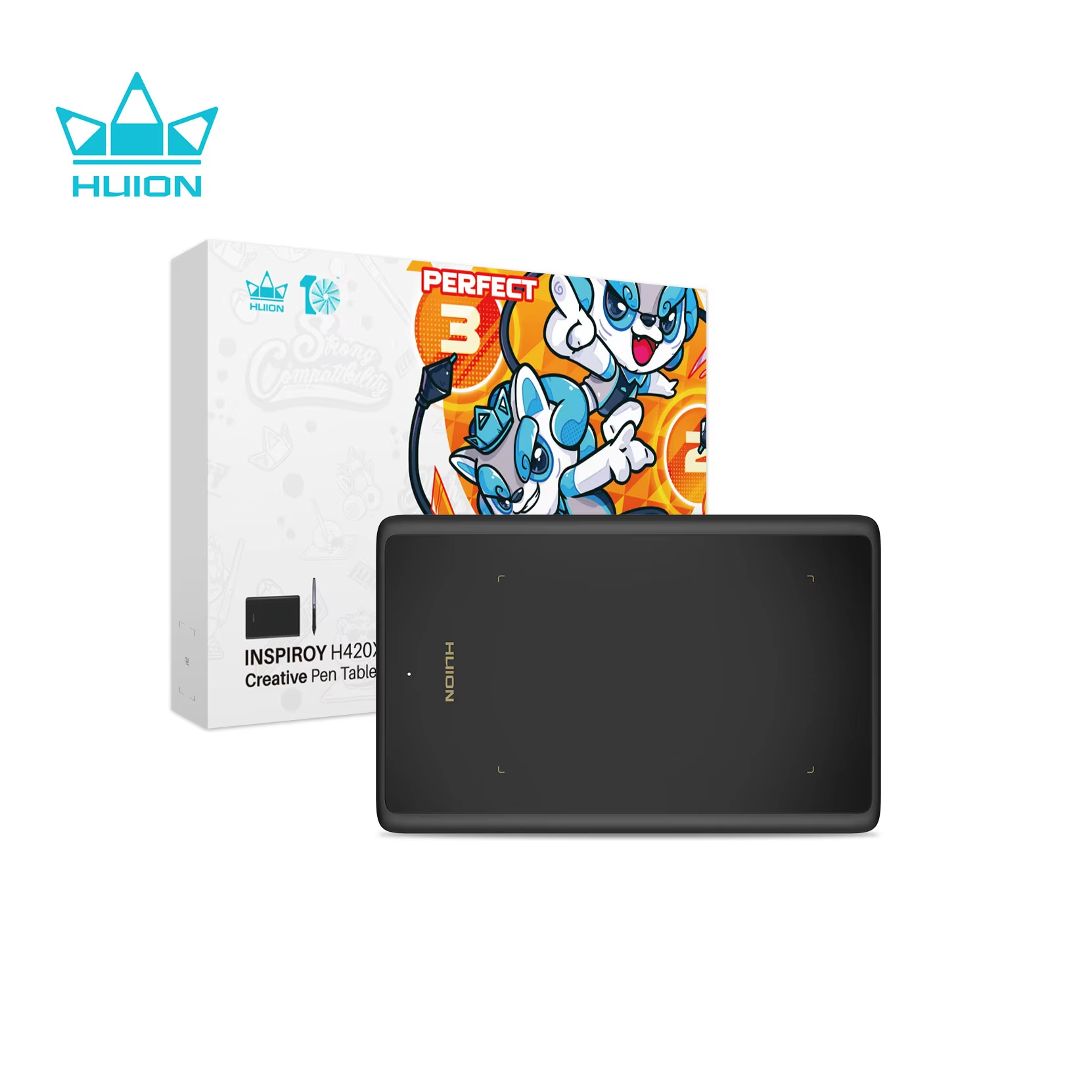
Compact and portable with a 4.17×2.6 inch active area for digital art.
7 in stock
The HUION H420X offers a 4.17×2.6 inch active drawing area, providing a compact yet efficient workspace for digital artists and designers who need portability without sacrificing precision.
Its lightweight design makes it convenient to carry and ideal for creative work anywhere, anytime.
Equipped with an 8192-level pressure-sensitive pen, the tablet captures every nuanced stroke for detailed and accurate digital artwork.
Compatible with multiple operating systems including Windows, Mac OS, Linux, and Android, this tablet integrates seamlessly into various creative workflows.
The HUION H420X provides a resolution of 5080 lines per inch (LPI), delivering clear and accurate tracking of pen movements.
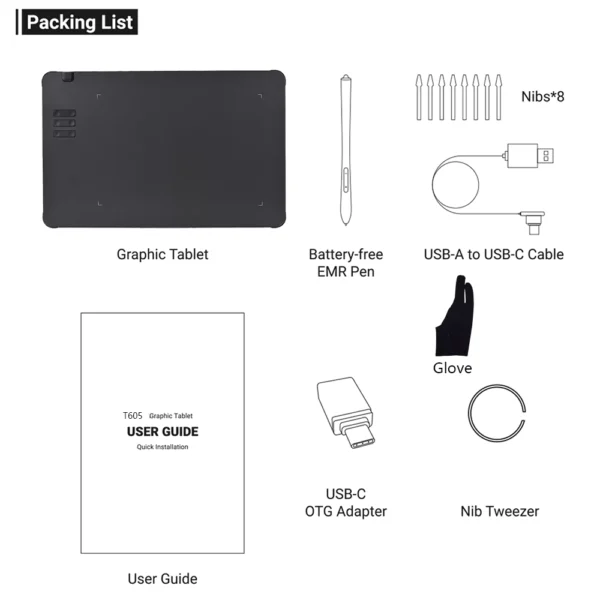
The package includes the HUION H420X tablet, pen stylus, and necessary cables for connection.
The product worked well but the instructions / web site (driver installation and usage) could be improved..
The size of the board seems like two mice placed next to each other.
This is my first digital drawing tablet and I'm still learning how to use it. I've been tinkering with the precision settings to get used to what works best for me. I am still studying to use it skillfully in Corel Draw, but I am sure in advance that it will be of great help in creating and improving digital drawings.
I recommend it!
Everything is okay.
It's great for drawing and playing games with Osu! I only recommend setting up the desk area with the OpenTabletDriver app for Osu! It didn't arrive broken or anything, the packaging protects the desk well, and you can use it on your phone without any problems. 10/10