Excellent, works well.
Upgrade your HongQi HS5, H5, or H9 wired car screen to wireless CarPlay and Android Auto with ease.
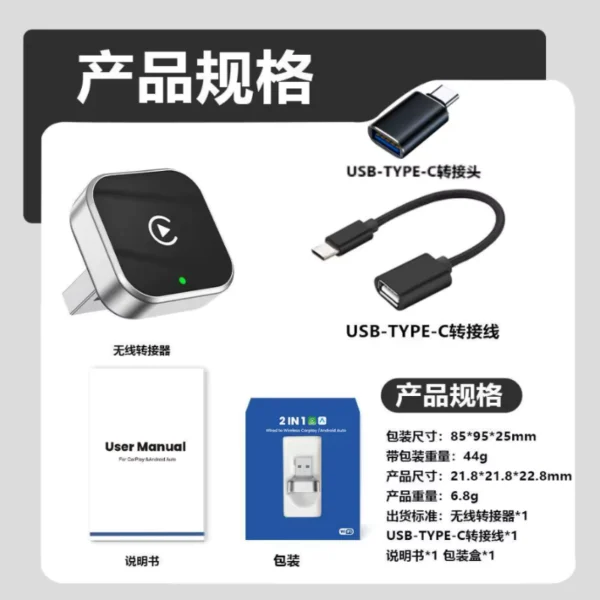
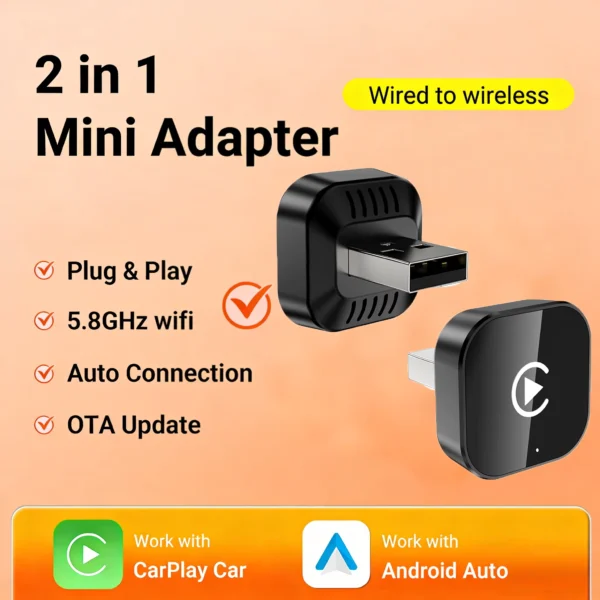
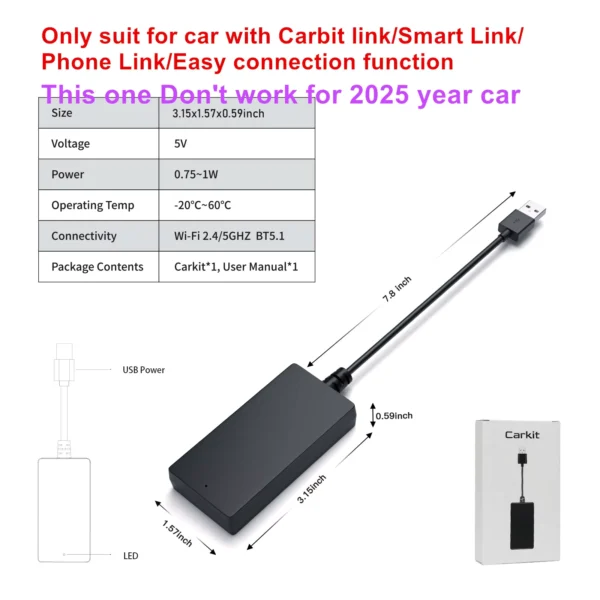
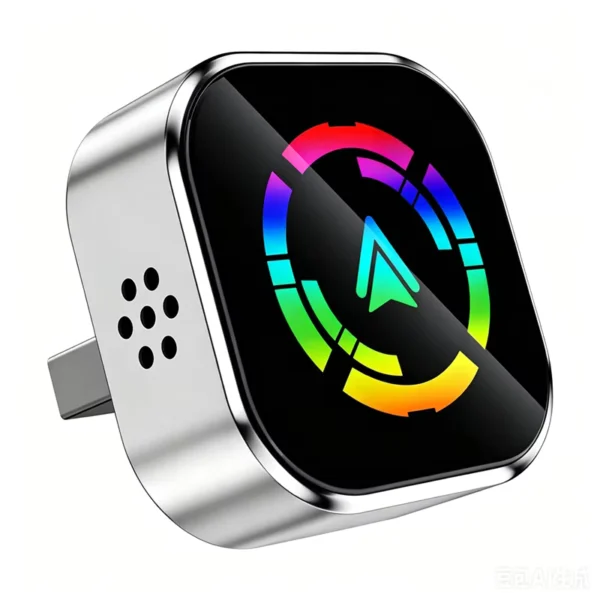
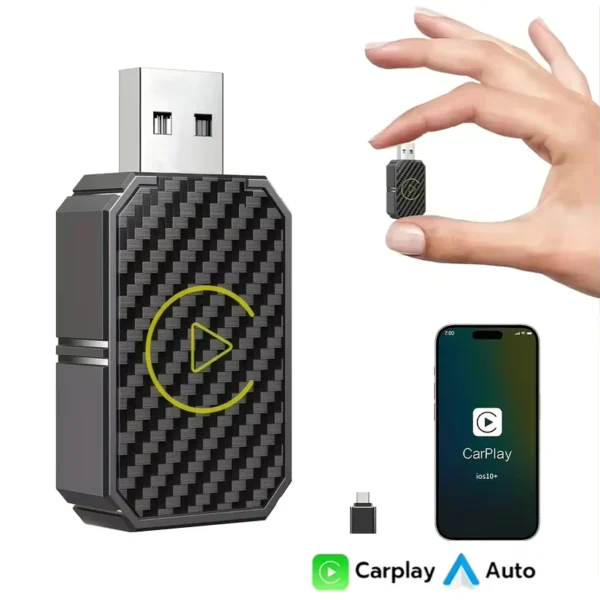
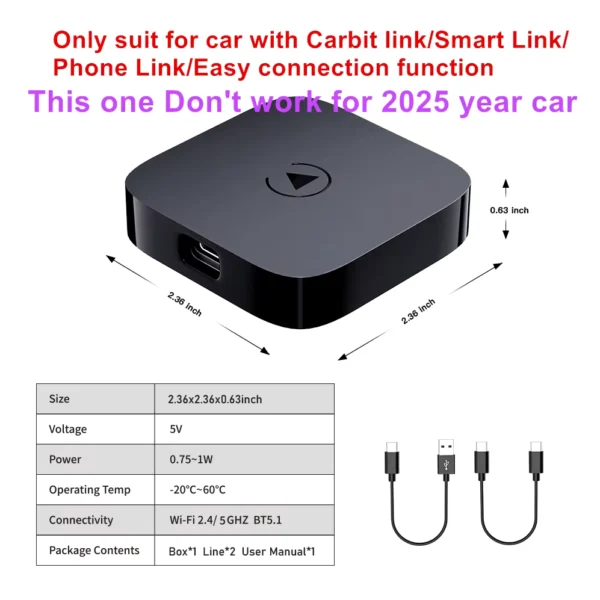
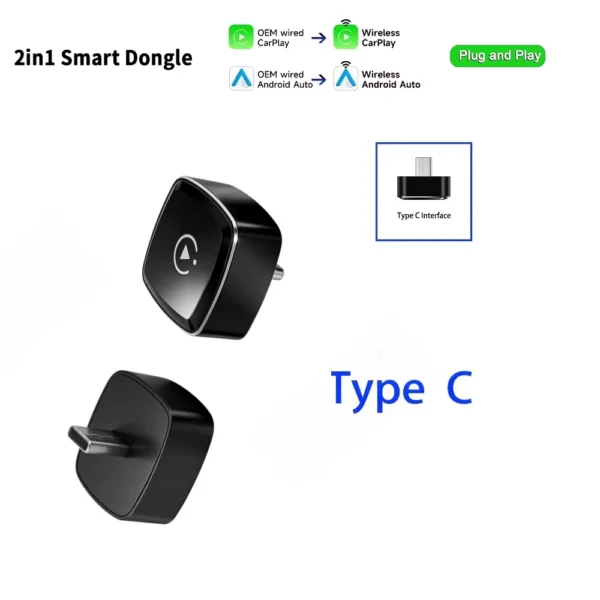
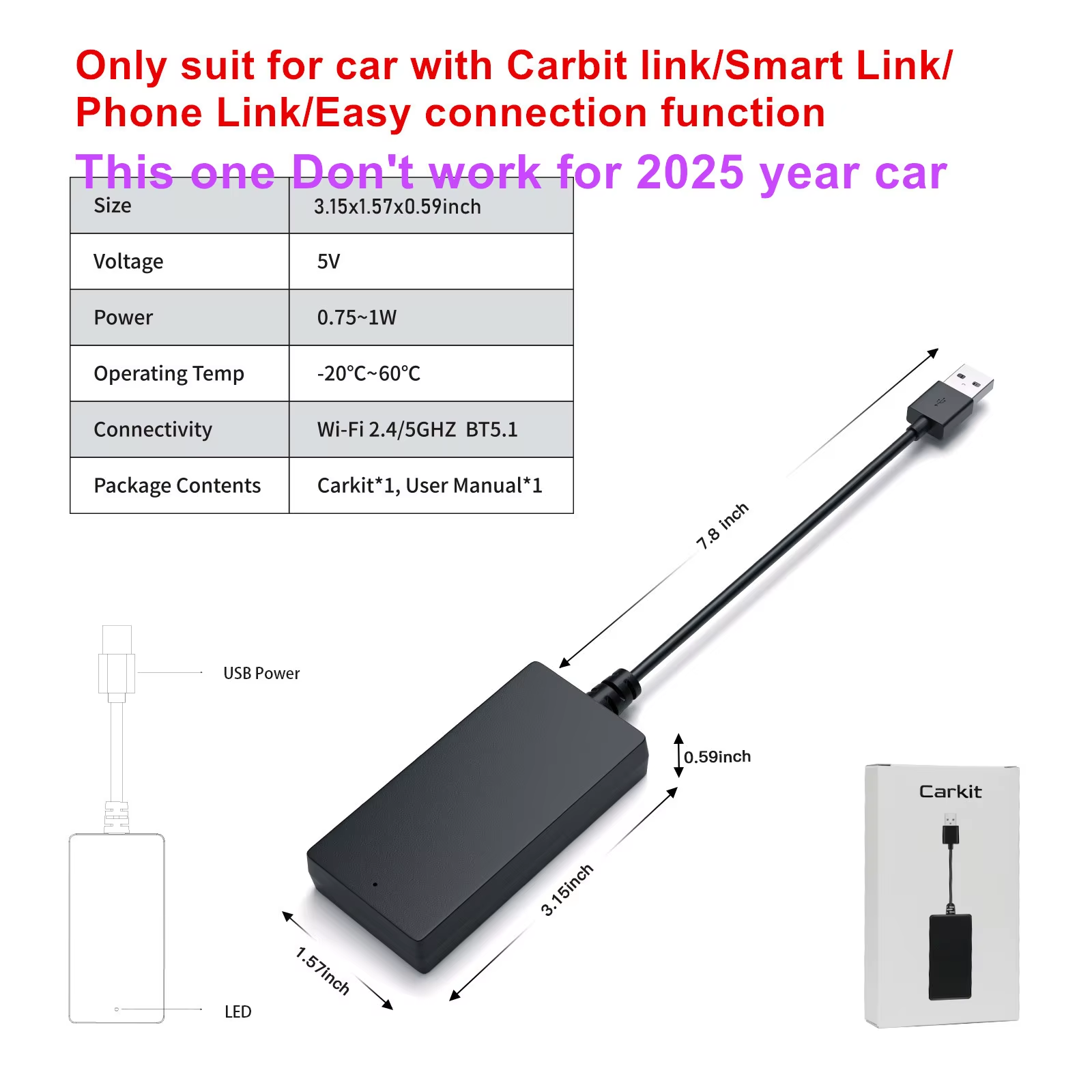
Transform your HongQi HS5, H5, or H9 wired multimedia system into a wireless CarPlay and Android Auto experience. The Carbitlink adapter plugs directly into the car’s USB port, providing seamless wireless connectivity with iPhone and Android devices.
Designed exclusively for Chinese-made HongQi vehicles with existing wired Carbitlink or Smart Link systems, it enhances convenience without complicated installation or software changes.
Supports iPhone 5 and newer, as well as Android phones with Android 11 or later, ensuring wide user compatibility.
Enables popular navigation and entertainment apps such as Google Maps, Waze, 2GIS Map, Apple Music, Spotify, and FM radio to be used on your original car display.
The adapter features a multilingual user interface supporting English, Russian, Arabic, Spanish, Italian, Polish, Portuguese, and over a dozen additional languages, catering to diverse users.
No coding, app installation, or system modifications are needed. Just plug into the car’s USB port and get wireless functionality immediately.
Specific guidance is included to resolve connectivity issues common with Samsung phones, such as app updates, permission granting, Bluetooth resets, and disabling interfering phone security features.
Ensures a stable wireless Android Auto experience even for commonly problematic Samsung models.
The adapter is compatible only with HongQi HS5, H5, and H9 models that have the Carbit link, Smart Link, Phone Link, or Easy Connection functions.
Yes, it upgrades wired Carbit link systems in the car to wireless CarPlay and Android Auto functionality.
It supports iPhones version 5 and higher, and Android phones running Android 11 or higher.
No coding, app installation, or car system hacking is required. Simply plug the adapter into the car’s USB port.
No, using this adapter does not affect the car warranty.
Supported apps include Google Maps, Waze, 2GIS Map, Apple Music, Spotify, FM radio, and news apps.
No, video apps such as YouTube are not supported.
Yes, it supports local menus in English, Russian, Arabic, Spanish, Italian, Polish, Portuguese, and more than 12 other languages.
Check if Android Auto app is updated, ensure all app permissions are enabled, reset Bluetooth settings, and disable the phone’s automatic blocker feature if needed.
Download the latest Android Auto app from Google Play Store, then connect via Bluetooth to the carplay&Auto**** device without connecting directly to WiFi.
Excellent, works well.
It doesn't work with H5.. My advice to those who have it is to sell it for now.