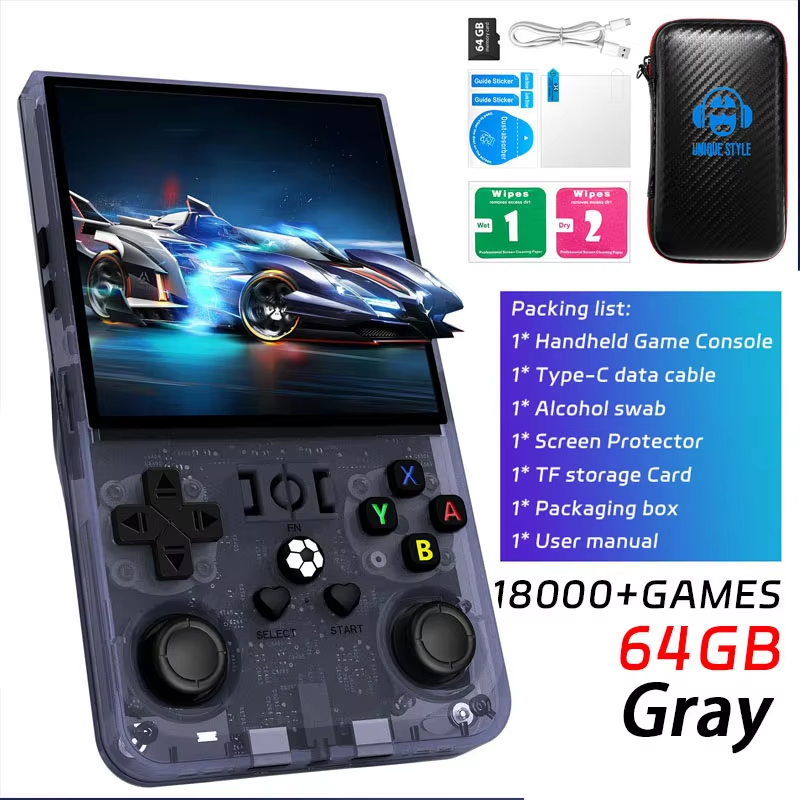

Avoid! Dont purchase this!
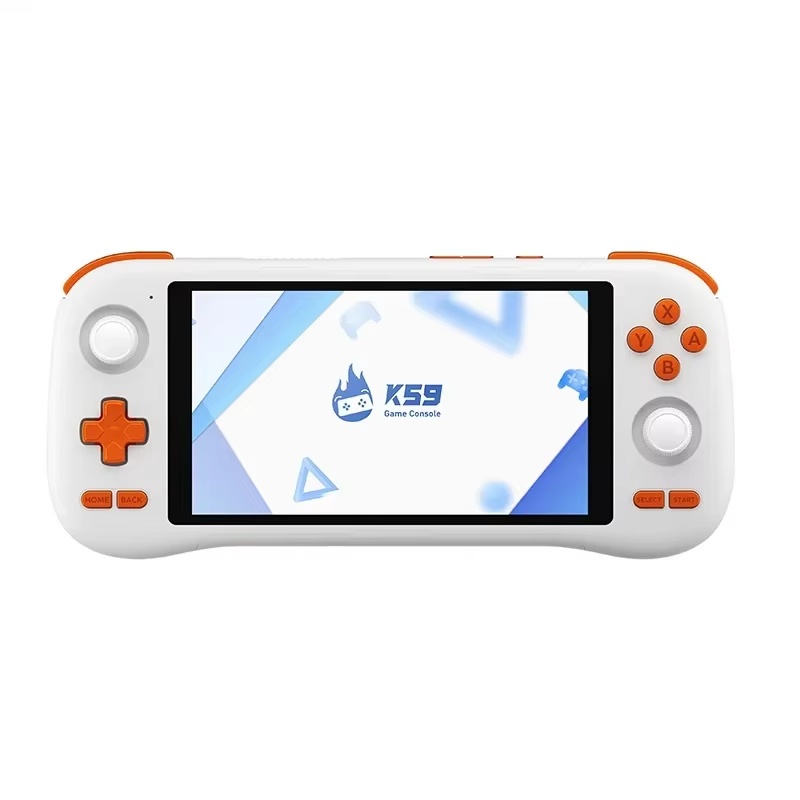
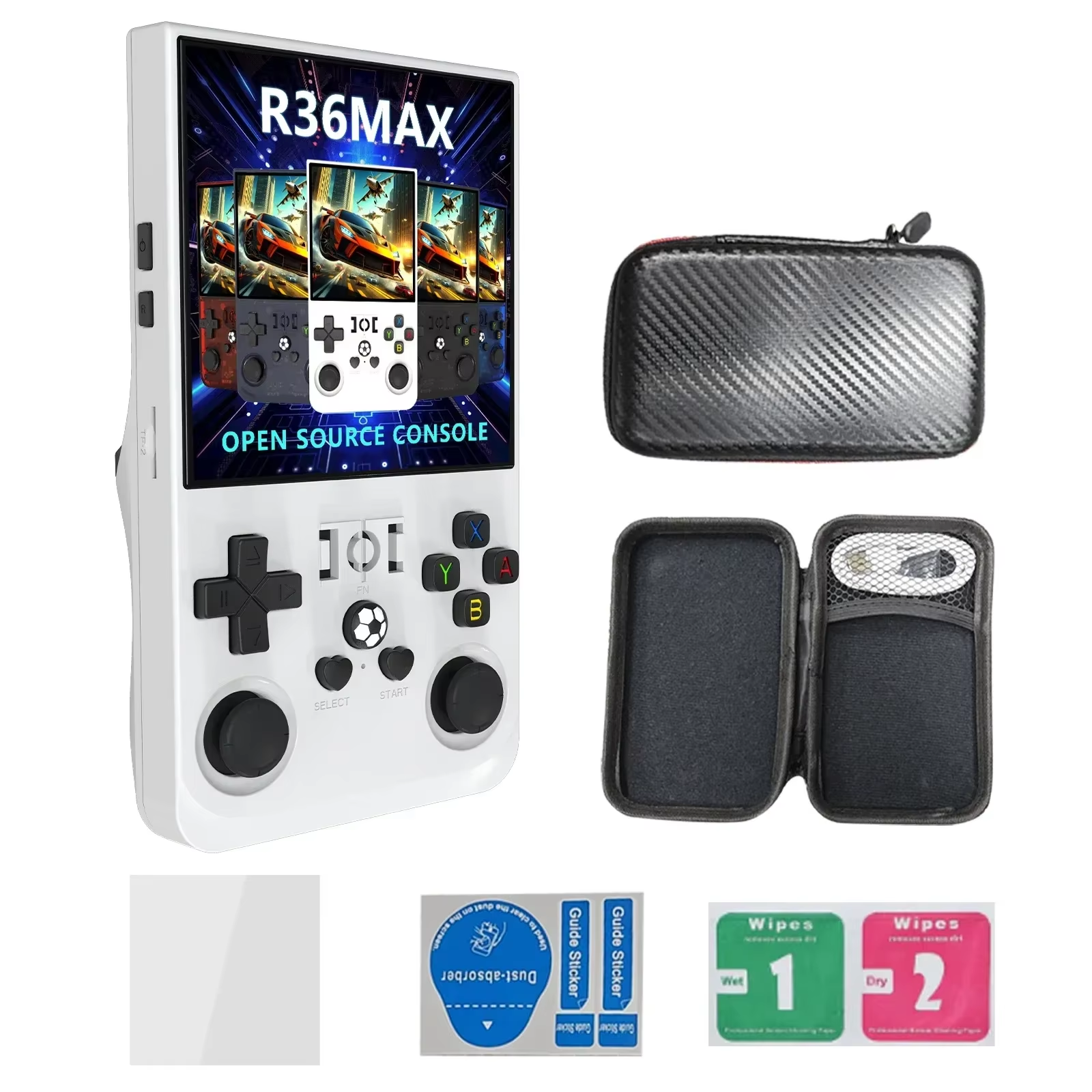
Screen became glitchy after being on for a while. I changed the screen resolution and the screen went green. There is no hard reset button for recovery, taking the sdcard out the unit won't start into android os at all and there is no wifi capability to scrape which i did not see advised on the sale page. There is no way to recover from a mishap perhaps short of accessing the sdcard through linux and modifying a cfg file.
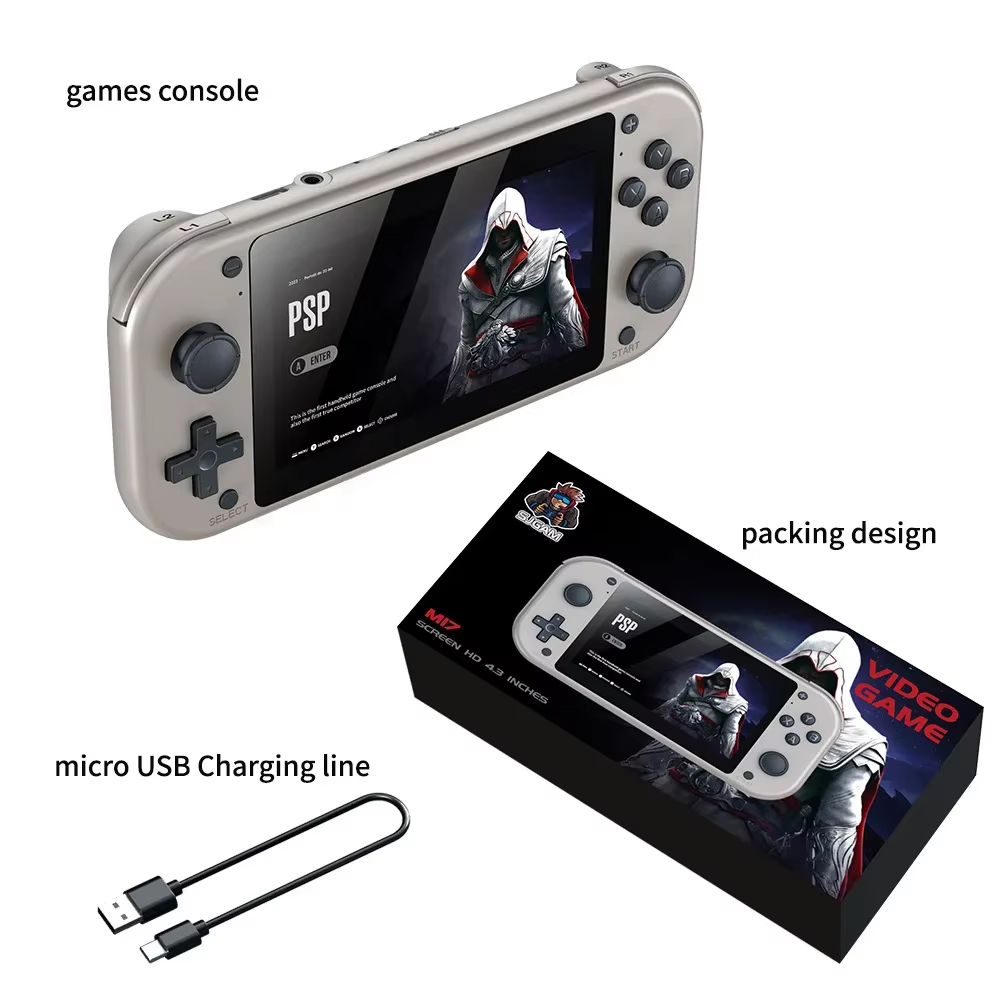
2026 X10 Pro Game Stick 4K TV Console with 50000 Games
Experience retro gaming with 50,000+ built-in games and 40+ emulators.
- 4K HD output for immersive visuals
- Rechargeable wireless controllers included
- Supports two-player gaming
Extensive Game Library
Enjoy over 50,000 classic games built into the system, covering a wide range of retro consoles thanks to more than 40 emulators included. This massive collection caters to vintage game enthusiasts and newcomers alike.
Vibrant 4K HD Display
Connect the game stick effortlessly to any TV or projector with HDMI support up to 4K. Choose between 1080P or 720P HD resolutions for a smooth, clear gaming experience
Wireless Rechargeable Controllers
Play comfortably with two ergonomic 2.4GHz wireless controllers included. Their rechargeable batteries and minimal latency enable hours of uninterrupted two-player gaming without tangled cords.
User-Friendly Interface
Navigate easily using button shortcuts: X to search games, Start to access settings, Start+Select to quickly exit games, and holding Start to open the quick menu. These intuitive controls streamline gameplay management.
Plug-and-Play Setup
Simply connect the wireless USB receiver, power the device via a 5V 2A source, plug in HDMI, and set your TV to the correct HDMI input. Charge controllers before use and keep default settings for system stability.
Durable ABS Enclosure
The console features a sturdy ABS plastic casing for a lightweight yet durable design, measuring approximately 16.5 x 12 x 11.7 cm and weighing around 0.48 kg.
Compatibility and Performance
Powered by an S905 CPU, running the EmuELEC system, the game stick provides smooth emulation and supports extensive retro gaming with CE, FCC, and RoHS certifications ensuring quality and safety.
Key Specifications
- Storage: 128GB ROM with 50,000+ games
- Emulators: 40+ supported
- Output: HDMI up to 4K, with 1080P and 720P options
- Controllers: Two rechargeable 2.4GHz wireless gamepads
- System: EmuELEC OS
- CPU: S905
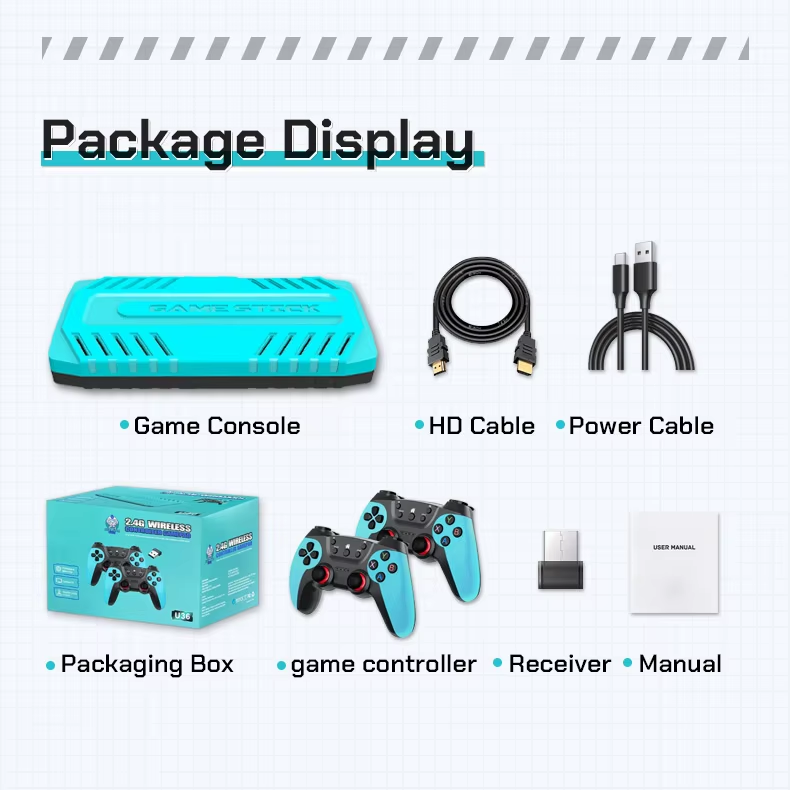
What's in the box
- X10 Pro Game Stick 4K Console
- 2 Rechargeable Wireless Game Controllers
- USB Wireless Receiver
- Power Cable
- HDMI Cable
- User Manual
Frequently asked questions
01 How do I set up the 2026 X10 Pro Game Stick 4K on my TV?
Plug the USB wireless receiver into the game stick's USB port, connect the power cable to a 5V 2A source, connect the HDMI cable to the game stick and your TV's HDMI port, then set your TV to the corresponding HDMI input.
02 How many games come pre-installed on this console?
The console has more than 50,000 built-in retro games.
03 What video output resolutions does the game stick support?
It supports HD output at 1080P and 720P resolutions, with 4K compatibility for immersive visuals.
04 What kind of controllers are included?
Two rechargeable 2.4GHz wireless ergonomic controllers come included for comfortable, latency-free gaming.
05 Can this console support two-player gaming?
Yes, the X10 Pro Game Stick supports two-player gaming with the included two wireless controllers.
06 Which system does the game stick use?
It runs on the EmuELEC operating system, supporting 40+ emulators for various retro consoles.
07 Can I save and load game progress?
Yes, the system supports save and load game functions for uninterrupted gameplay.
08 How do I search for games on the console?
Press the X button on the controller to search for games within the built-in library.
09 Is the controller rechargeable?
Yes, the gamepad included is rechargeable, providing wireless convenience during play.
10 Are there settings to exit games or return to the game list?
Yes, pressing Start+Select buttons twice quickly exits a game and returns to the game list; holding Start opens a quick menu with options like close, save, and load.