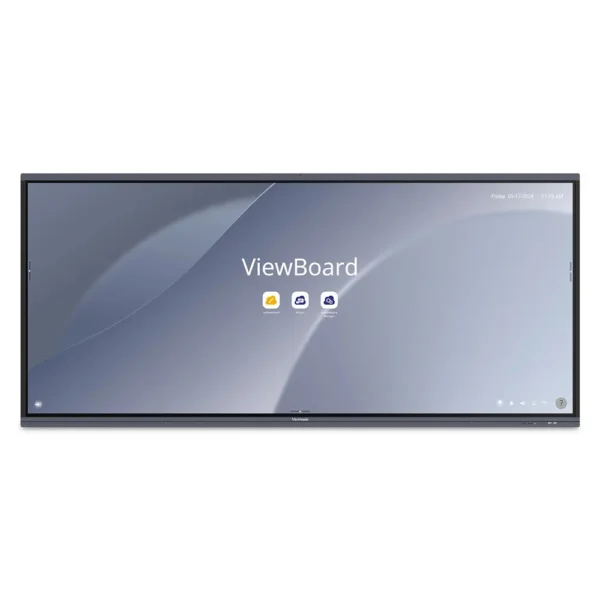

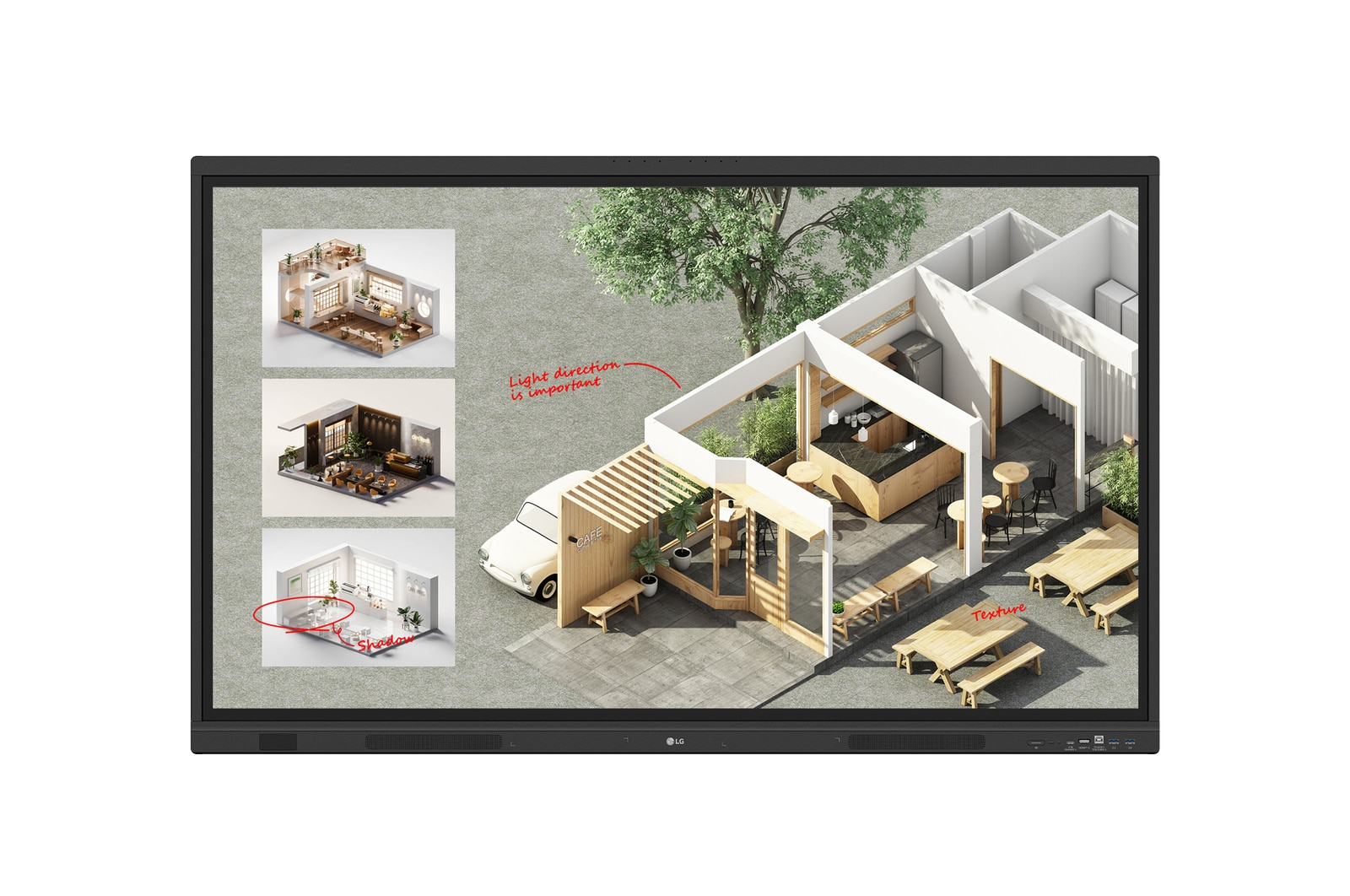
LG CreateBoard Standard 55″ 4K UHD Interactive Whiteboard
$2,167.00
Pay now, in 4 interest-free payments of $541.75, or over 3–6 months
4 interest-free payments of $541.75
LG CreateBoard delivers a vivid 55-inch 4K touchscreen with lifelike multi-touch support, wireless screen sharing, and advanced collaboration tools for classrooms and meeting rooms.
10 in stock
↗
Estimated Delivery Time19 - 20 Nov 26
Vivid 4K Display with Intuitive Touch
Experience flawless interaction on a 55-inch 4K UHD touchscreen that supports up to 50 simultaneous touch points. Write, draw, zoom, and rotate content with natural finger gestures, enabling seamless collaboration in classrooms and meeting rooms.
Seamless Wireless Collaboration
Share your screen effortlessly via LG CreateBoard Share without cables, supporting up to nine concurrent screens. Presenters enjoy freedom of movement and can enhance discussions by sending photos and videos directly from their devices.
- Wireless screen sharing from PC, tablet, or smartphone
- Easy connection via app or web with 6-digit code
- Secure Mode to control sharing permissions
Powerful Collaboration Tools and Software
LG CreateBoard Lab software offers diverse educational templates, discussion tools like calculator and clock, and a customizable menu bar. The integrated web browser allows quick access to online resources that can be dragged into presentations, boosting productivity.
- Educational templates: ruler, table, sticky notes
- Real-time web browsing with drag-and-drop integration
- Multi-OS compatibility across devices
Robust Security and Device Management
Enhance data protection with Screen Lock, USB Lock Mode, and automatic file removal settings. IT managers benefit from LG ConnectedCare cloud-based remote control and monitoring, enabling centralized device management and emergency broadcasting.
- Password-protected screen lock
- USB data port security
- Remote power and brightness control via LG ConnectedCare
Advanced Connectivity and Sound
Front-facing USB-C, HDMI, DisplayPort, Ethernet and Bluetooth 5.3 support allow versatile device integration. Built-in powerful speakers and subwoofer deliver clear audio, eliminating the need for external sound systems.
- Multiple front display ports for easy access
- Bluetooth support for keyboard, mouse, speakers
- Integrated front speakers with dedicated subwoofer
Comfort-Oriented Features
A flicker-free backlight reduces eye strain during long usage sessions, enhancing comfort for users in classrooms or meetings. The slim bezel and front connectivity complement its sleek design, optimizing usability and aesthetics.
- Flicker-free technology for eye comfort
- Slim bezel design with front display ports
Multi-Screen and OPS Compatibility
Utilize multi-screen mode to run multiple applications simultaneously, such as notes, video, and web browsing. The built-in OPS slot allows installing an OPS module for Windows-based PC functionality without external devices.
- Multi-screen mode for enhanced productivity
- OPS slot support for integrated PC module
Key specifications
- Display Size: 139.7 cm (55 inch)
- Resolution: 3840 x 2160 pixels (4K UHD)
- Multi-touch Points: Up to 50 simultaneous
- Operating System: Android 14
- Processor: ARM Cortex A73 + A53
- RAM: 8 GB
- Storage: 64 GB
- Connectivity: Wi-Fi 6E, Bluetooth 5.3, USB-C, HDMI, DisplayPort, Ethernet LAN
- Speakers: Front speakers with subwoofer
- Power Consumption: Typical 135 W, Max 290 W
What's in the box
- LG CreateBoard Standard 55-inch interactive whiteboard
- Stylus pen
- Remote control
- HDMI cable
- USB cable
- Power cable
- Quick start guide
Product FAQ
Frequently asked questions
01 What is the display size and resolution of the LG CreateBoard?
The LG CreateBoard features a 139.7 cm (55 inch) display with a 4K Ultra HD resolution of 3840 x 2160 pixels.
02 How many touch points does the LG CreateBoard support?
It supports multi-touch functionality with up to 50 simultaneous touch points for collaborative use.
03 Does the LG CreateBoard support wireless screen sharing?
Yes, it includes LG CreateBoard Share which allows wireless screen sharing from PCs, tablets, or smartphones without cables.
04 Can the LG CreateBoard import and export files?
Yes, it supports easy saving, importing, and exporting of files directly with Google Drive and OneDrive integration.
05 Is LG CreateBoard compatible with multiple operating systems?
Yes, LG CreateBoard Lab software supports multi-OS use on tablets, laptops, and other devices.
06 What security features does the LG CreateBoard include?
It offers screen lock with password, USB Lock Mode to prevent unauthorized data copying, Secure Mode for controlled screen sharing, and auto-remove files for enhanced security.
07 Does the CreateBoard have tools for education and meetings?
Yes, it provides educational templates like rulers and sticky notes, plus tools such as calculator and clock to enhance discussions and lessons.
08 What are the connectivity options of LG CreateBoard?
It includes USB Type-C, USB 3.2 and 2.0 ports, HDMI, DisplayPort, Ethernet LAN, plus Bluetooth 5.3 for peripheral connections.
09 Are there audio features integrated?
Yes, the board has front-facing speakers and a dedicated subwoofer for clear and powerful audio without extra equipment.
10 Can the LG CreateBoard be managed remotely?
Yes, LG ConnectedCare cloud solution enables remote monitoring, control, and content broadcasting across devices.
Discussion
0.0
Based on 0 reviews
No reviews yet. Be the first to share your experience.