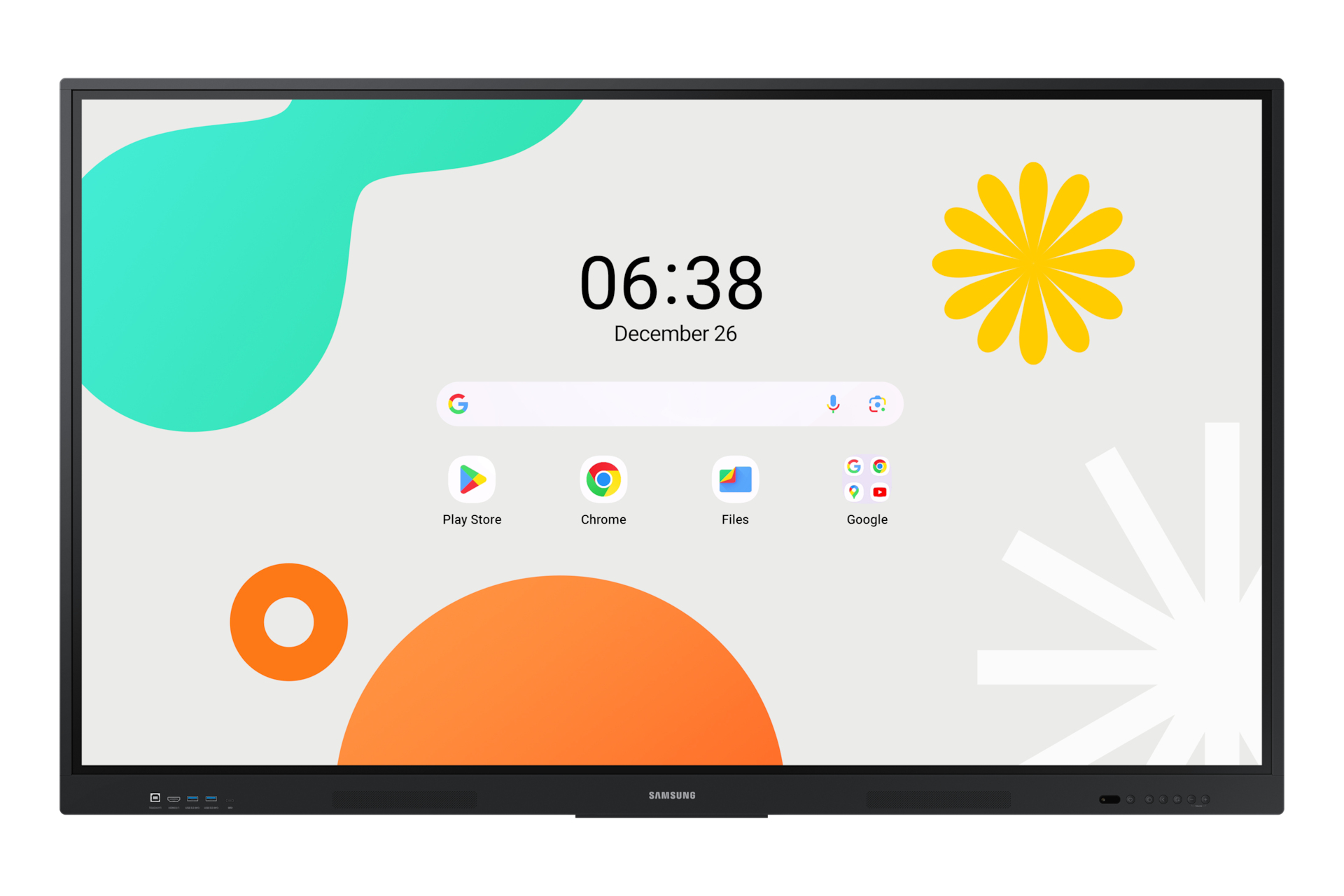
Samsung 86-Inch WAF Interactive Display
$4,650.00
Pay now, in 4 interest-free payments of $1,162.50, or over 3–6 months
4 interest-free payments of $1,162.50
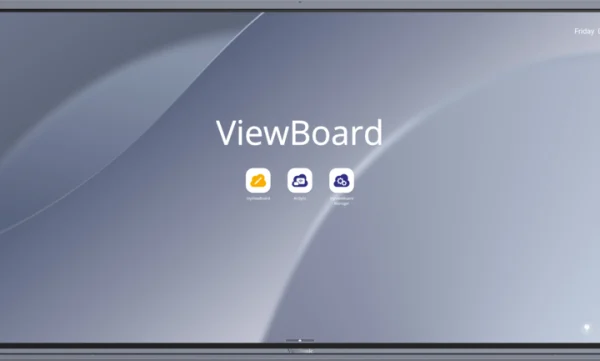
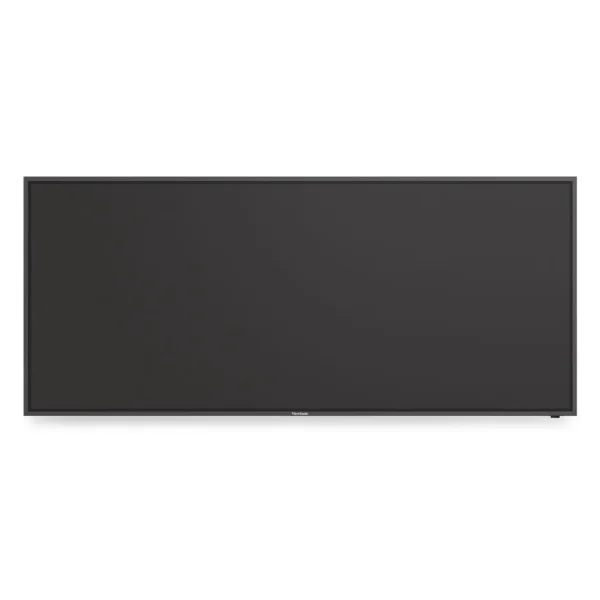
Samsung 86" WAF Interactive Display delivers seamless annotation, multi-zone collaboration, and powerful Google service integration to empower modern classrooms.Ultra HD 4K resolution IPS displayMulti-touch with up to 40 simultaneous pointsAndroid OS
10 in stock
↗
Estimated Delivery Time3–7 business days
Seamless Interactive Learning
The Samsung 86" WAF Interactive Display revolutionizes education by combining powerful Android OS with EDLA-certified Google services. It enables instant annotation and multi-user collaboration, transforming classrooms into dynamic learning environments.
With the always-visible Annotation button, teachers and students can write notes directly on the screen without interrupting content playback, enhancing productivity and engagement.
Advanced Multi-Touch Collaboration
Designed for group interaction, the display supports up to 40 simultaneous touch points. Its Split Note Mode allows four users to write independently on separate zones, promoting both teamwork and individual learning.
The dual pen feature lets users switch between two colors instantly without changing settings, keeping lessons flowing smoothly.
- Up to 40 simultaneous touchpoints
- Four independent note zones for multi-user writing
- Dual pen with double-sided nib for quick color switching
Flexible Connectivity & Screen Sharing
Equipped with a versatile 3-in-1 USB-C port, the display supports screen mirroring, touch control, and device charging up to 65W.
Screen sharing accommodates up to nine devices wirelessly, helping teachers to engage every student on iOS, Mac, Windows, or Android platforms.
Additionally, HDMI Out enables sharing content on a larger screen to ensure visibility for all students.
- USB-C for mirroring, touch, and charging
- Wireless mirroring for nine devices
- HDMI Out for extended display use
Customizable User Experience with Android
The WAF series offers an intuitive user interface compatible with other Android devices. Multiple widgets and a customizable home screen allow educators to tailor the environment to various learning needs.
This flexibility supports diverse educational styles and simplifies access to favorite apps.
- Android OS version 14
- Customizable home screen with widgets
- Compatibility with Android devices
Optimized for Classroom Management
A built-in device management solution streamlines remote administration of whiteboard settings and applications, enabling efficient operation.
Urgent messages can be broadcast immediately across classrooms and campuses with advanced messaging, ensuring fast communication.
- Remote device management
- Advanced real-time messaging
Key specifications
- Display Size: 86 inches (2.18 m)
- Resolution: 3840 x 2160 pixels (4K Ultra HD)
- Panel Type: IPS
- Brightness: 400 cd/m²
- Operating System: Android 14
- User Memory: 64 GB
- Wi-Fi: Wi-Fi 5 (802.11ac)
- Bluetooth: Yes
- USB Ports: 2 x USB 3.2 Gen 1 Type-A, 2 x USB 2.0, 1 x USB Type-C
- HDMI Ports: 2 (HDMI 2.1)
- Ethernet LAN: 1 RJ-45 port
- Touch Technology: Infrared multi-touch, up to 40 points
- Contrast Ratio: 1200:1
- Response Time: 8 ms
- Power Consumption (Typical): 493 W
What's in the box
- Samsung 86" WAF Interactive Display
- Stylus pen
- Remote control
Product FAQ
Frequently asked questions
01 What operating system does the Samsung 86" WAF Interactive Display use?
It runs on Android OS version 14, providing access to various Android apps and widgets.
02 Can multiple users write on the display at the same time?
Yes, it supports multi-point touch with up to 40 simultaneous touch points for collaborative interaction.
03 Does the display support Google services?
Yes, it is EDLA certified and supports Google services including Google Play, YouTube, and Google Classroom.
04 How many independent note zones does the display allow?
The Split Note Mode allows up to four independent note zones for multiple users to write simultaneously.
05 What connectivity options are available?
It features USB 3.2 Gen 1 Type-A ports, USB Type-C with screen mirroring and charging, HDMI ports, Ethernet LAN, Bluetooth, and Wi-Fi 5.
06 Is wireless screen sharing supported?
Yes, it supports screen mirroring from up to nine devices on iOS, Mac, Windows, and Android platforms.
07 Does it support multi-window and split-screen functionality?
Yes, it offers easy multitasking through split-screen and multi-window features for displaying multiple screens.
08 What is the display resolution and type?
It has a 2.18m (86") IPS panel with a 3840 x 2160 pixel 4K Ultra HD resolution.
09 Are there physical controls on the display?
Yes, front panel quick access controls are provided for intuitive navigation and frequently used functions.
10 Can this display be converted to run Windows OS?
Yes, the OPS slot allows installation of an Open Pluggable Specification module to convert the display to a Windows device.
Discussion
0.0
Based on 0 reviews
No reviews yet. Be the first to share your experience.