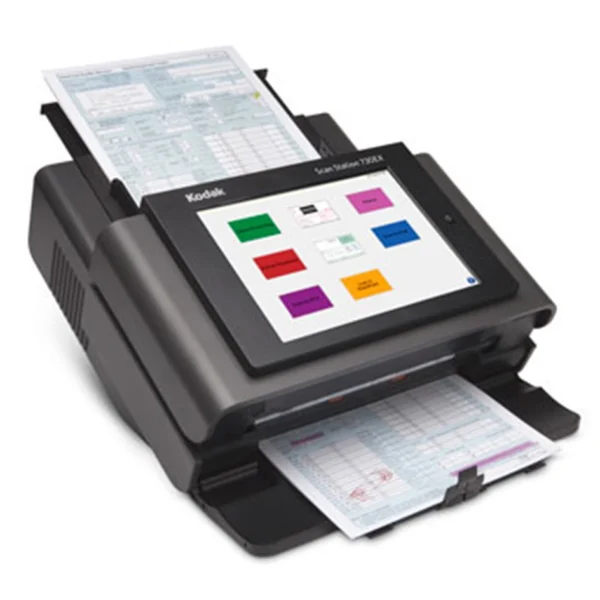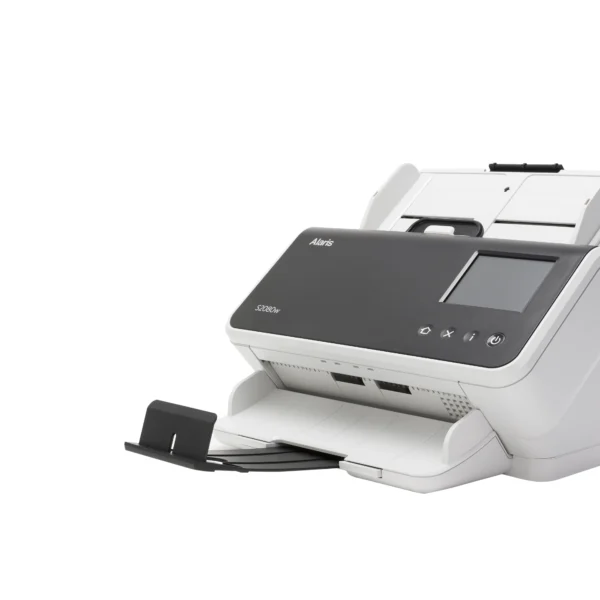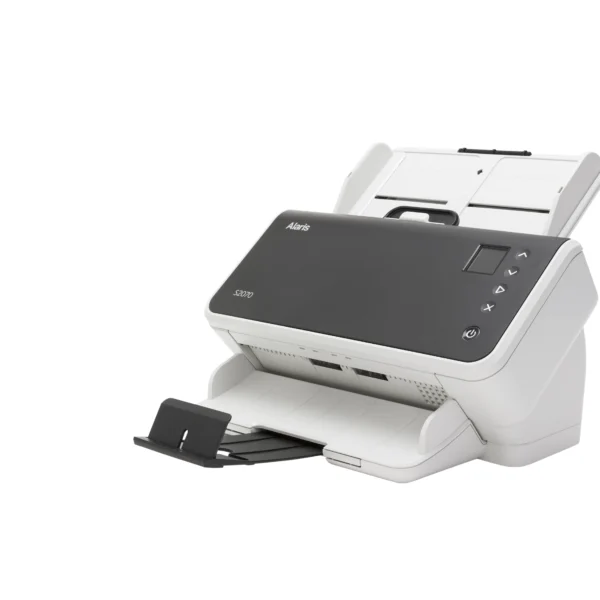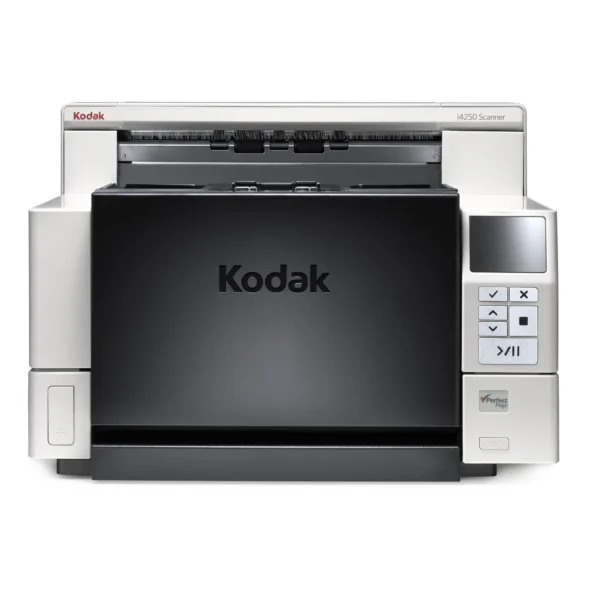
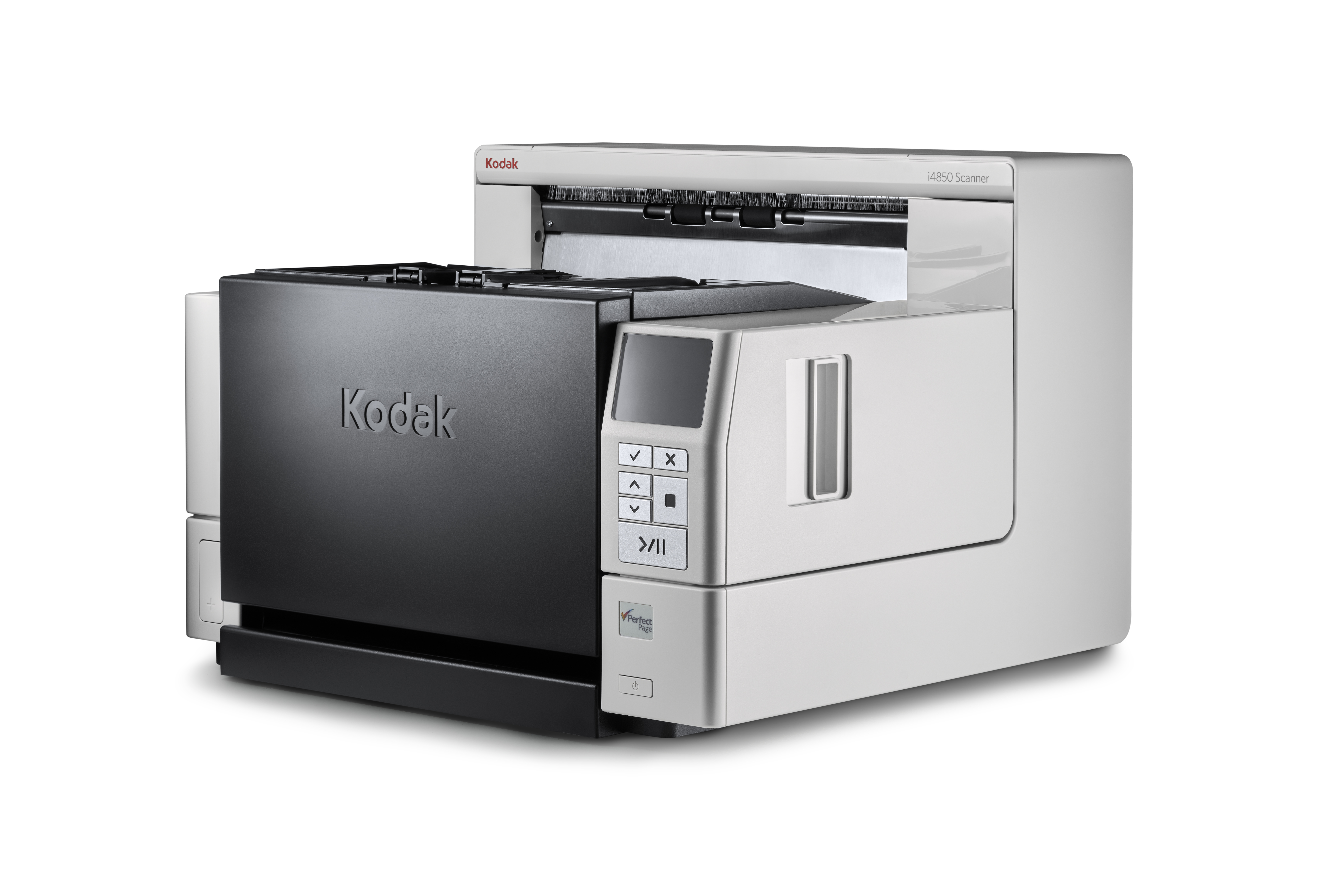
Kodak i4850 ADF Scanner 600×600 DPI A3 Black White
$22,200.00
Pay now, in 4 interest-free payments of $5,550.00, or over 3–6 months
4 interest-free payments of $5,550.00
High-performance Kodak i4850 scanner with 150 ppm speed, 600x600 DPI resolution, and robust 500-sheet ADF for efficient large volume scanning.
4 in stock
↗
Estimated Delivery Time3–7 business days
Efficient High-Volume Scanning
The Kodak i4850 Scanner is engineered for busy mailrooms, production departments, and service bureaus that require continuous high-output. With the capability to handle up to 125,000 scans per day, it delivers consistent performance to keep workflows moving without interruption.
A large 500-sheet automatic document feeder minimizes time spent loading documents, while the robust build supports scanning a mix of document types and sizes, from small business cards to large file folders.
Superior Image Quality and Protection
Featuring 600 x 600 DPI optical resolution and Perfect Page image processing technology, the i4850 produces crisp, clear images even from challenging originals.
Advanced Intelligent Document Protection and auto image rotation reduce the risk of document damage and rescans, ensuring reliability and quality with every batch.
Advanced Workflow Control
The expanded interactive control panel allows operators to manage scanning tasks directly at the scanner, reducing downtime and improving efficiency.
Sophisticated barcode reading supports complex workflows on the fly, while patch counting and front-side imprinting technology simplify multi-batch job management.
Versatile Compatibility and Software
Compatible with major Windows versions and Ubuntu Linux, the Kodak i4850 integrates smoothly into diverse IT environments.
Bundled with KODAK Capture Pro Software Limited Edition, it offers powerful tools to enhance, edit, and manage a variety of scanned document types.
Key Specifications
- Maximum scan size: 304.8 x 9100 mm (A3)
- Optical resolution: 600 x 600 DPI
- ADF capacity: 500 sheets
- Scan speed (A4, b/w & color): 150 ppm
- Duplex scanning: Yes
- Media thickness: 45 – 200 g/m²
- Scan file formats: JPG, PDF, RTF, TIFF, TXT
- Connectivity: USB 3.2 Gen 1
What's in the box
- Kodak i4850 Scanner
- Power cable
- USB cable
- KODAK Capture Pro Software Limited Edition (LE)
- User manual
Product FAQ
Frequently asked questions
01 What is the maximum daily scan volume of the Kodak i4850 Scanner?
The Kodak i4850 Scanner can handle up to 125,000 scans per day, suitable for high-volume scanning environments.
02 What scanning speed does the Kodak i4850 achieve?
It offers a scanning speed of up to 150 pages per minute (ppm) for both black and white and color documents.
03 What is the optical scanning resolution of the Kodak i4850?
The scanner provides a true optical scanning resolution of 600 x 600 dpi for clear, high-quality images.
04 What paper sizes can the Kodak i4850 Scanner handle?
It supports document sizes up to A3 (304.8 x 9100 mm), including legal and letter sizes.
05 Does the Kodak i4850 support duplex scanning?
Yes, the scanner supports duplex (double-sided) scanning at 150 images per minute.
06 What is the input capacity of the automatic document feeder (ADF)?
The ADF can hold up to 500 sheets, allowing for less frequent reloading during large jobs.
07 What types of documents can be scanned?
It can scan a wide range of documents including business cards, file folders, and varied thicknesses from 45 to 200 g/m².
08 What software comes bundled with the Kodak i4850?
The scanner includes KODAK Capture Pro Software Limited Edition to edit, enhance, and manage scanned documents.
09 Which operating systems are compatible with the Kodak i4850?
It supports Windows 7, 8, 8.1, 10 (various editions) and Ubuntu 14.04 Linux operating systems.
10 What connectivity options are available?
The Kodak i4850 uses USB 3.2 Gen 1 (3.1 Gen 1) for high-speed data transfer.
Discussion
0.0
Based on 0 reviews
No reviews yet. Be the first to share your experience.