TimeDoctor failed to pair with Windows 10 and Windows 11. The operating system recognizes the device as a mouse, but no cursor movement is detected. Maybe I didn't notice, but TimeDoctor also doesn't detect any mouse movement.
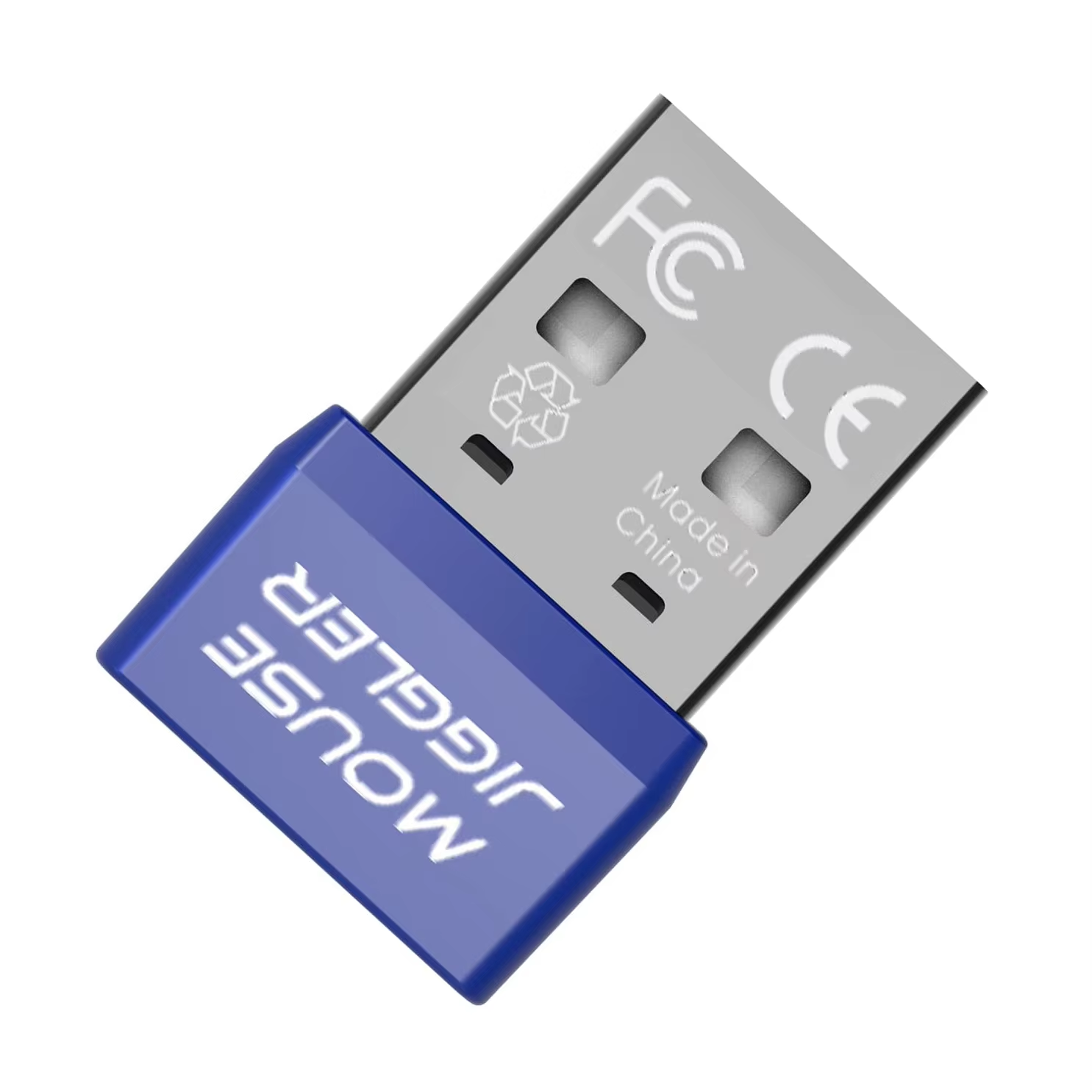
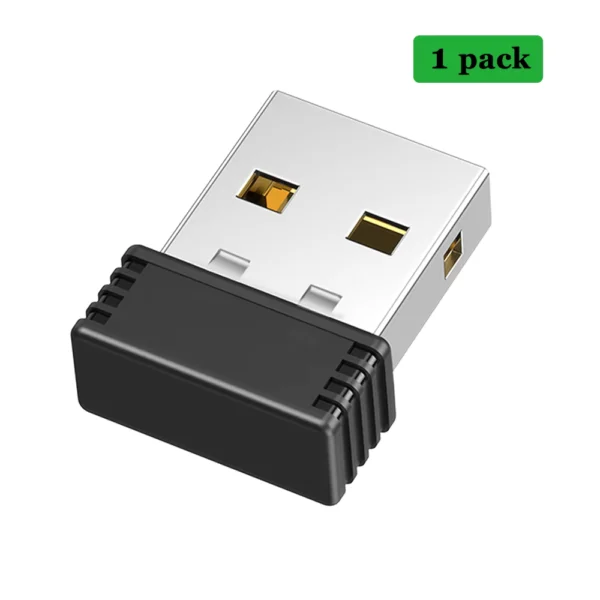
Keep your computer awake effortlessly with the Rii USB Mouse Jiggler. Compatible with Windows 7/8/10, Mac, and Linux, this plug-and-play device simulates mouse movement without any software installation.
The Rii USB Mouse Jiggler keeps your PC awake by simulating mouse movements automatically. Just plug it into your USB port and enjoy uninterrupted work or play sessions without worrying about your computer going into sleep mode.
No drivers or software installations are required to use this device. It starts working immediately upon connection, making it easy to use for any user without technical setup.
Supports most popular operating systems including Windows 7, Windows 8, Windows 10, Mac OS, and Linux, ensuring versatile use across various computer setups.
Its mini size and lightweight design make it portable and convenient for use at home, office, or while traveling.
It supports Windows 7, Windows 8, Windows 10, Mac, and Linux operating systems.
No, it requires no drivers or software installation; simply plug it in to start automatic mouse movement.
Yes, it operates normally even if no physical mouse is connected to the computer.
It simulates periodic mouse movement to prevent the computer from entering sleep mode.
Yes, it connects via a standard USB interface and should work with any USB port.
Yes, the mouse jiggler functions independently and does not affect wired or wireless mice.
Yes, it is plug-and-play compatible with any supported computer system.
Yes, it features a mini and lightweight design for easy portability.
No, it is powered directly through the USB connection and does not include batteries.
The device moves the cursor automatically but the movement is subtle and designed to simulate natural mouse activity.
TimeDoctor failed to pair with Windows 10 and Windows 11. The operating system recognizes the device as a mouse, but no cursor movement is detected. Maybe I didn't notice, but TimeDoctor also doesn't detect any mouse movement.
Works very well. Discreet product as well.
Excellent little device, works perfectly, plug and play, thanks :)
Nice, you hardly notice it to be pluged in , great
Nice, you hardly notice it to be pluged in , great