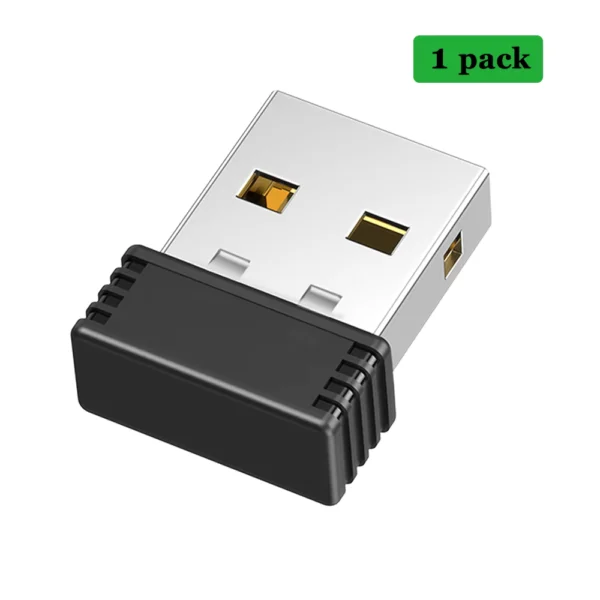
It works for what I use it for, but it keeps moving while I'm doing another activity.
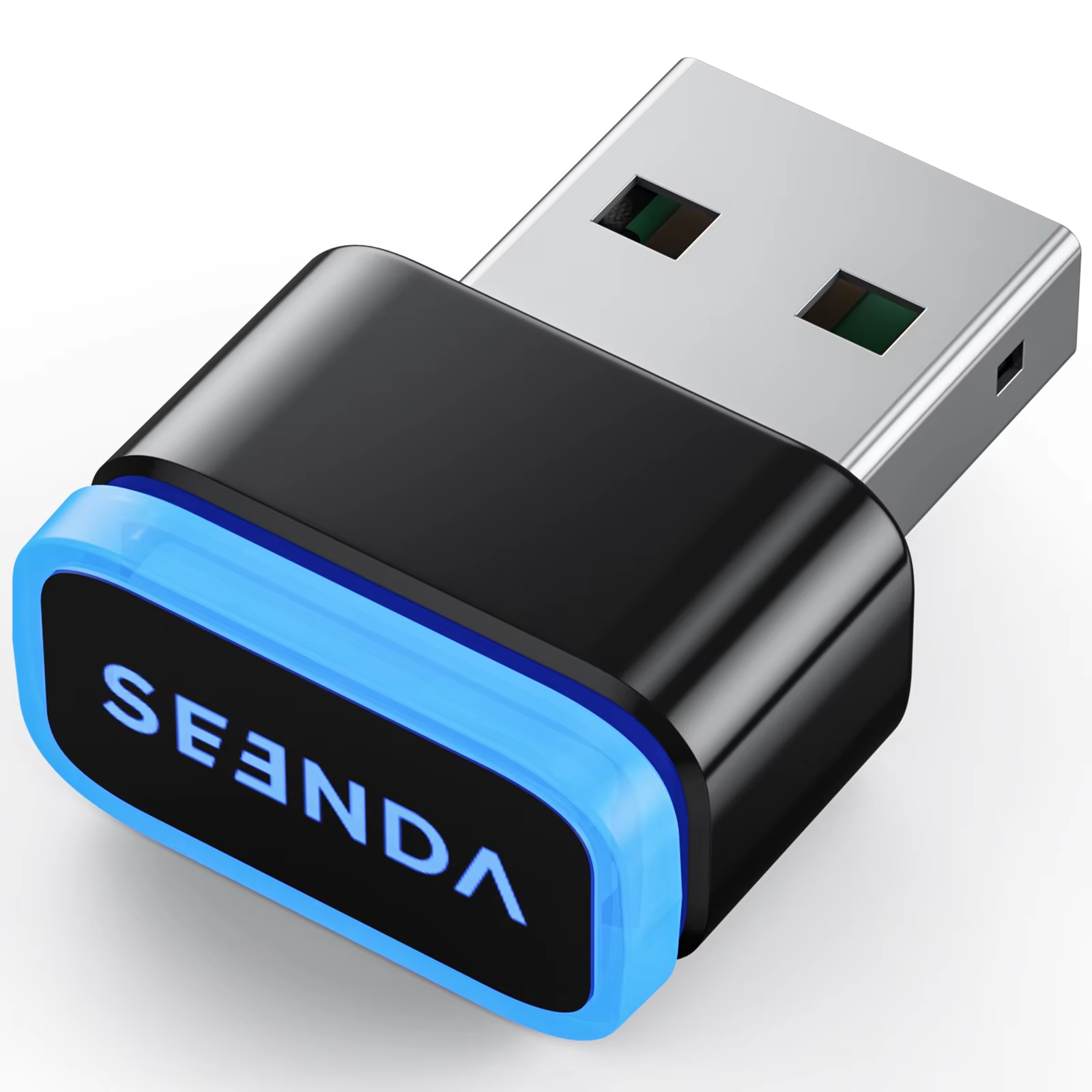
Plug-and-play USB mouse mover with 3 speed modes to simulate activity. Keeps your computer awake and prevents screen saver or away status.
2 in stock
The Seenda USB Mouse Jiggler is a compact device that keeps your mouse pointer moving subtly, fooling your computer into recognizing ongoing activity. This prevents screen savers from activating and keeps your messaging status active during breaks.
Plug-and-play functionality allows instant use without drivers, making it perfect for both laptops and desktop computers.
Choose from three distinct movement modes tailored to mimic various user behaviors:
Operate the device easily via a single button to cycle through modes with a long press to power off. Its subtle movements ensure it remains undetectable by most software monitoring systems.
Constructed from plastic without high-concern chemical substances, the mouse jiggler is safe for everyday use and built to last.
Combat automatic away statuses and screen timeouts when working from home. The jiggler lets you step away guilt-free, maintaining your online presence for work chats and preventing screen break interruptions.
It is a small USB device that simulates mouse movements to keep your computer active and prevent sleep mode or away status.
Simply plug it into your computer's USB port, press the button to switch between movement modes, and hold the button to turn it off.
It offers three modes simulating web browsing, gaming, and official business activity.
No, the device moves the mouse pointer subtly to appear as normal user activity, making it undetectable.
No, the mouse jiggler is driver-free and works with plug-and-play simplicity.
The device is made of plastic and contains no high-concern chemical substances.
Yes, it has broad compatibility with computers that support USB input devices.
It prevents your screen saver from activating and keeps your work chat status active, allowing for breaks without appearing away.
Yes, it has a button to toggle between three movement speeds and a long press to power it off.
This product is made in Mainland China.
It works for what I use it for, but it keeps moving while I'm doing another activity.
Works exactly as intended thank you
Nice little product i have 4 of these already. very convenient especially with the workpiece laptop. i keep one in each docking station i got.
I received a good product in good condition. Thank you.
As described