It's good, the delivery was fast and everything is fine.
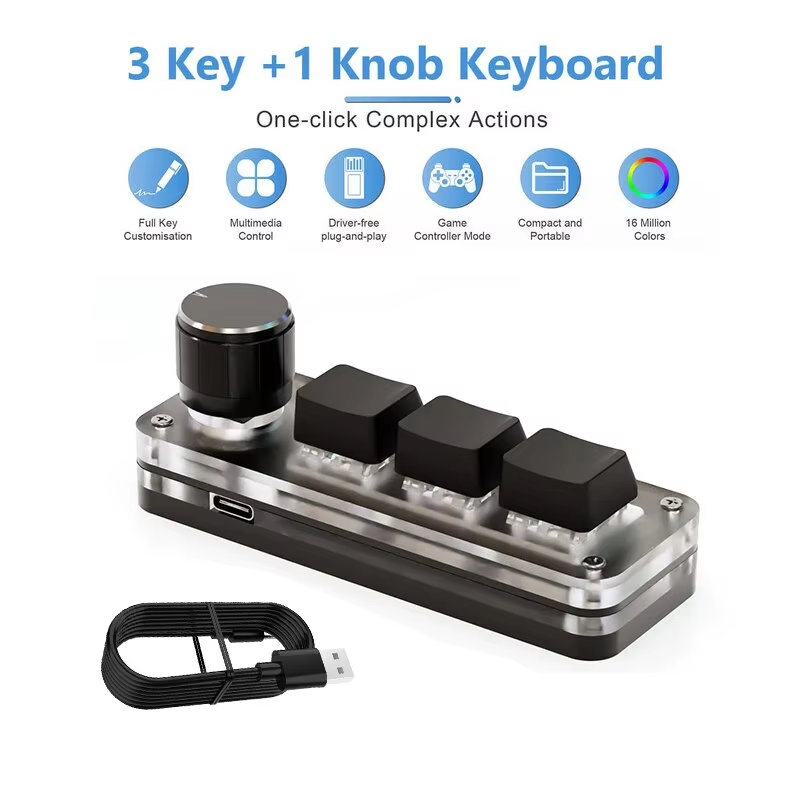
Compact 3-key mechanical macropad with red switches and customizable RGB backlight.
The ammtoo Macropad features a three-key mechanical layout designed for efficiency and easy access, perfect for gaming, productivity, and creative workflows.
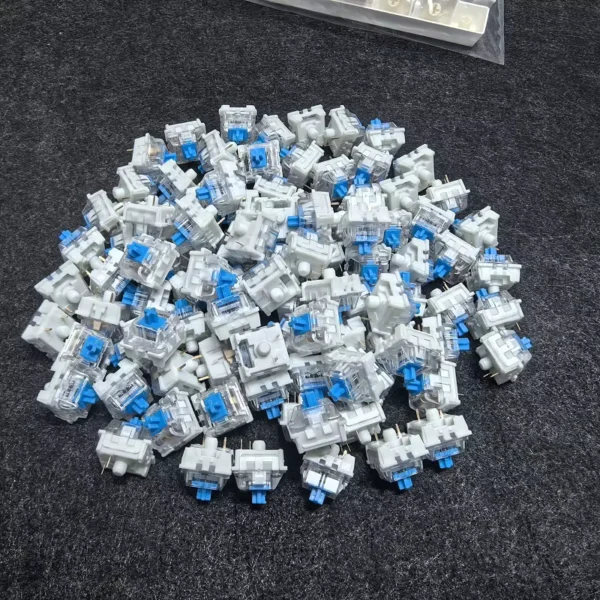
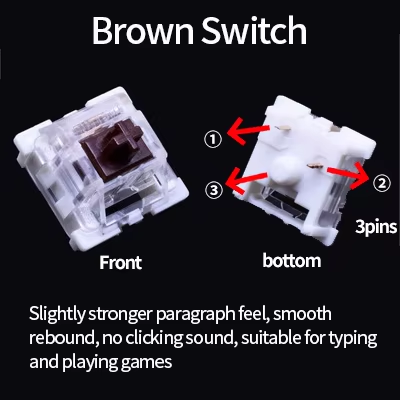
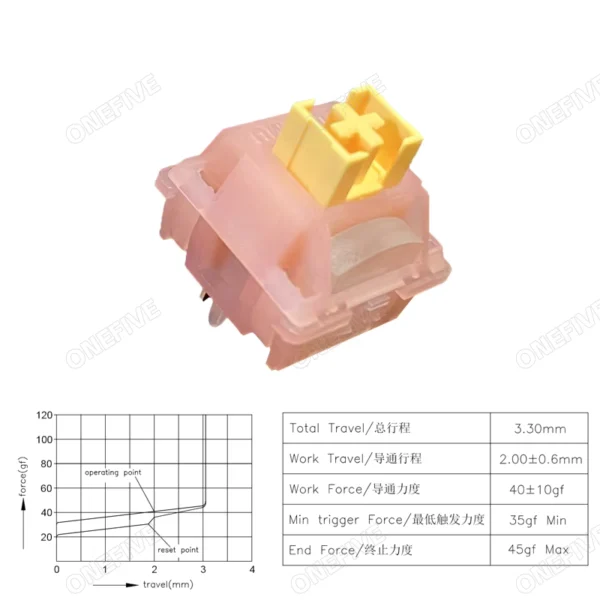
Equipped with OUTEMU red switches, this device offers smooth, tactile key responses that enhance typing speed and accuracy.
Enjoy vibrant multicolor backlighting with selectable LED modes to enhance your setup’s aesthetics and provide visual feedback on key presses.
Choose from LED model 0 (backlight off), LED model 1 (key press lighting stays on in cycling colors), or LED model 2 (color wave effect).
The dedicated programming knob allows easy adaptation for custom commands and shortcuts, boosting your workflow.
Its customization supports complex macros and shortcut combinations, expanding the device's functionality for diverse applications.
Connect via USB Type-C to USB interface ensuring a stable and reliable wired connection for uninterrupted sessions.
No driver installation is necessary, making setup simple and compatible across Windows, Mac, and Linux systems after initial configuration.
Supports hot swapping of switches and keycaps, enabling users to personalize their keyboard feel and aesthetics effortlessly.
This flexibility makes it ideal for enthusiasts and professionals wanting a tailored typing experience.
It uses OUTEMU red mechanical switches known for their smooth and tactile feel.
This macropad features a compact layout with 3 mechanical keys.
Yes, it has customizable multicolor RGB backlighting with three LED modes.
Yes, all keys and the programming knob functions can be customized via provided software on Windows.
No drivers are required; it connects via USB Type-C and is plug and play.
Yes, after setting up key functions on a Windows system, it can be used on Mac, Linux, and other USB-compatible systems.
Yes, it supports hot swap, allowing DIY replacement of switches and keycaps.
It is available in black and white color options.
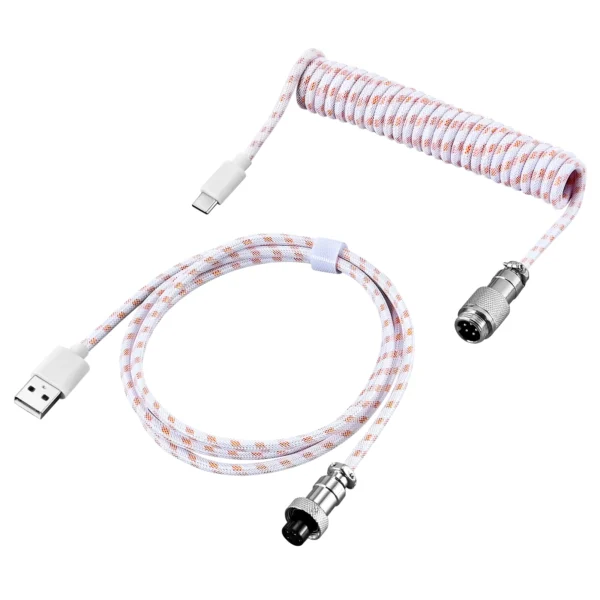
The package includes one ammtoo Macropad keyboard and a USB data cable.
The software and user manual are available via a Google Drive link provided with the product.
It's good, the delivery was fast and everything is fine.
I used chat gpt to guide me through it all, step by step. as chat told me, we don't use any trustmebro.exe and the software suggested did not inspire confidence. i installed usbdk found the model number then downloaded the tool from github, edited a yaml file, we had to remap a button because it wasn't a good fit, no problem, worked great from then on. tbh, chat gpt on high intelligence sol 5.6. i'm sure others could do it but that's just a tip. i didn't have any weird malware or issues with mapping, although i kept it exceptionally simple to copy paste on high intelligence sol 5.6. i'm sure others could do it but that's just a tip. i didn't have any weird malware or issues with mapping, although i kept it exceptionally simple to copy paste win-tab, volume up/down, press for mute. but for me that's all i need! construction is sturdy, knob has a nice tactile feel to it which is enjoyable. i realize i haven't done lights, if that's a thing i will look into it. $6.31 out the door. 😄
Excellent product, matches the description.
very good product
Very cool! I've always liked keyboards with knobs, but that really limits the options, especially among magnetic ones, so I decided to buy this macropad. I assigned the keys for volume, print, and clip... it works perfectly. I loved it!