Pretty cool circuitry
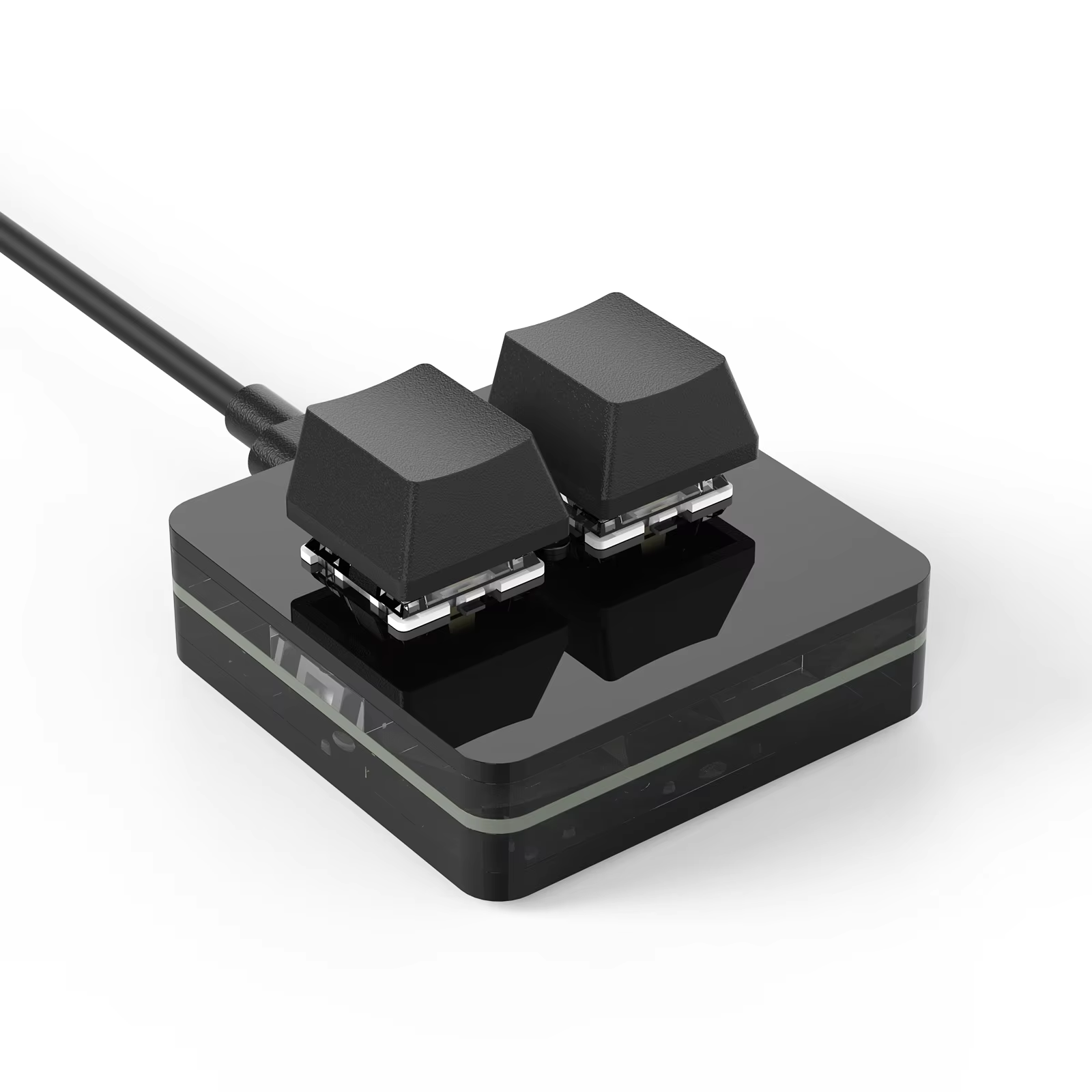
Compact RGB macro keypad with 3 programmable keys and a custom knob. Hot-swap red OUTEMU switches and multi-OS support.
This sleek and lightweight macro keypad is designed for efficiency and portability. Plug it into your device and enjoy instant access to custom commands for editing, coding, or multimedia control.
Its slim profile makes it a perfect addition to any workspace or on-the-go setup.
Customize each key with dedicated software compatible with Windows, Mac, iOS, and Android. Easily assign commands like Copy, Paste, Cut, Undo, scripts, or multimedia controls to optimize your workflow.
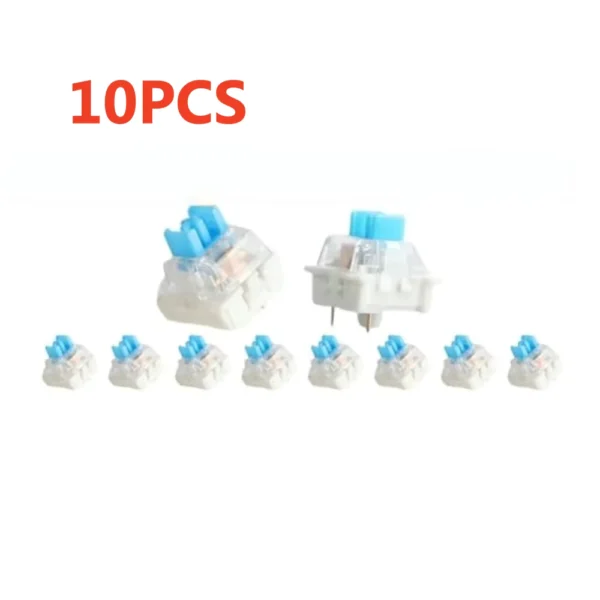
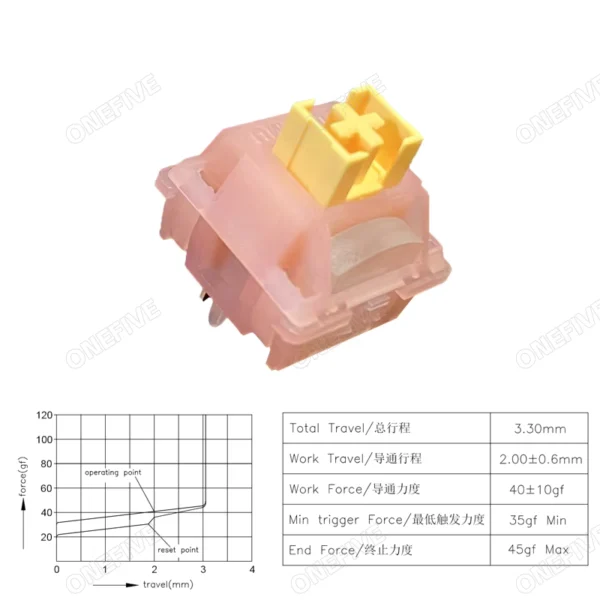
Enjoy the flexibility to swap OUTEMU red mechanical switches without soldering. Tailor the keyboard’s tactile feel and response to your preference, enhancing both gaming and productivity.
Personalize your keypad with seven RGB colors and two lighting modes: Gradient or Press-to-Light. Create a setup that matches your style and environment.
Supports Windows 7 and later, Mac OS, iOS, and Android devices. Mac users benefit from software that allows direct key programming without requiring Windows PC access.
Key mapping aligns Command (Mac) to Windows key, Option to Alt, and Control to Ctrl for seamless operation.
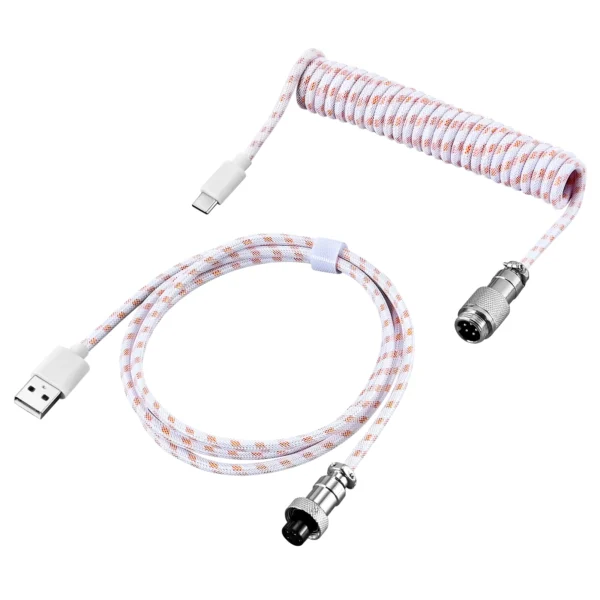
Includes an original USB-C cable that ensures reliable data transfer. Avoids compatibility issues common with third-party cables that only support charging.
It is compatible with Windows 7 and above, Mac OS, iOS, and Android systems.
Yes, each key is fully programmable using dedicated software allowing custom shortcuts and scripts.
Yes, it features a DIY hot-swappable design allowing easy replacement of OUTEMU red switches.
It uses OUTEMU red mechanical switches.
Yes, it offers customizable RGB lighting with 7 colors and 2 modes: Gradient and Press-to-Light.
Yes, it is slim, lightweight, and connects via USB-C using the included original cable for stable data transfer.
Yes, Mac users can program keys directly using the dedicated Mac software.
The default keys are set to Copy and Paste functions.
Yes, keys can be set to Play/Pause, Volume adjustments, song switching, and more.
Keycaps are made of ABS plastic with laser-printed legends.
Pretty cool circuitry
Very good
Lowk really good for geometry dash its better than my 60 dollar keyboard
It works very good and feels amazing.
Dissapointed this device is designed specifically for windows but i can still make it work on linux with some finagling