So far, so good.
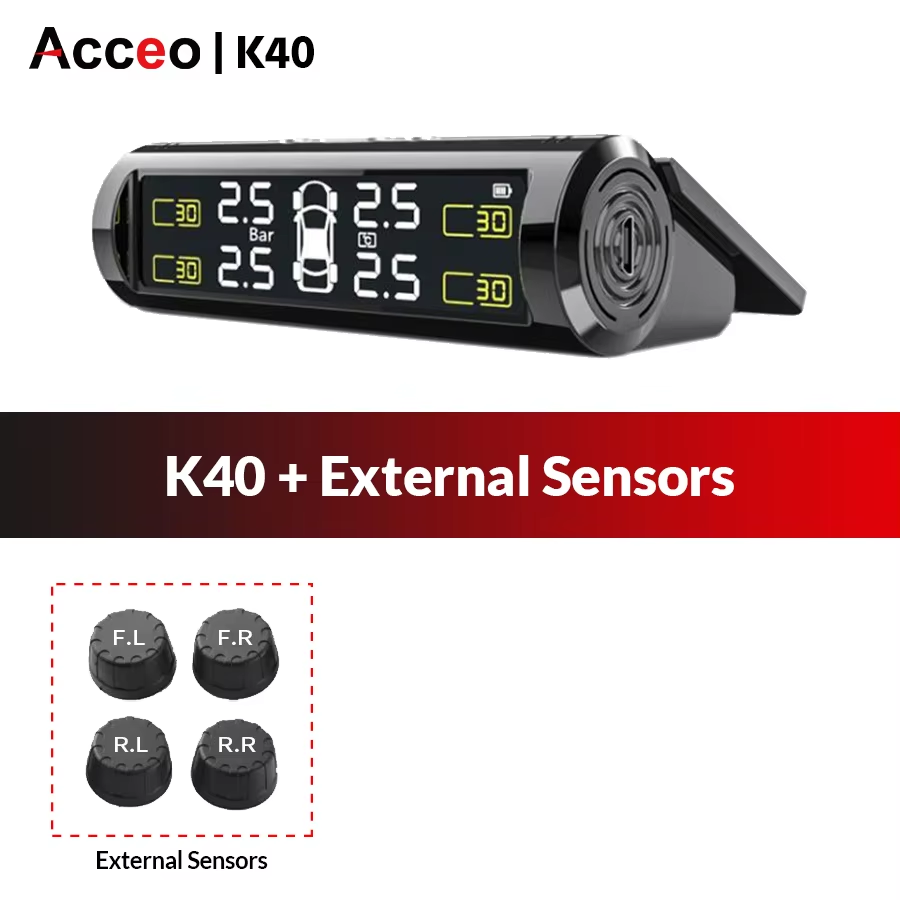
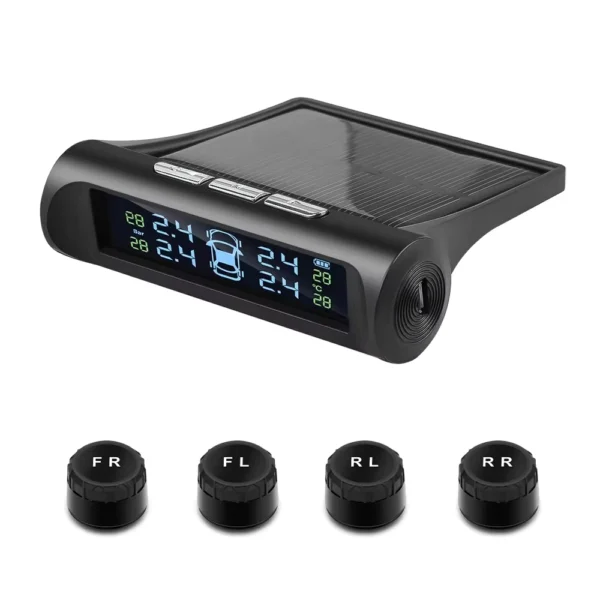
Monitor your car's tire pressure and temperature with this wireless USB and solar-powered TPMS. Includes 4 sensors and easy battery replacement.
Keep track of your car's tire pressure and temperature effortlessly with this wireless TPMS featuring USB and solar charging. It provides continuous safety alerts to help prevent accidents caused by tire problems.
This system supports four sensors, monitoring each tire individually to give detailed, accurate data for your peace of mind.
Activate your TPMS with a simple 3-4 hour charge to start using it right away. Sensors pair quickly with the monitor, and replacing batteries is straightforward without professional help.
The TPMS is certified by CE, FCC, and RoHS, ensuring compliance with safety and environmental standards.
Constructed from robust ABS material, the sensors withstand regular driving conditions and temperature fluctuations.
Choose between external or built-in sensors based on your vehicle’s needs. The monitor supports both types for versatile installation. Turn on the monitor before sensor installation for proper setup.
Charge the TPMS for about 3-4 hours first to activate the battery, as it may lose power during transportation.
Pair the sensor with the monitor according to the instruction manual to ensure proper connection.
Yes. Remove the dismantling gasket, use a wrench to open the shell, remove the old battery, and replace it with a new one.
Yes, batteries are included with the product.
This system works with both external and built-in sensors that come with the TPMS.
Press and hold the power button on the monitor to turn it on before installing any sensors.
The TPMS is branded by Acceo.
It is certified with CE, FCC, and RoHS standards.
The sensor casing is made of durable ABS material.
The product is designed as a tire pressure and temperature monitoring system suitable for most cars with compatible sensors.
So far, so good.
Hello, one million US dollars, hello, one million US dollars, hello, one million.
One of the sensors is not working, the battery has been changed and also swapped with another sensor on the bike, but it still does not show the tire pressure, it shows 0.00 bar. See the photo below.