Using for qnap nas thanks
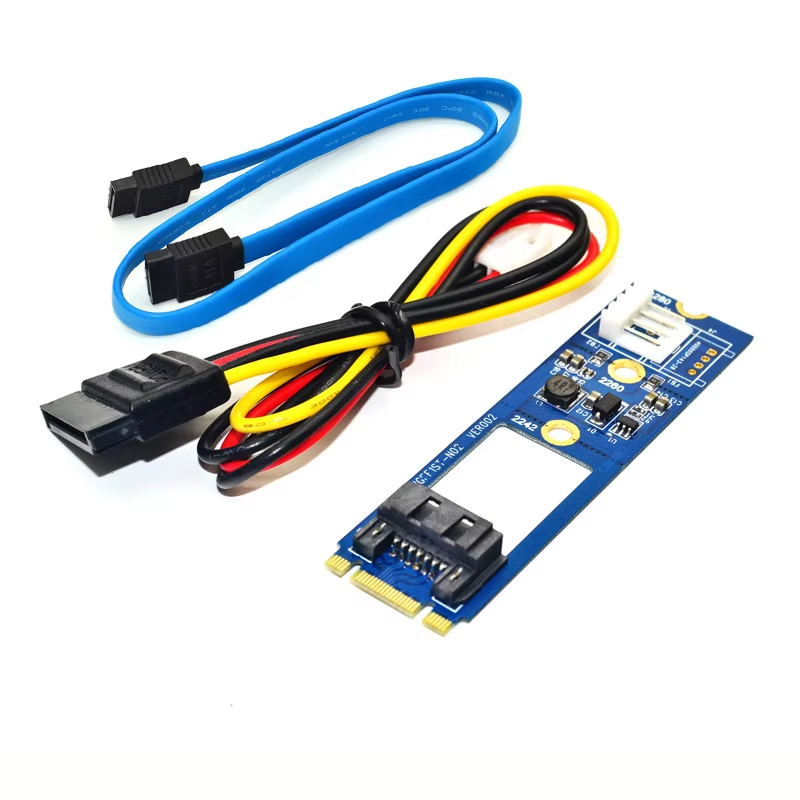
Convert M.2 Key B&M slots to SATA 7Pin connectors seamlessly.
This adapter extends your motherboard’s M.2 Key B-M slot to a SATA III 7Pin connector, enabling connection of SATA SSDs using the M.2 interface.
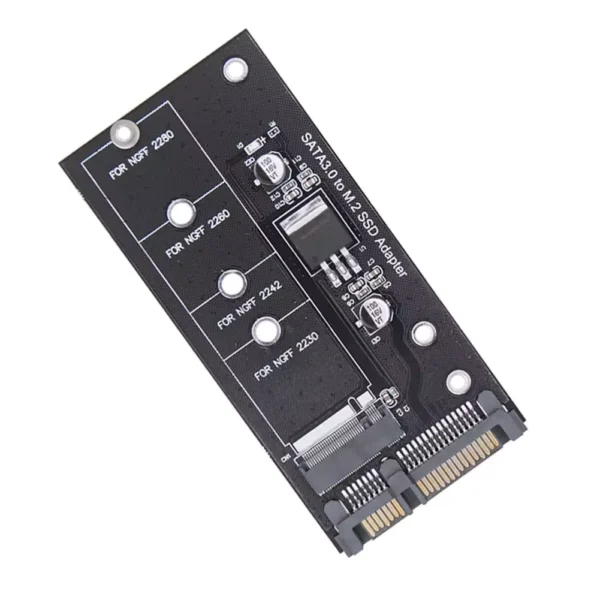
It supports NGFF (M.2) SSD sizes 2242, 2260, and 2280 with selectable length options by trimming the PCB along marked V-CUT lines.
Compliant with PCI Express M.2 specification 1.0 and SATA 3.0 standard, it supports data transfer speeds up to 6Gb/s for fast SSD performance.
Works with any operating system including Windows, Linux, and WinCE without requiring drivers, ensuring plug-and-play experience.
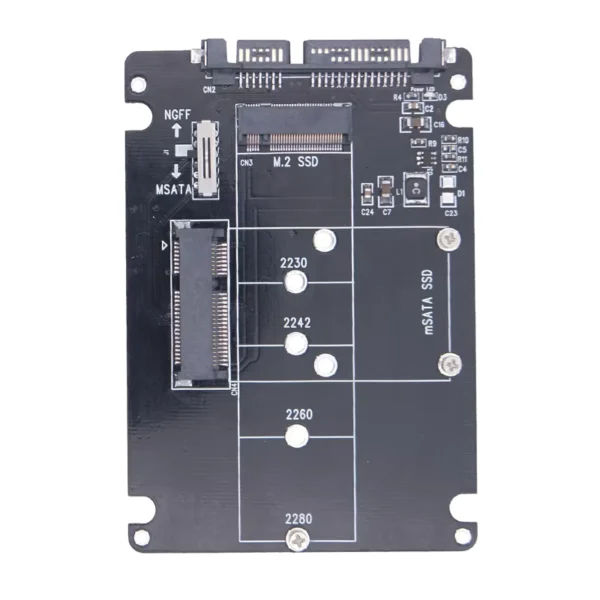
Features four screw holes to fit different M.2 SSD lengths securely during installation.
The adapter card is designed with one SATA 3.0 and one M.2 male connector for easy integration into your system.
Note that the adapter carries signal lines only and does not provide power; SATA power must be supplied from the host system’s power connector.
Please verify your device uses SATA signaling on the M.2 slot; this adapter does not function with PCIe-only M.2 devices.
This adapter supports M.2 SSD sizes 2242, 2260, and 2280. You can adjust smaller sizes by cutting along the V-CUT lines on the PCB.
No, the adapter does not require drivers. It only connects signal lines from the M.2 slot to the SATA 7Pin connector.
No, the adapter does not provide power. You must power the SSD through the host's SATA power connector separately.
It supports data transfer speeds compliant with SATA 3.0 specifications, up to 6.0 Gb/s.
Yes, it supports operating systems including Windows, WinCE, Linux, and others without any driver installation.
The adapter connects to M.2 Key B and M slots (socket 2) on the motherboard.
Depending on the variant purchased, the package may include a SATA 3.0 cable; it is optional.
No, this adapter is compliant with PCI Express M.2 specification 1.0 but only routes SATA signals, not PCIe signals.
Installation is internal and straightforward by connecting the adapter to the M.2 Key B-M slot and attaching the SATA device to the 7Pin connector.
Yes, there are four screw holes to support SSD sizes 2230, 2242, 2260, and 2280 for secure installation.
Using for qnap nas thanks