Works as described.
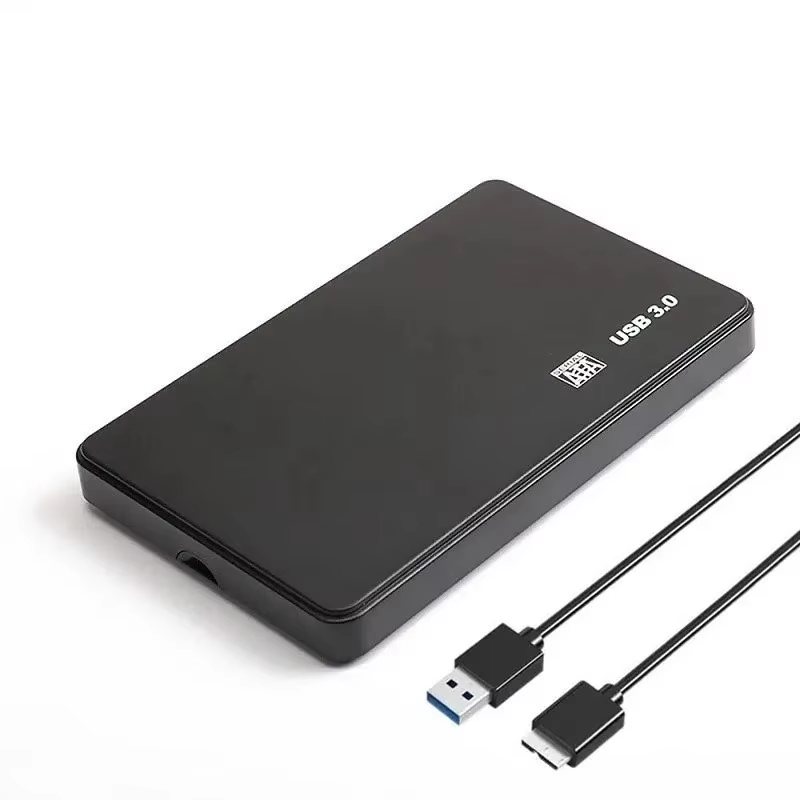
Compact and slim USB 3.0 enclosure for 2.5" SATA HDD/SSD drives up to 6TB. Features LED activity indicator, plastic heat-dispersing casing, and supports plug-and-play operation across Windows and Mac OS.
This compact and sleek enclosure connects your 2.5 inch SATA HDD or SSD to computers at USB 3.0 speeds, offering up to 5Gbps transfer rate while maintaining backwards compatibility with USB 2.0 and 1.1 ports.
The slim profile makes it ideal for desktop and laptop users needing fast external storage without bulk.
Works seamlessly with Windows XP, 7, 8, 10, Vista, Mac OS 9 and 10, and Linux operating systems.
Plug and play functionality with hot-swappable connection means instant use without rebooting or awkward driver installs.
Encased in sturdy plastic, the enclosure includes plastic side fins designed specifically to disperse heat, keeping your drive cool during extended use.
Includes LED indicator showing power and activity status for easy monitoring.
It supports 2.5 inch SATA hard drives and solid-state drives with thicknesses of 7 mm and 9.5 mm.
The enclosure supports drives up to 6TB capacity.
It uses a USB 3.0 interface, which is backwards compatible with USB 2.0 and 1.1.
The enclosure is bus-powered and does not require an external power adapter.
It supports Windows XP, 7, 8, 10, Vista, Mac OS 9 and 10, and Linux operating systems.
Yes, it supports plug and play, requiring no additional drivers for installation.
Yes, the enclosure supports hot-swappable connection allowing safe connection and disconnection while the PC is on.
The casing is made of plastic with side fins designed for optimal heat dissipation.
Yes, there is an LED indicator to display drive activity during operation.
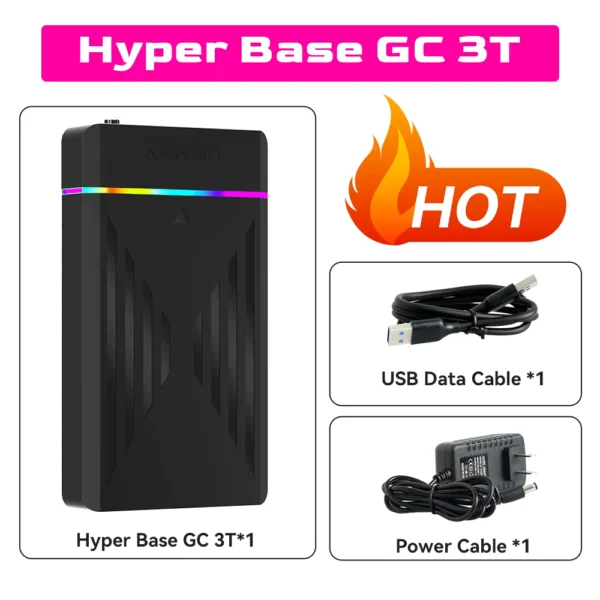
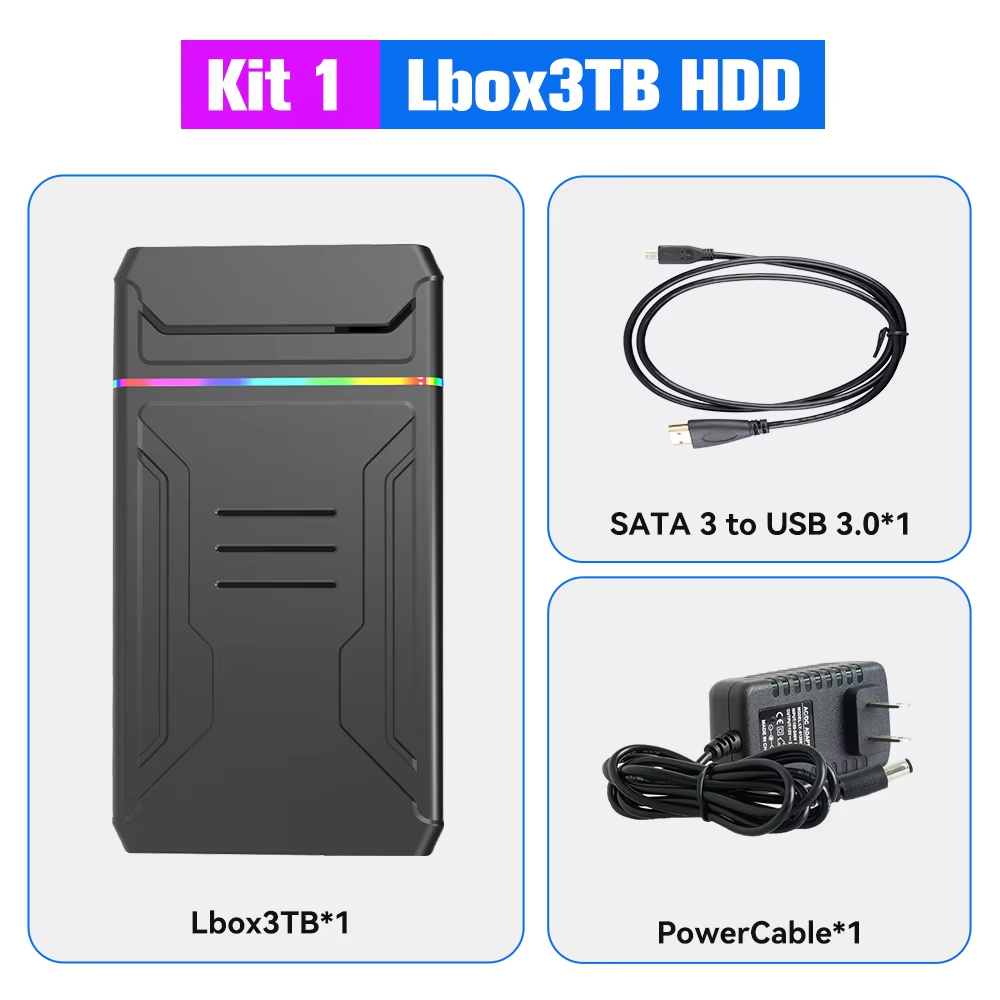
The package includes the 2.5 inch hard disk case and one USB cable; hard drive is not included.
Works as described.
The package finally arrived safely, but I thought it wouldn't reach me because the courier company listed another package in the delivery confirmation that wasn't mine, and I didn't see a refund either. In the end, it did arrive.
I bought the red enclosures. They use the jmicron chip, and are just fine for what i use them for, which is the addition of a samsung 850 pro ssd to my xbox one x. Transfer speeds reached 613 mbps according to the xbox when moving a 50 gb game from internal to external drives, which is about as good as it gets. Gameplay was improved, with textures loading much more quickly, and loading times are greatly reduced.
I'm rating the item at 4 stars due to the way this case just snaps together. The 5mm drive needed a foam strip thicker than the included strip to keep the drive from rattling in the enclosure. It's also best noted that i do not recommend this enclosure for travel. It's great for at-home or in-the-office situations where extra storage is desired but space isn't available in the device. Grab a little double-stick tape and stick the drive to the device and you've got a great little easy-access enclosure.
The device works very well.
The device works very well.