Tried and works as advertised. wish there are more ps4 games
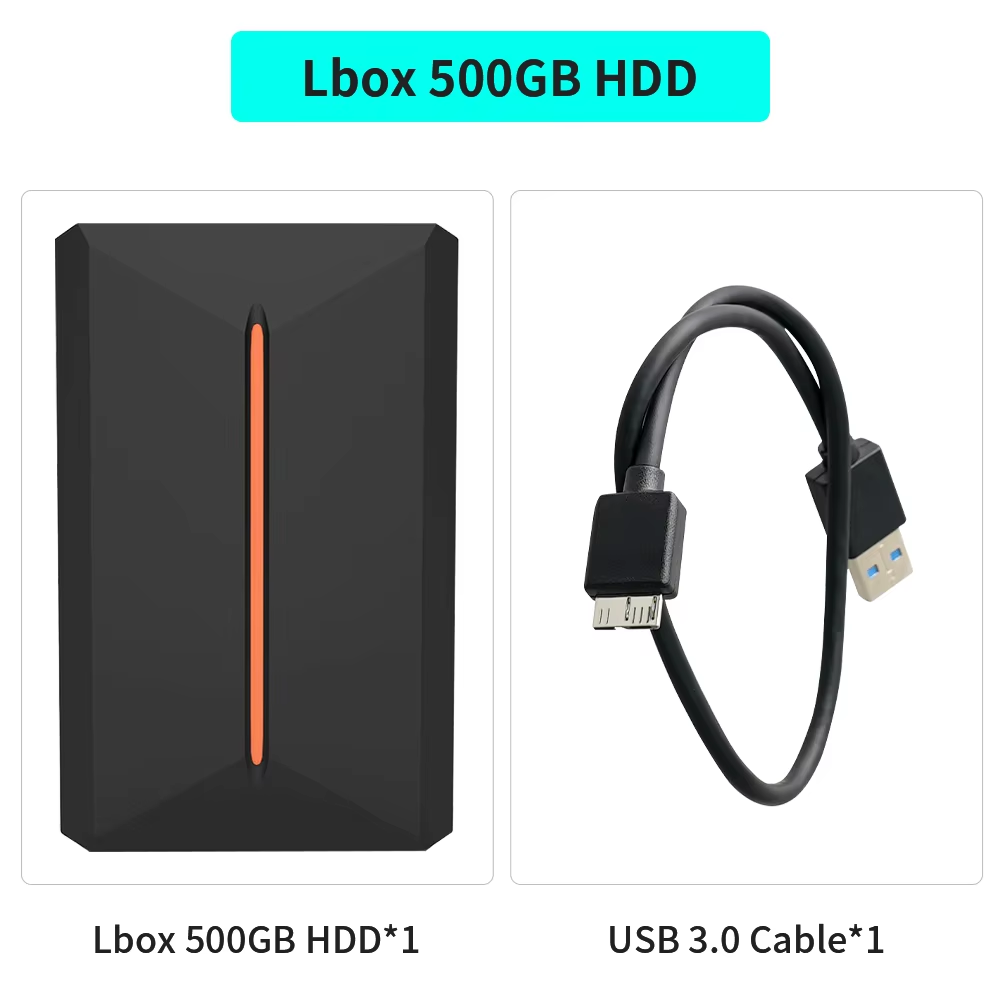
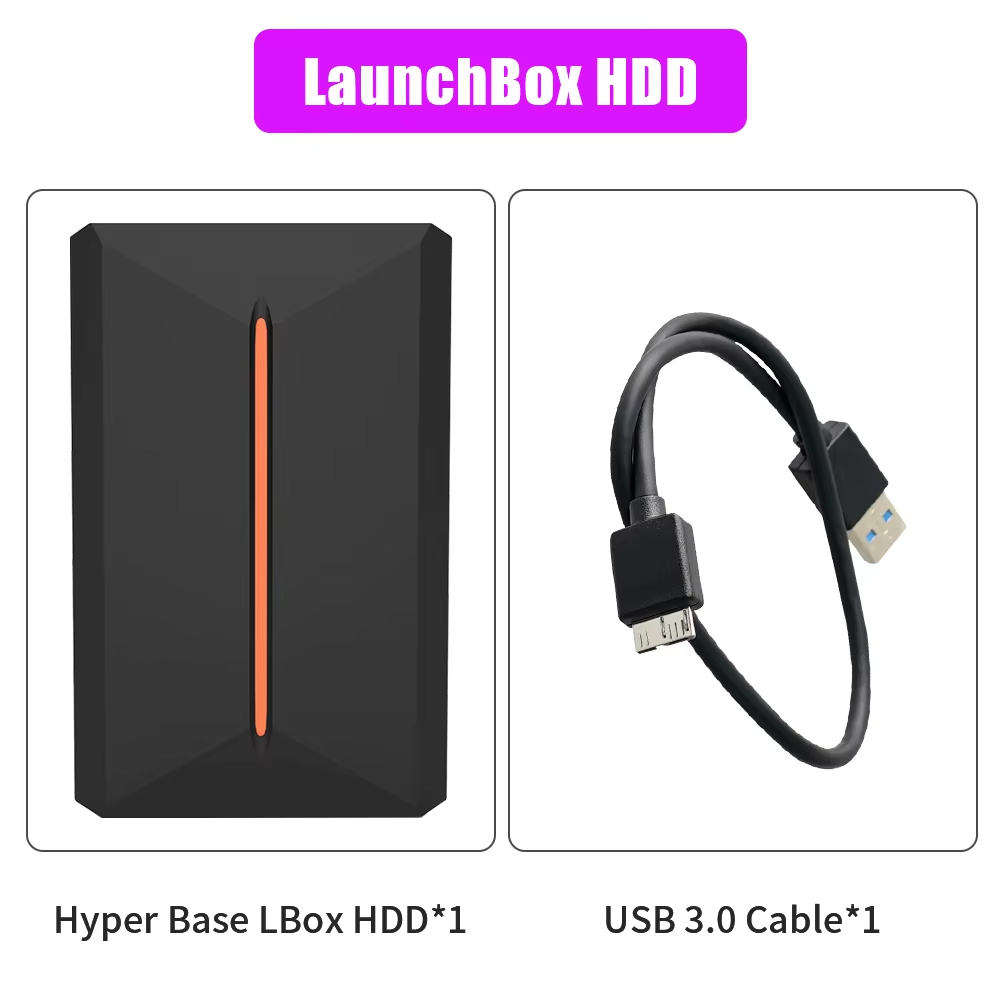
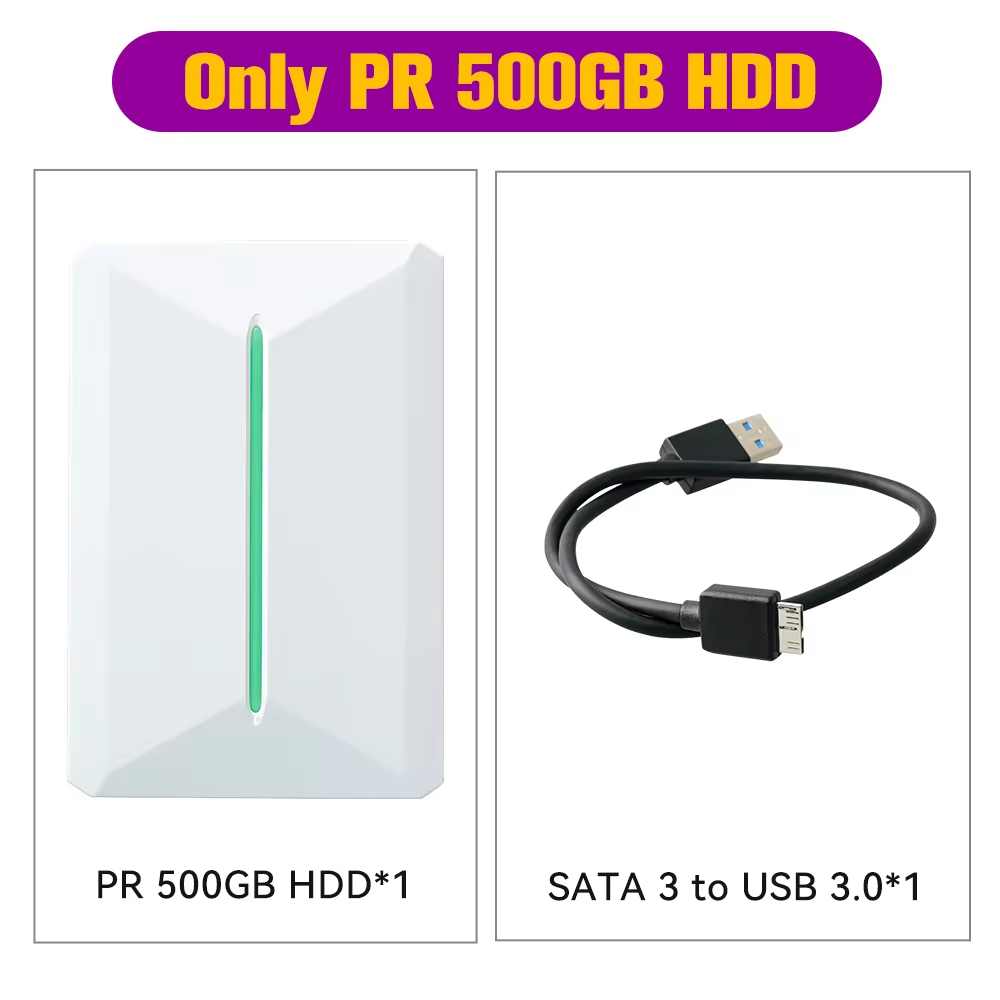
Plug & Play 500GB Gaming HDD pre-installed with 3700+ 3D, retro, and PC games.
Includes 15 emulators supporting PS4, PS3, PS2, GameCube, Wii, and others.
Compatible with Windows 8.1 and above.
21 in stock
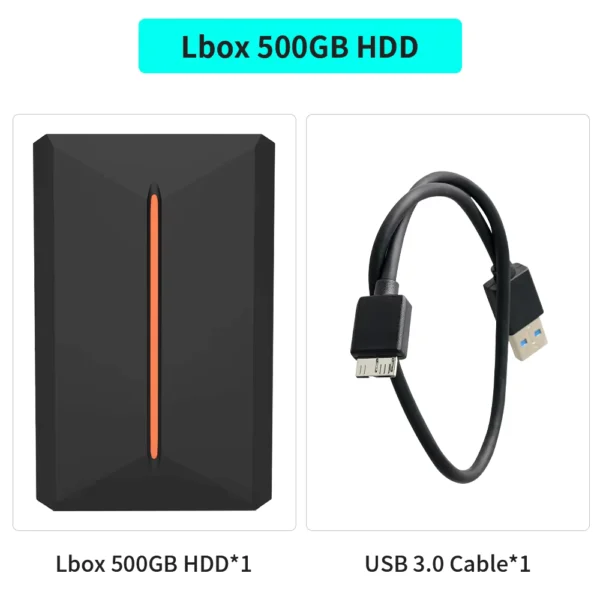
The Hyper Base Lbox 500GB gaming hard drive offers over 3700 pre-installed games, including 3D classics, retro favorites, and top PC AAA titles, all available instantly on your Windows PC. Experience vast gaming variety with no setup hassle.
Pre-installed with 15 emulators covering popular consoles like PS4, PS3, PS2, PS1, GameCube, Wii, Wii U, and Sega Saturn, this device lets you enjoy games from multiple platforms seamlessly.
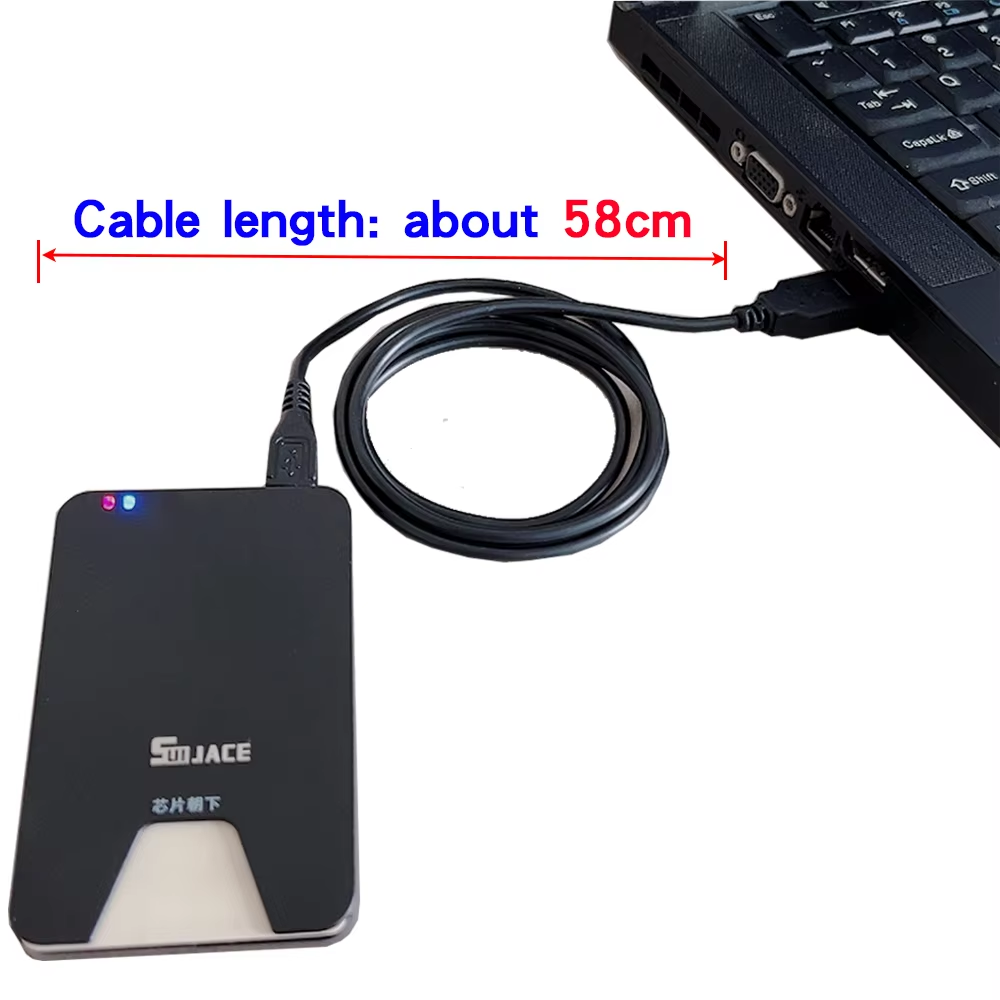
Designed for Windows 8.1 and above, simply connect the hard drive to your computer via USB to access the LaunchBox system and start gaming right away—no downloads or complex installations needed.
The device contains a 2.5-inch SATA 5400 RPM hard drive with 128MB cache and a fast 6GB/s interface, ensuring reliable storage and smooth loading of games.
Recommended system specs include dual-core 3.0 GHz processors or higher, and GTX 780 or better graphics for optimal performance on demanding titles.
The easy-to-navigate LaunchBox system organizes your extensive game library and guides new game additions. Manuals and required components like VC++ Redistributables, .NET Core, and DirectX are included on the drive for hassle-free setup.
For smooth gameplay on Wii, Wii U, PS3, and PS4 games, upgrade your PC RAM to at least 16GB and close unnecessary processes if experiencing crashes.
If PS1 games have issues, changing the drive letter to 'N' may resolve compatibility problems.
It supports 64-bit Windows 8.1, 10, and 11 operating systems only.
There are over 3700 pre-installed games including 3D, retro, and 15 PC AAA titles.
The 15 emulators support PS4, PS3, PS2, PS1, GameCube, Wii, Wii U, Saturn, and others.
Yes, it is plug and play for Windows computers with no additional downloads or installations required.
A dual-core 3.0GHz CPU or better, and for some modern systems a GTX 780 or higher GPU is recommended.
Press 'Esc' on the keyboard, or use 'Select+Start' twice on the controller for RetroArch games; other methods apply for specific emulators.
Yes, simply drag and drop ROMs into the LaunchBox interface and follow instructions to select emulators and download images.
Check Windows Security Center or antivirus software to ensure game plugins have not been quarantined or deleted.
Change the drive letter of LaunchBox to 'N' as instructed in the manual found on the hard drive.
No, the Hyper Base Lbox 500GB HDD does not include any game controllers.
Tried and works as advertised. wish there are more ps4 games
R!!!!!!!!!!!!!!!!!!!!!!!!!!!!!!!!!!!!!!!!!!!!!!!!
Lots of plays !, hooked up to my mini pc and worked very nicely with the software included
Very satisfied !
For the price this is great. I transferred it to my 2t hdd.
*plase note: its used*
My hdd has been running for 4 months straight and had been booted 2200 times.
Why hdd and not ssd? Yes hdd is cheaper but ssd has a drawback, if you put a ssd in your draw for 6months and forget about it, without power the 1's and 0's can get mixed up and become corrupted.
I would recommend copying the apps over and just using the hdd as game storage. I deleted "ps4" games, i don't need gta v(you can buy it for $5). If you don't clear the hdd below 85% your playback and transfer speed will be 20-40mbs instead of 60-90mbs.
Ps: if you don't have a controller, get one. Some emulators you need it. If your pc is in the same room as your tv, i would suggest getting a long hdmi or a wireless hdmi.
*good luck and if you download game files with a .exe, you have click on a add by mistake, delete asap*
Excellent.