Sale
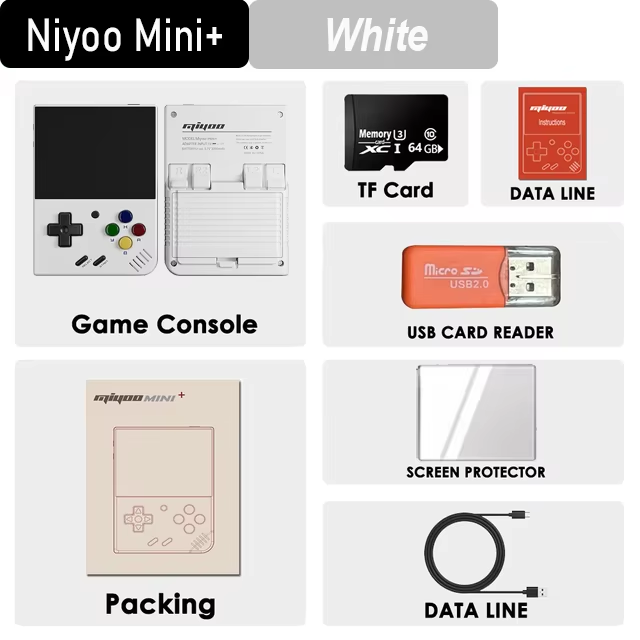
MIYOO Mini Plus Portable Retro Handheld Game Console
Price range: $73.91 through $93.17
Pay now, in 4 interest-free payments of $18.48, or over 3–6 months
4 interest-free payments of $18.48
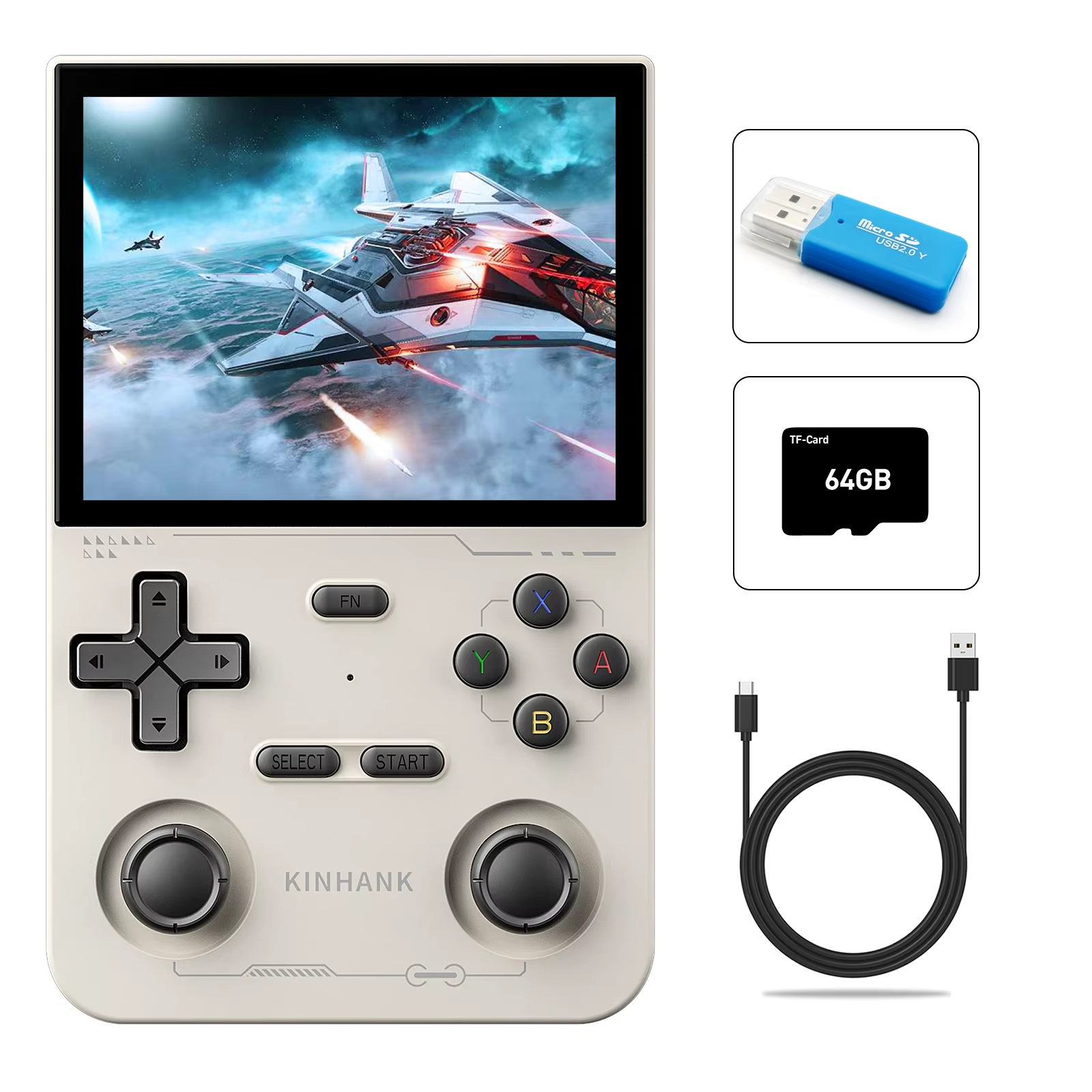
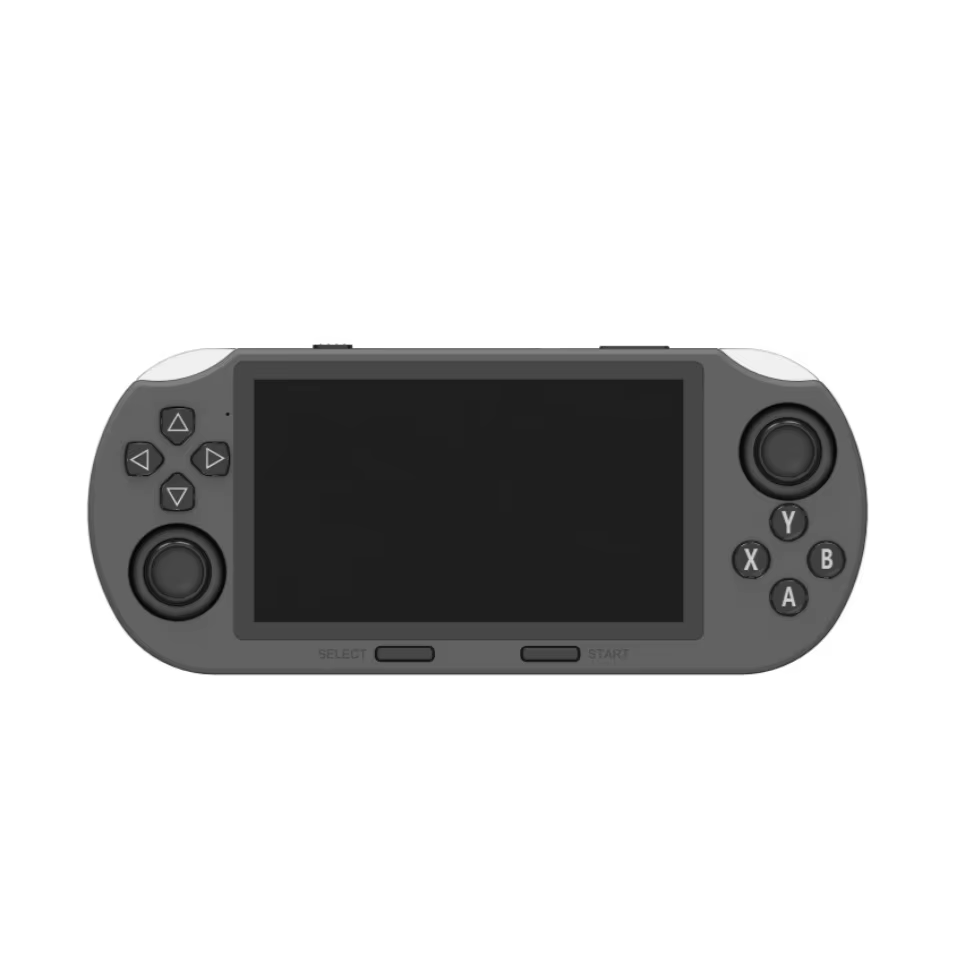
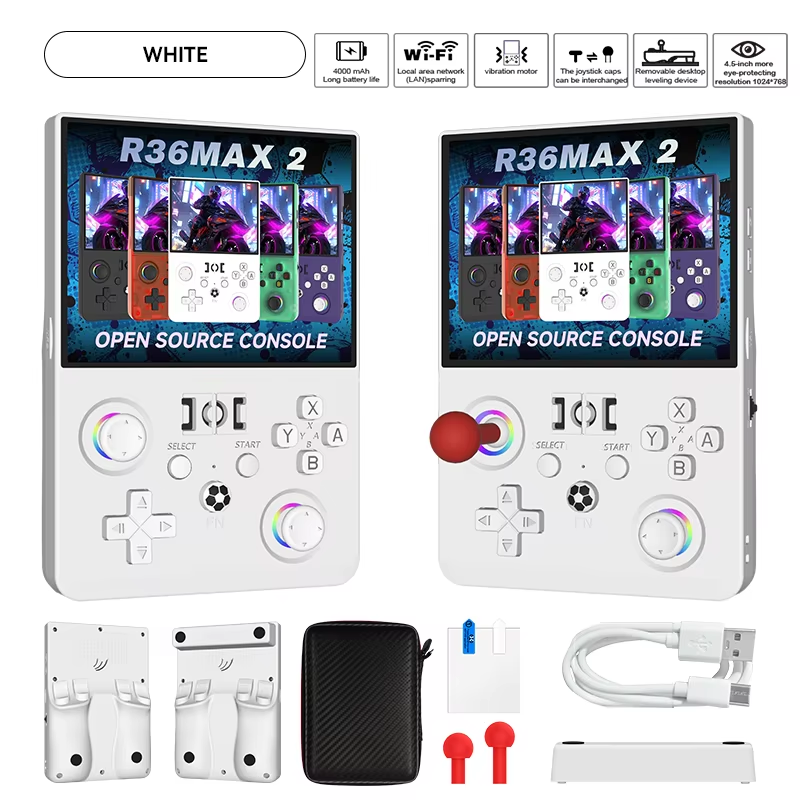
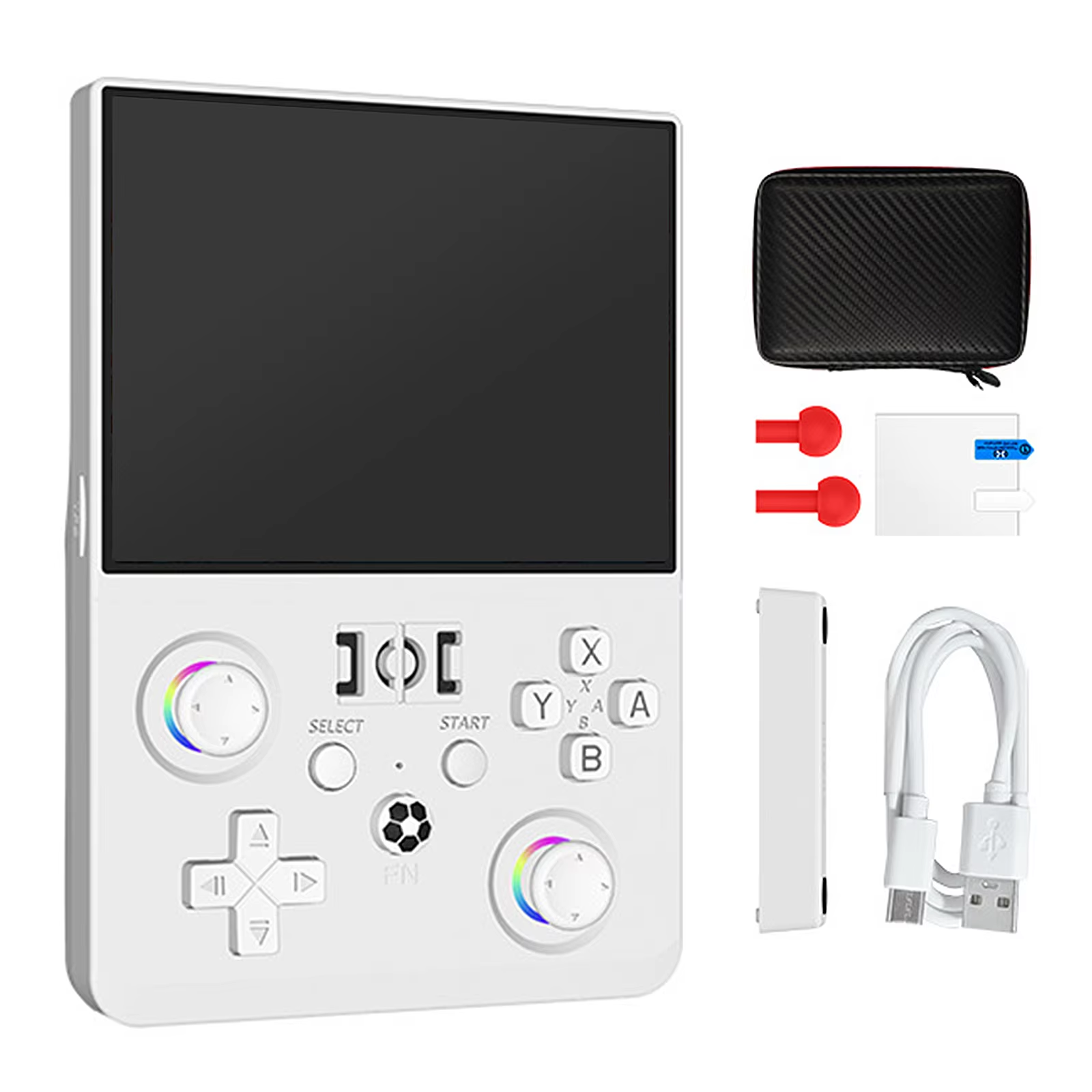
Experience classic gaming on the go with the MIYOO Mini Plus handheld console featuring a 3.5-inch IPS HD screen, Linux OS, and TF card game support.
- Portable and lightweight
- Supports multiple games from TF card
- Save and load game progress
↗
Estimated Delivery Time3–7 business days
Compact Retro Gaming Anywhere
The MIYOO Mini Plus is a portable handheld gaming console featuring a 3.5-inch IPS HD screen to deliver vivid visuals and classic gaming experience on the go. Its small size makes it ideal for children and adults alike to enjoy retro games anytime.
Expand Your Game Collection with TF Card
Load your favorite classic games easily by inserting a TF card containing game ROMs into the dedicated slot. Manage and refresh your game library through the console’s straightforward menu interface for seamless play.
- Supports multiple game formats on the TF card
- Easy copying of ROMs via computer connection
- Refresh ROM option for updating game list
Smart Power and Sleep Settings
Designed for energy efficiency, the MIYOO Mini Plus features idle and sleep modes that automatically dim the screen or shut down the device after inactivity, extend battery life and protect your progress.
- Idle mode activates after 60 seconds
- Sleep mode with screen and sound off after 5 minutes
- Automatic shutdown after 10 minutes in sleep mode
User-Friendly Firmware Updates
Firmware upgrades are simple and safe. Place the update file on the TF card root, insert it, connect charging, and automatic upgrade will start without risk of interruption.
- No need to power on manually for upgrade
- Avoids accidental power off during update
Save and Load Game Progress
Keep track of your gaming achievements with the console’s ability to save up to 10 different game progress points via the in-game menu, enabling easy loading and continuation of gameplay.
- Up to 10 save slots per game
- Access save/load from the game menu
Robust Construction and Controls
Housing made from durable ABS plastic and equipped with responsive physical buttons including power, menu, and directional keys designed for comfortable handheld gaming sessions.
- ABS plastic enclosure for durability
- Ergonomic button layout for easy control
Key specifications
- Screen Size: 3.5 inches IPS HD
- Operating System: Linux
- Enclosure Material: ABS Plastic
- Connectivity: No WIFI, No Bluetooth
- Storage: Supports TF card for games
- Battery: Included, rechargeable
- Supported Language: English
What's in the box
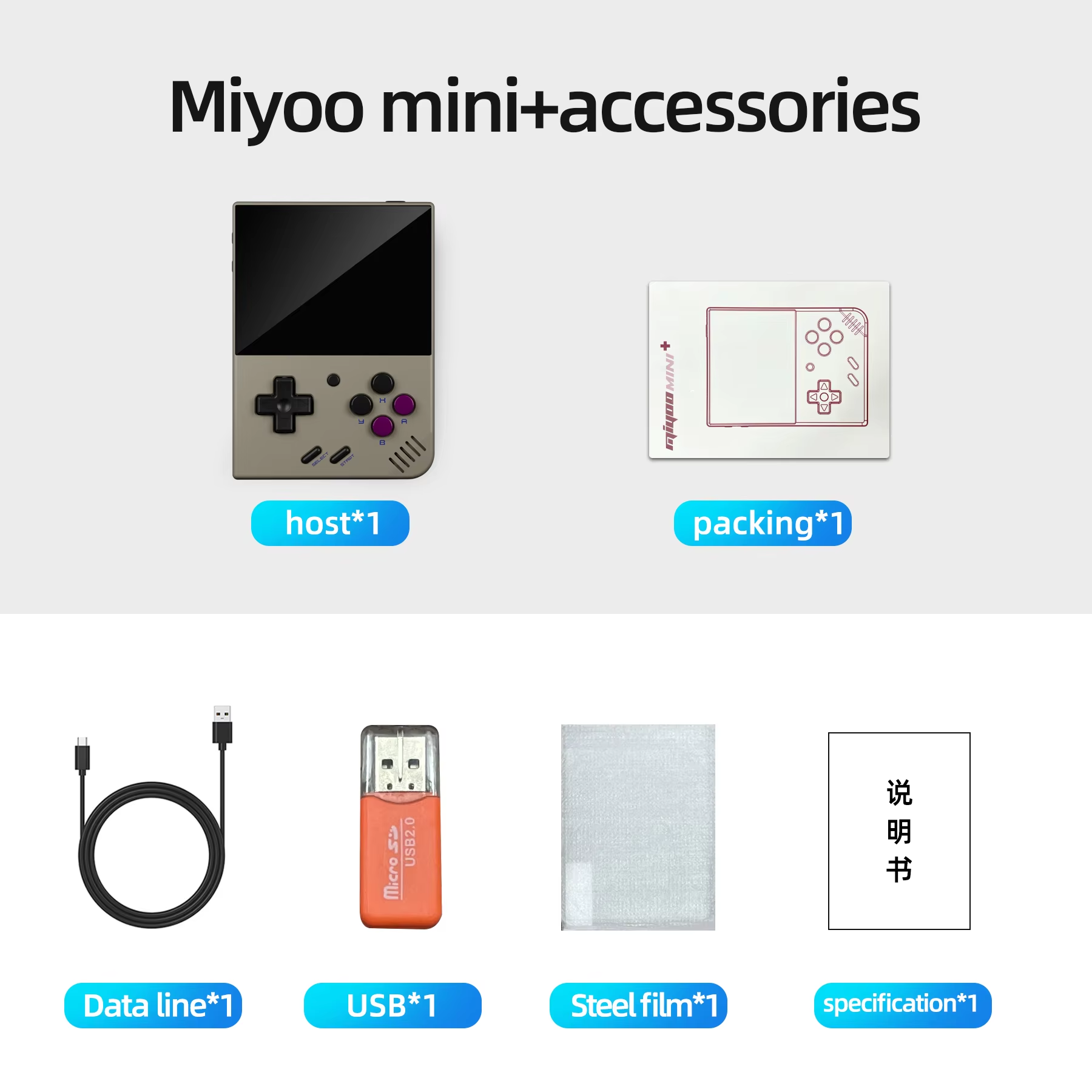
- MIYOO Mini Plus handheld game console
Product FAQ
Frequently asked questions
01 How do I start using the MIYOO Mini Plus?
Insert a TF card preloaded with games into the TF card slot, charge the device, then press and hold the power key for 1 second to start.
02 How can I add new games to the MIYOO Mini Plus?
Remove the TF card, connect it to a computer via card reader, copy game ROMs into the appropriate folders, reinsert the card, open MENU, and select 'Refresh ROM'.
03 What screen size and type does the MIYOO Mini Plus have?
It features a 3.5-inch IPS HD screen for clear and vibrant display.
04 Does the MIYOO Mini Plus support saving game progress?
Yes, you can save up to 10 game records via the in-game MENU options for Save and Load progress.
05 How do I shut down or restart the console?
Press the power button for 3 seconds to open the shutdown menu and press 'A' to shut down; to restart, press and hold the power button for 1 second.
06 What power and sleep modes are available?
After 60 seconds idle, the screen dims; 5 minutes of inactivity triggers sleep mode turning off screen and sound; after 10 minutes in sleep mode without action, the device shuts down automatically.
07 Can I upgrade the firmware on the MIYOO Mini Plus?
Yes, with the device off, place the firmware file in the root of the TF card, insert the card, connect charging cable to start upgrade automatically; do not power off during upgrade.
08 Is WIFI or Bluetooth available on the MIYOO Mini Plus?
No, the MIYOO Mini Plus does not support WIFI or Bluetooth connectivity.
09 What materials is the MIYOO Mini Plus made from?
The device enclosure is made of ABS plastic.
10 Are there any precautions to take when using the MIYOO Mini Plus?
Avoid spraying liquids on the device, do not disassemble or repair it yourself, avoid volatile cleaners, and keep it away from high temperatures or direct flames.
Discussion
0.0
Based on 0 reviews
No reviews yet. Be the first to share your experience.