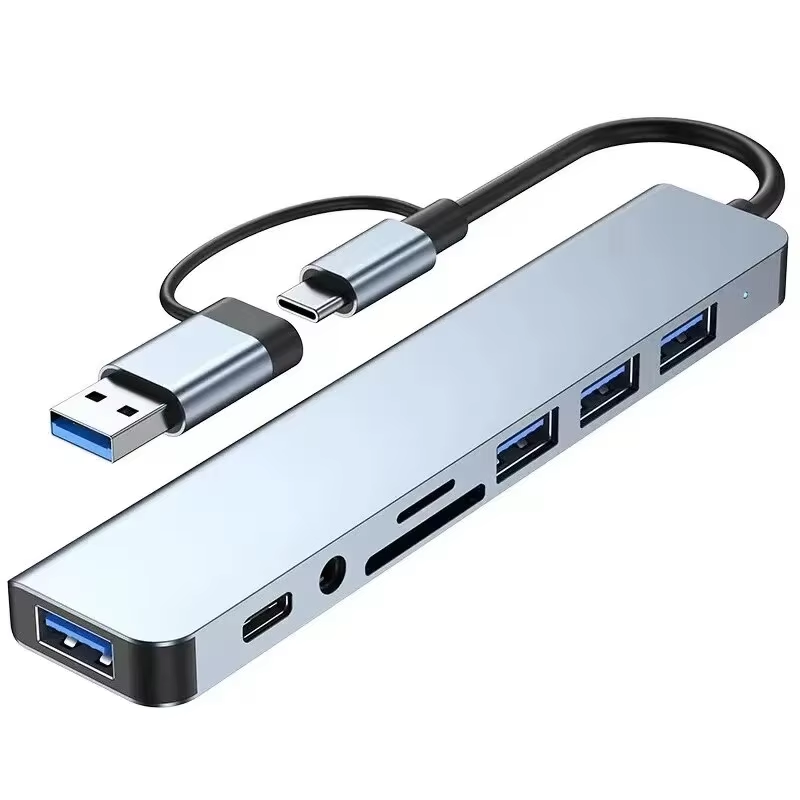
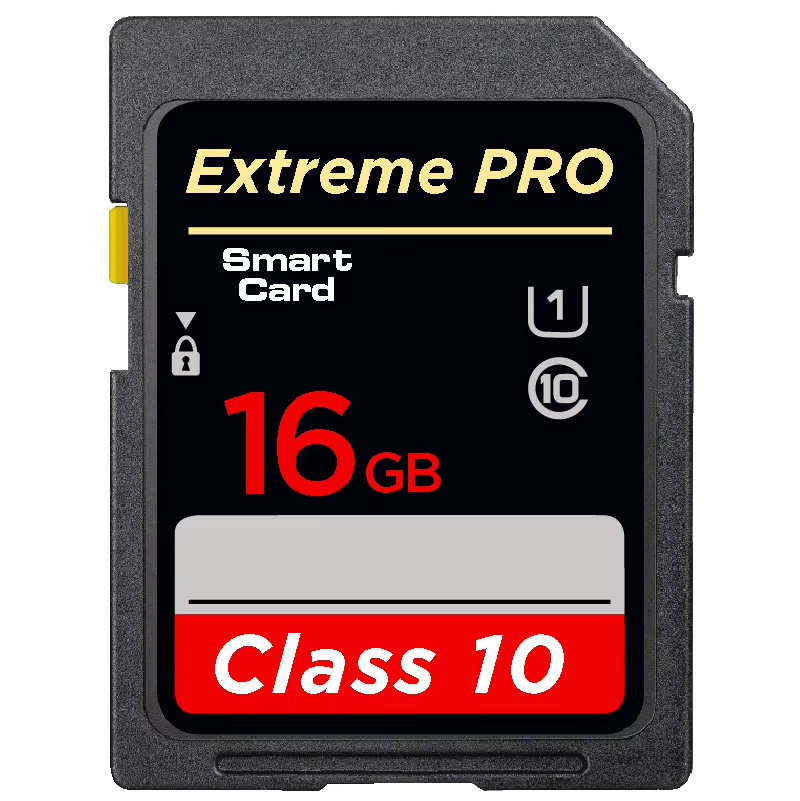
Took a bit of getting it to work. you have to go into the settings of opl to make it see your memory cards etc. also make sure you format your memory card to 32bit otherwise you cant see the files.
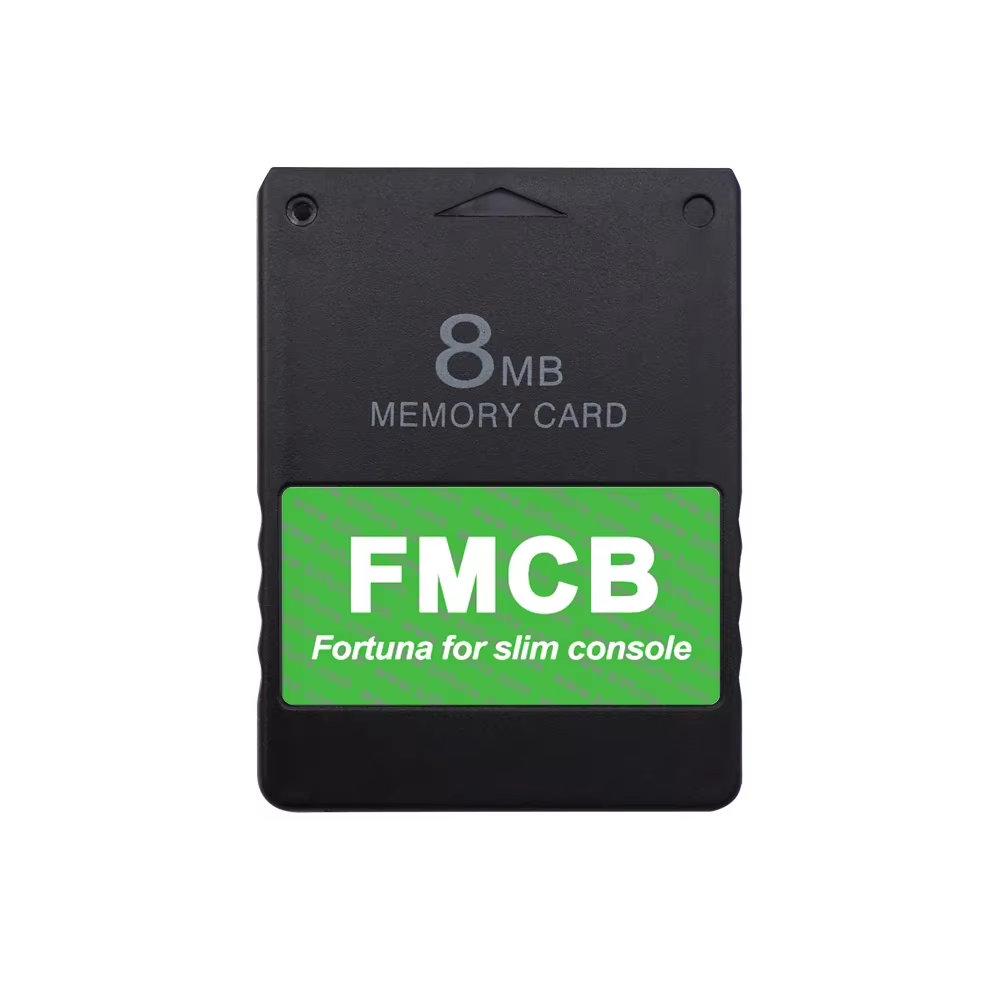
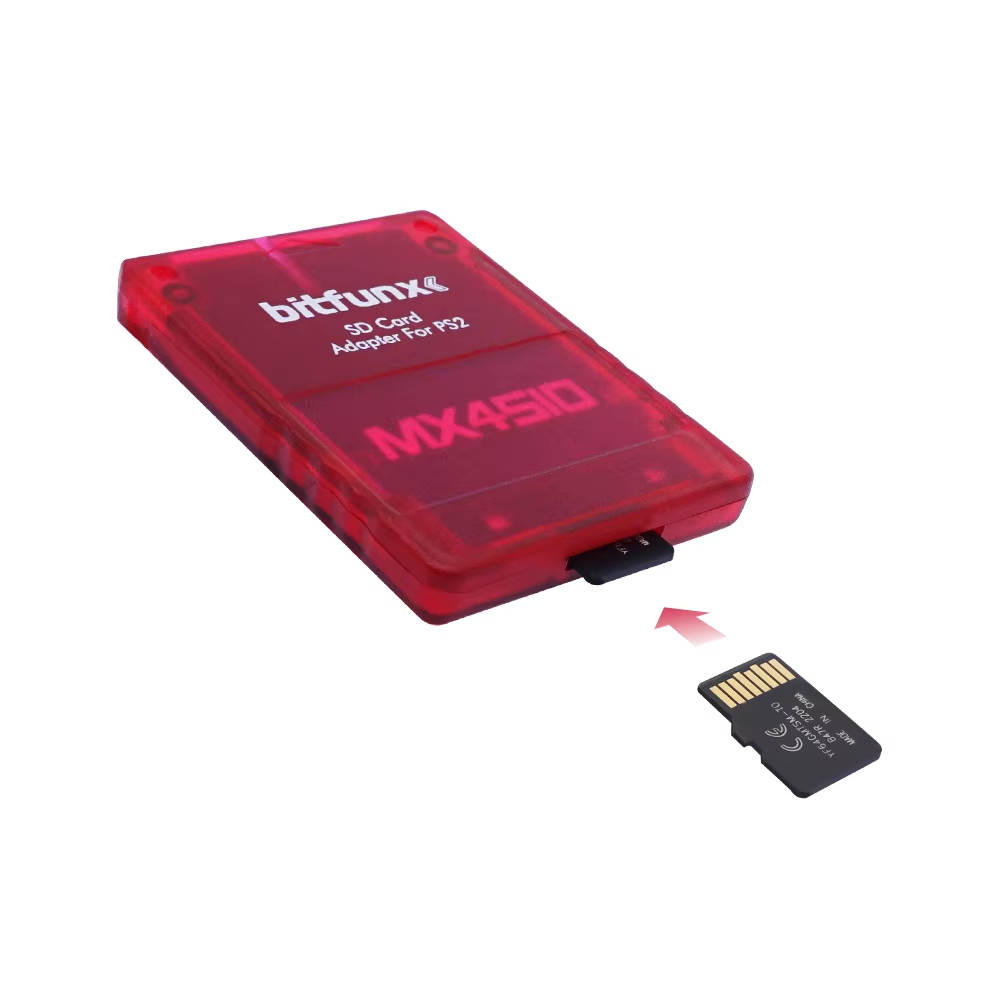
Compatible with PS2 Slim (SPCH-7xxxx and SPCH-9xxxx) consoles, the BitFunx Fortuna FMCB memory card enables homebrew functionalities. Quick plug-and-play and customizable with popular emulators and software.
The BitFunx Fortuna FMCB is designed exclusively for Sony Playstation 2 Slim models SPCH-7xxxx and SPCH-9xxxx, delivering region-free support and quick setup. Simply plug it into your PS2 memory card slot and begin accessing enhanced functionalities without complex installations or hardware alterations.
Customize your gaming experience by adding popular homebrew applications and emulators including uLaunchELF, ESR launch disc, and Open PS2 Loader. Enjoy viewing multimedia files and playing emulated classic games with software support built into select FMCB versions.
Avoid saving game data on the FMCB card to prevent damage to system files. When using the FMCB, unplug USB devices before launching software to avoid compatibility issues. Use dedicated external power sources for HDMI adapters if applicable.
The card is compatible with all Sony PS2 Slim consoles in the SPCH-7xxxx and SPCH-9xxxx series only.
It is not recommended to save games on the FMCB card as it risks data corruption; use a separate memory card for saving games.
No, this FMCB memory card does not support the EXFAT file format.
Before entering software through FMCB, do not connect any USB devices, as some USB devices may cause conflicts or access issues.
No, this FMCB memory card has no region limitations and works with all compatible PS2 Slim consoles.
Yes, the card supports adding homemade software and emulators for extended functionality.
No, it supports PS2 consoles both with and without a modchip.
uLaunchELF (uLE), an open-source file manager and executable launcher, is included to manage files and run software.
Yes, with the included ESR launch disc, you can play patched backup games from DVDs (CDs are not supported).
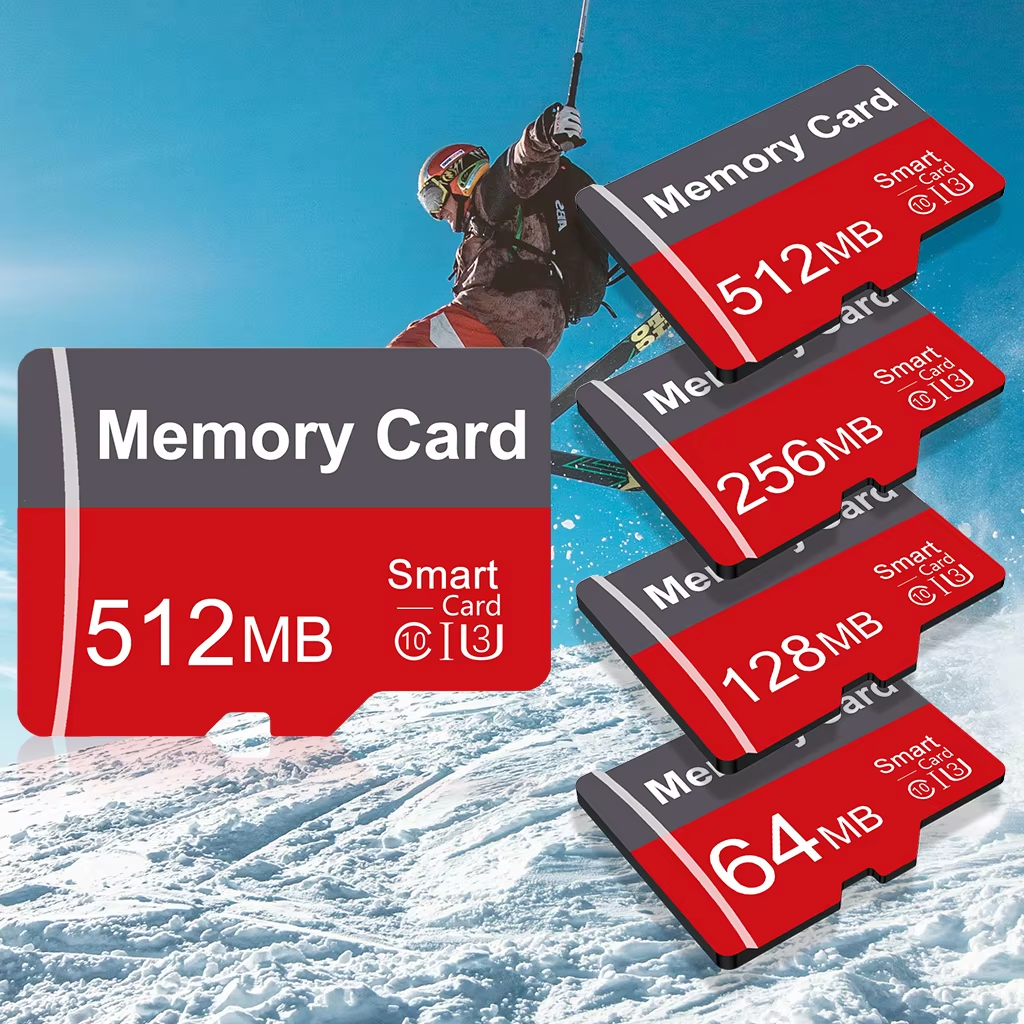
The 32MB and 64MB cards include GameBoy (PS2infoGB), NES (PS2FCEUltra), Genesis/Mega Drive (PGEN), and Super Nintendo (SNES-Station) emulators.
Took a bit of getting it to work. you have to go into the settings of opl to make it see your memory cards etc. also make sure you format your memory card to 32bit otherwise you cant see the files.
Perfect every time they just work, plug into the system no problems what so ever
Excellent, it arrived in good condition, brand new, and fully functional.
Didn’t try this yet, but looks great, came sealed and quick shipping
It works perfectly