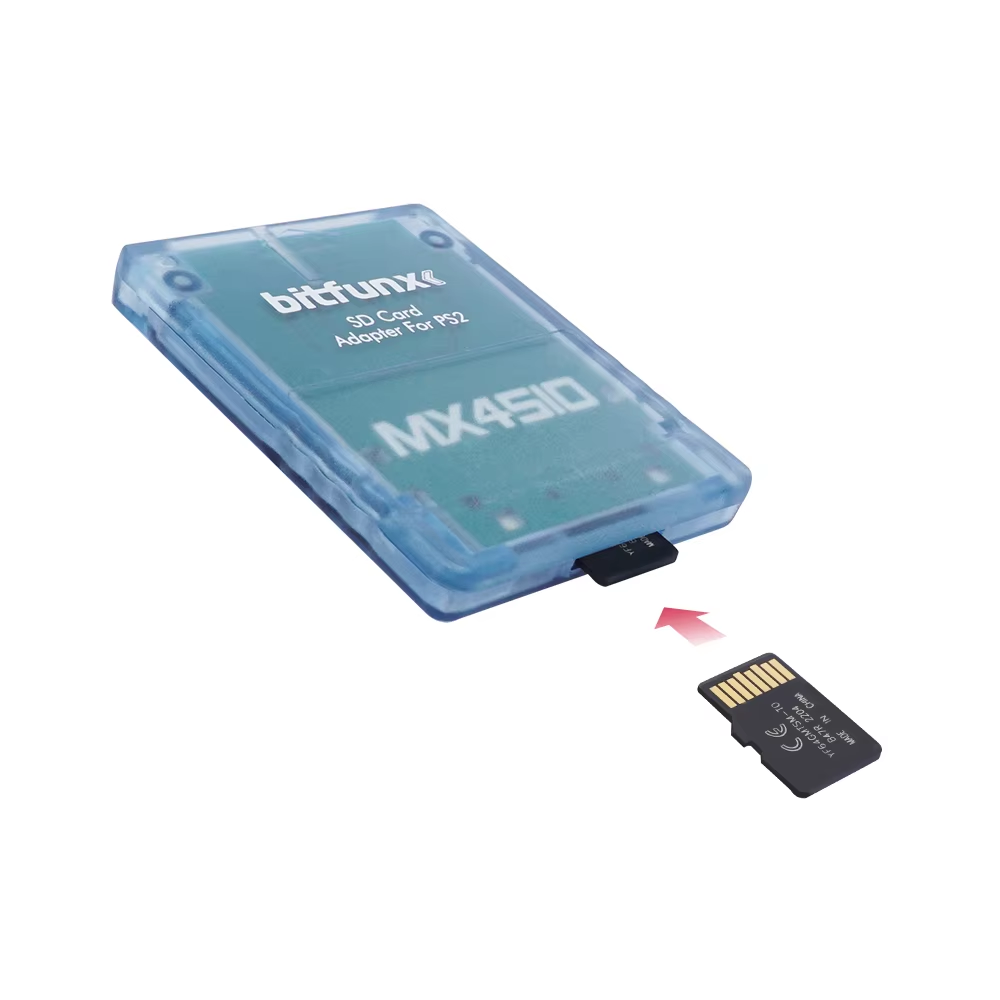
MX4SIO SD/TF Card Adapter for PlayStation 2

4.7 Β· 36 reviews
Price range: $6.04 through $6.19
Pay now, in 4 interest-free payments of $1.51, or over 3–6 months
4 interest-free payments of $1.51

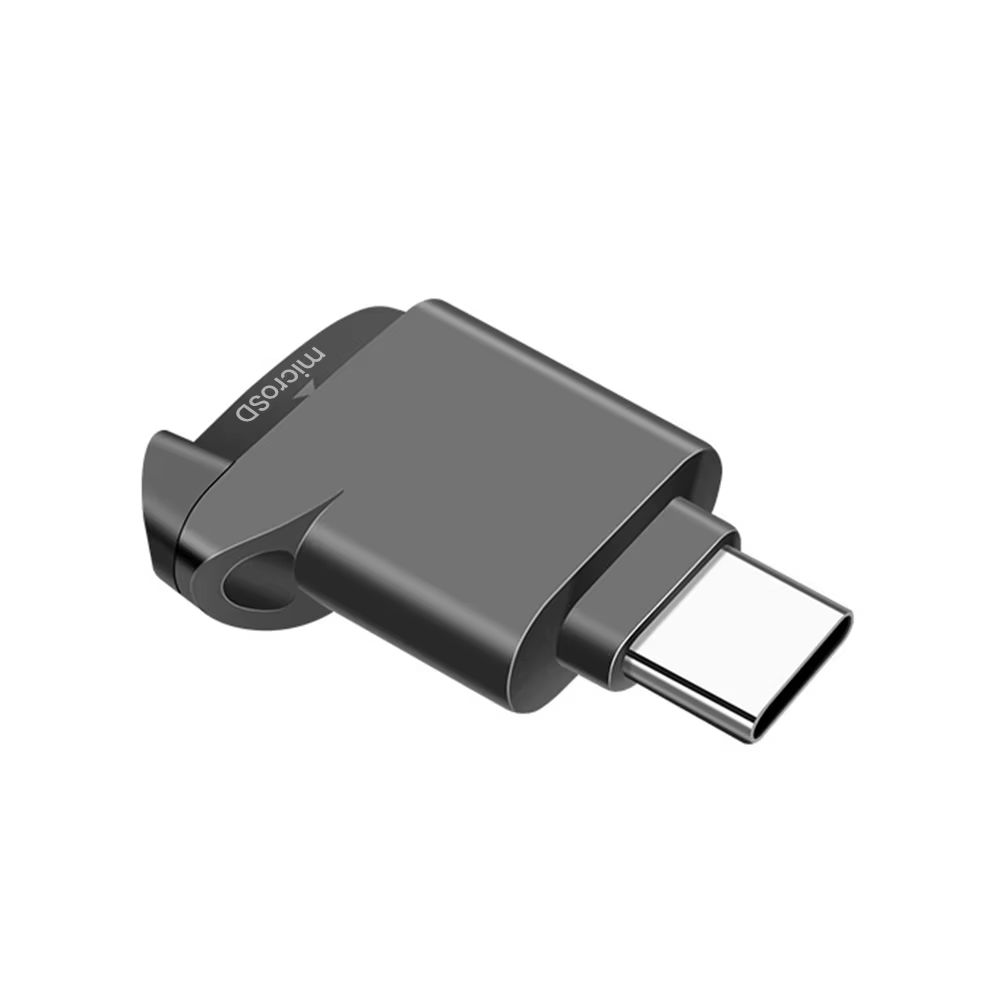
DIY MX4SIO adapter enables SD/TF card connection to PlayStation 2 memory slot.
Note: Not all SD cards supported; use tested cards only. Compatible with homebrew software like OPL.

β†—
Estimated Delivery Time3–7 business days

Designed for Homebrew Expansion

The MX4SIO adapter is a DIY solution for connecting SD and TF cards to the PlayStation 2's memory card slot. It expands your PS2's storage capabilities for homebrew applications and games.

This adapter is handmade and continuously refined to improve performance with compatible cards and software.

Compatibility and Usage

The adapter does not function as a standard memory card and requires specific homebrew software such as Open-PS2-Loader (OPL) to access saved data on SD/TF cards.

Not all SD/TF cards are supported; users should consult updated compatibility lists and use recommended card brands. PS2 game compatibility also varies, requiring checking the official OPL list for supported titles.

  • Requires OPL v1.2.0 Beta or later for best performance
  • Supports select SD/TF cards tested for compatibility
  • Not compatible with SanDisk SD/TF cards
  • See official online compatibility documentation

Handmade Quality and Design

Every adapter is individually crafted with a plastic enclosure and push button controls. The SD/TF card slot is manually assembled, resulting in a non-flat slot design unique to each piece.

Due to hand assembly, shipping takes a few days, and minor variations may occur between units.

  • Plastic enclosure for durability
  • Push button control
  • Hand-assembled SD/TF card slot

Essential Tutorials and Updates

Installation and usage tutorials are available online to assist with setting up the MX4SIO with your PlayStation 2 and homebrew software.

Regular updates and improvements are communicated through official channels, ensuring ongoing support for new card types and games.

Key specifications

  • Brand: RetroScaler
  • Model: XLL-MX4SIO-Adapter
  • Material: Plastic enclosure
  • Control method: Push button
  • Compatibility: PlayStation 2 memory card slot
  • Requires homebrew software (OPL) for operation

What's in the box

  • MX4SIO SD/TF Card Adapter for PlayStation 2
Product FAQ

Frequently asked questions

01 What is the MX4SIO adapter for?

It allows you to connect SD/TF cards to the PlayStation 2 memory card slot for homebrew software access.

02 Does the MX4SIO replace the PS2 memory card?

No, it is an adapter only and does not function as a PS2 memory card replacement.

03 Are all SD/TF cards supported?

No, not all cards are recognized; SanDisk brand cards are not supported. Use cards tested for compatibility.

04 Can all PS2 games be used with this adapter?

No, compatibility varies. Consult the Open-PS2-Loader (OPL) game compatibility list before use.

05 Is any software required to access the SD/TF cards?

Yes, homebrew software like OPL is needed to access the cards through the adapter.

06 Is the MX4SIO adapter ready to use out of the box?

It requires DIY installation and setup due to its nature as a continuously updated product.

07 What materials are used in the MX4SIO adapter's enclosure?

The enclosure material is plastic.

08 What control method does the adapter use?

It uses a push button control method.

09 Is there a tutorial available for installing games with MX4SIO?

Yes, a detailed tutorial is available online to guide installation.

10 How long does it take to receive the MX4SIO adapter after ordering?

Since adapters are handmade, shipment may take a few days.

Categories
Tags, , , ,
Weightβ€”
AvailabilityIn stock
SKUGA_123052

Discussion

4.7
Based on 36 reviews
Rating
G***e September 5, 2026 β˜… β˜… β˜… β˜… β˜…

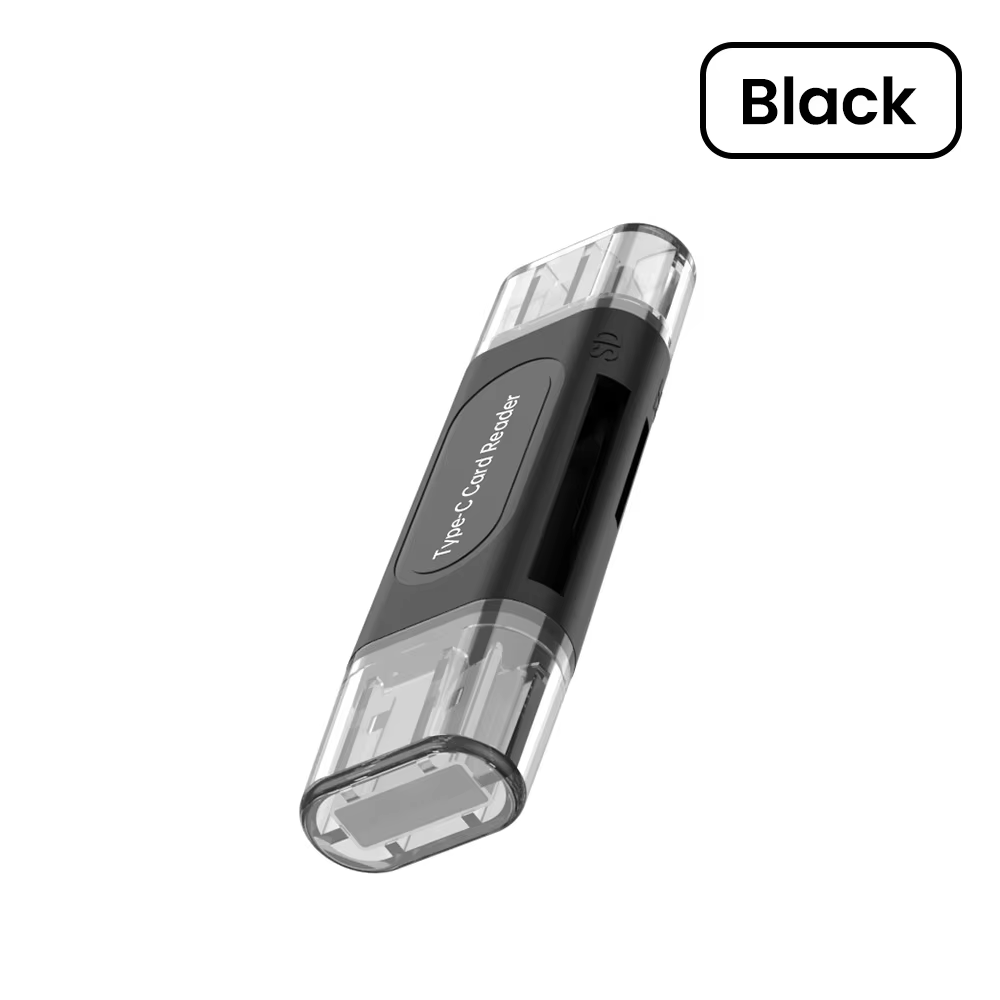
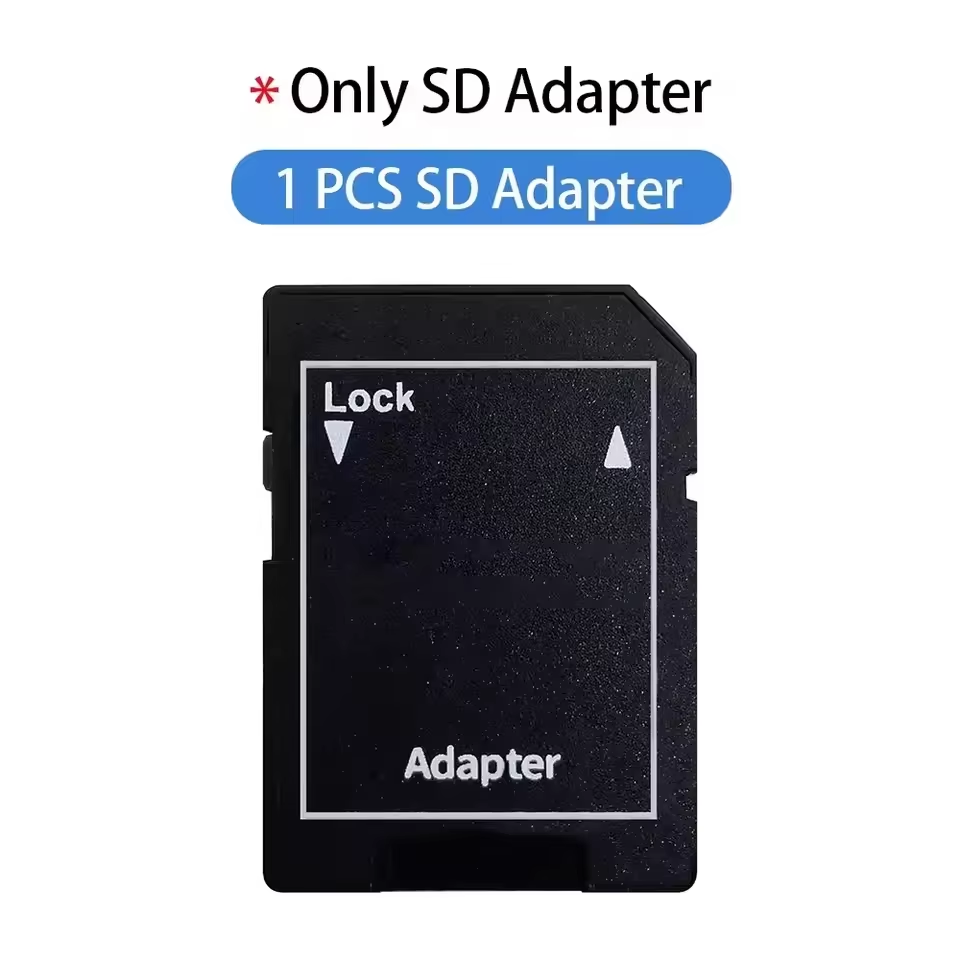
Using it with opl is very easy. just download an iso, format the drive to exfat and drag’n’drop your iso into the sd card (sdcard/dvd/ folder for >700 mb isos and sdcard/cd/ folder for smaller than 700 mb isos). use freemcboot, configure opl with the exfat patch and you’re good to go. watch some tutorials on how to do it. tested with only one 64gb microsd card with an microsd->sd adapter. i will leave additional review as i will be using it.
b***r August 23, 2026 β˜… β˜… β˜… β˜… β˜…

Be careful this is for loading games, apps, etc., you still need an exploit like fmcb.

AliExpress Shopper August 20, 2026 β˜… β˜… β˜… β˜… β˜…

It arrived in good condition and within the stipulated time. With a micro SD card formatted correctly, it runs games much better than using the USB port. It's not better than methods via Ethernet or a direct HDD, but it's simple and flexible.

AliExpress Shopper July 30, 2026 β˜… β˜… β˜… β˜… β˜…

It works perfectly. Inserted the card, started the PS2 Slim 77... and everything loaded. You can then easily upload ROMs. Best regards to the seller.

AliExpress Shopper July 24, 2026 β˜… β˜… β˜… β˜… β˜…

Kind of flimsy but not bad for 2 buckaroos