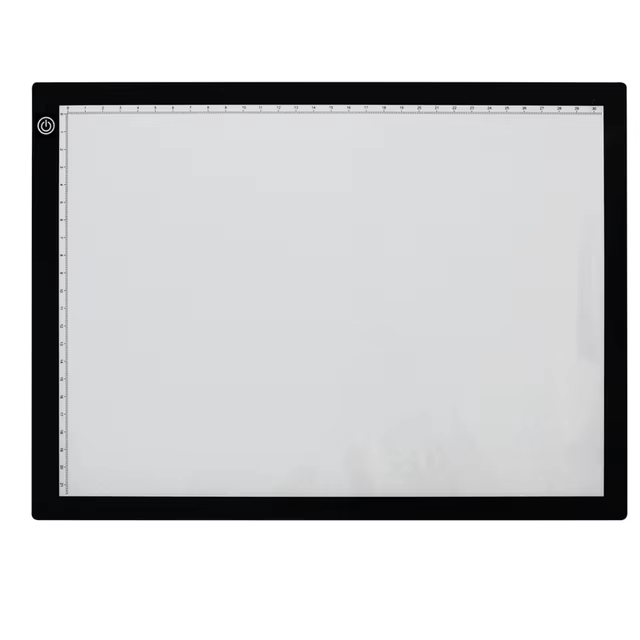
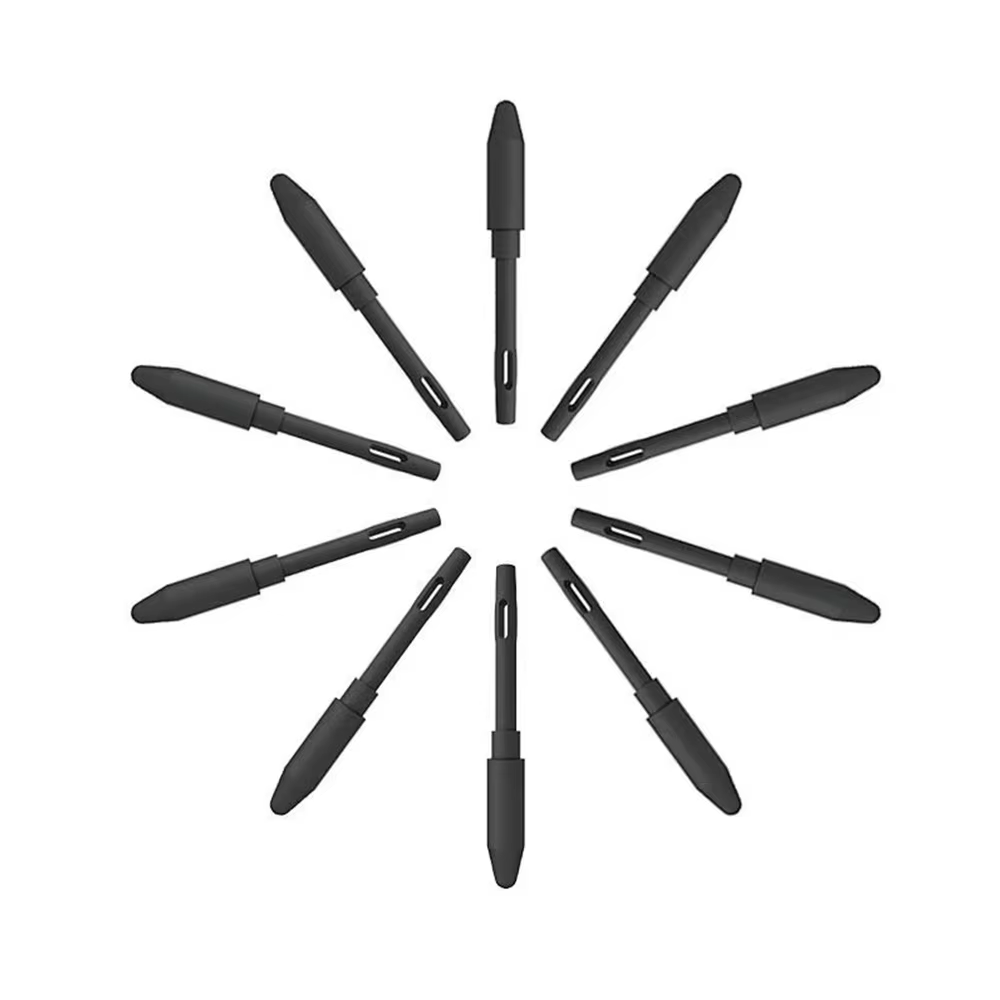
UGEE S640 Graphic Tablet 6.3x4in with 10 Hotkeys

3.0 Β· 3 reviews
Price range: $32.40 through $47.10

Compact 6.3x4 inch active area tablet with 8192 pressure sensitivity levels and 10 customizable hotkeys. Compatible with Windows, Mac OS, and Chrome OS for versatile creative use.

β†—
Estimated Delivery Time3–7 business days

Compact design with professional precision

The UGEE S640 features a portable 6.3×4 inch active drawing area ideal for artists and designers who need a highly mobile yet efficient tablet. With a resolution of 5080 LPI, it delivers crisp and clear graphics suitable for detailed digital artwork.

Wide system and software compatibility

This graphic tablet supports PC, Mac OS (10.10+), and Chrome OS 88 or above, working seamlessly across Windows 7/8/10/11. It integrates with major creative software including Photoshop, Illustrator, Comic Studio, SAI, 3D MAX, Maya, and ZBrush.

Customizable shortcut keys boost workflow

Equipped with 10 programmable express keys, users can assign functions such as eraser, zoom, scroll, and undo to enhance convenience and productivity during creative sessions.

High sensitivity and versatile use cases

The battery-free stylus offers 8192 pressure sensitivity levels, capturing subtle line variations from light to heavy strokes, perfect for digital drawing and photo retouching. Its lightweight design also suits graphic design, online learning, digital signing, and 3D modeling.

Key specifications

  • Active Area: 6.3 x 4 inch
  • Resolution: 5080 LPI
  • Pressure Sensitivity: 8192 levels
  • Shortcut Keys: 10 customizable
  • Stylus: Battery-free
  • Interface: USB-C
  • Compatibility: Windows, Mac OS, Chrome OS
  • Tilt Support: 60Β°
  • Report Rate: β‰₯ 220 RPS

What's in the box

  • UGEE S640 graphic drawing tablet
  • Battery-free stylus pen
  • USB-C cable
  • Quick start guide
Categories
Tags, , , ,
Weightβ€”
AvailabilityIn stock
SKUGA_105038

Discussion

3.0
Based on 3 reviews
Rating
フ***す May 2, 2026 β˜… β˜… β˜… β˜… β˜…

It's nice and cheap, but that's where the positives end. Unfortunately, I can't add videos to the reviews, so I'll try to explain with photos. The tablet incorrectly recognizes pressure, it makes random dots when the pen isn't even touching the tablet. Also, the pen recognition distance above the tablet is too short. It's stupidly impossible to draw comfortably on it. I tried to fix this through settings, but nothing helps. I checked the drivers. So I'll be expecting a refund :(.
AliExpress Shopper March 2, 2026 β˜… β˜… β˜… β˜… β˜…

It has a problem with touching the screen without actually touching it, but I liked the rest of it.

AliExpress Shopper February 19, 2026 β˜… β˜… β˜… β˜… β˜…

It's quite good, I feel like I could take it anywhere since it's quite small. There are several videos reviewing it so you can get an idea. It also arrived ahead of schedule, but I think that was just luck or maybe because of the place where I live, but it's pretty good.

Gajed UAE Footer