










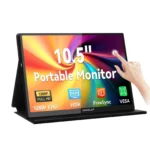


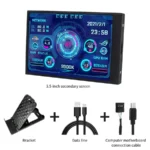
3.5 Inch IPS USB-C Mini Secondary Monitor for PC
Price range: $24.78 through $25.61
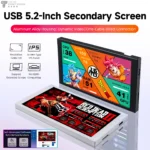
5.2 Inch TURZX 1280x720 IPS USB-C Secondary Monitor
Price range: $49.87 through $61.23
-
 Free Delivery
-
 Secure Payments
-
 14 Days
Return Policy


Works great and looks good !

It's perfect for use in the car.

The picture quality is good and the touch screen w...More
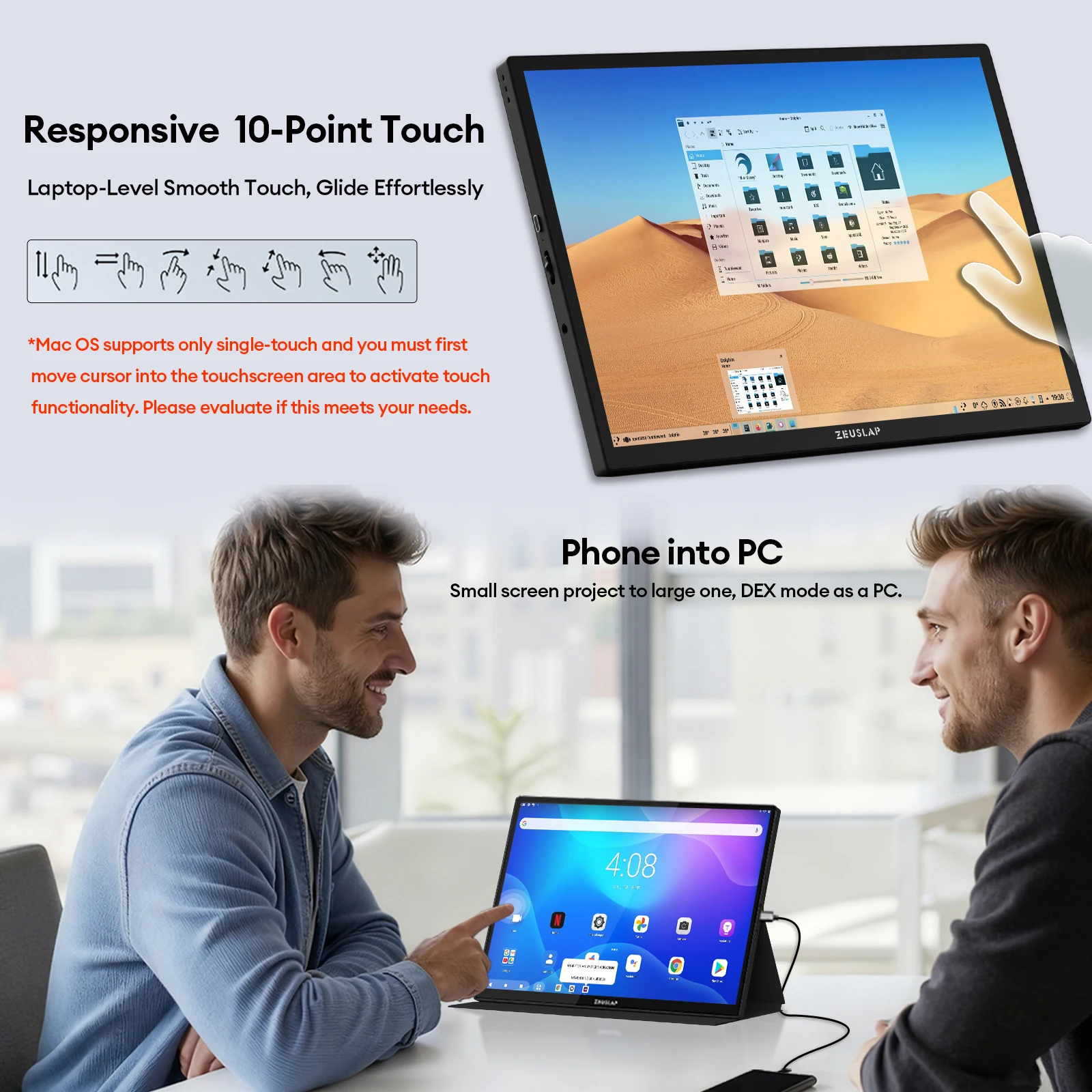
The picture quality is good and the touch screen works well.
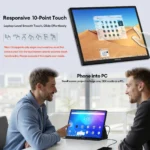
When connecting HDMI to a PC, you need to connect the PC body and USB in the middle for the touch screen to function properly. USB power may be sufficient, but we recommend connecting a separate power source at the bottom right to avoid overloading the USB port.
When connecting HDMI to a PC, you need to connect the PC body and USB in the middle for the touch screen to function properly. USB power may be sufficient, but we recommend connecting a separate power source at the bottom right to avoid overloading the USB port.

The laptop can be used with a C-C cable (some are ...More
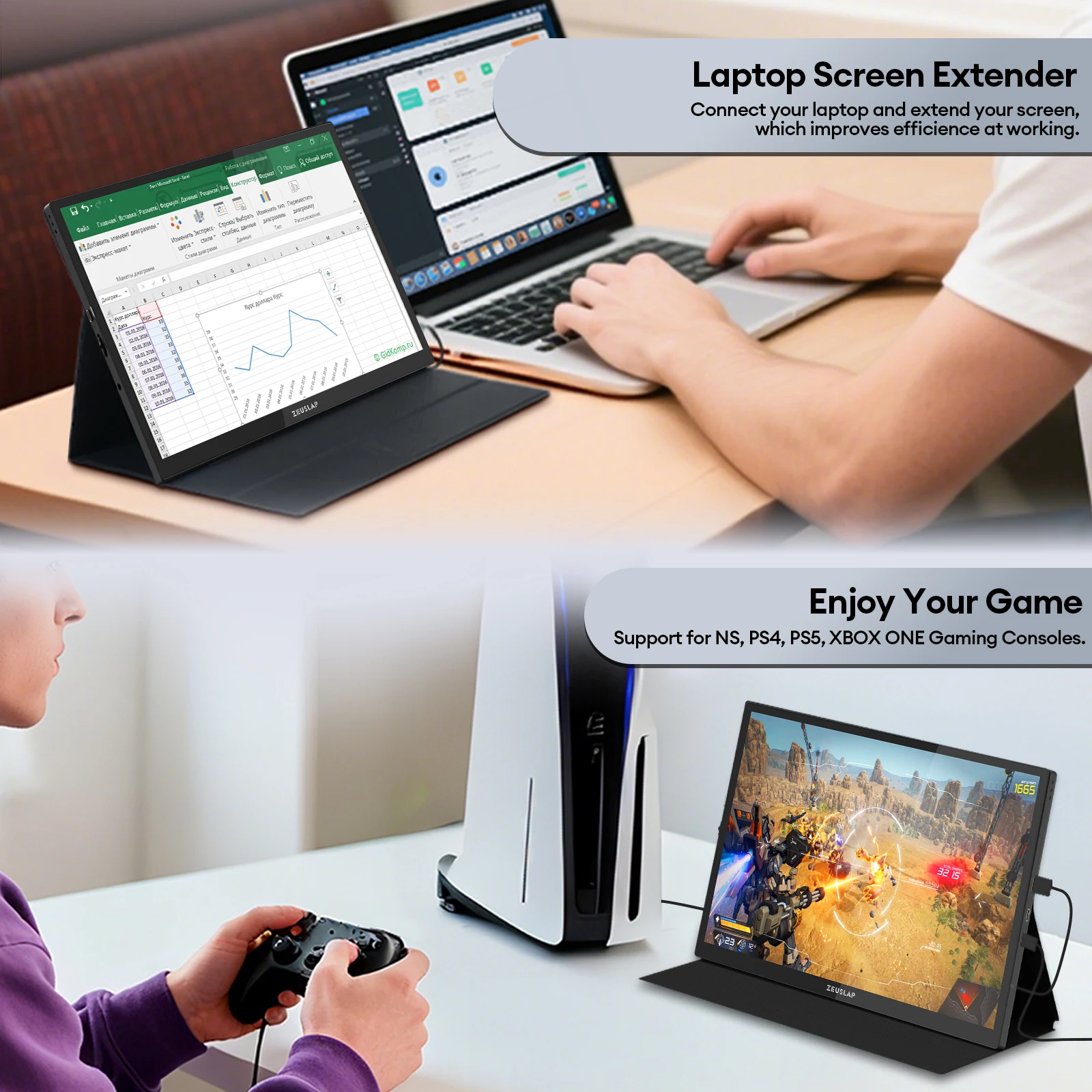
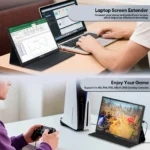
The laptop can be used with a C-C cable (some are compatible, while others only support touch input as the signal goes through the display and require an auxiliary A-to-C cable; negotiations for simultaneous transmission of DP alt, power out, and touch input have failed). The phone can also be used. Charging through a C hub while using HDMI is more stable. The touch function works very well and is excellent. It seems like a good decision to buy a 3m midihdmi cable; plugging a cable from a USB A type to a 3.0 port works well here.


Related Products
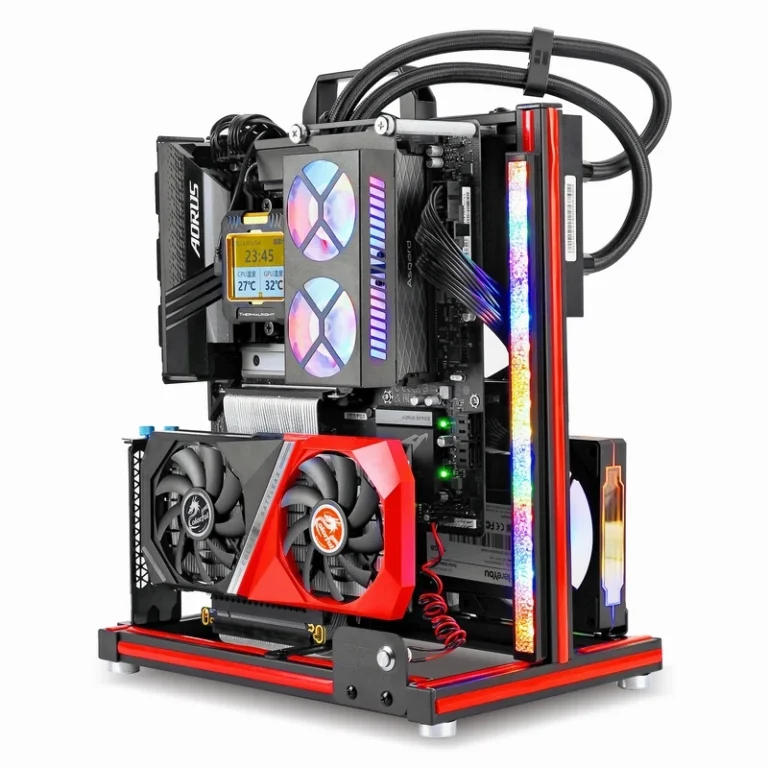
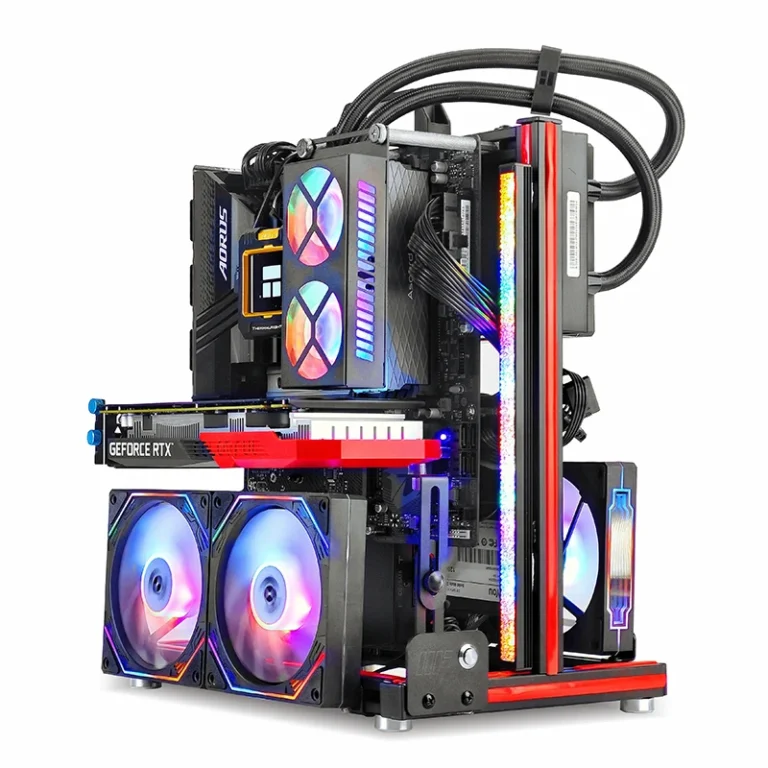
METALFISH BlockCase Open Frame ATX M-ATX Gaming Case 240 Cooler
Price range: $46.25 through $46.45
Select options
This product has multiple variants. The options may be chosen on the product page
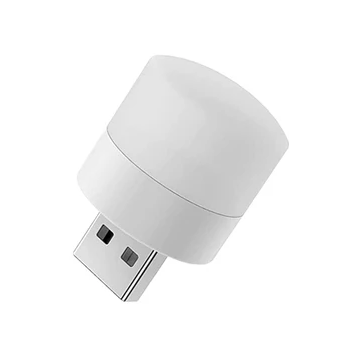
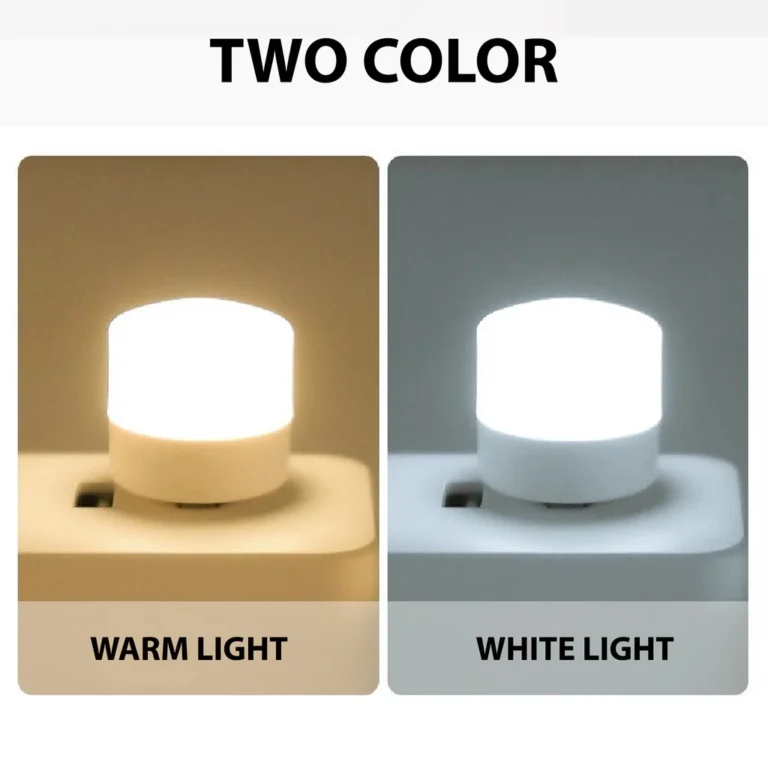
10Pcs Mini USB Warm White LED Night Reading Light Eye Care
Price range: $2.74 through $4.18
Select options
This product has multiple variants. The options may be chosen on the product page
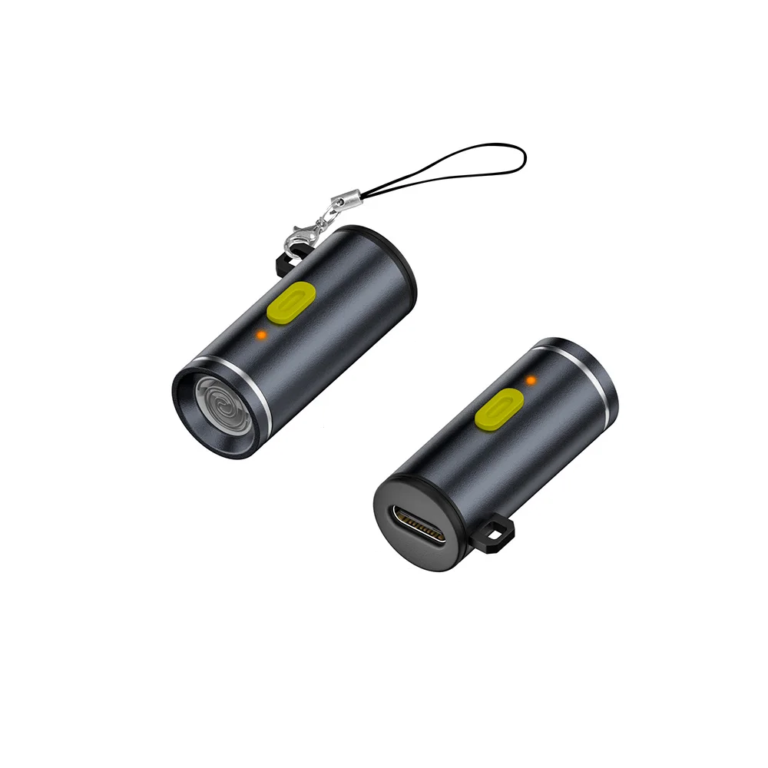
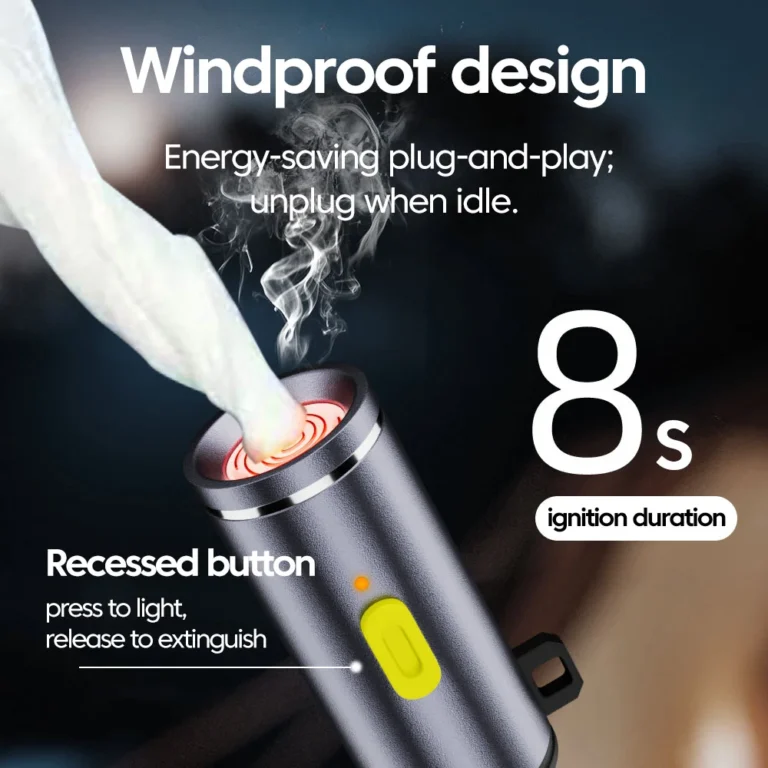
Type C Mini Cigarette Lighter Portable Outdoor Press Safety
Price range: $4.11 through $4.13
Select options
This product has multiple variants. The options may be chosen on the product page
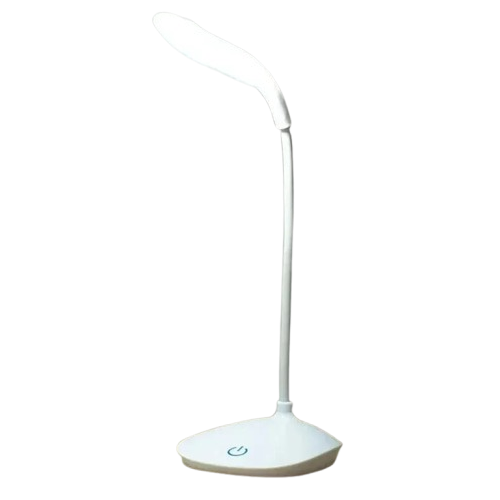
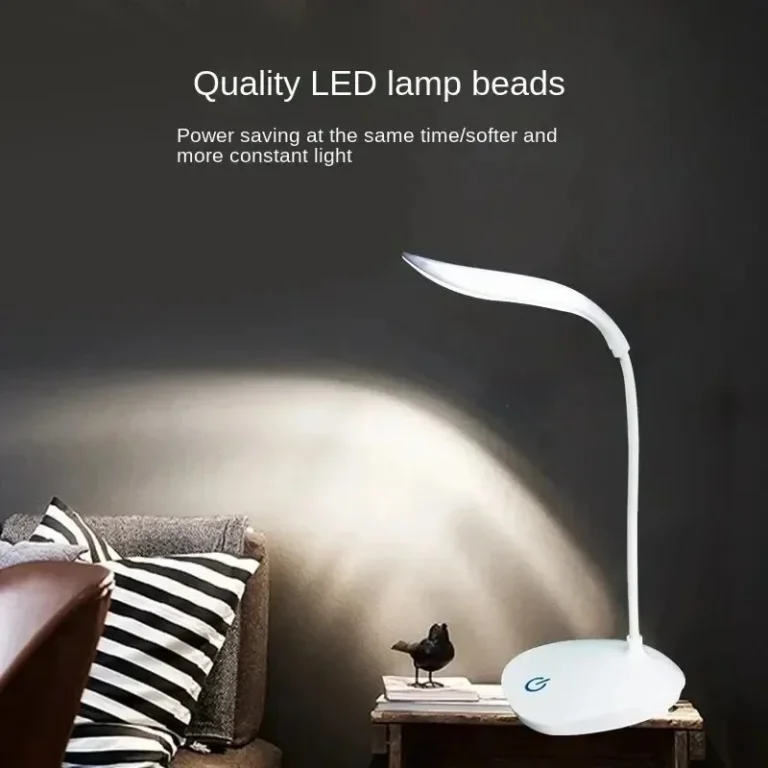
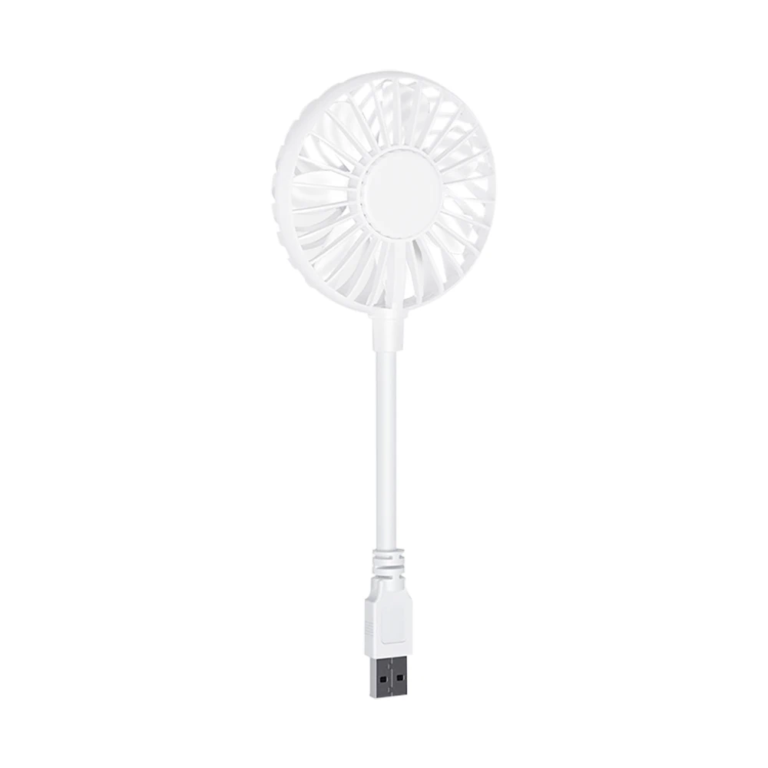
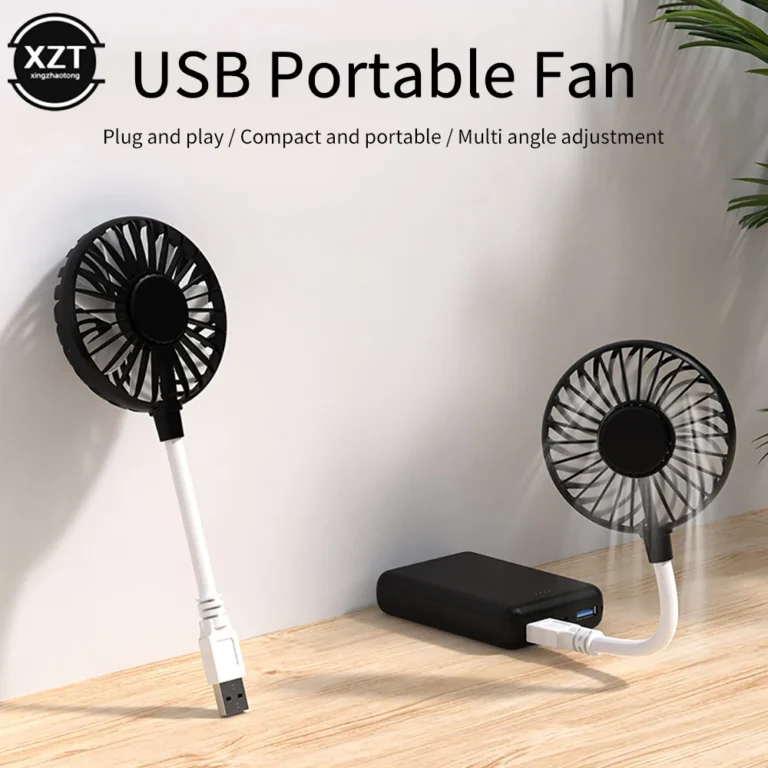
Mini USB Plug and Play Cooling Fan for Laptop Power Bank
Price range: $5.10 through $5.27
Select options
This product has multiple variants. The options may be chosen on the product page